

What are parameters?
Parameters are input values you declare in the Parameters section of a CloudFormation template. They act like template variables that let users or automation customize a stack at creation or update time. Common parameter uses:- Environment selectors (production, staging, development)
- Resource names (S3 bucket names, database identifiers)
- Instance sizes and counts (t3.micro, t3.small)
- Region- or account-specific options
t3.micro), an environment label (production), or an S3 bucket name.
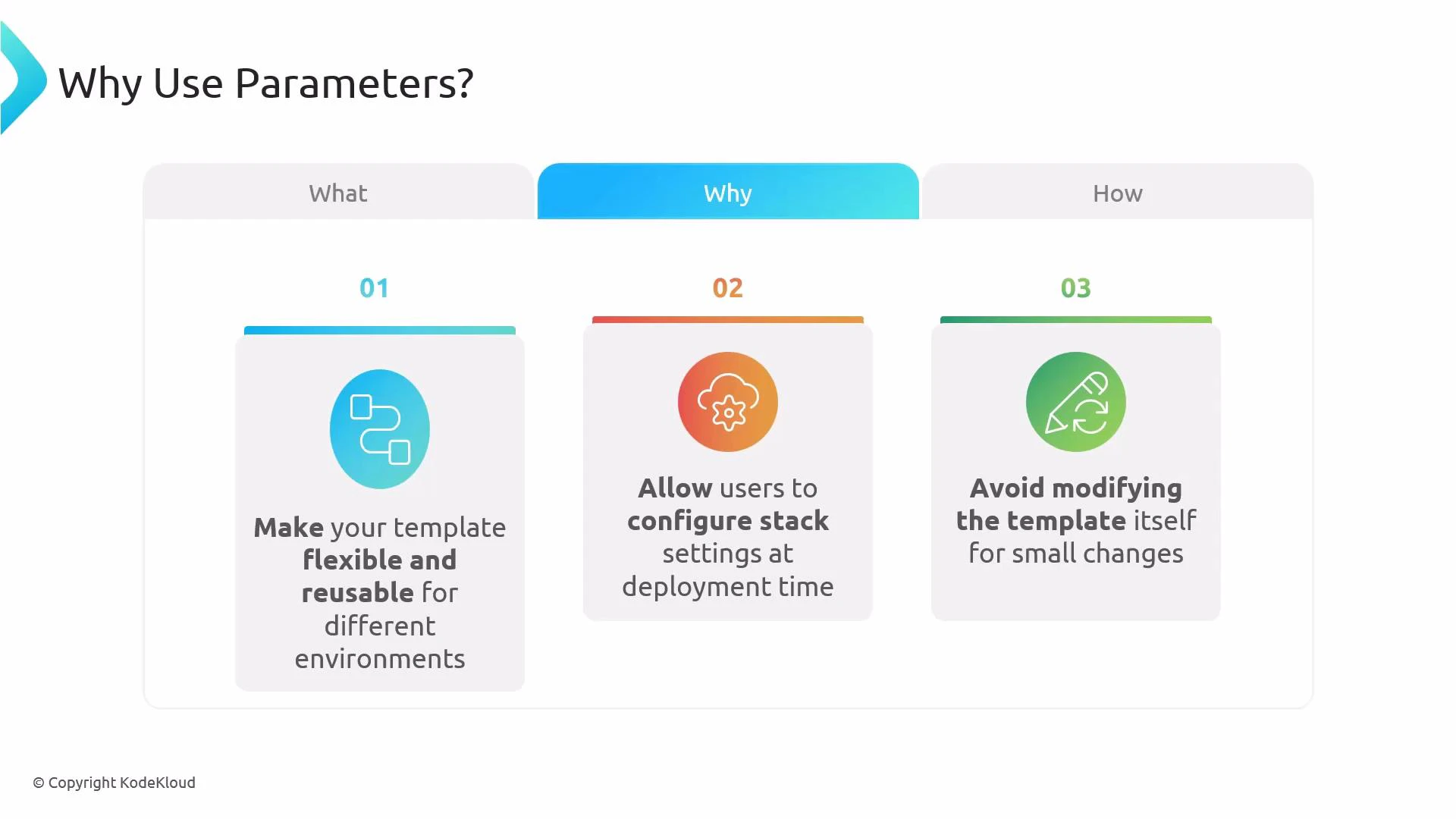
Why use parameters
Parameters make templates flexible and reusable. They let you:- Configure stacks at deployment time without editing the template
- Reuse the same template across multiple environments
- Enforce allowed values or defaults to reduce errors
How parameters work
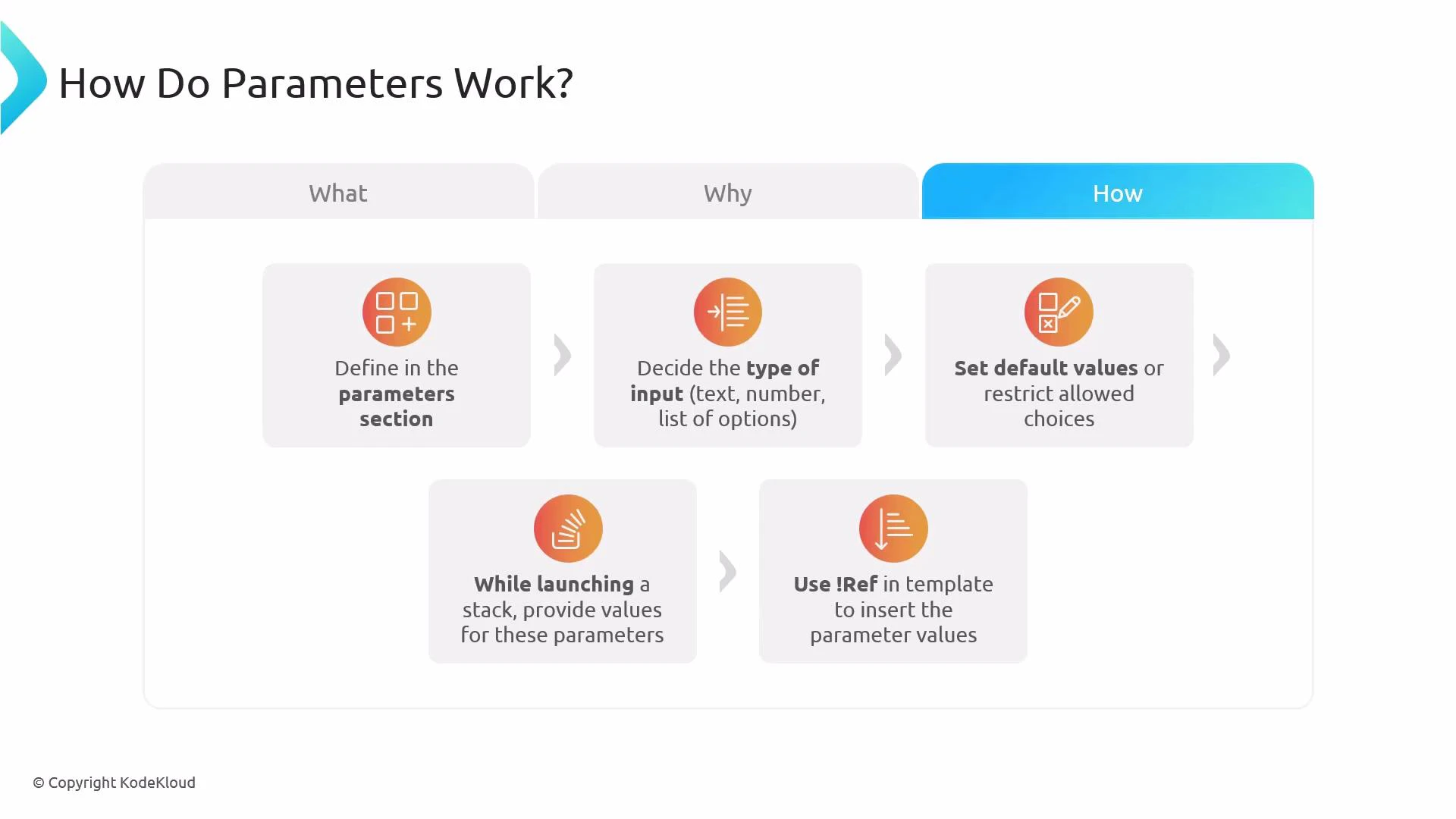
Workflow summary:- Declare parameter entries in the template’s
Parameterssection. - Choose a
Typefor each parameter (e.g.,String,Number,CommaDelimitedList, or AWS-specific types). - Optionally set
Default,AllowedValues, or other constraints. - Provide parameter values when launching or updating the stack.
- Reference parameter values elsewhere using the intrinsic function
Ref(YAML shorthand:!Ref).
For full details on supported types and AWS-specific parameter types, see the official AWS CloudFormation documentation.
Example: S3 bucket name parameter
Below is a minimal CloudFormation YAML example that declares a parameter namedInputBucketName and uses !Ref to set the BucketName property of an S3 bucket resource.
- When you launch the stack, provide a value for the
InputBucketNameparameter (for example,my-app-bucket-prod). - CloudFormation creates the
MyS3Bucketresource. - The template uses
!Ref InputBucketNameto insert the parameter value as theBucketNameproperty. The resulting bucket will have the name you provided.
Remember: S3 bucket names must be globally unique and comply with AWS naming rules (lowercase letters, numbers, hyphens, no uppercase or underscores, etc.). If the provided name is invalid or already taken, stack creation will fail.
Quick reference: common parameter attributes
Links and references
- AWS CloudFormation Parameters — Documentation
- AWS S3 Bucket Naming Rules
- Intrinsic function Ref — AWS CloudFormation