

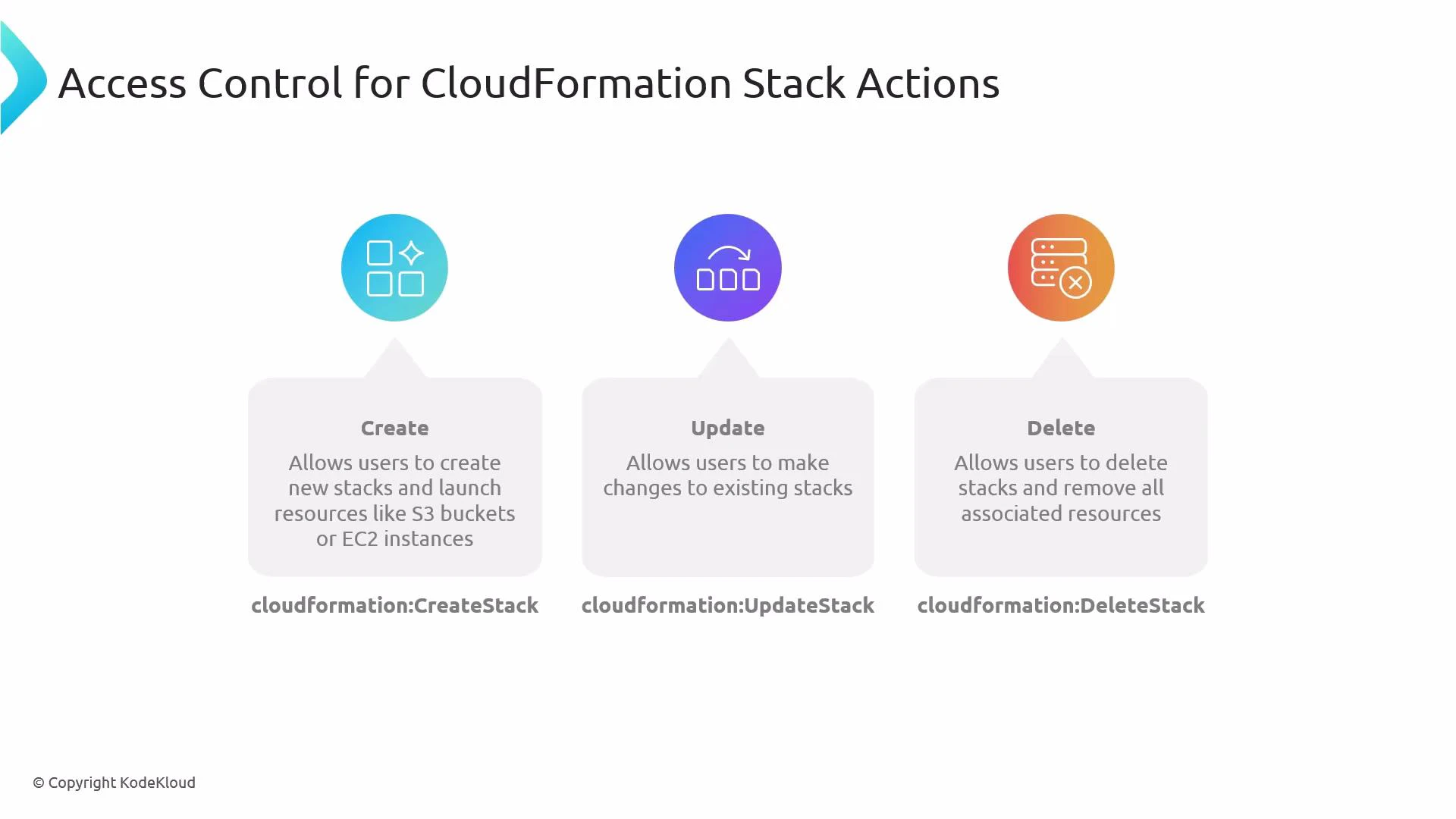
- CloudFormation stack lifecycle actions control stack operations.
- Service-specific permissions (S3, EC2, IAM, etc.) are required for the template to succeed.
- Use least-privilege: scope actions and resources narrowly and only grant what is necessary.
CloudFormation actions control stack lifecycle operations, but templates execute service-specific APIs. Ensure you also grant the required service permissions (for example, S3, EC2, IAM) so CloudFormation can create or modify the underlying resources.
- cloudformation:DescribeStacks and cloudformation:ListStackResources are useful read-only actions so users can inspect stack status and the resources a stack manages.
- iam:PassRole: many templates create or configure resources that require an IAM role to be passed—PassRole must permit passing exactly the roles CloudFormation will use. Scope PassRole to specific ARNs for least privilege.
- Replace Resource ”*” with the smallest possible scope in production. Ideally, lock permissions down to specific stack ARNs, S3 bucket ARNs, or EC2 instance tags as applicable.
Deleting a stack (cloudformation:DeleteStack) is destructive: it removes resources created by the stack. Grant delete permissions only to trusted principals and consider safeguards such as service control policies (SCPs), approval workflows, or MFA-protected operations.
- Least privilege: scope both actions and Resource ARNs narrowly. Avoid ”*” in production.
- Pair stack actions with service-level permissions your templates require; review templates to determine exact permissions.
- Use CloudFormation execution roles (and explicit iam:PassRole permission) to centralize the credentials CloudFormation uses to create resources.
- Use Describe/List operations to let operators inspect stacks without granting destructive actions.
- Consider implementing guardrails with AWS Organizations SCPs, AWS Config rules, or manual approvals for destructive operations.
- AWS CloudFormation documentation
- IAM PassRole documentation
- Amazon S3 permissions
- Amazon EC2 permissions
- Use cloudformation:CreateStack, cloudformation:UpdateStack, and cloudformation:DeleteStack to control stack lifecycle.
- Always grant the necessary service-level permissions (S3, EC2, IAM, etc.) that your CloudFormation templates require.
- Enforce least privilege: scope actions and resources narrowly, and grant iam:PassRole only for the specific execution role(s) CloudFormation will use.