

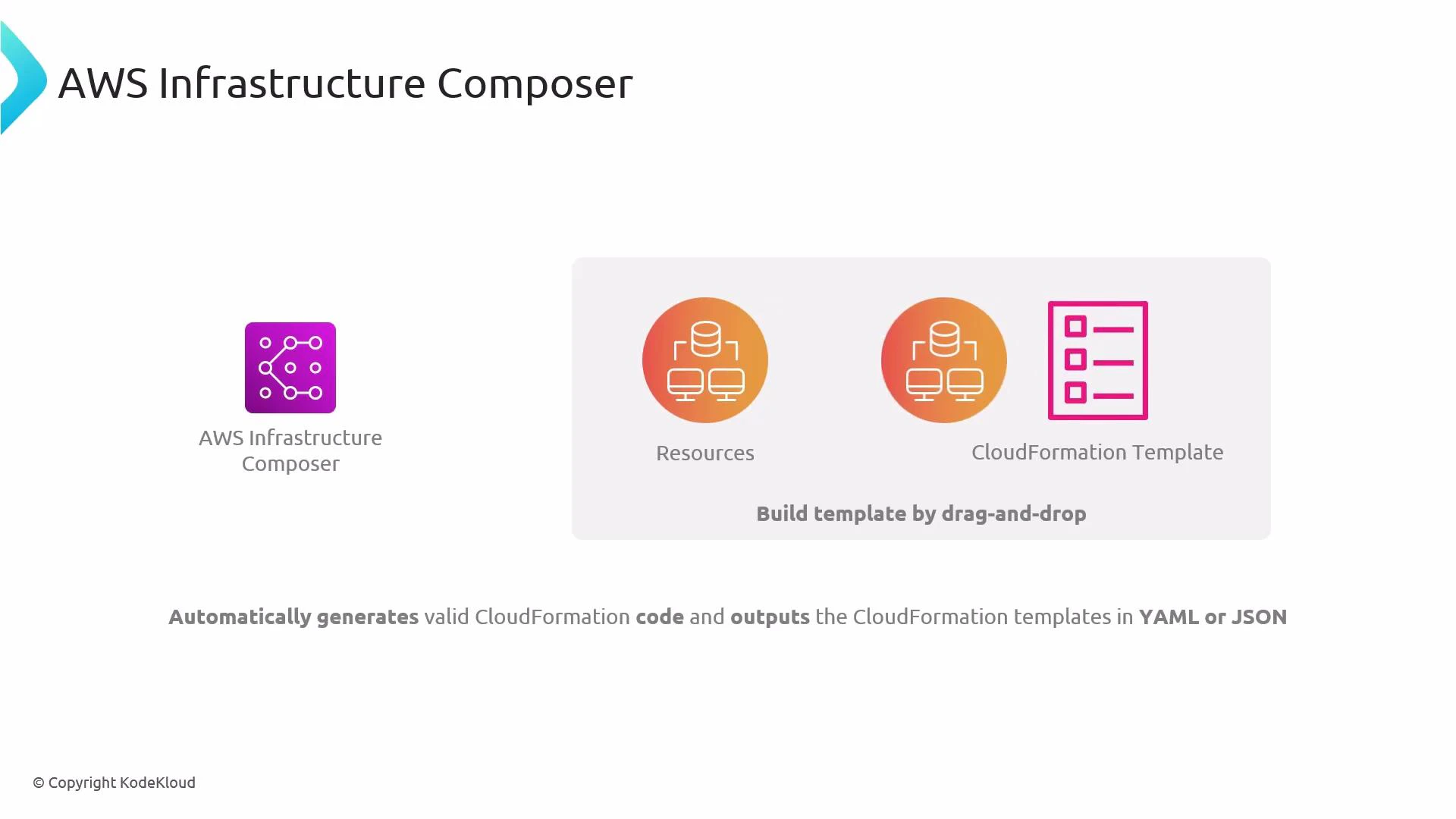
- Lets you pick AWS resources from a palette and place them on a canvas.
- Automatically generates valid CloudFormation template code (YAML or JSON) as you design.
- Helps with rapid prototyping, architecture visualization, and teaching CloudFormation concepts.
- Faster prototyping: visually assemble stacks without hand-writing every resource.
- Better collaboration: diagrams make architecture easier to explain to others.
- Learning aid: inspect the generated template to understand CloudFormation structure and properties.
AWS Infrastructure Composer is ideal for discovery, prototyping, and training. Treat it as a visual authoring layer on top of CloudFormation—useful for generating templates quickly, but still important to understand the underlying CloudFormation syntax before production use.
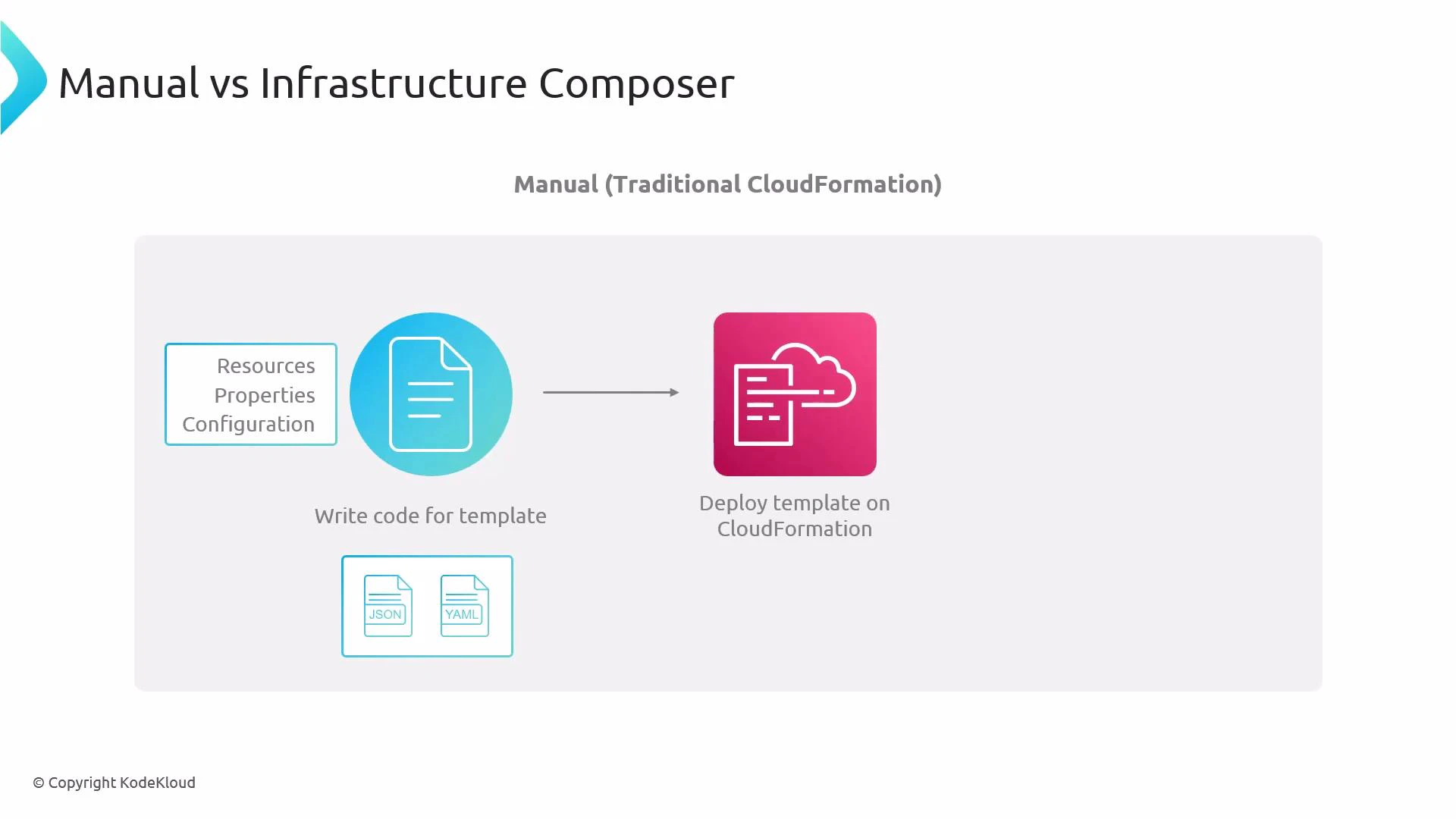
- Manual approach: author CloudFormation templates directly in YAML or JSON, specifying Resources, Properties, and configuration. Deploy the template to create or update a stack.
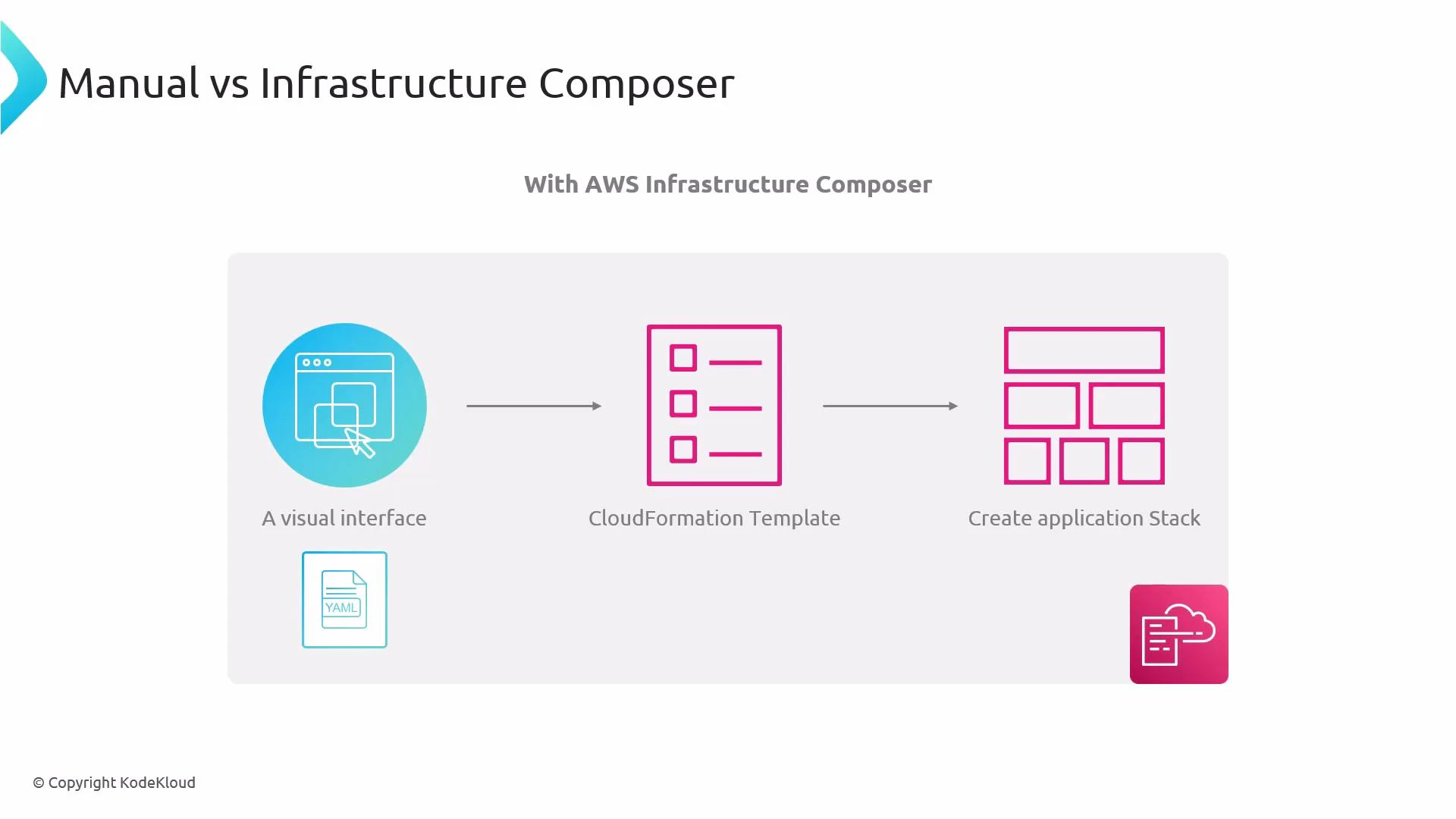
- Composer approach: visually assemble resources on a canvas; Composer translates the diagram to a standard CloudFormation template that CloudFormation can deploy.
Visual composer workflow overview:
- Use the visual interface to add resources (S3, EC2, RDS, etc.).
- Connect resources and set simple properties in the GUI.
- Composer generates the CloudFormation template behind the scenes (YAML/JSON).
- Export, inspect, or modify the generated template; then deploy via CloudFormation.
- Use Composer to prototype and learn, but validate and test templates before using in production.
- Inspect and, if needed, hand-edit the generated YAML/JSON to add advanced configuration not available in the visual editor.
- Integrate generated templates into your CI/CD pipeline once reviewed.
- AWS CloudFormation overview
- AWS Infrastructure Composer documentation (search for Infrastructure Composer in the AWS docs)
- CloudFormation template anatomy