

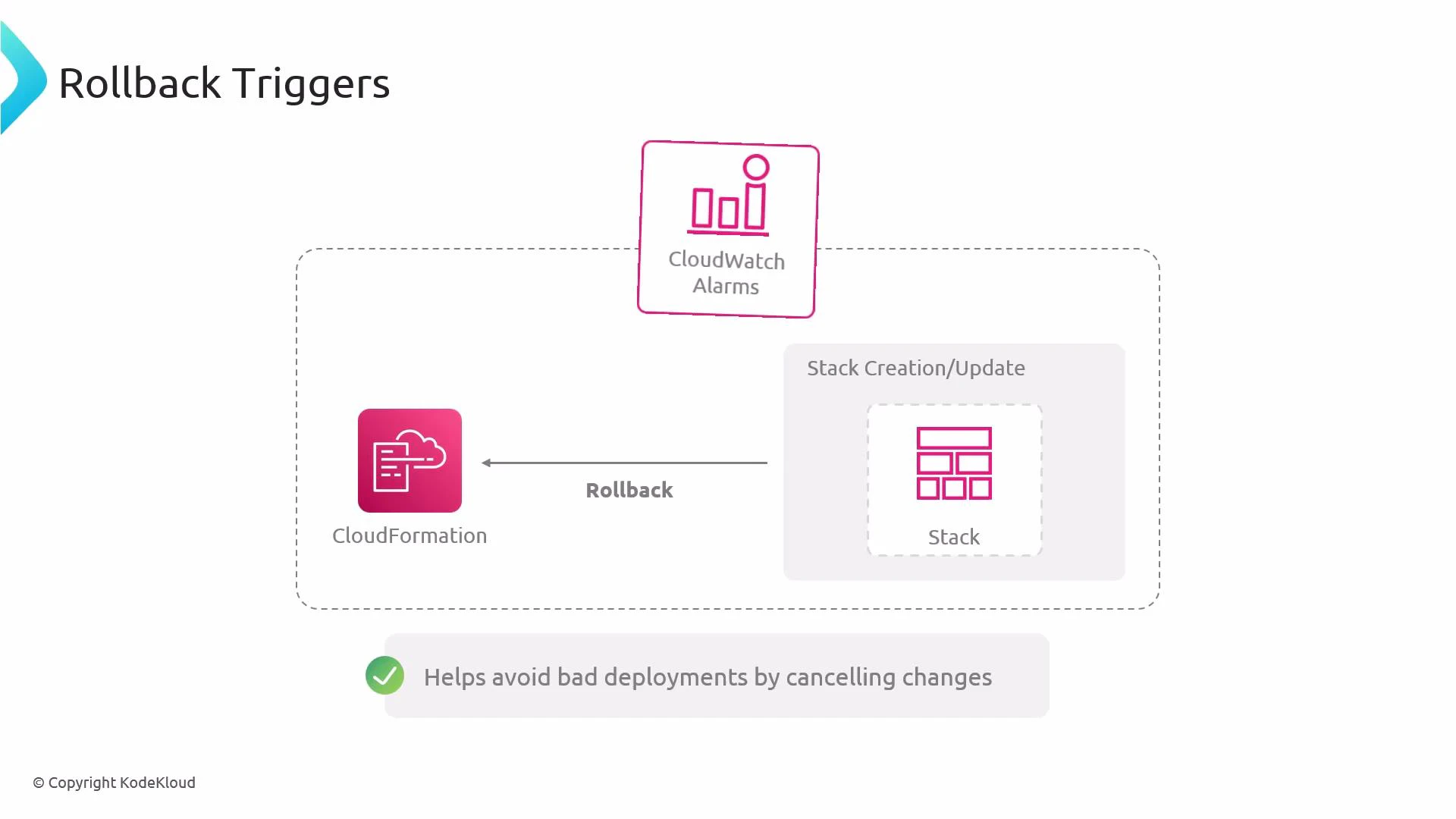
- You specify rollback triggers in the stack’s RollbackConfiguration. That configuration contains one or more RollbackTriggers, each pointing to a CloudWatch alarm (by ARN) and specifying a Type (for alarms, Type is
AWS::CloudWatch::Alarm). - During stack create or update operations, CloudFormation subscribes to the specified alarms. If any alarm transitions to the ALARM state while the stack operation is still in progress, CloudFormation initiates a rollback.
- Rollback triggers are only evaluated during create and update operations; they do not apply to stack deletion.
How to supply rollback triggers
- API / SDK / CLI: Include the
RollbackConfigurationJSON when callingcreate-stackorupdate-stack. Provide one or moreRollbackTriggerswith the alarm ARN and type. - Console: When creating or updating a stack, set rollback triggers in the Advanced options section.
If the CloudWatch alarm is created in the same stack and the alarm is not yet fully active when CloudFormation starts evaluating rollback triggers, CloudFormation may not observe that alarm. To avoid this, reference existing alarms, create alarms in a separate stack first, or use nested stacks to control resource creation order.
- Rollback triggers only fire during stack create and update operations. They do not trigger rollback during stack deletion.
- The CloudWatch alarm must exist and be in the same AWS region as the stack. Cross-region alarm ARNs are not supported for rollback triggers.
- CloudFormation responds when an alarm transitions to the ALARM state. Other alarm states (INSUFFICIENT_DATA, OK) do not cause rollback.
- If you need guarantees that an alarm is active before stack operations begin, create the alarm in a separate stack and reference it, or sequence resources via nested stacks.
Ensure the CloudWatch alarm ARN and Type are correct and that the alarm is accessible in the same region before relying on it for rollback behavior—otherwise the rollback trigger will not function as intended.