

Navigate to the Registry
- Open the CloudFormation console.
- In the left-hand navigation, scroll to the Registry section.
- Start with Activated extensions to see what’s already available in your account.
Activated extensions — what you’ll see
Activated extensions lists resource types and modules that are available in your account. For each entry the console shows:- Type name (for example, AWS::S3::AccessPoint)
- Whether the entry is public or private
- The publisher (AWS or third party)
- A short description and a “Learn more” link pointing to the resource documentation
- AWS::EC2
Example: resource schema (Configuration tab)
Below is a representative JSON schema snippet for the AWS::S3::AccessPoint resource shown in the console. You can copy similar schema directly from the Configuration tab for any activated extension.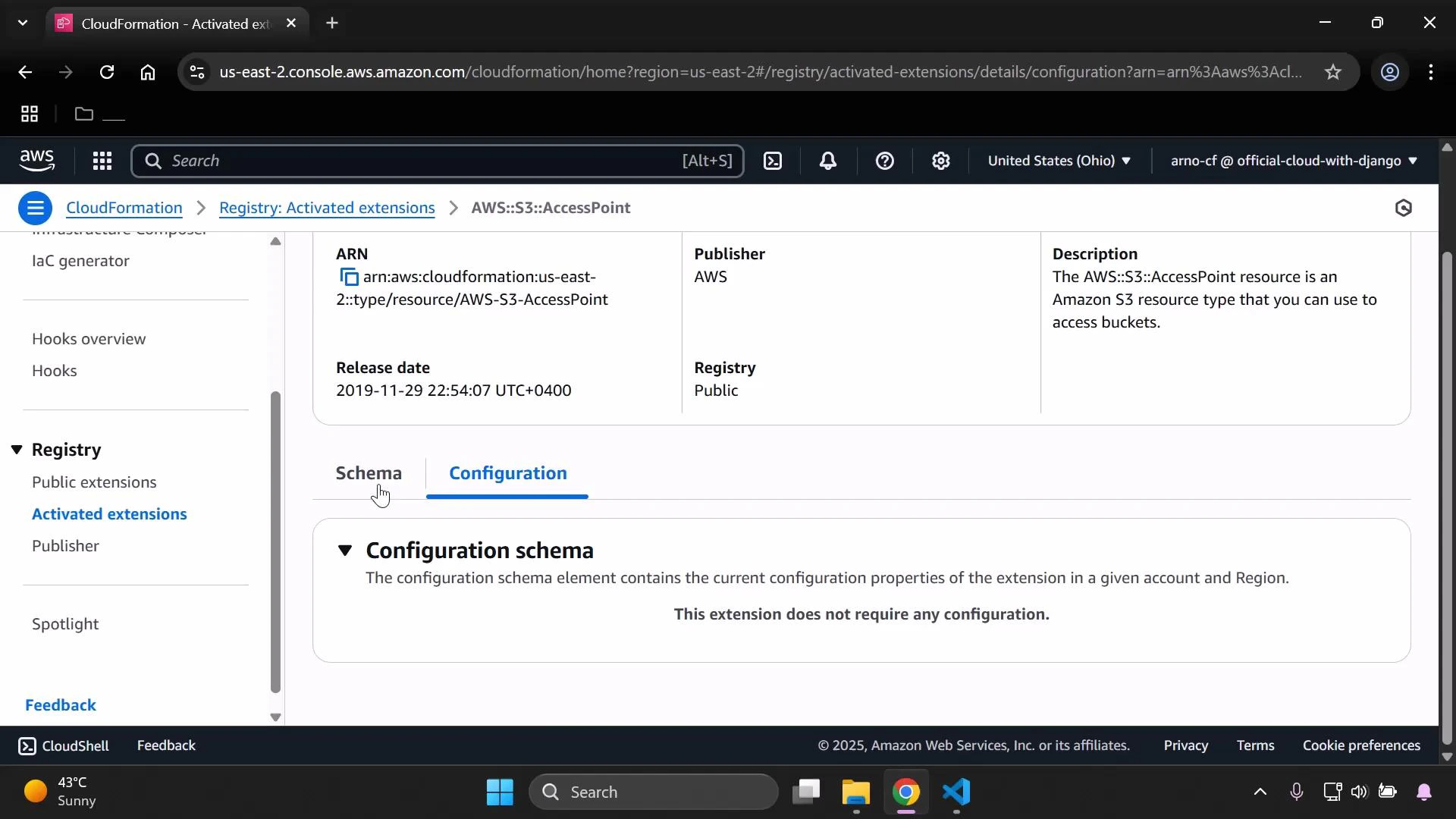
Browse Public extensions
The Registry also lists public extensions — resource types published by AWS and third-party publishers (including verified AWS Marketplace publishers). From the public extensions view you can:- Inspect extension details and schemas
- View publisher information and documentation links
- Activate extensions into your account so they can be used in templates
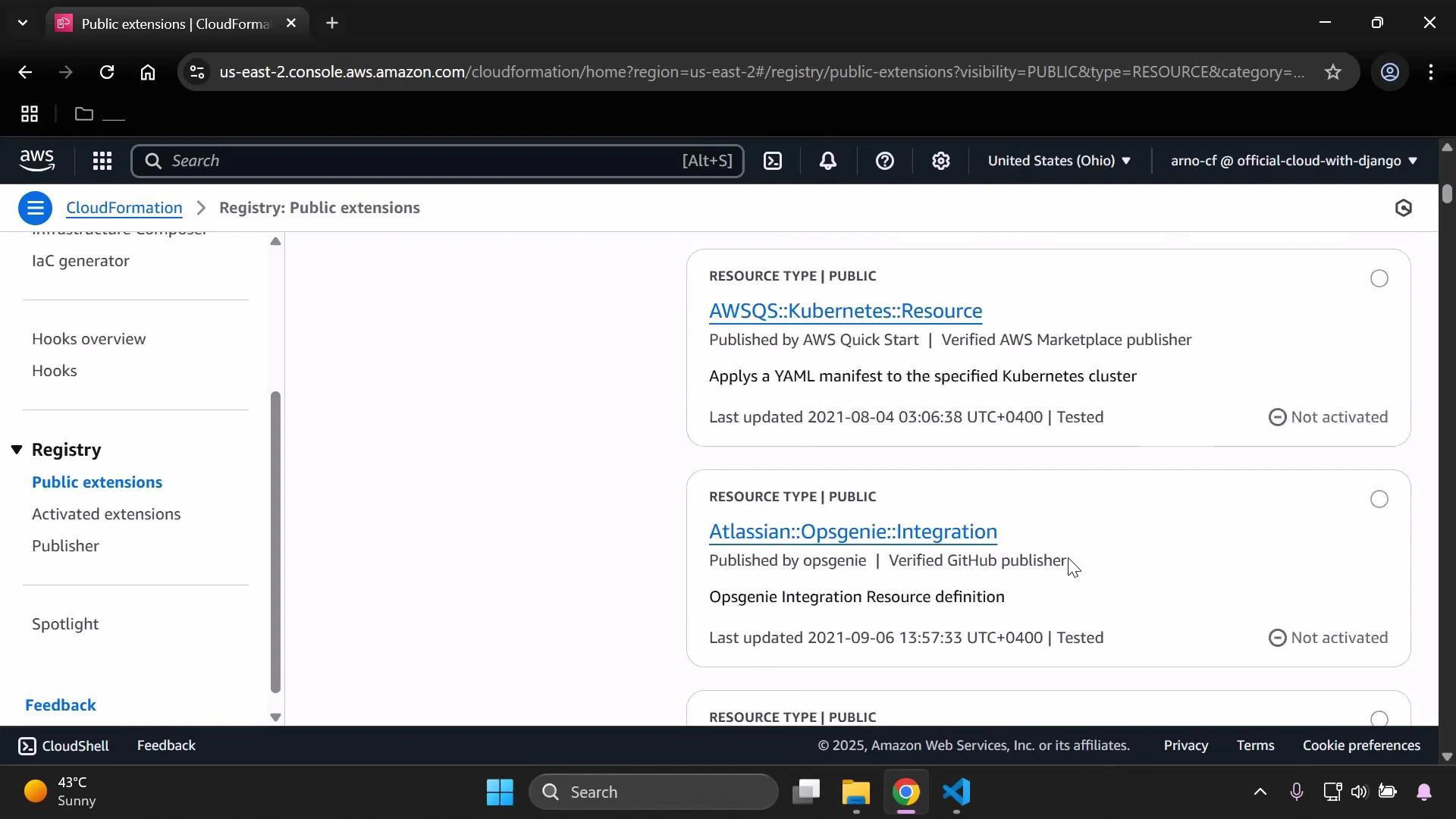
Many public extensions are not activated by default. You must explicitly activate a public or third‑party extension before using its resource types in CloudFormation templates.
Modules vs. resource types
You can change the registry filter to show modules instead of resource types. Modules are reusable, composable building blocks that can include multiple resources behind a simplified interface. Public module availability varies by region and publisher.Quick search example
Use the extension prefix to quickly find related resource types. For example, searching for S3-related resources looks like:Registry publisher — publish your own extensions
If you want to publish resource types, modules, or hooks, register as a publisher. The Publisher page displays your registration status and provides a guided workflow to register and publish.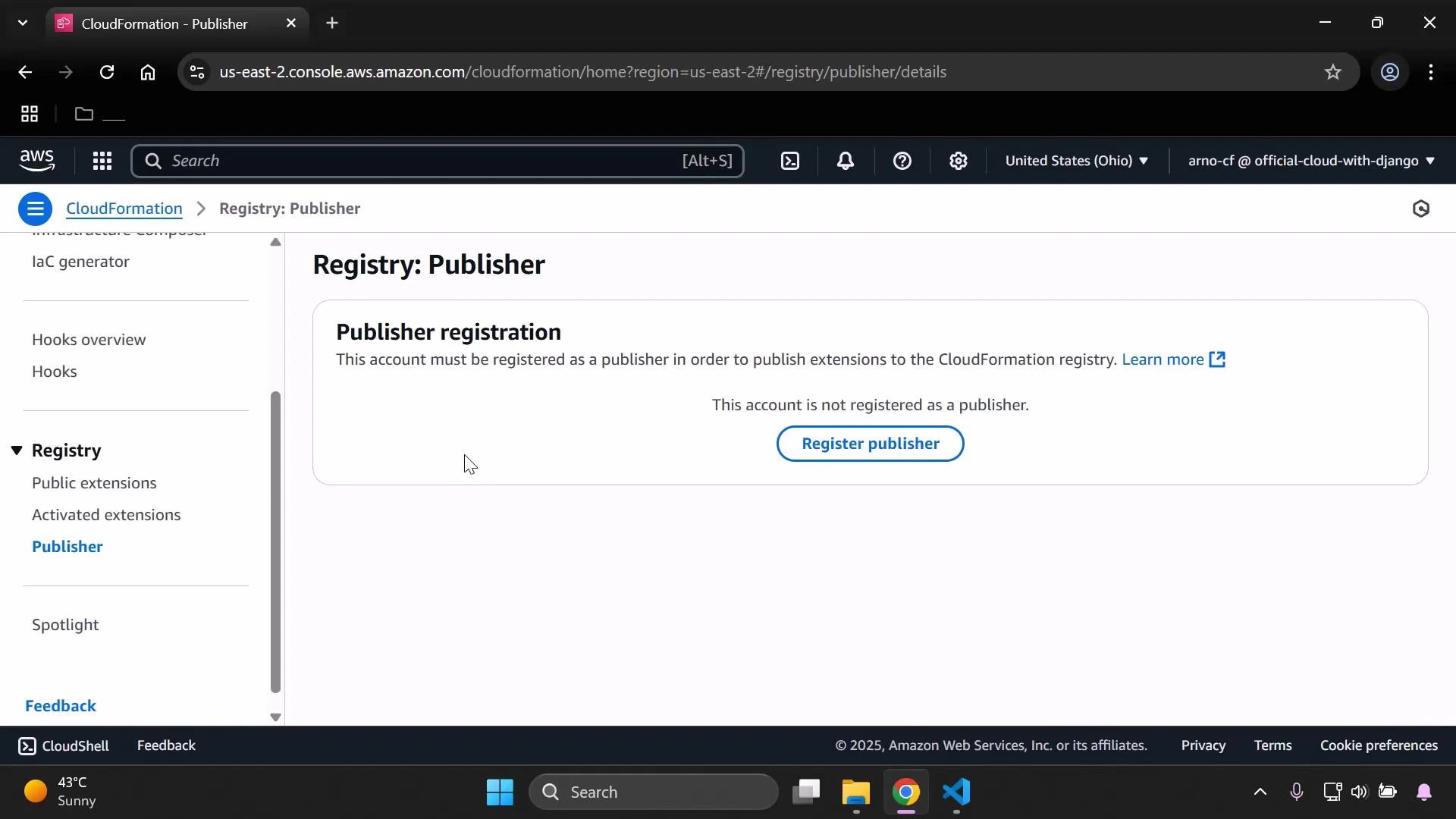
- Publish resource types and modules to the CloudFormation Registry
- Share extensions publicly or keep them private to your account(s)
- Manage versioning and documentation for your extensions
Registry summary (at-a-glance)
Tips & resources
Search by extension prefix (for example, Amazon S3 prefixes like
AWS::S3) to quickly locate related resource types. Always activate any public or third‑party extension you plan to use in templates, and consult the Configuration tab for the resource schema before authoring templates.