

- Prevents accidental stack deletion until protection is explicitly turned off.
- Adds an approval-like step for destructive operations.
- Works across the Console, AWS CLI, and SDKs when applied at the stack level.
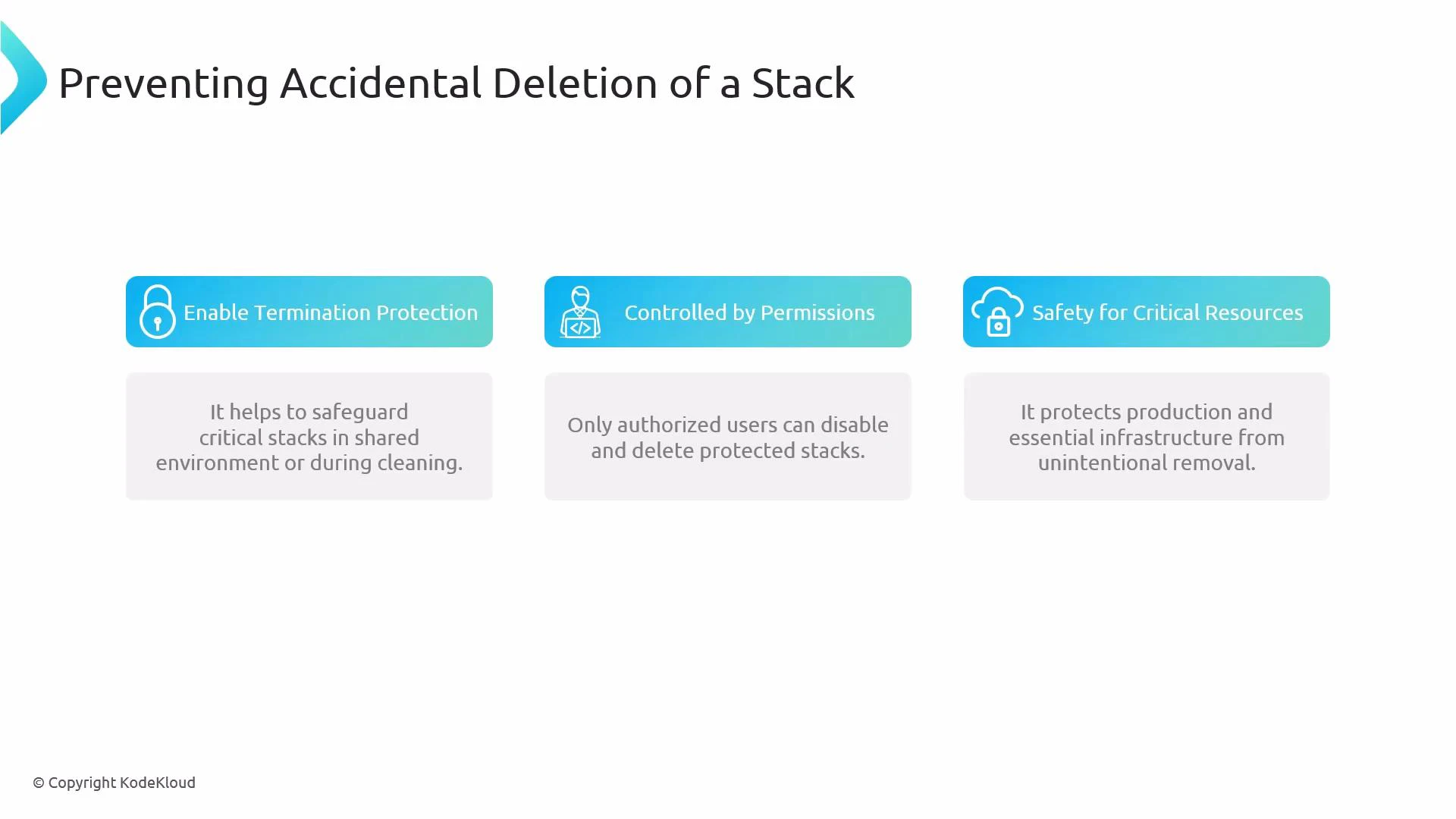
- Adds a deliberate step before deletion, lowering the chance of accidental removal.
- Complements IAM policy controls: termination protection prevents deletion actions until it’s disabled, while IAM controls who can toggle that protection and who can call DeleteStack.
- Especially valuable for production stacks, shared accounts, and automated cleanup scripts.
How to enable termination protection
-
Console (AWS Management Console)
- Open the CloudFormation stack in the AWS Management Console.
- Choose “Stack actions” → “Protect stack” or “Change termination protection”.
- Enable termination protection and confirm in the dialog shown.
-
AWS CLI
To enable termination protection:
To disable termination protection:Tip: Include
--regionor--profileas needed for scripts and CI/CD. -
boto3 (Python SDK)
Termination protection is a stack-level safety net, not a substitute for fine-grained IAM. Restrict who can call UpdateTerminationProtection and DeleteStack through IAM to prevent unauthorized disabling of protection and deletion.
- Scope of protection: Termination protection only blocks stack deletion. It does not prevent updates to stack resources—use change controls, drift detection, and IAM restrictions to manage updates.
- IAM controls: Ensure only trusted principals have permission to call UpdateTerminationProtection and DeleteStack. Consider requiring multi-person approval workflows for disabling protection.
- Automation and CI/CD: When automating cleanup tasks, explicitly check for termination protection and fail gracefully or notify operators instead of attempting forced deletions.
- Auditing: Monitor CloudTrail for UpdateTerminationProtection and DeleteStack API calls to detect changes to protection state and deletion attempts.
- AWS CloudFormation Documentation
- AWS CLI reference: update-termination-protection
- boto3 CloudFormation client