

Detailed repository-level descriptions (expanded)
-
Read
- Allows cloning, pulling, and viewing the repository, issues, pull requests, and project metadata.
- Ideal for readers and reviewers who provide feedback but do not write code.
-
Triage
- Lets users handle issue and PR workflows (labels, assignees, comments, closing) without any code push privileges.
- Useful for maintainers focused on triage and prioritization.
-
Write
- Includes Read capabilities plus the ability to push commits, create and manage branches, and work with pull requests.
- Subject to branch protection rules for merges.
-
Maintain
- All Write capabilities plus management of releases, certain settings, and repository integrations; excludes destructive actions like deleting the repo.
- Appropriate for repository stewards who manage operational tasks.
-
Admin
- Grants complete repository control, including critical administrative actions.
- Reserved for owners and administrators responsible for the repository lifecycle.
Apply the principle of least privilege: grant the minimum permission level required for a user’s responsibilities. This protects critical branches and the repository while enabling collaboration.
-
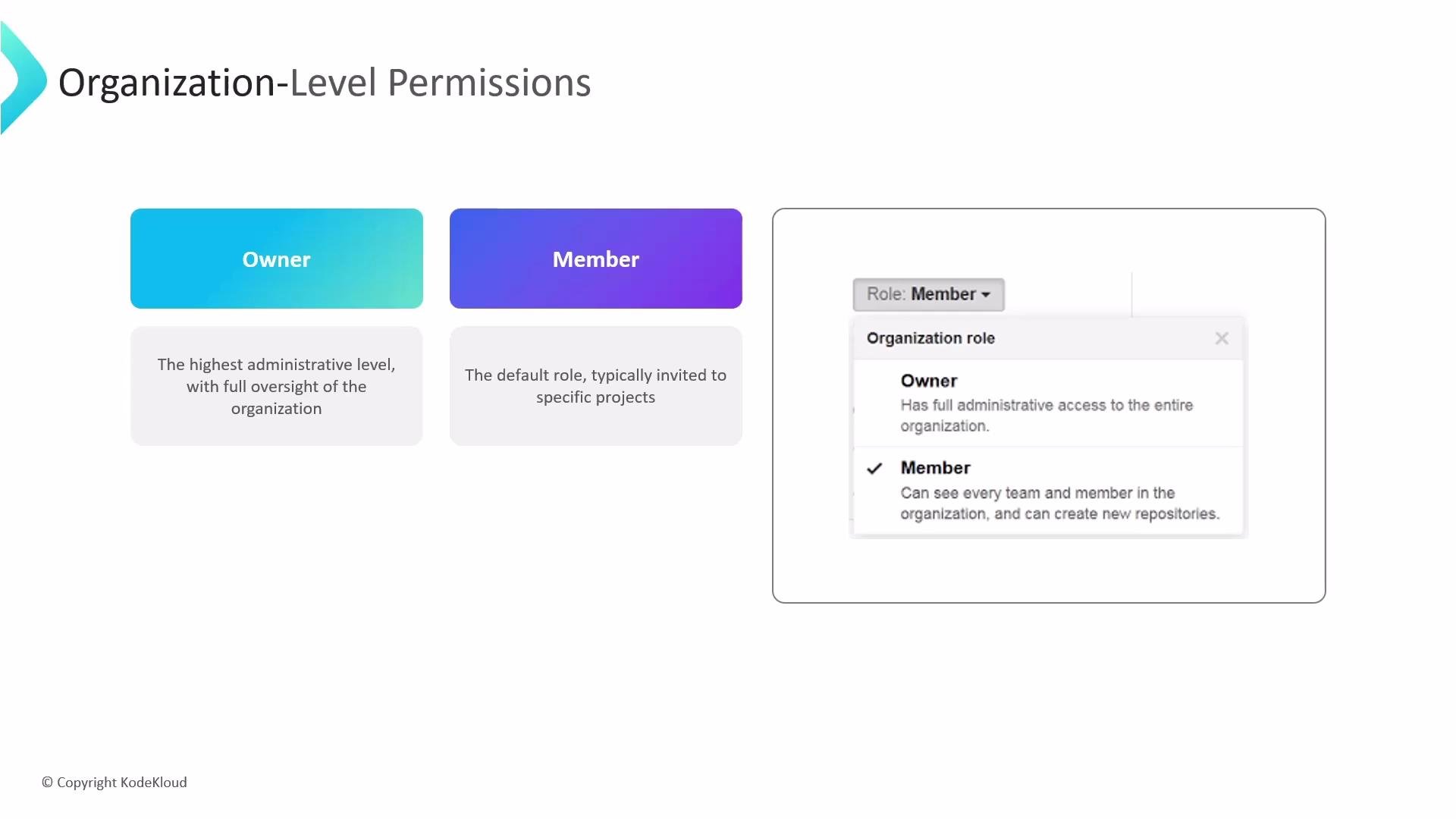
Owner
- The highest administrative role in an organization. Owners manage billing, organization settings, members, teams, and have access to all organization repositories.
-
Member
- The default role for most organization users. Members may create repositories or teams depending on organization settings, but they only access repositories to which they are explicitly granted permission.
-
Teams
- Group users into teams and assign a repository-level role (Read, Triage, Write, Maintain, Admin) to the entire team. This centralizes onboarding and ensures consistent permissions across repositories.
-
Outside collaborators
- Invite non-organization users (consultants, contractors) as outside collaborators on specific repositories and grant them Read, Write, or Admin access. Their visibility is limited to the repositories you specify.
- Organization Owners: manage billing, organization settings, teams, and access to all repositories.
- Repository Admins: manage settings and access for an individual repository.
- Teams: scale and standardize permissions across multiple repositories.
- Outside Collaborators: limited-scope contributors invited to specific repositories.
- GitHub Permissions and access: https://docs.github.com/en/organizations/managing-access-to-your-organizations-repositories
- GitHub Roles overview: https://docs.github.com/en/organizations/organizing-members-into-teams/roles-within-an-organization