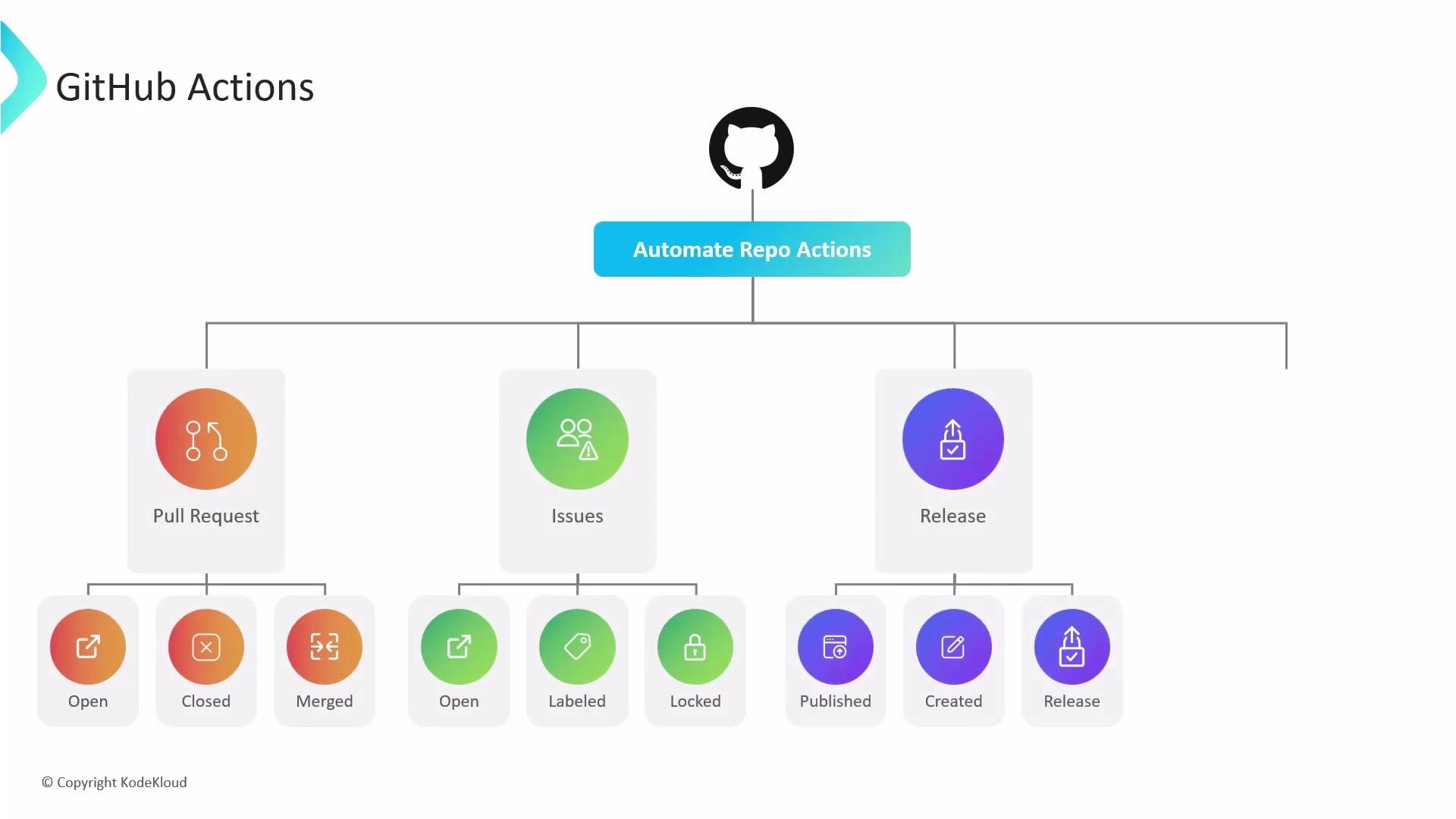
push, pull_request, issues, release, package, workflow_dispatch (manual), schedule (cron), and repository_dispatch (external systems). Other triggers include label changes, issue comments, project events, Dependabot alerts, and security alerts—making Actions useful for issue triage, security scanning, publishing packages, and automated deployments.
GitHub Actions can be triggered by a wide variety of repository events. Use
workflow_dispatch for manual runs, schedule for periodic checks, and repository_dispatch to integrate external CI or automation systems.- Auto-labeling, triaging, and responding to issues or pull requests.
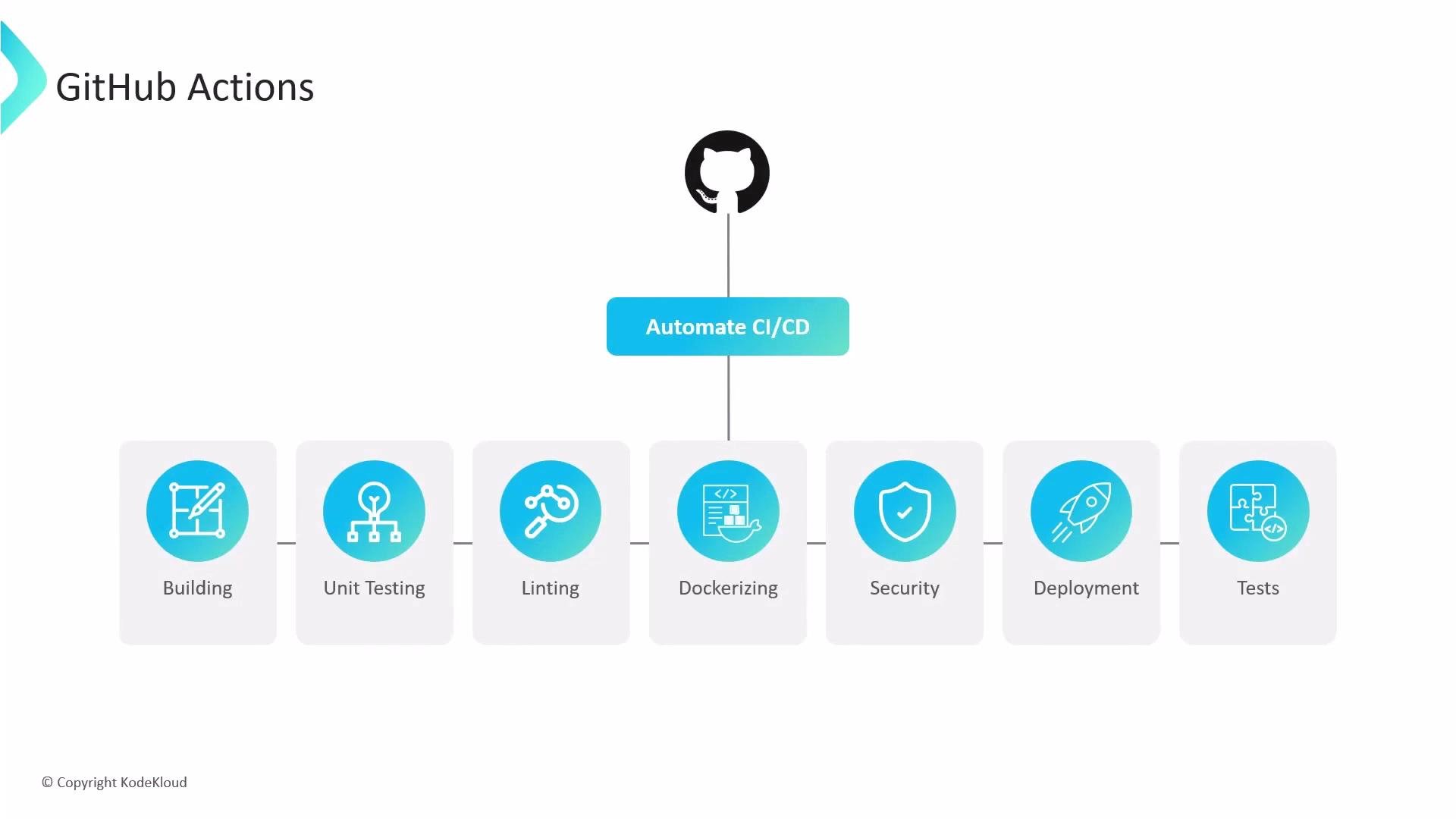
- Running unit tests, linting, and integration tests on
pushandpull_request. - Publishing packages to registries on
releaseorpackageevents. - Running security scans, license checks, and dependency updates on a schedule.
- Building Docker images and deploying artifacts after a successful build.
- Triggering workflows from external systems via
repository_dispatch.
Example GitHub Actions triggers in a workflow YAML:
- Use event-specific workflows: Keep CI workflows for
push/pull_request, and use separate workflows for scheduled scans, release publishing, or issue automation. - Limit permissions: Configure workflow permissions and secrets to follow the principle of least privilege.
- Reuse common actions: Publish and use composite actions or reusable workflows to reduce duplication across repositories.
- Monitor runs: Use branch protection rules and required checks to ensure critical workflows must pass before merging.