

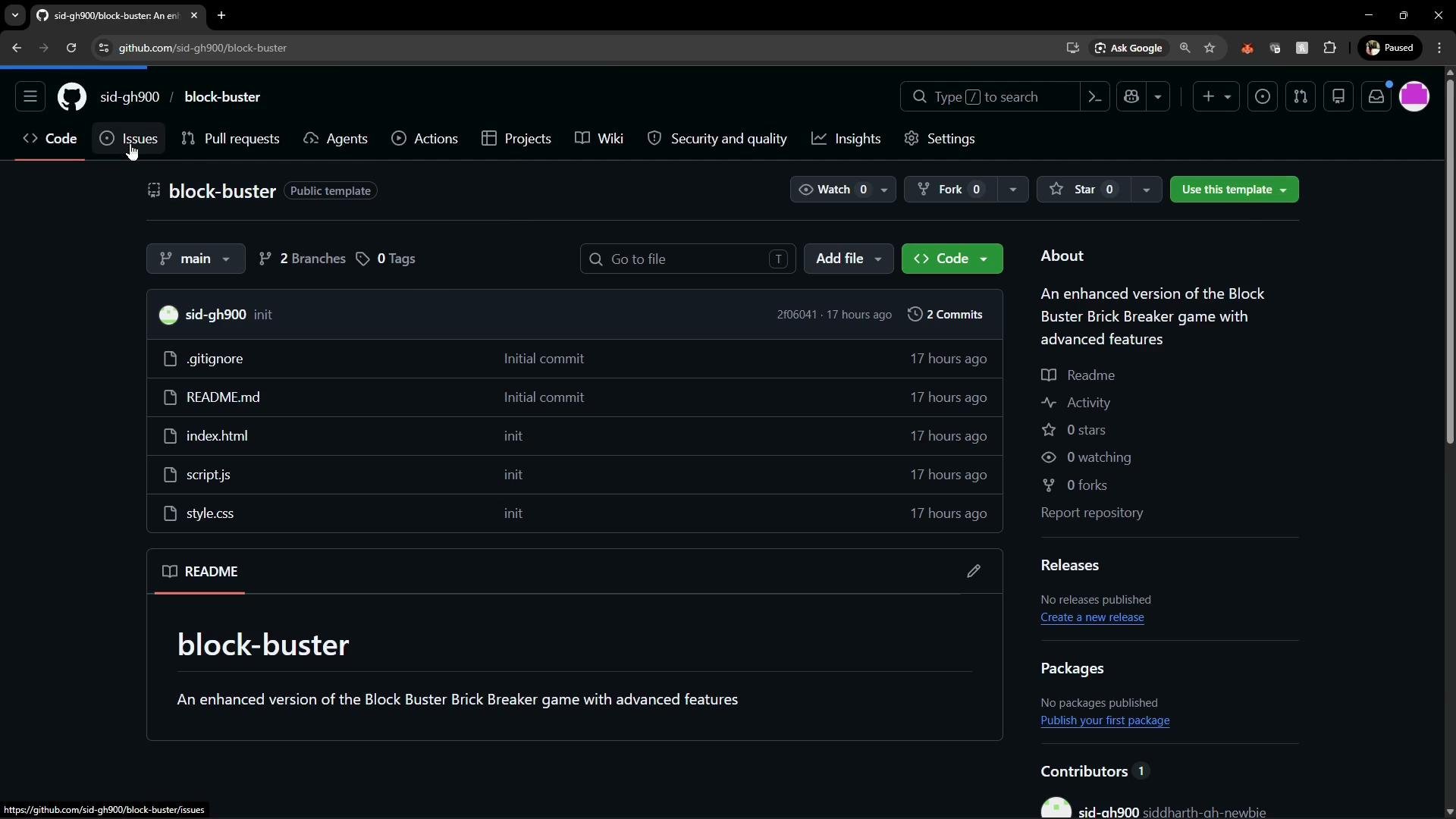
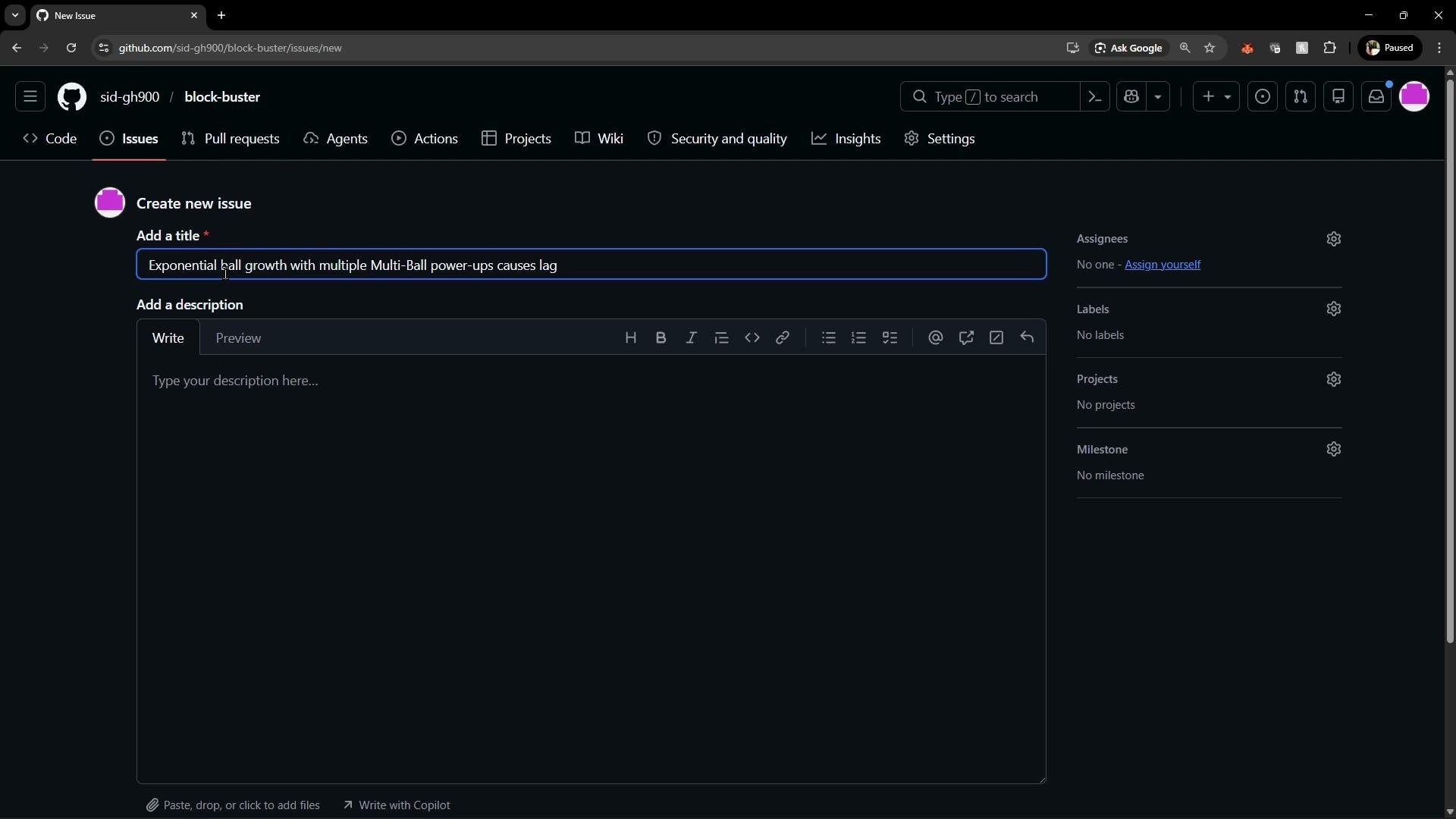
- Click New issue and provide a descriptive, concise title that summarizes the problem.
- In the issue body, describe the bug, the expected behavior, and the steps to reproduce.
- Include a small code snippet or example that demonstrates the root cause when applicable.
- The
iftest checks the current number of balls, but the code then iterates overgameState.ballsand pushes clones into the same array while iterating. - Mutating the array during iteration (e.g., calling
.push()on the array being iterated) can cause the loop to visit newly added items. This allows new clones to be iterated and cloned again, producing exponential growth when the power-up is activated multiple times.
Avoid mutating an array while iterating over it. Create a copy of the current items or build a separate list of new items, then append them after the iteration to prevent unexpected growth and performance issues.
- Build a separate array of clones first, then append them in one operation. Also consider enforcing a hard cap on the total number of balls to avoid FPS degradation.
- The code does not mutate the array being iterated over.
- Cloning and appending are separated, so the iteration is stable and predictable.
- You can add a hard cap (for example:
const MAX_BALLS = 10; gameState.balls.push(...clones.slice(0, MAX_BALLS - gameState.balls.length));) to prevent exceeding intended limits.
- After submitting the issue, Alice can set metadata: assign herself, add labels (e.g., bug, performance), and set projects or milestones to track the fix.
- A repository owner or collaborator can triage the issue, assign it, and add additional labels or comments.
Notifications and Watch settings
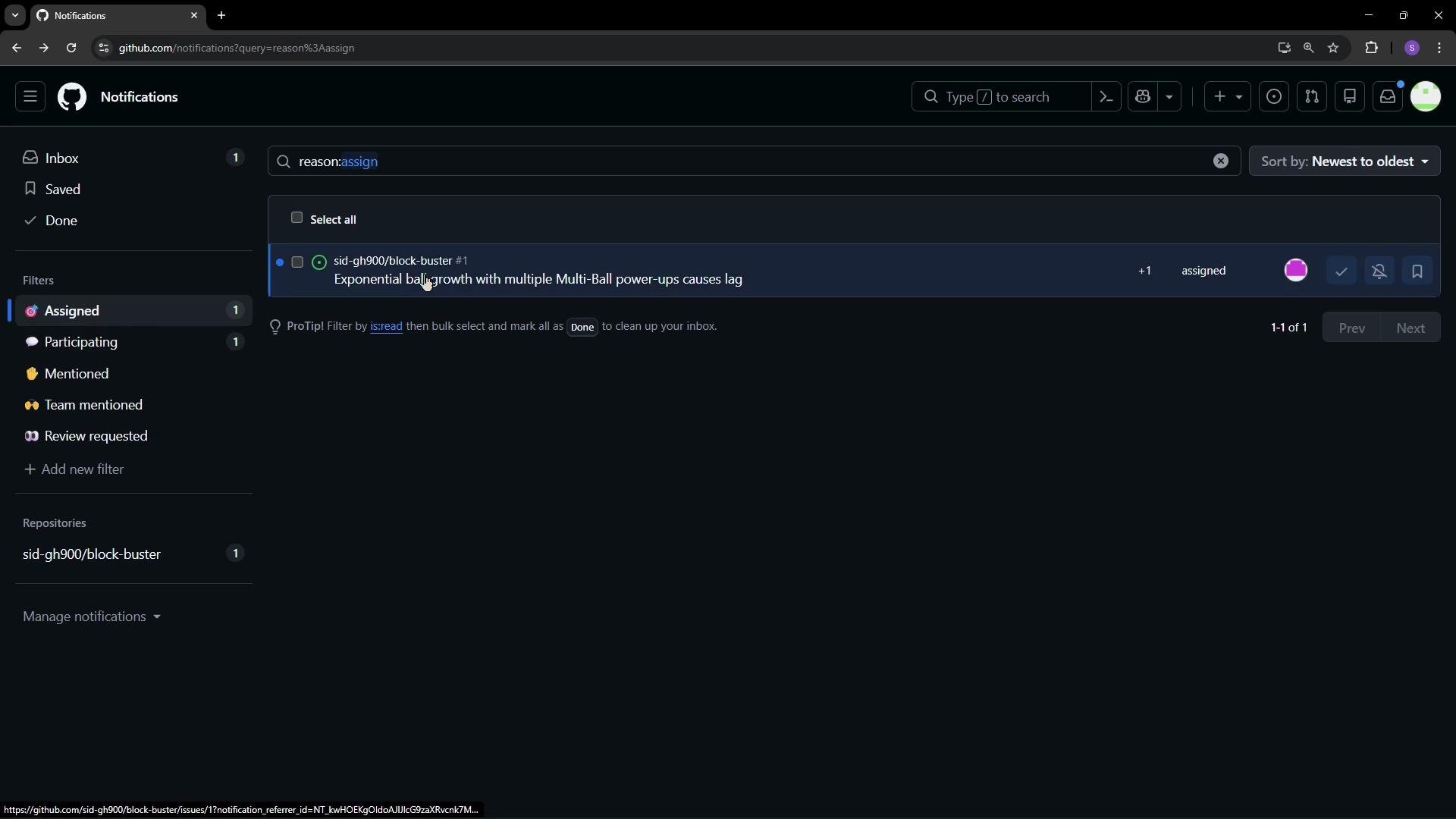
- By default, GitHub notifies users when they are participating, mentioned, or when they create the issue themselves. Repository owners who want to receive notifications for all new issues must update their Watch settings to Custom and opt in for issues, pull requests, and discussions.
Tip: To be notified of all new issues in a repository, go to the repository page → Watch → Custom, and enable notifications for Issues. This ensures you don’t miss new reports from contributors.
- Contributor creates an issue, provides reproduction steps and a code snippet if available.
- Repository owner configures Watch → Custom to receive notifications for new issues.
- Owner assigns the issue to themselves or another collaborator for triage and resolution.
- Assigned owner receives a notification and begins work on the fix.
- GitHub Issues: https://docs.github.com/en/issues
- GitHub Watching and Notifications: https://docs.github.com/en/account-and-profile/notifications
- Best practices for writing bug reports: https://www.freecodecamp.org/news/how-to-write-a-bug-report/