

- Draft
- Open
- Closed
- Merged
Draft
A draft PR indicates the author intends to share ongoing work but the changes are not yet ready for a formal review or merge. In the Draft state:- The Merge button is disabled.
- Automated notifications to code owners are often reduced.
- CI can still run, so you can validate tests and integrations early.
- Draft PRs are ideal for seeking informal feedback and iterating without signaling completion.
Use draft PRs to run CI and validate integration early. This helps catch build or test regressions before formal review.
Open
An open PR signifies active collaboration: reviewers evaluate the compare branch against the base branch, leave comments, and may request changes. Authors typically respond by pushing additional commits, updating the branch, or addressing requested changes.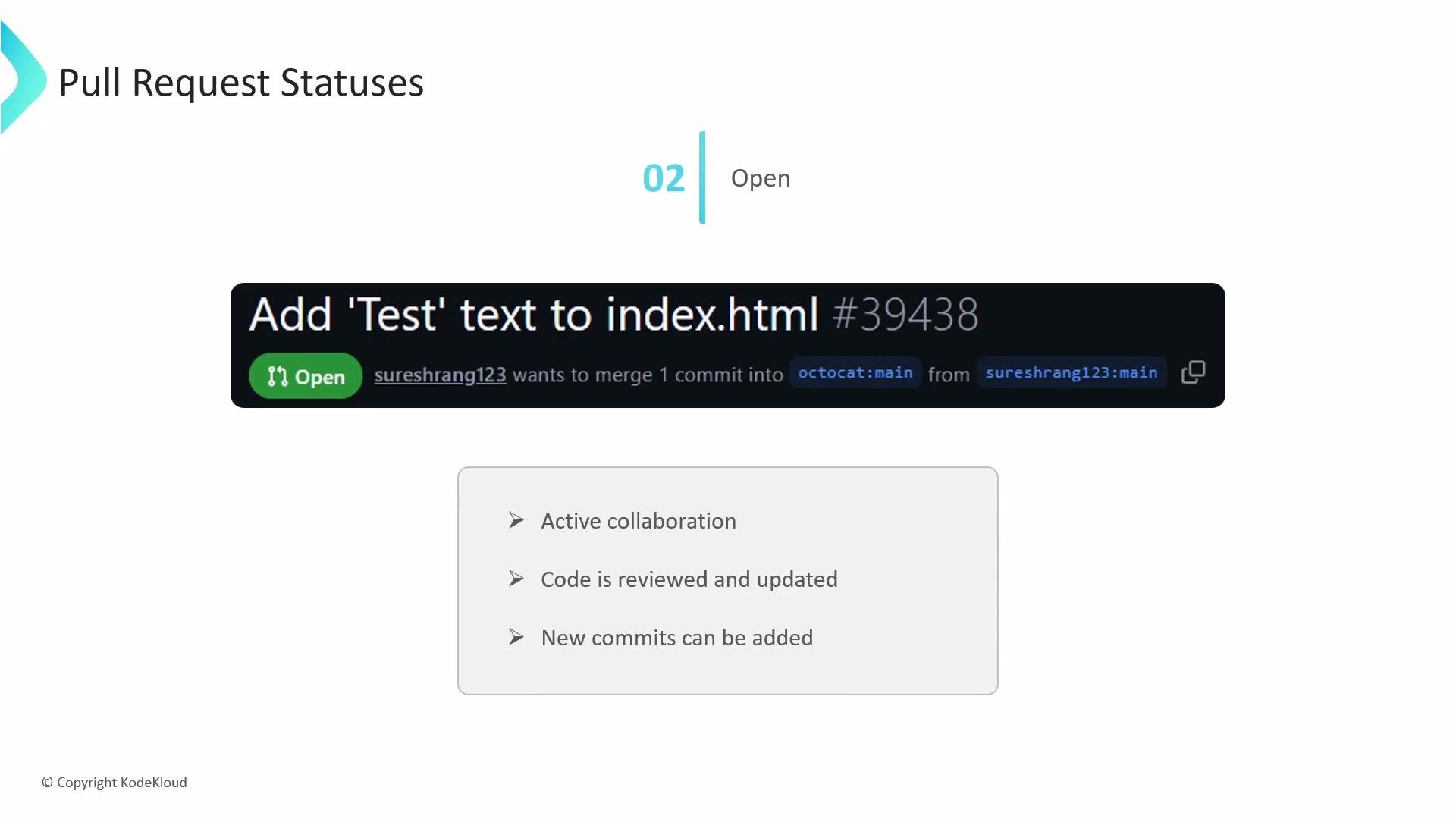
- Continuous integration to validate the branch (status checks, linters, tests).
- Reviewers to use comments, suggestions, and change requests.
- Authors to update their branch; each push updates the PR and re-triggers CI.
- Keep commits focused and use descriptive messages.
- Respond to review comments promptly and push follow-up commits rather than force-pushing when possible.
- If multiple changes are required, consider using draft status until the PR stabilizes.
Closed
A closed PR means the proposed changes were not integrated into the base branch. Common reasons:- The feature or fix was abandoned.
- The approach was replaced by a different solution on another branch.
- The PR was superseded or no longer relevant.
- Reopening the PR (if appropriate).
- Creating a new branch and PR with a refined approach.
Merged
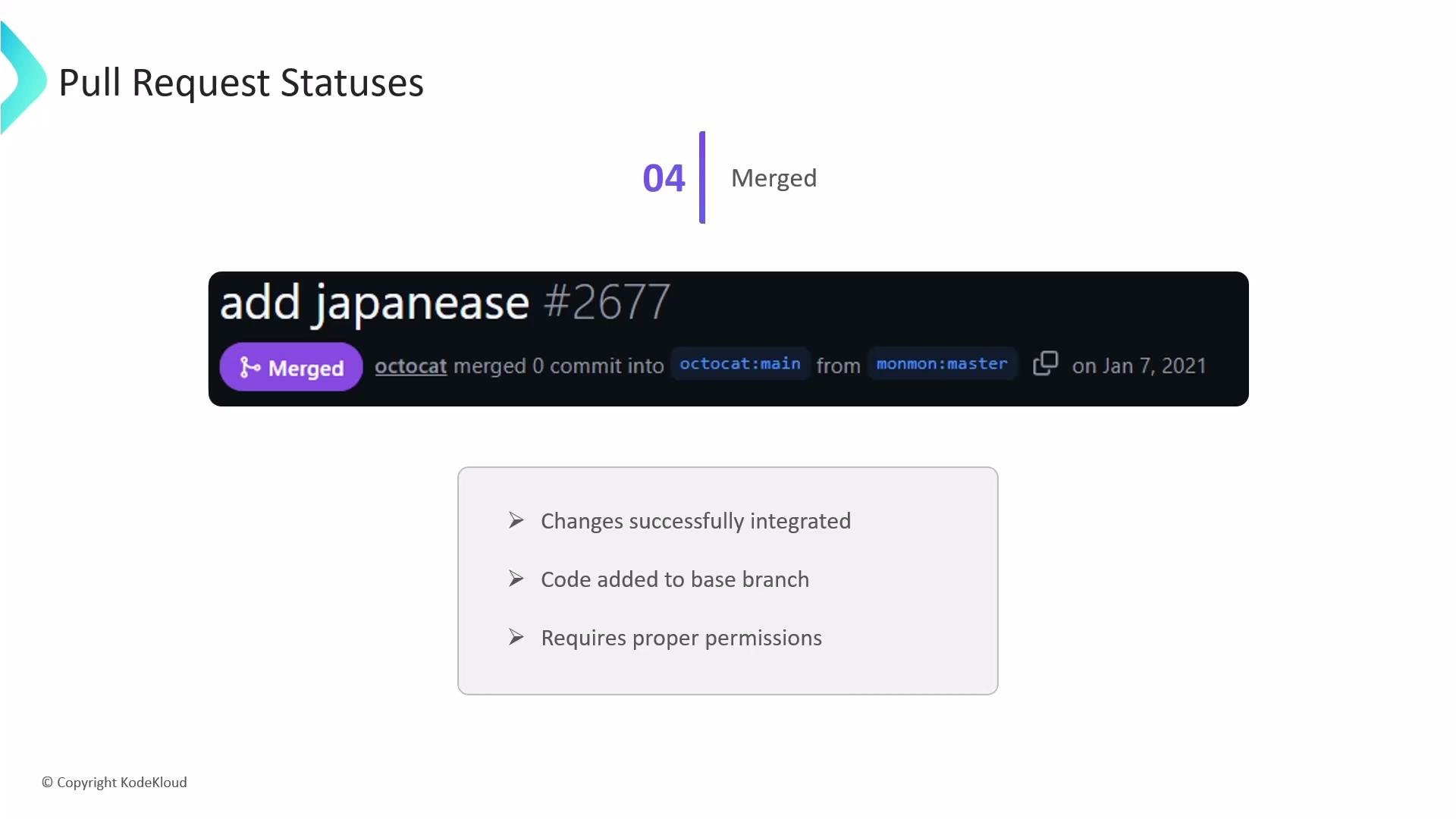
A merged PR indicates successful integration: the commits from the compare branch were incorporated into the base branch. Merging is performed by users with appropriate write or maintain permissions. After merging:- The PR becomes part of the base branch history.
- The PR conversation remains accessible for audits and context.
- The source branch may be deleted (depending on repository settings).
Be mindful of branch protections and required status checks. Repositories may block merging until CI passes, required reviews are completed, or specific approvals are given.
Quick reference and links
- GitHub Docs: About pull requests
- GitHub CLI: gh pr create documentation