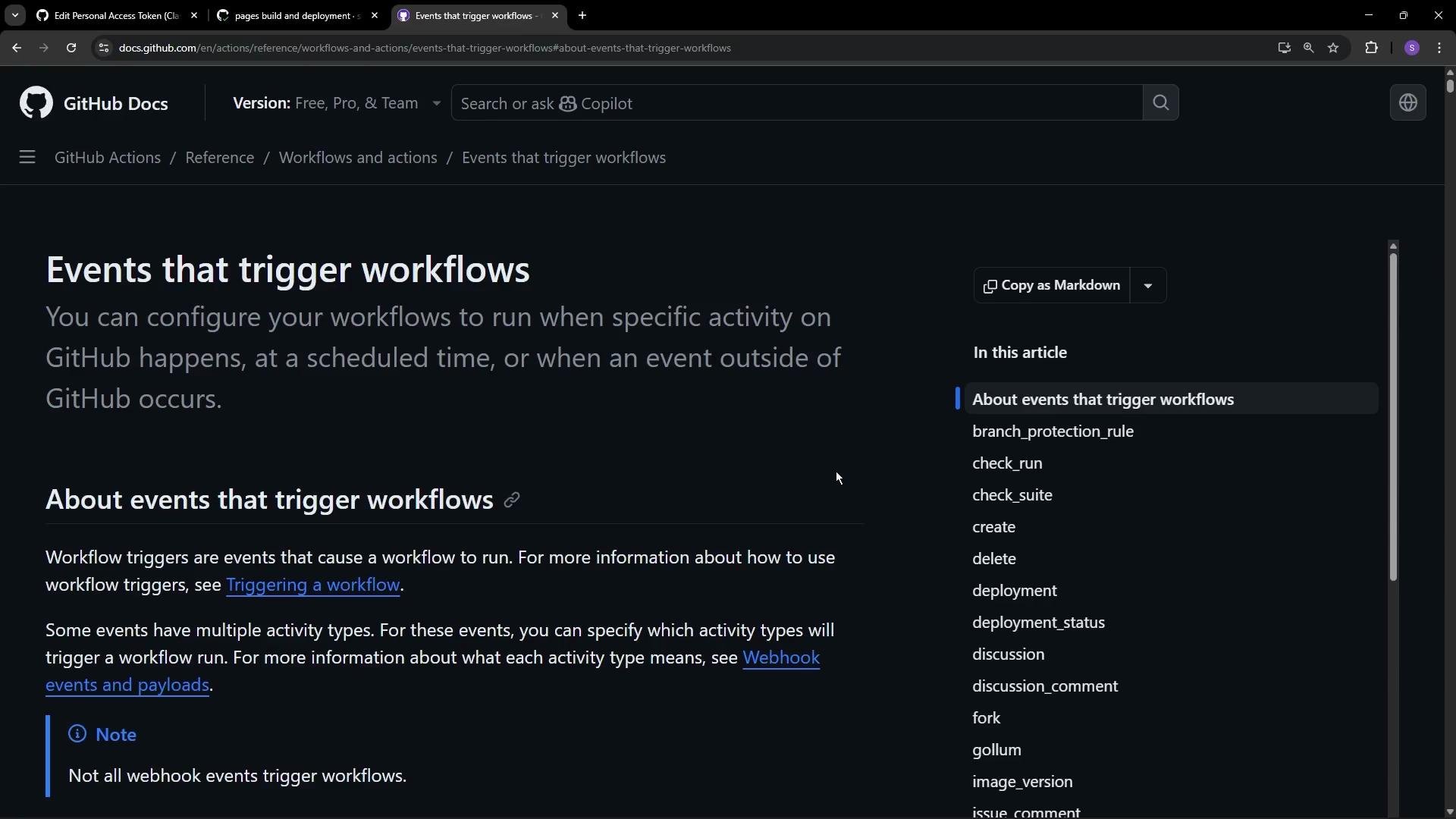
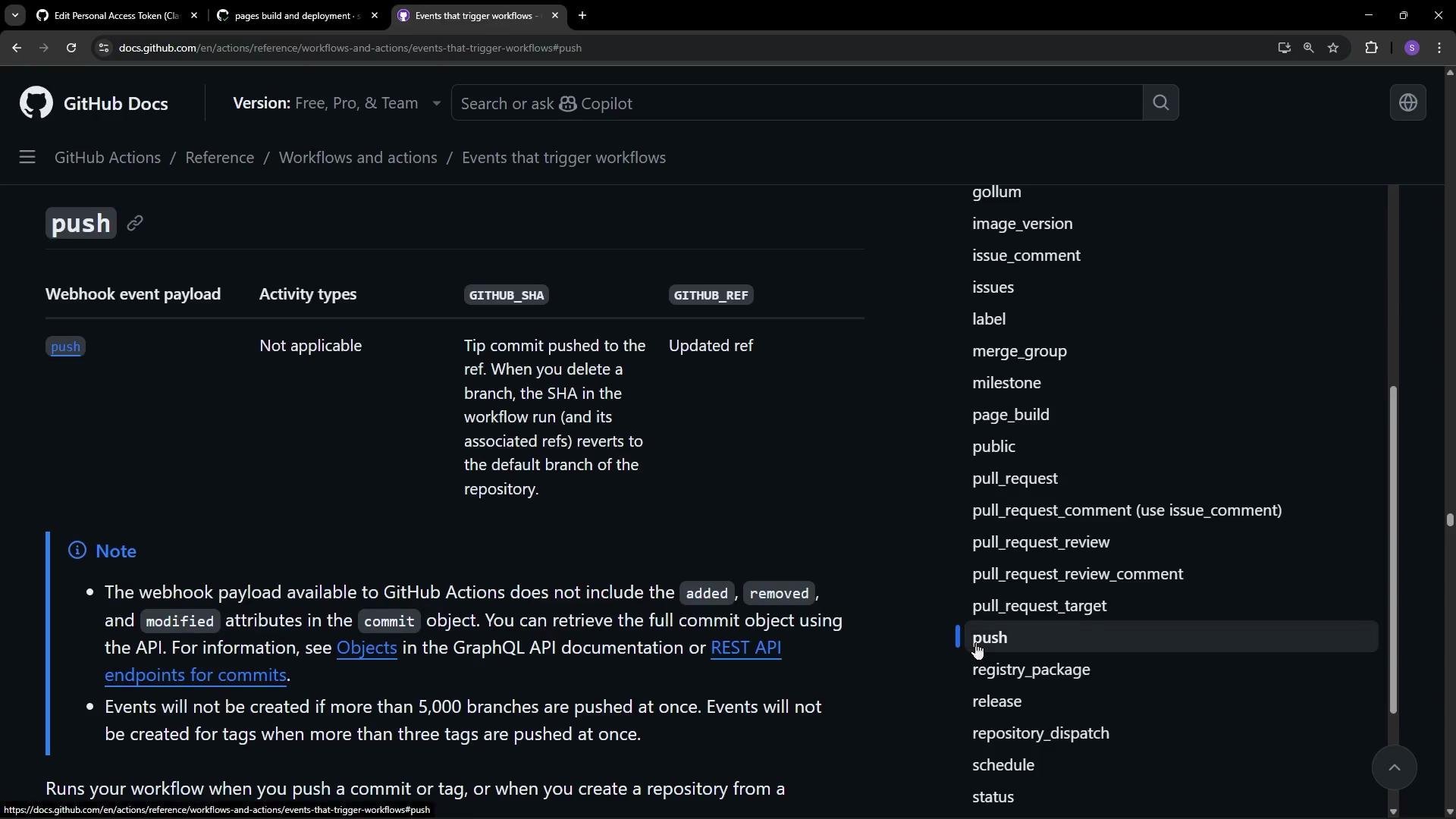
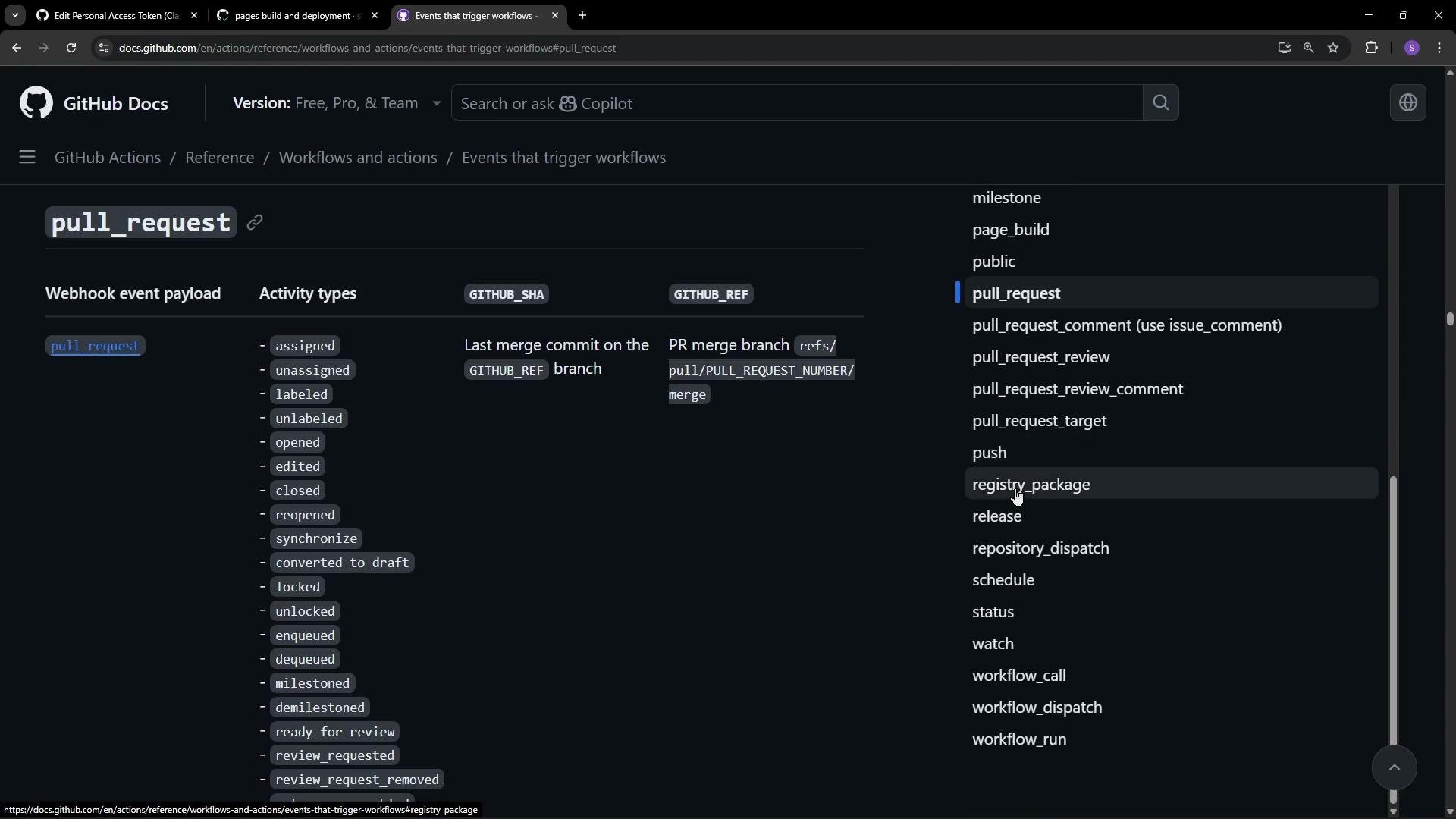
Common triggers
push— run when commits are pushed to branches or tags.pull_request— run when a pull request is opened, synchronized, or updated.schedule— run at regular intervals using cron syntax.workflow_dispatch— expose a manual run button in the Actions UI.- Many repository events (assigned, labeled, opened, etc.) can also trigger workflows.
schedule trigger uses cron syntax. For manual runs from the repository UI, enable workflow_dispatch:
Example: verify a required file on push and PR
This example creates a lightweight workflow that runs on pushes and pull requests targeting themain branch. It performs a simple check: confirm that index.html exists at the repository root. If the file is missing, the job fails.
Create a file at .github/workflows/<name>.yml with the following content:
Place this file under
.github/workflows/ and commit to the default branch (for example, main). Any push or pull request that targets main will trigger the workflow automatically.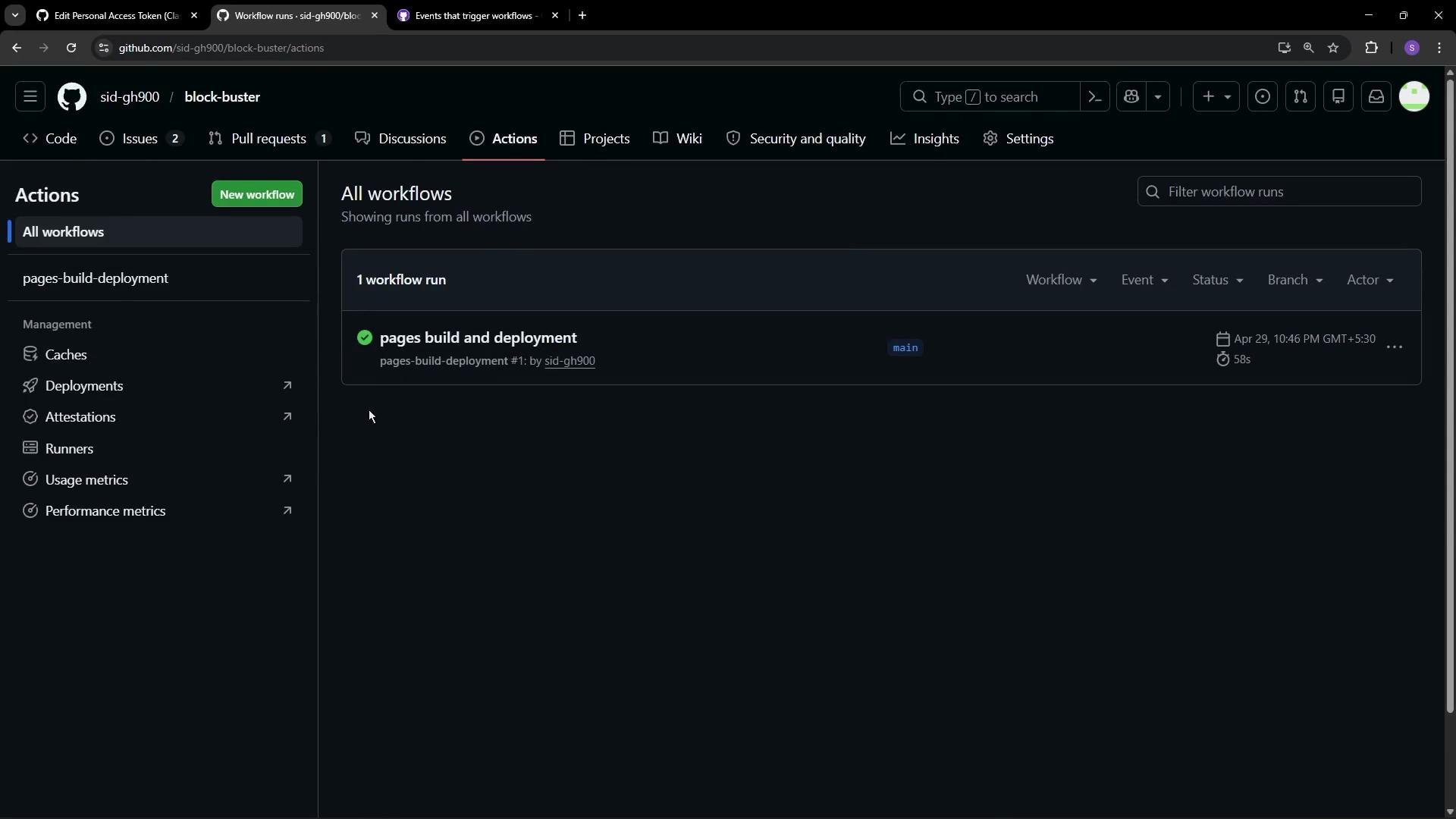
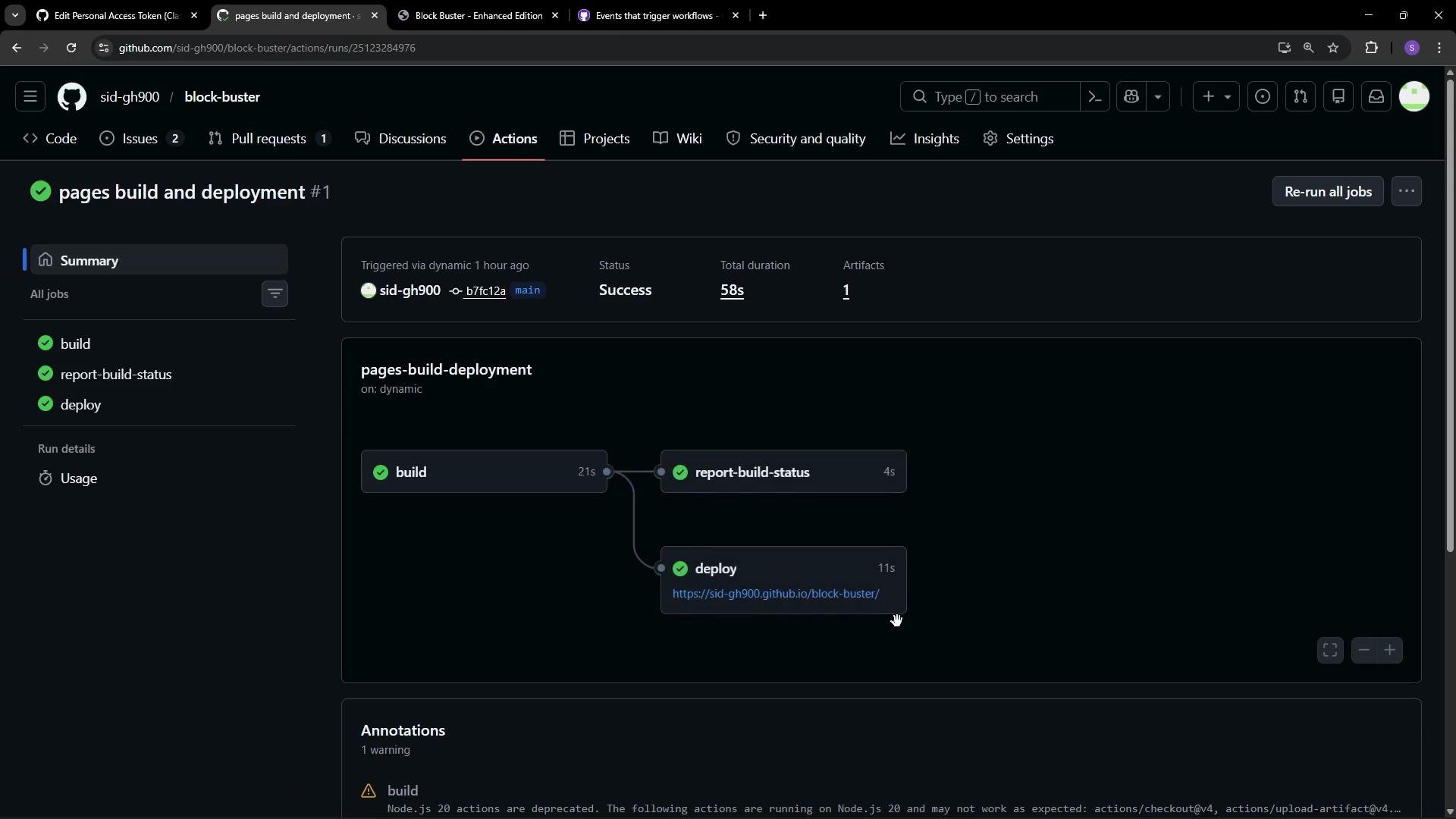
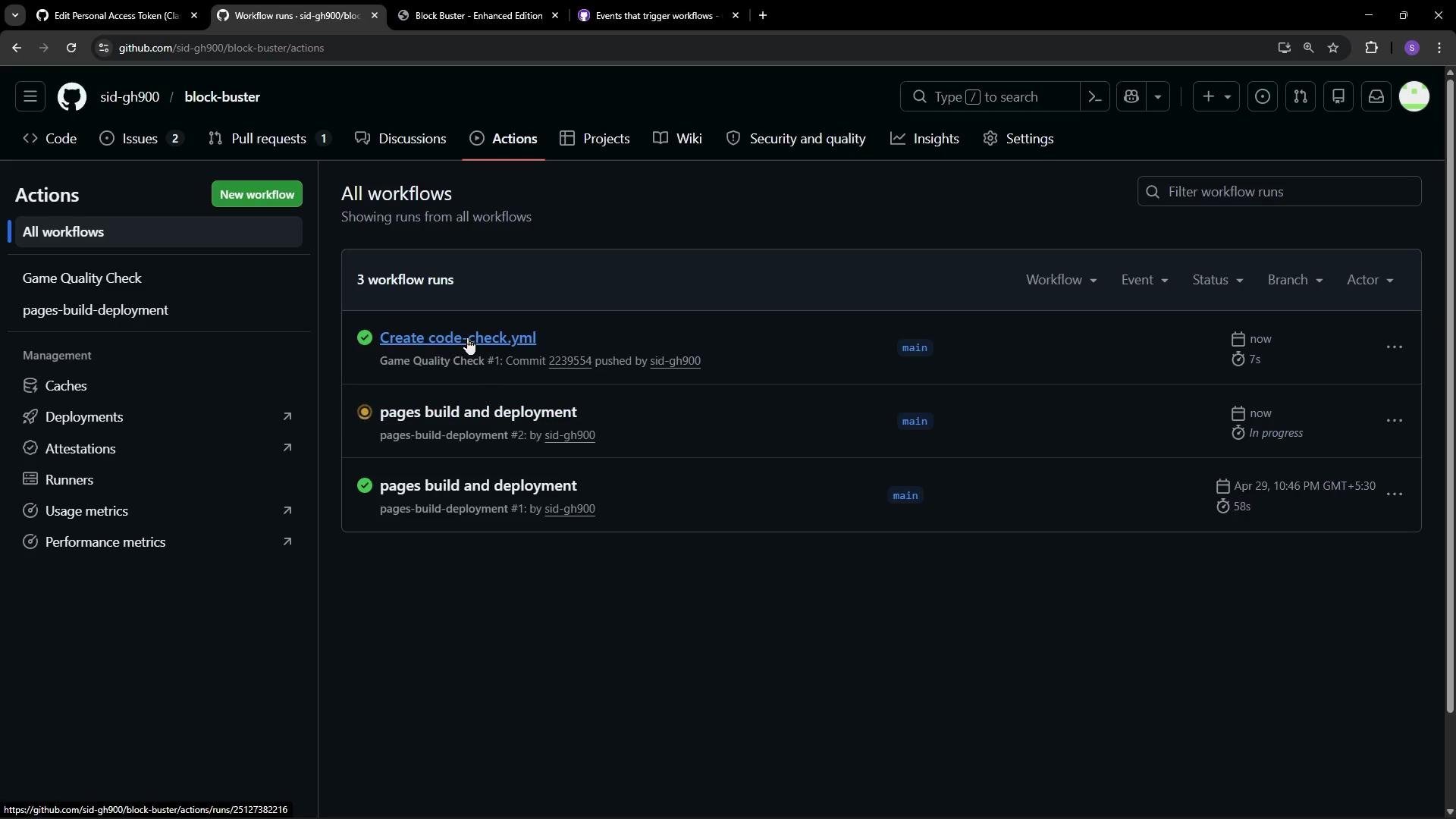
main, the Actions tab will show runs for each push and PR targeting that branch. Click a run to view runner provisioning and logs for each step. Typical checkout-related log lines look like:
index.html will echo success or print an error and exit with a non-zero code to fail the job: