

Viewing organization people
To inspect who belongs to an organization, open the organization’s People tab. Members are grouped into Owners and Members; Outside Collaborators are listed separately. Use the membership-type filters to locate Owners, Members, or Outside Collaborators quickly.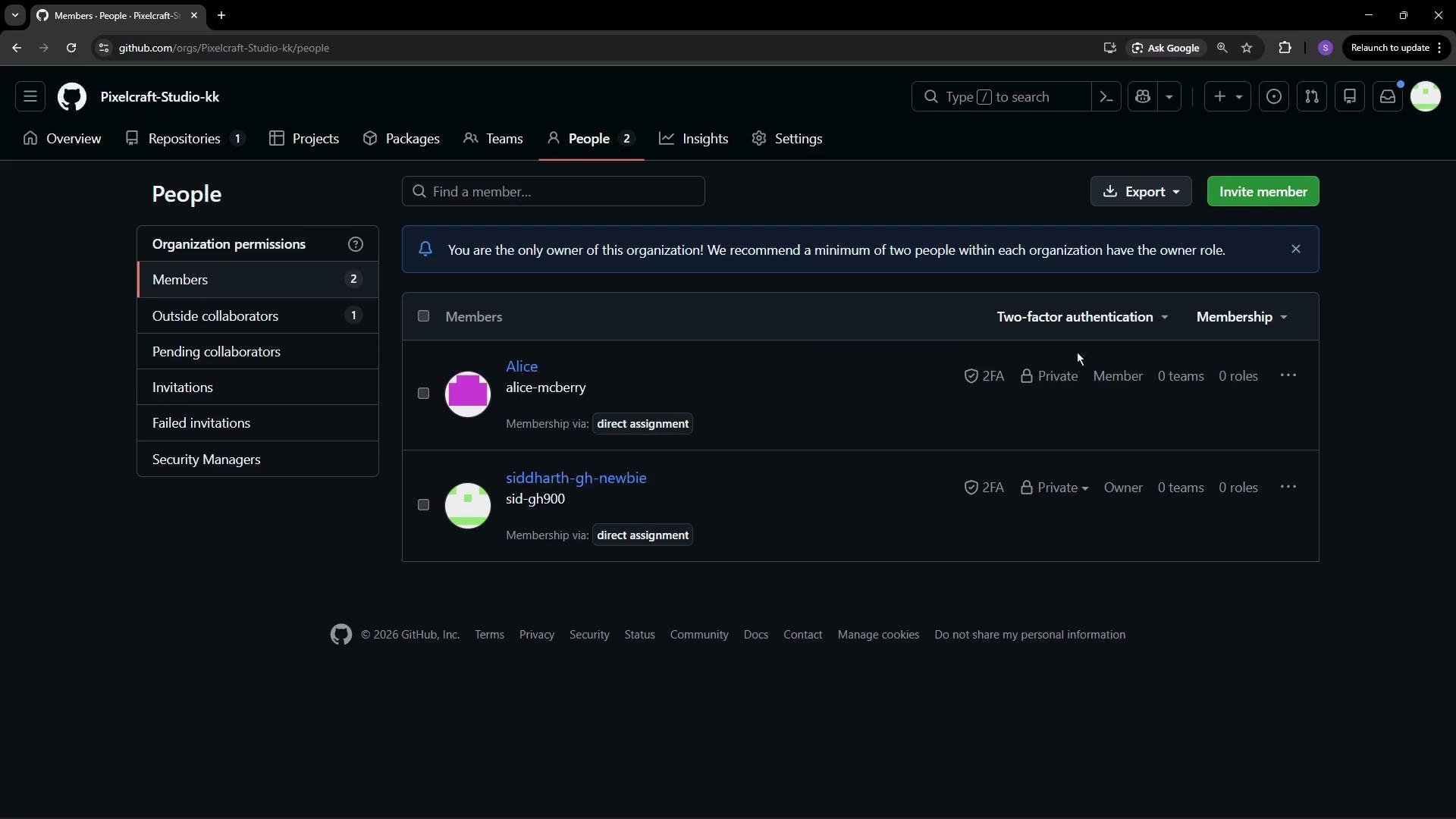
Organization roles: Owners
Owners have full administrative control across the organization: they manage teams, member settings, billing, policies, and can delete the organization. The user who creates the organization is an Owner by default. Limit Owner assignments to trusted administrators.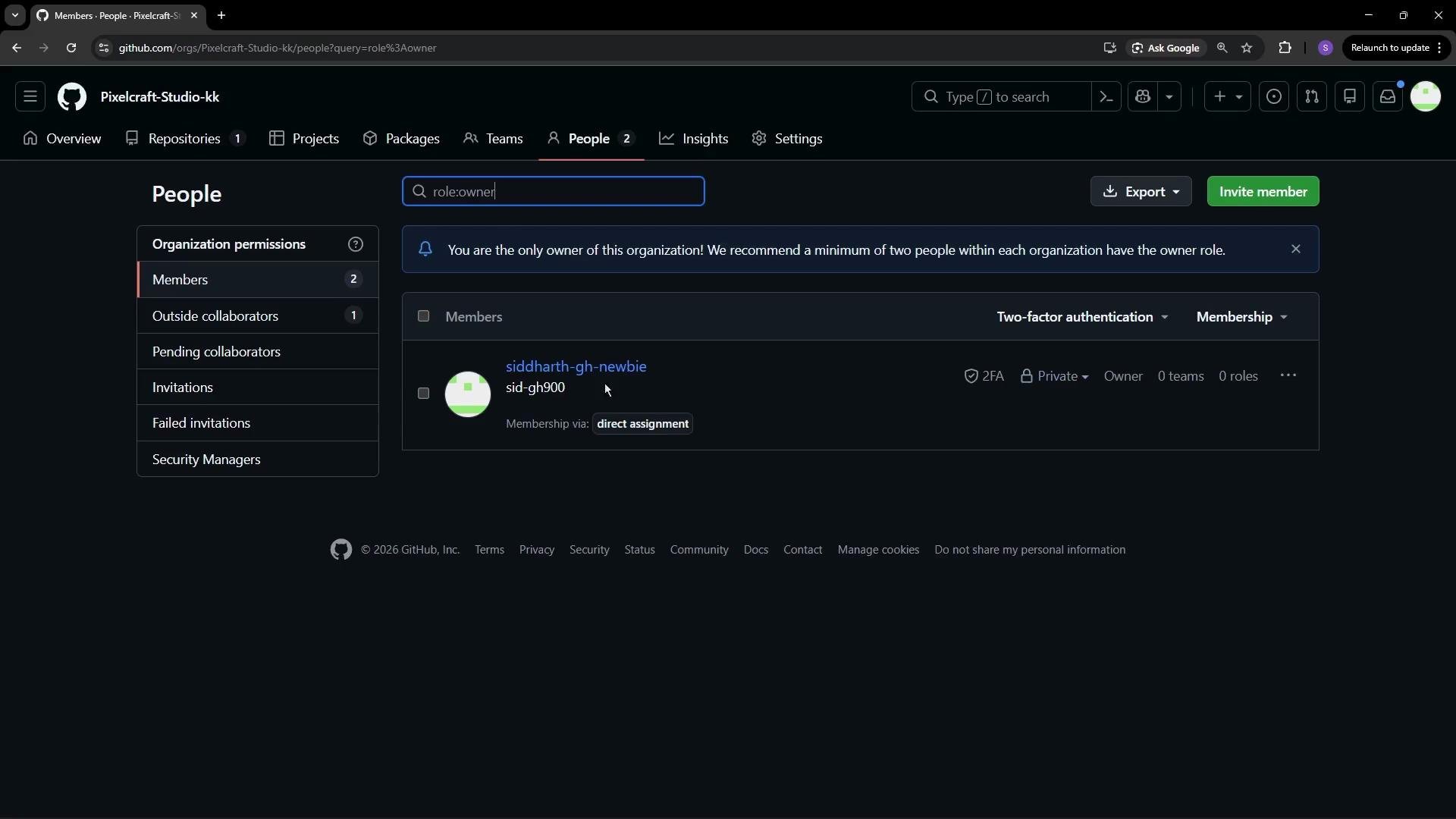
Members: default and effective permissions
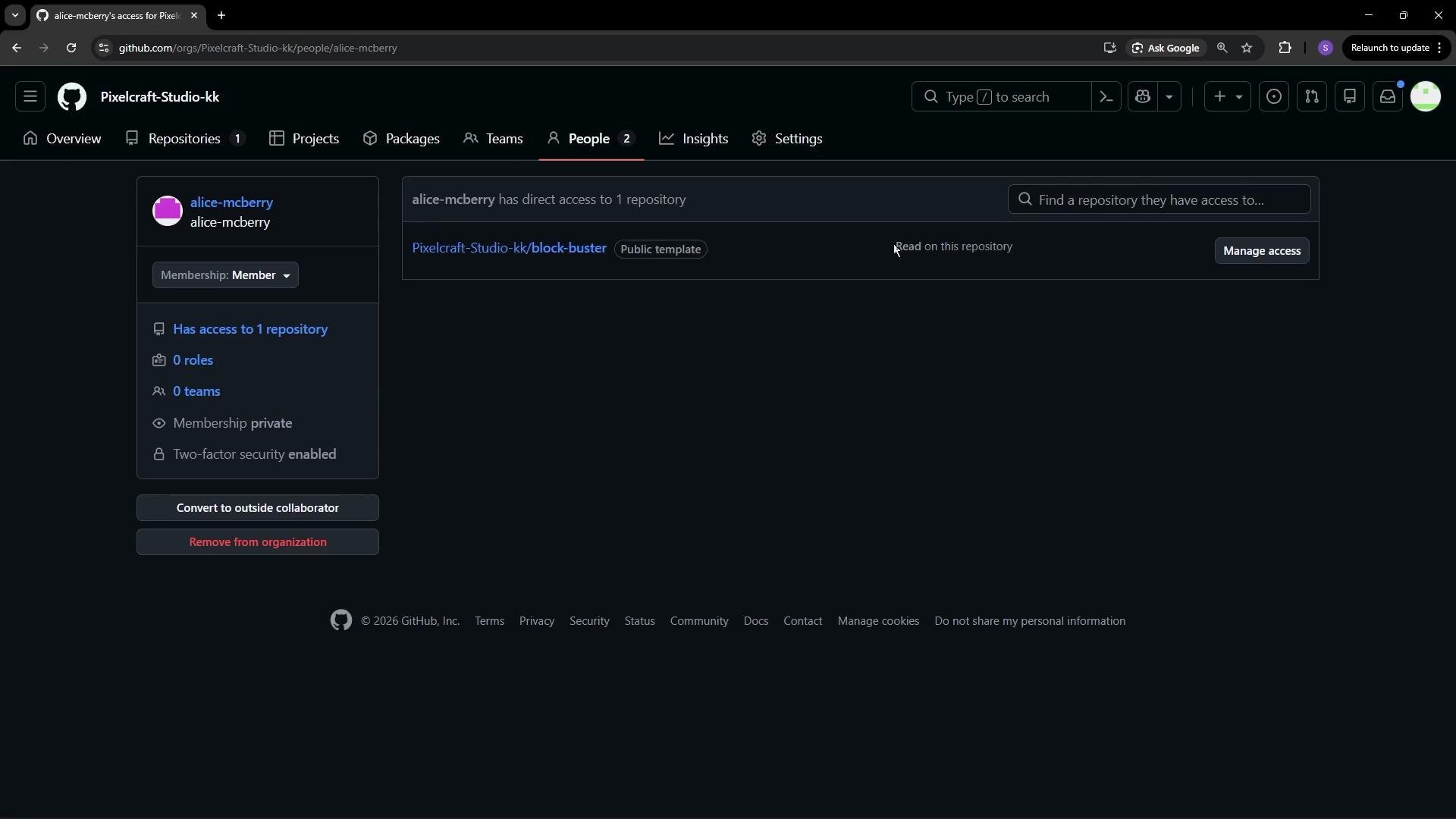
Organization Members receive the organization’s default repository permission (commonlyRead), which you can configure. A member’s effective permissions may be raised or restricted by:
- Team memberships (teams can grant broader repo access).
- Repository-level collaborator settings (Manage access / Collaborators & teams).
- Organization or repository policy restrictions.
Repository-level permissions
Repository permissions are managed from the repository Settings → Collaborators & teams (or Manage access). There you can add or remove collaborators, change roles, and create or assign custom roles when available.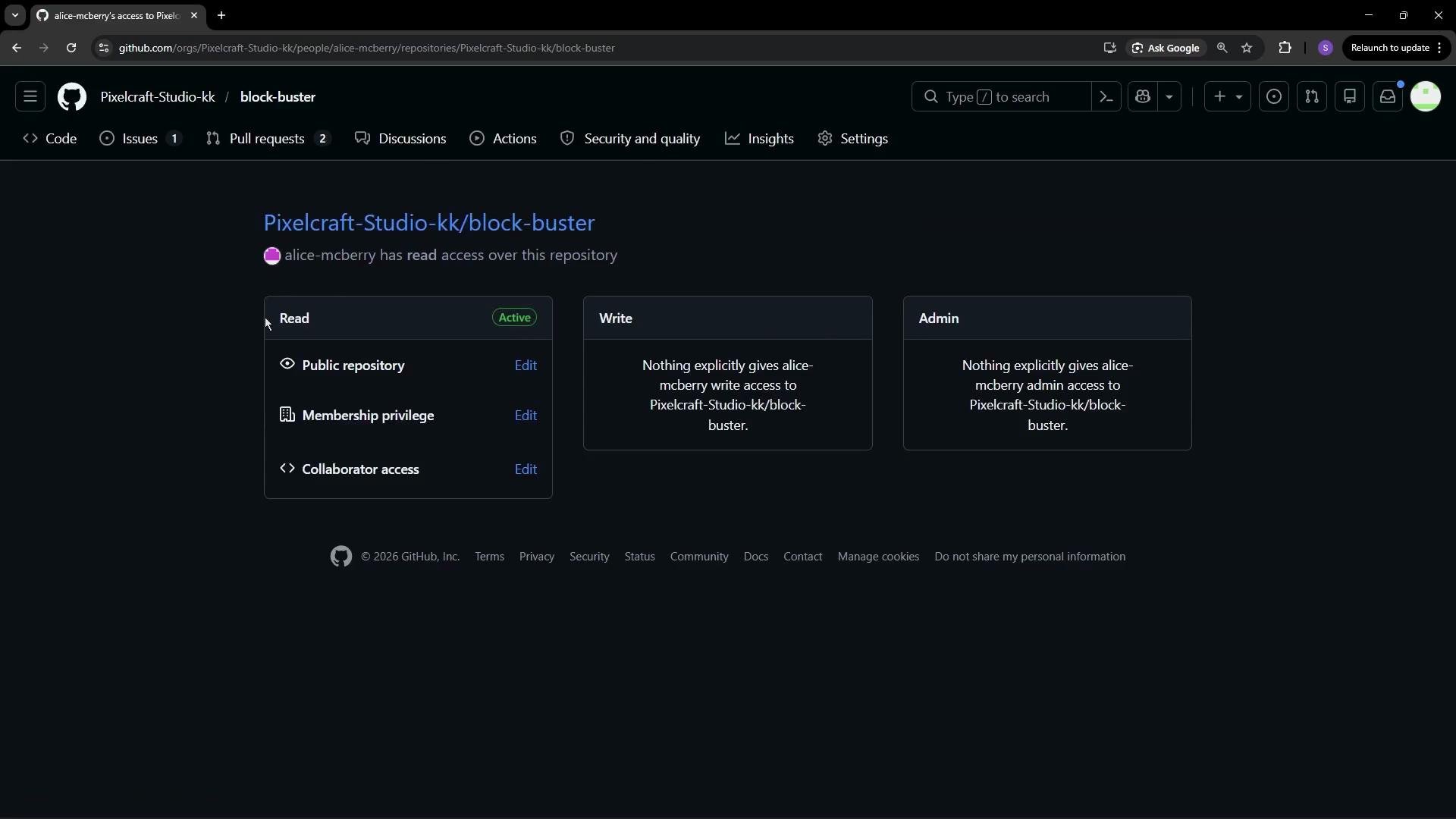
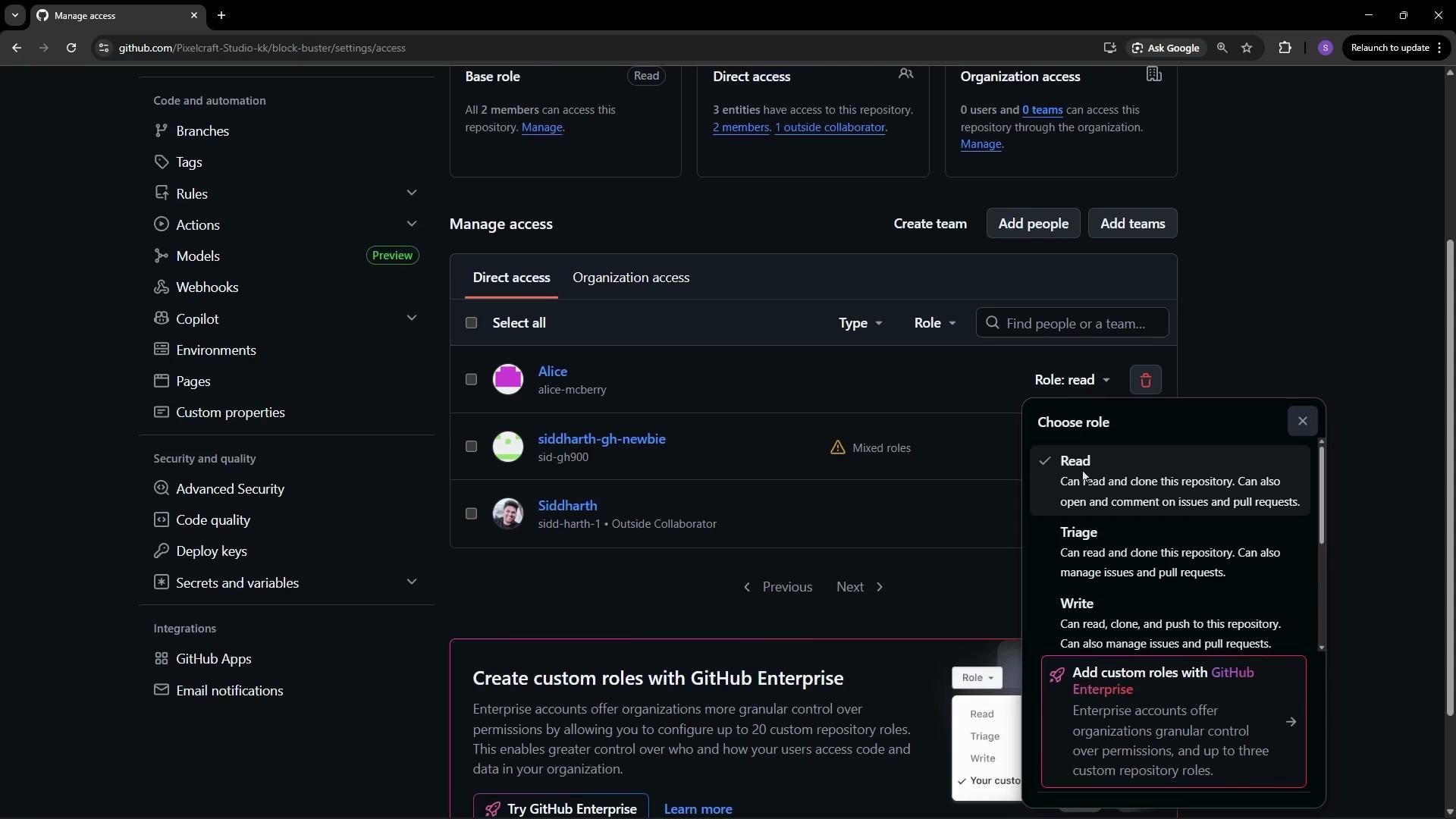
For more details, see the official GitHub documentation on repository permissions: Managing repository access.
Outside collaborators
Outside collaborators are users who have access to one or more repositories but are not organization Members. This is useful for contractors, temporary contributors, or external partners. From the People tab you can view the repos they can access, invite them to become full organization Members, or remove their access.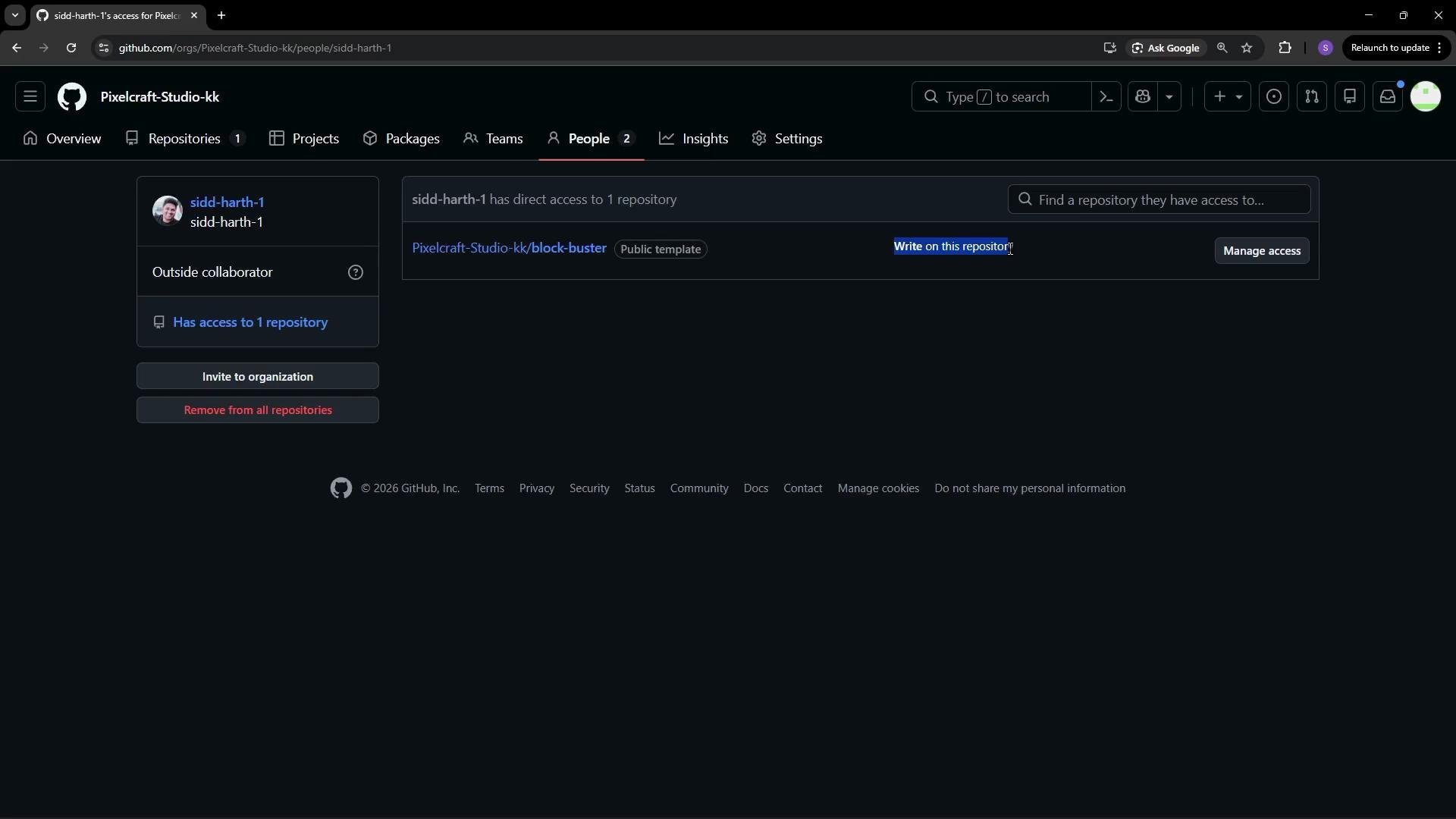
Use outside collaborators to grant repository-scoped access without making someone a full organization Member. Invite them as Members only when they need broader organization-level privileges.
Teams: group-based access and notifications
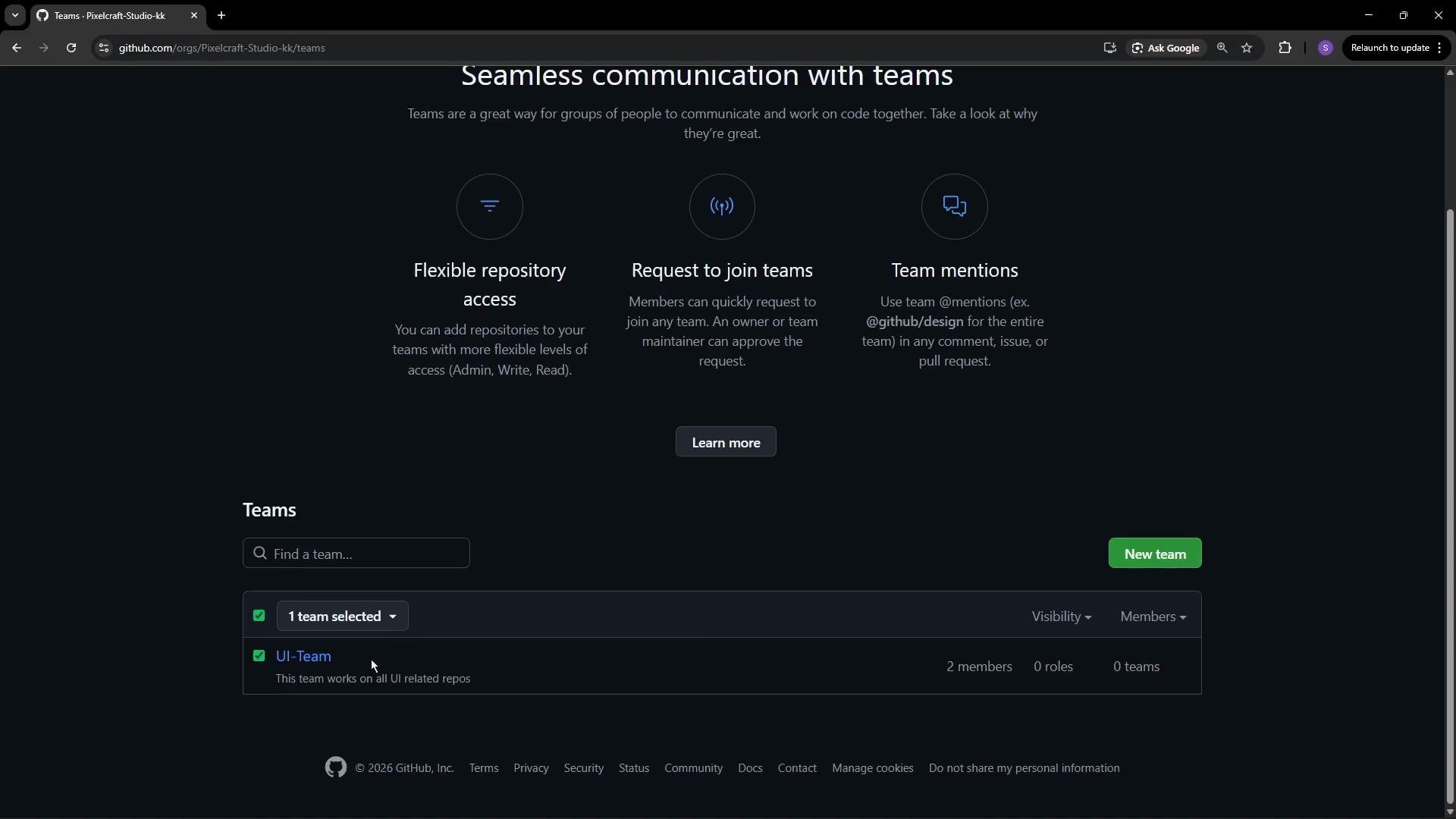
Teams let you group Members to manage repository access, notifications, and mentions efficiently. Typical workflows:- Give
UI-Teamwrite access to front-end repositories. - Give
Backend-Teamadmin or write access to API repositories. - Mention a team in an issue or PR to notify all team members with a single handle.
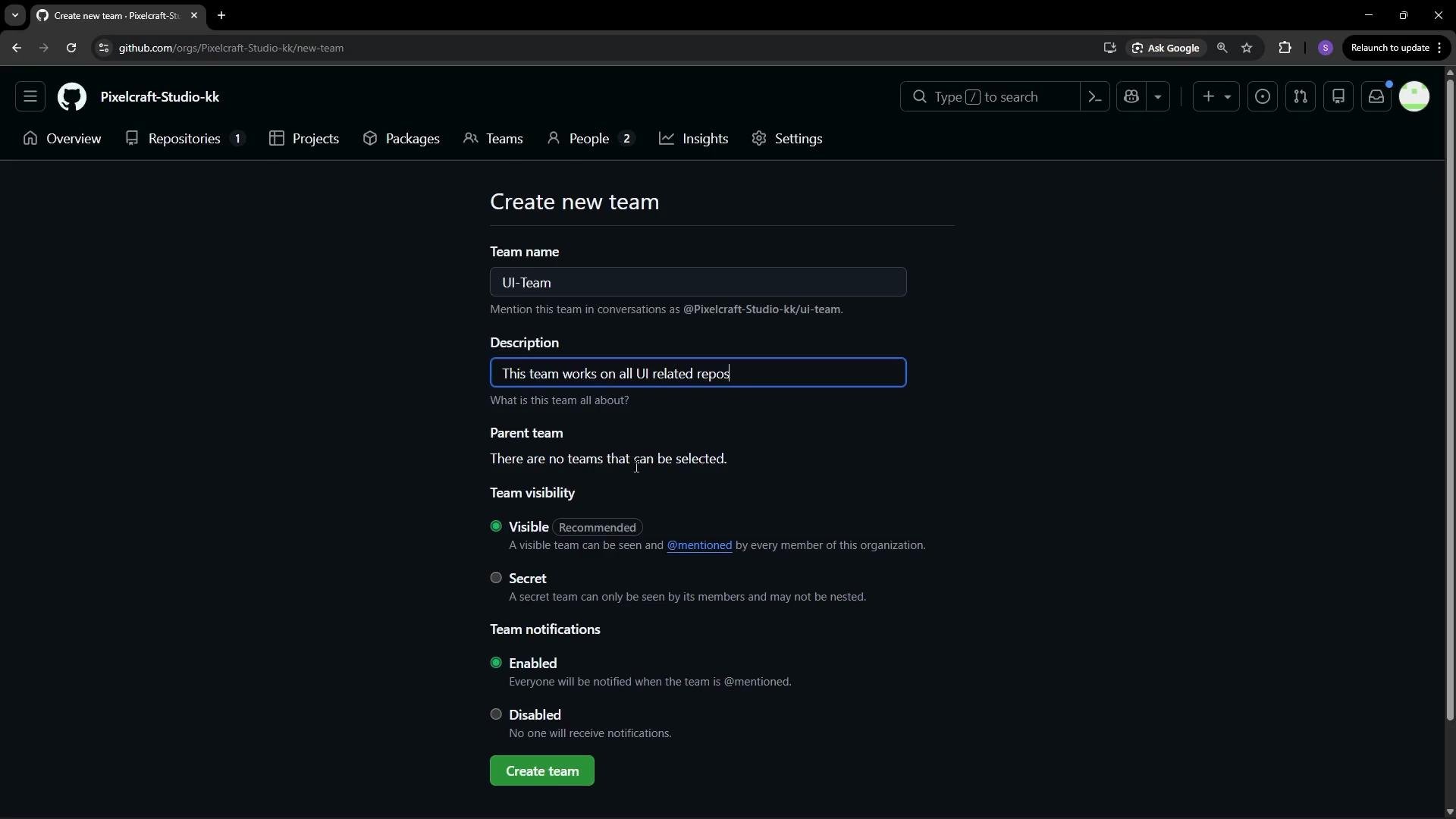
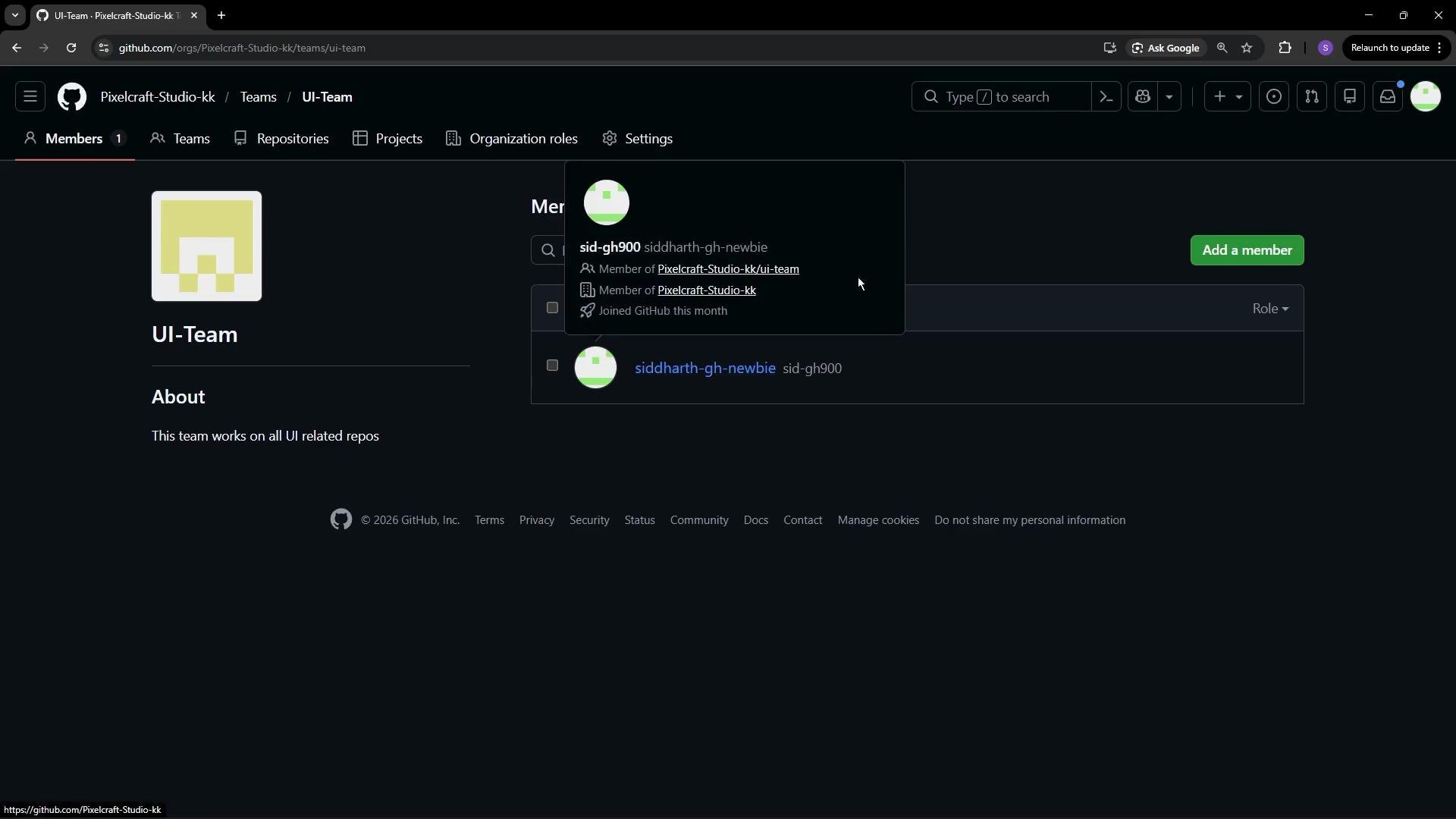
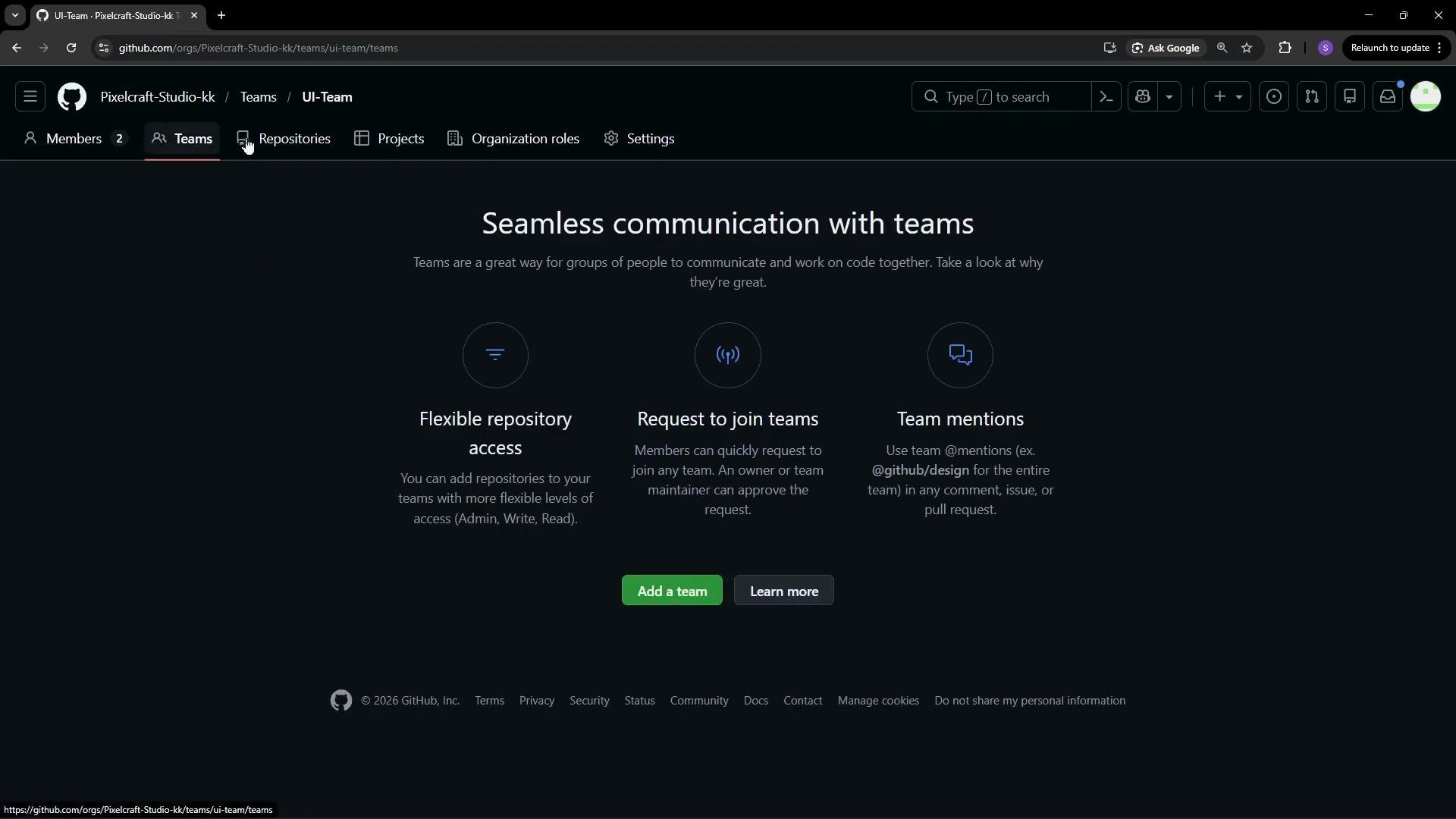
@org/UI-Team.
Grant Owner status sparingly. Prefer teams and repository-level roles to minimize blast radius and adhere to the principle of least privilege.
Quick reference
- Owners = full organization control — limit assignments.
- Members = organization-scoped users with a default repo permission.
- Outside collaborators = repo-scoped access without organization membership.
- Teams = group-based access, notifications, and easier management.