

- Editor: Visual Studio Code
- OS: Ubuntu (virtual machine)
- Project folder:
block-buster
index.html— the HTML entry pointstyle.css— styling for the gamescript.js— JavaScript logic (keyboard handlers, game setup)README.md— project notes and instructions
script.js (keyboard handlers and initial setup):
- Open the project in VS Code.
- Use the Live Server extension (or Show Preview) to open
index.htmlin a browser or the editor preview. - The game is a classic brick-breaker: control a paddle, bounce the ball, destroy bricks, progress through levels and power-ups.
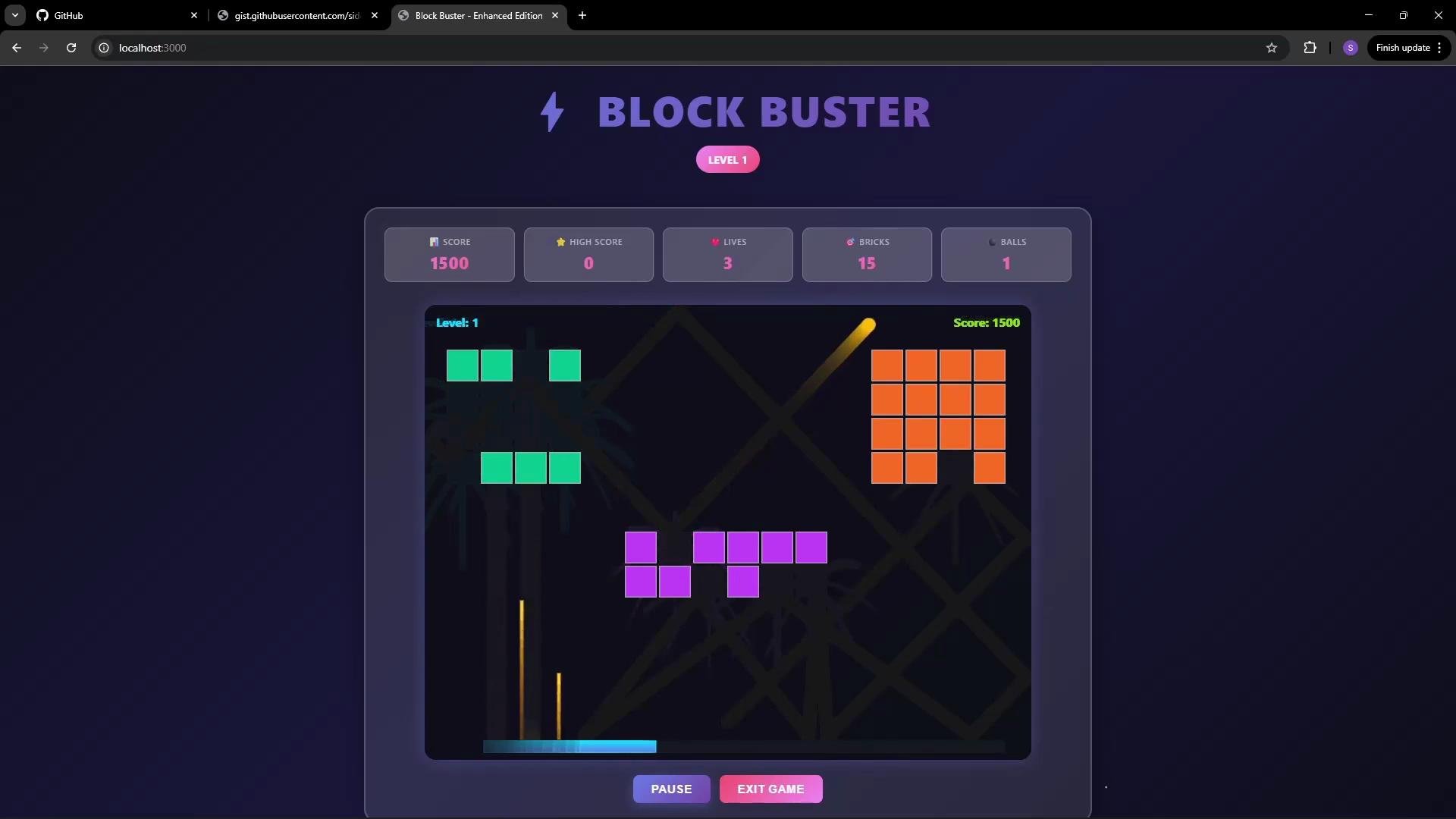
script.js is missing
Imagine script.js was accidentally removed (by a cleanup script or manual error). When you refresh the preview or browser, the page will fail to run because the browser cannot load the missing JavaScript file.
Open Developer Tools → Network (or Console) to inspect resource loading. You will see a 404 error for the missing script.js:
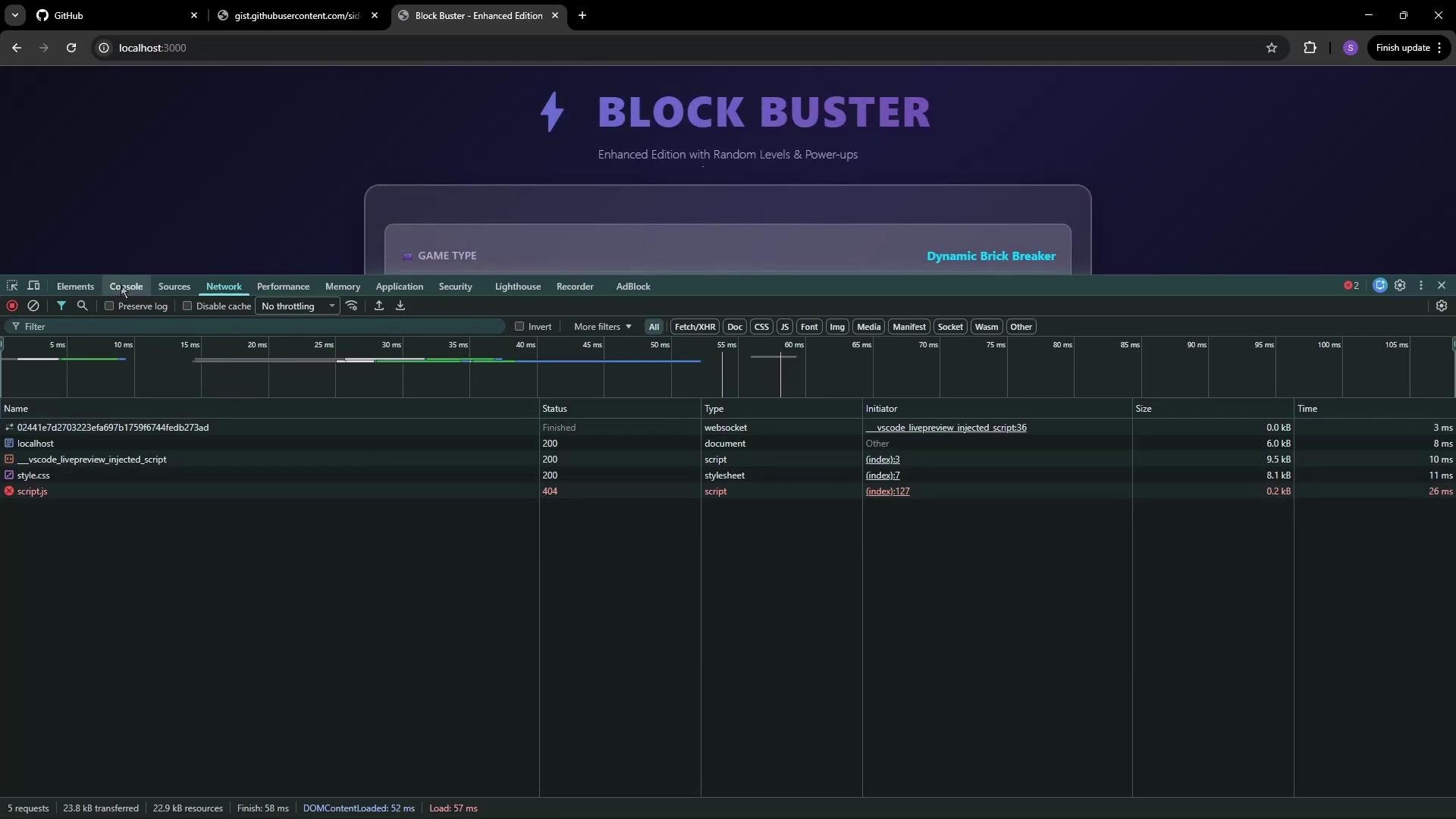
- The game UI may load, but interactive features provided by
script.jswill not work. - Without the JS, keyboard handlers, game initialization, and other features are unavailable — rendering the game unusable.
- Manually reconstructing deleted files is time-consuming and error-prone, especially for larger projects.
If you don’t have a backup of
script.js, restoring the exact logic and state can be difficult. Browser errors like 404 and net::ERR_ABORTED indicate a missing or incorrectly referenced asset.- Recover deleted or modified files (for example,
git restore <file>). - Revert to previous commits or branches when something breaks.
- Track changes and collaborate without losing history.
Next steps
- Install Git (if not present): Git Downloads
- Initialize the repository inside
block-buster:git init - Add and commit the current project state so files like
script.jscan be restored later
Using Git early in a project prevents accidental data loss and makes recovery straightforward. See the official Git documentation for detailed guidance on installation and common workflows.
- Git Documentation
- Live Server extension for VS Code — search the VS Code marketplace for “Live Server” to install and run previews locally.