

main). They enforce workflows such as requiring pull requests, code reviews, and passing automated checks before changes can be merged. This guide walks through creating a branch ruleset, targeting branches, selecting protection settings, and observing how GitHub blocks direct commits and enforces pull-request workflows.
Open the repository and locate branch protection
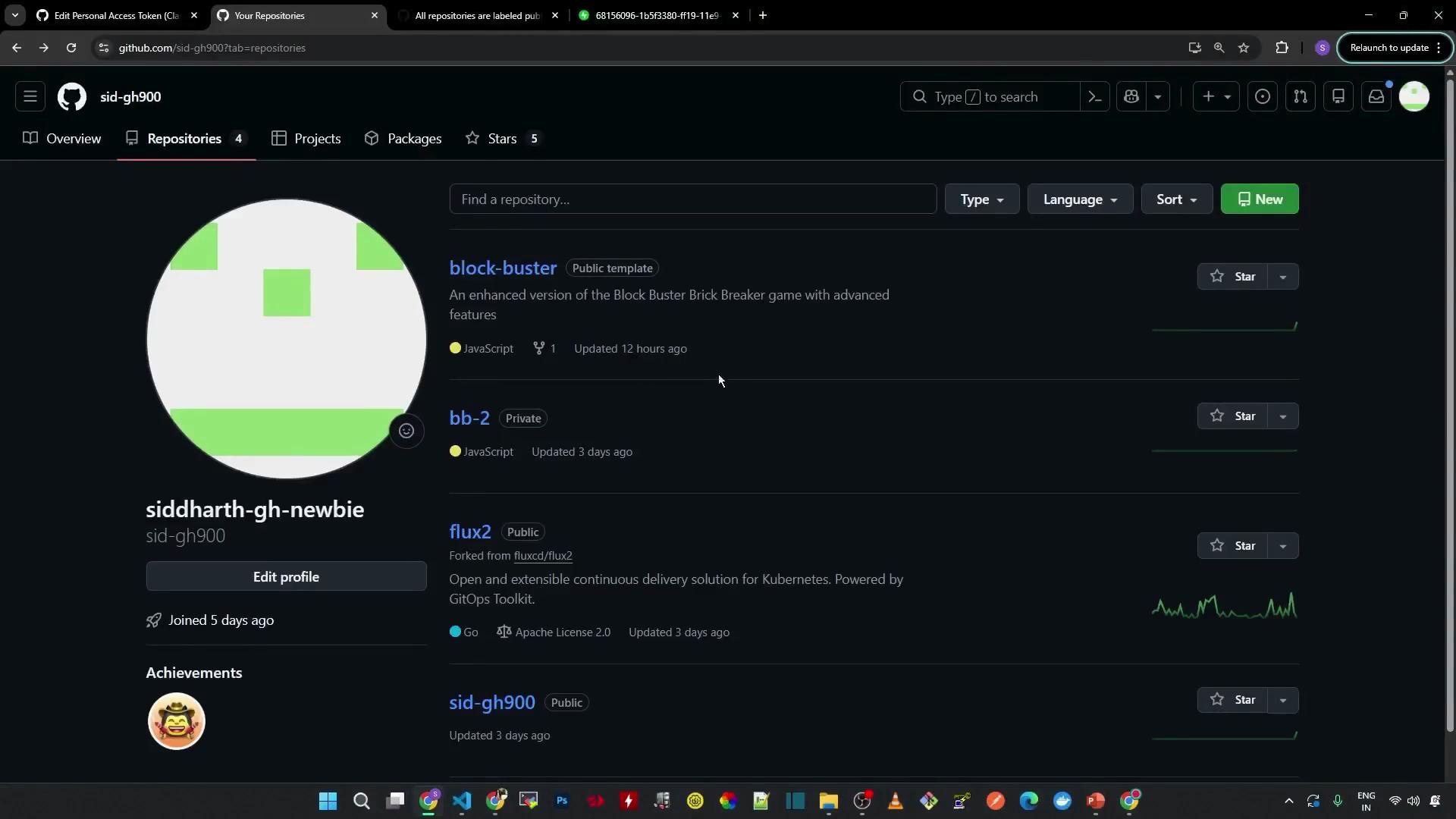
Open the repository you want to protect — in this demo it’s the Block Buster repository. If the default branch is unprotected, GitHub may show a banner offering a quick “Protect this branch” action. Alternatively, configure comprehensive rulesets by navigating to Settings > Branches in the repository.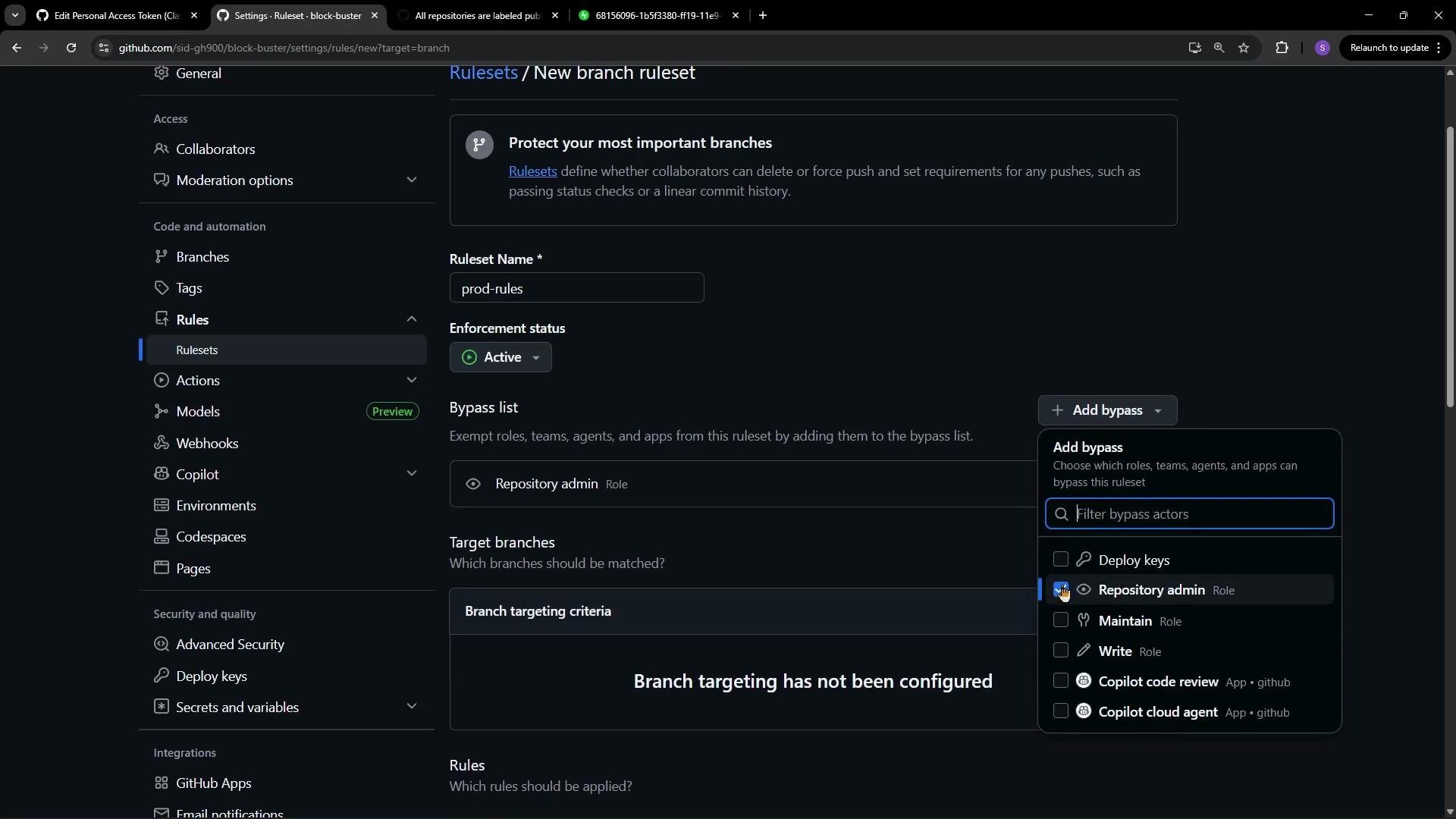
Create a ruleset and configure enforcement
Create a new ruleset (for example, name itprod-rules) and enable enforcement. You can optionally add a bypass list to exempt specific users or teams (such as a small set of emergency admins). In this demo, we intentionally leave the bypass list empty so the rules apply to everyone, including repository admins.
Leaving the bypass list empty means no one—regardless of permissions—can bypass the rules. This is a strict setting useful for high-stakes repositories.
main) or wildcard patterns (for example, release/* or feature/*). Any branch matching the pattern will be subject to the rules; in this demo we target the default branch main.
Common protection options
Below are commonly used protection settings and when to enable them.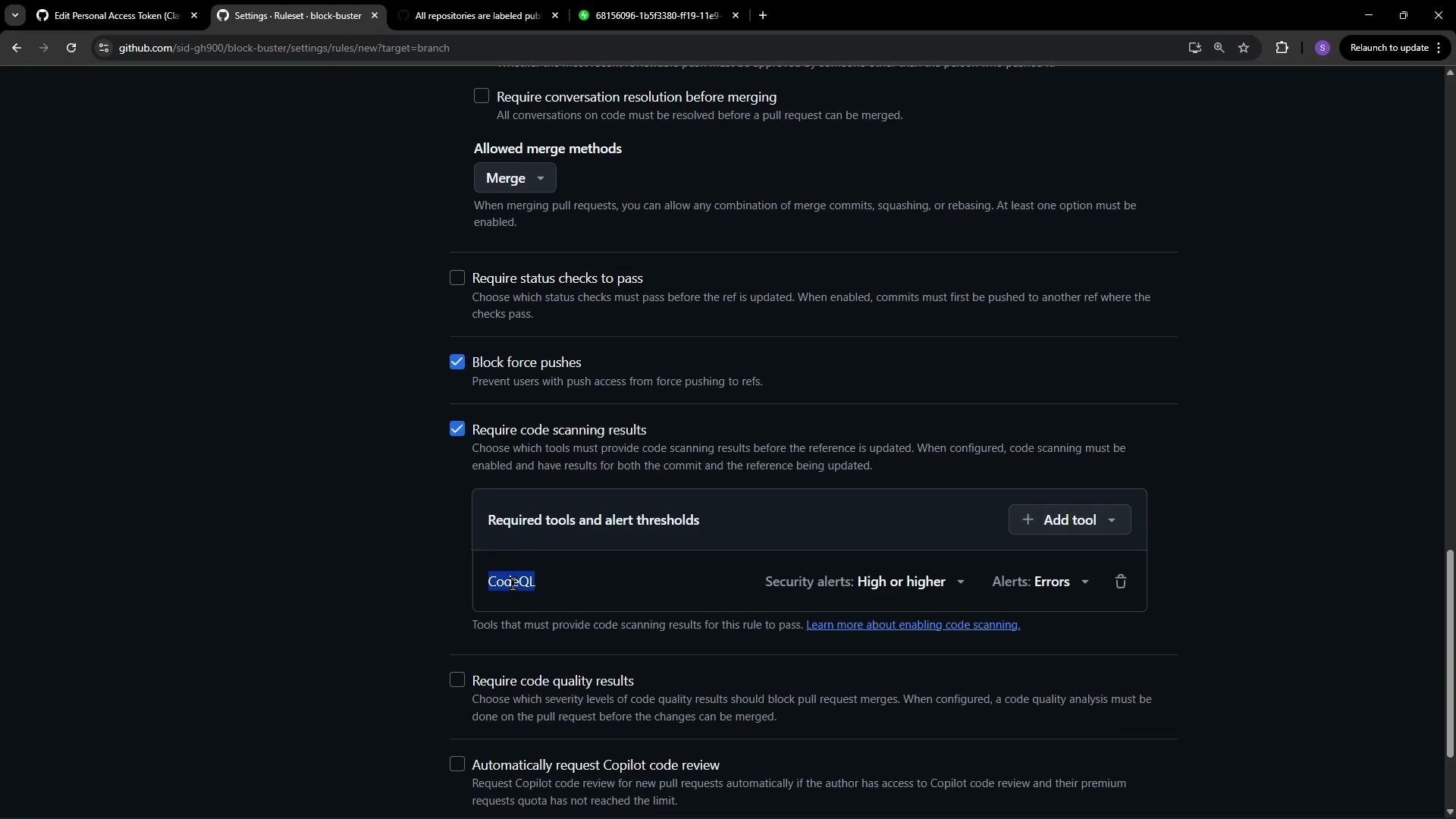
Code scanning and integrations
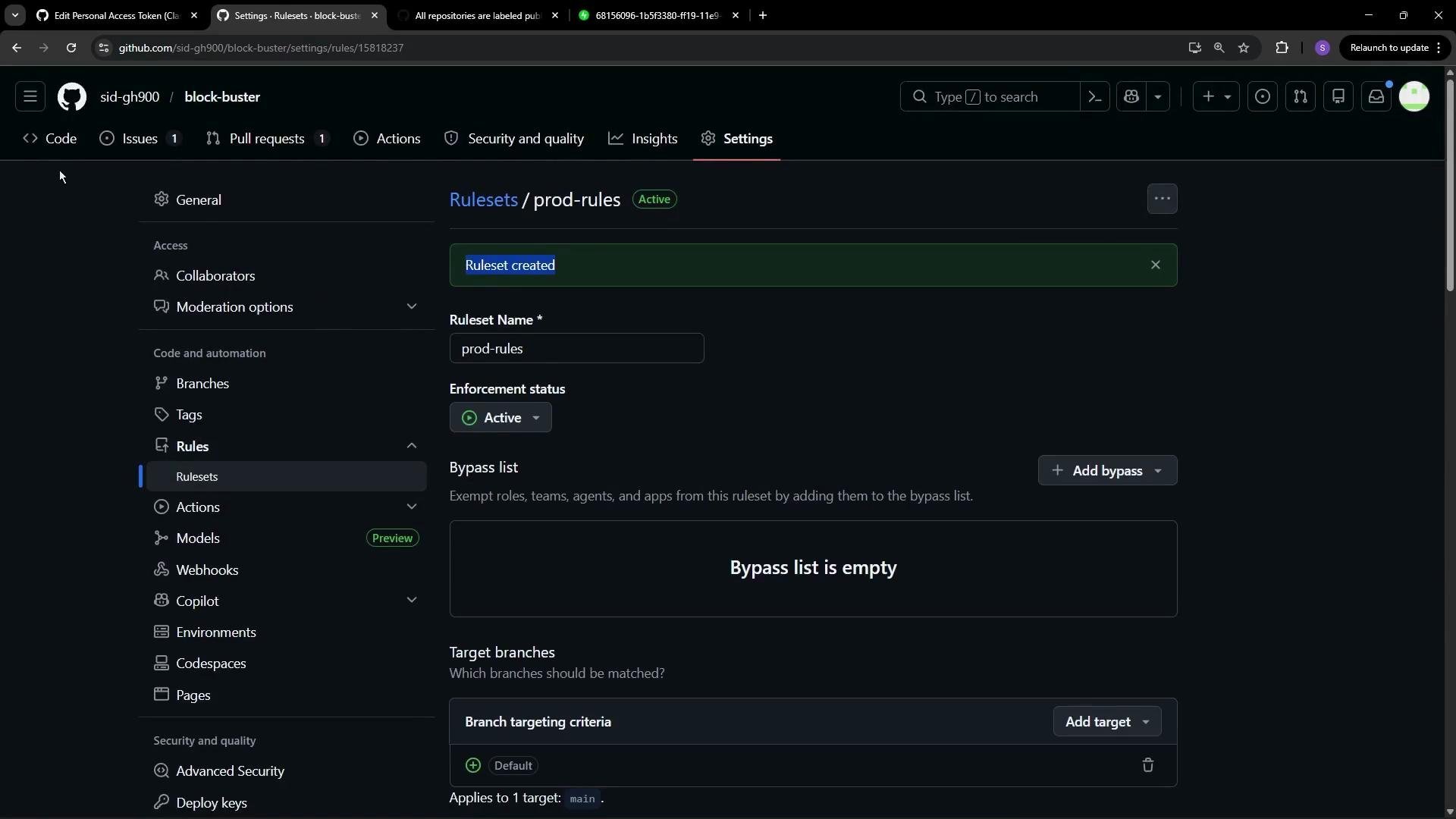
GitHub Code Scanning (CodeQL) is a common built-in security scanner. When enabled, CodeQL runs as a GitHub Actions workflow and can be configured to mark PRs with alerts. You can require that these scans succeed (or meet a configured severity threshold) before allowing merges. Create the ruleset. GitHub may prompt you to re-authenticate or complete two-factor authentication (2FA) if your account policy or organization requires it.If your organization enforces two-factor authentication or SSO, you may be prompted to verify your identity before activating the ruleset.
How protection affects everyday workflows
Once the ruleset is active, direct commits tomain are blocked. For example, editing the README and attempting to commit directly to main will not succeed; GitHub will prompt to create a new branch and initiate a pull request instead.
Example README content that might be edited:
main branch, GitHub prevents the direct commit and offers to create a new branch with your changes and open a pull request. Because the bypass list was left empty, even repository administrators must follow the same PR-based workflow.
If you proceed by creating a branch and editing a source file (for example adding a line to script.js), the changes will be committed to the new branch and a pull request will be created.
Example change in script.js:
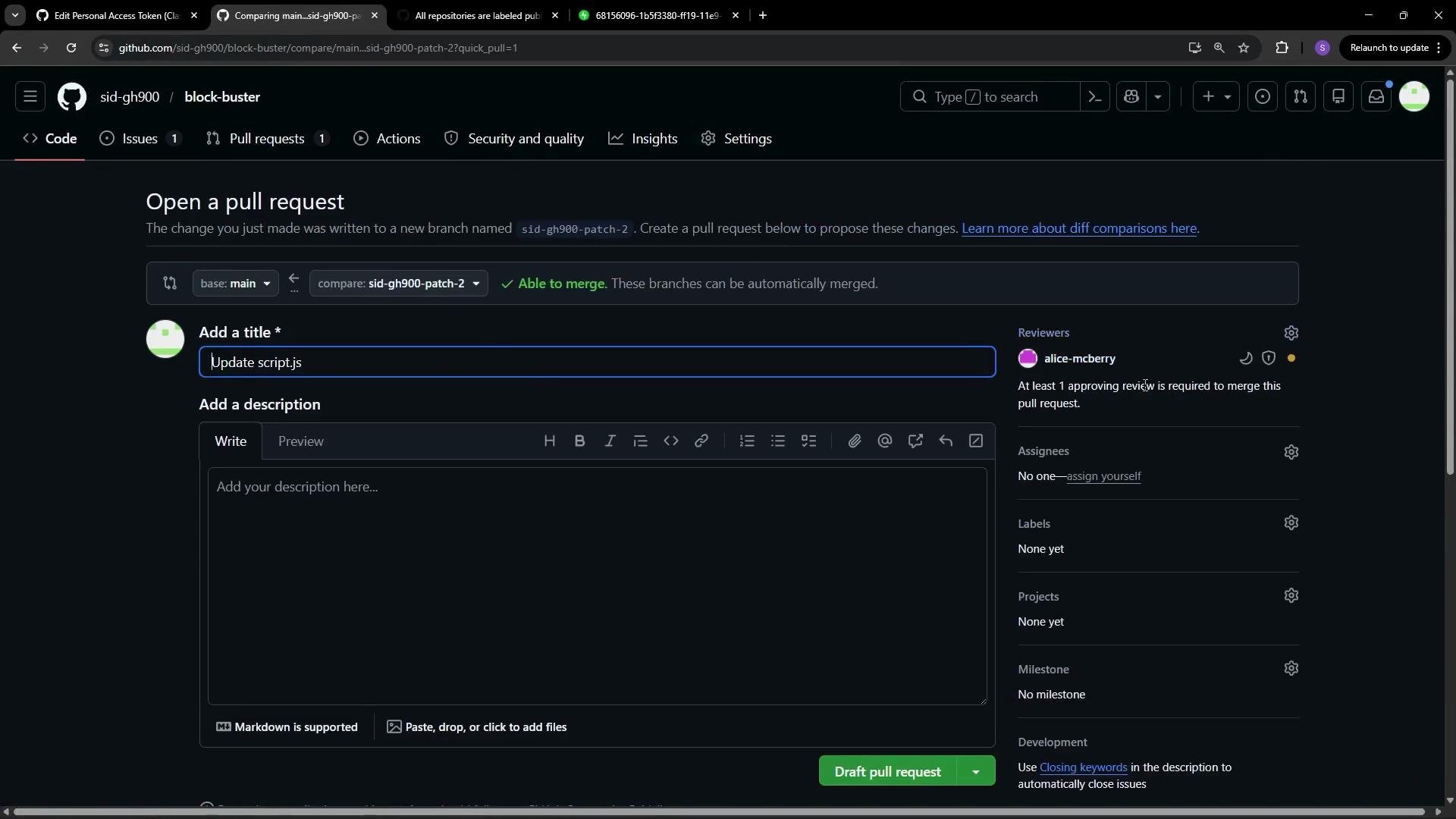
CODEOWNERS file is present, GitHub automatically requests reviews from the listed code owners (in this demo, Alice is assigned). The PR UI will clearly indicate required reviews and any other merge prerequisites.
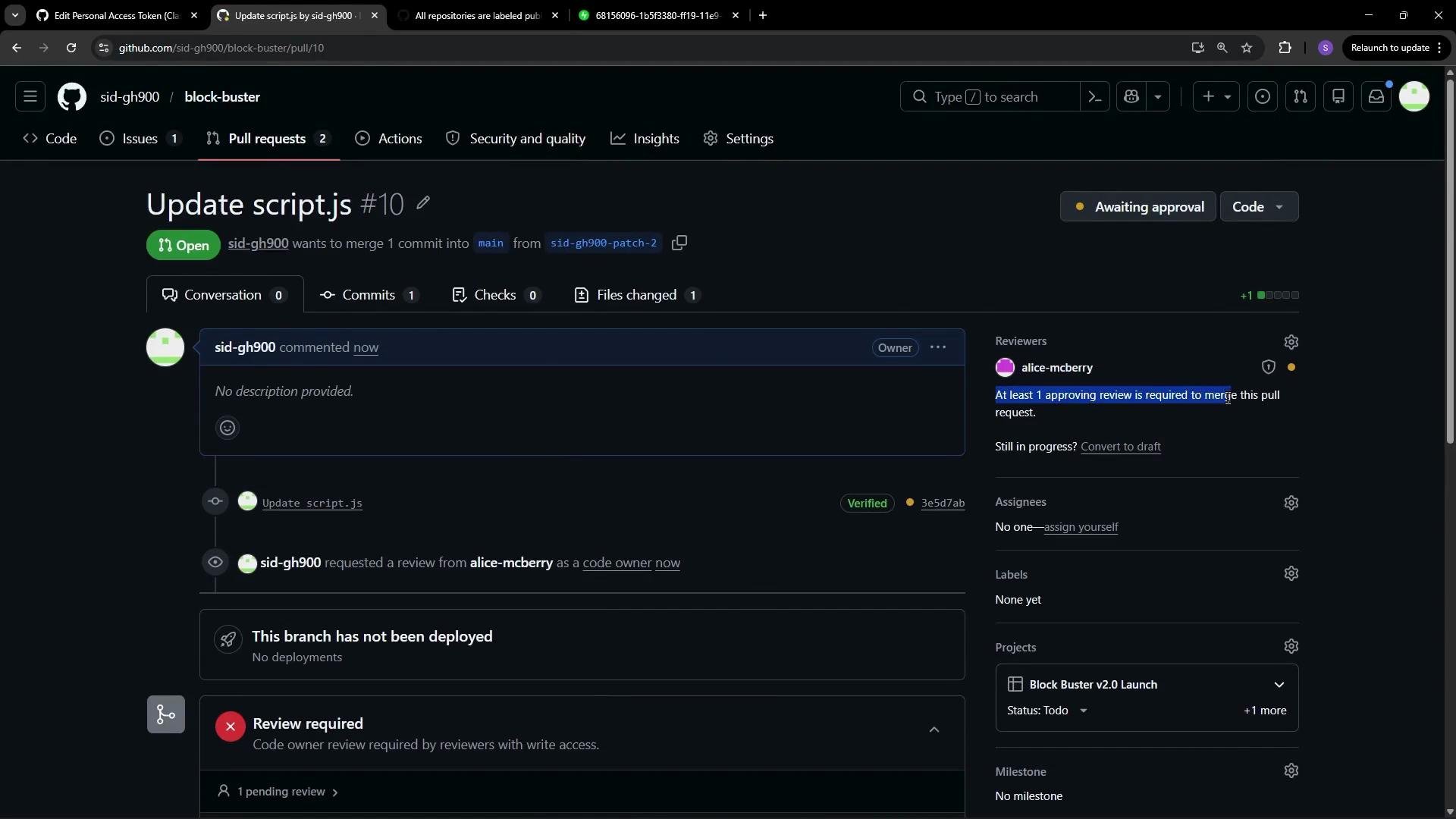
Required checks and merging
Required status checks—such as CI builds, linters, or CodeQL scans—run automatically as part of the PR. The pull request cannot be merged until both of the following conditions are met:- The configured minimum number of approving reviews have been provided.
- All required status checks (for example, code scanning workflows) have completed and passed or otherwise met the configured criteria.
Links and references
- Branch protection rules — GitHub Docs
- CODEOWNERS — GitHub Docs
- CodeQL — GitHub Docs
- GitHub Actions — GitHub Docs