

- Built-in workflows — Fast, no-code automations for common project tasks.
- GitHub Actions — Highly customizable CI/CD and automation when you need conditional logic or custom scripts.
- GraphQL API — Programmatic access for large-scale integrations and advanced automation.
Project workflows reduce manual steps by automatically ingesting new issues and pull requests into your project board with consistent statuses — keeping your project board current and reducing administrative overhead.
What we’ll do: enable the “Item added to project” workflow so any new issue or pull request added to the project automatically receives the
To do status.
The first step is to access the project menu.
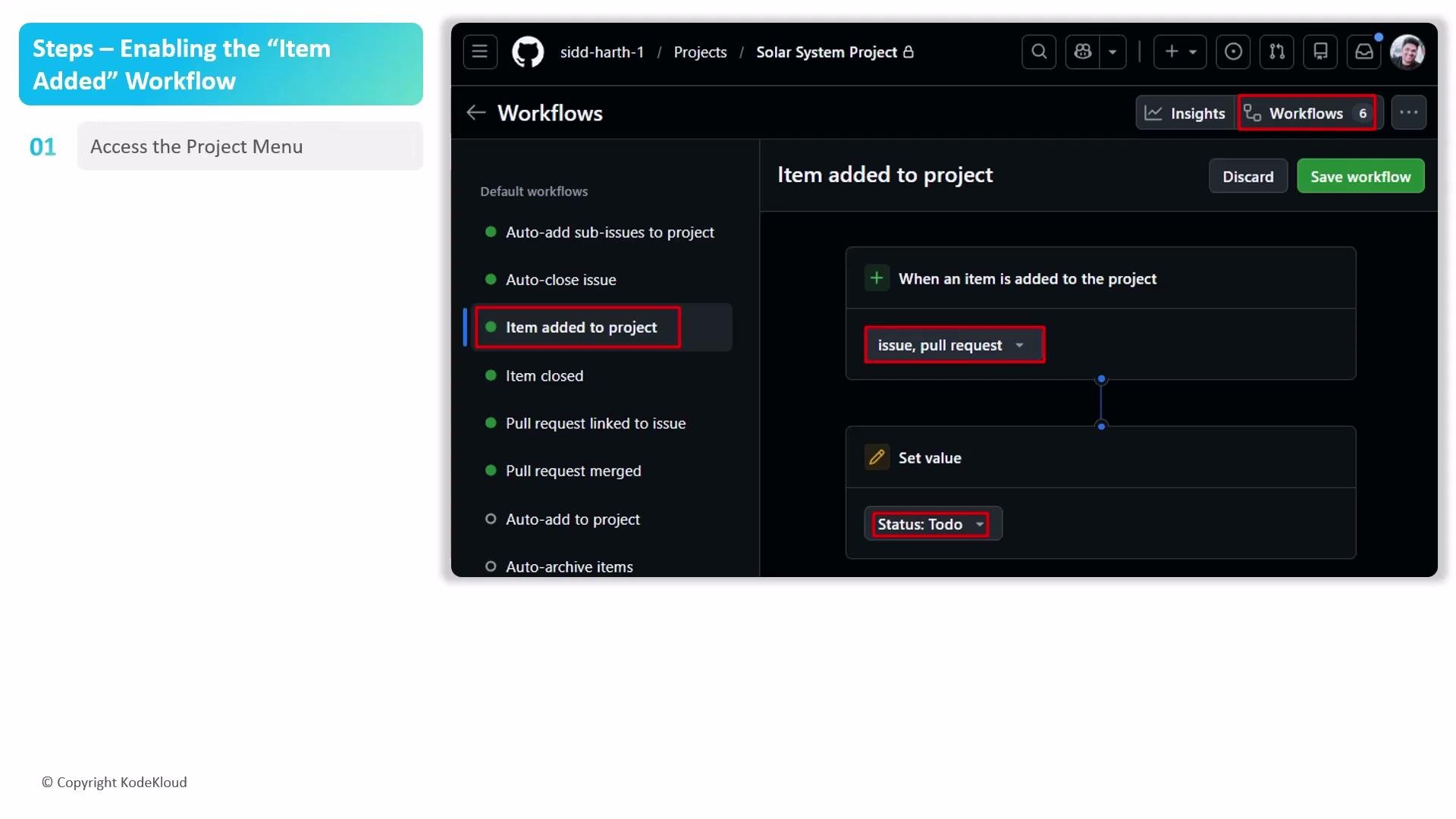
- Open your GitHub project and click the menu button in the top-right corner.
- From the drop-down, select Workflows to open the project automation management interface.
- In the Workflows sidebar, expand the default workflows group and click the Item added to project workflow — this trigger runs when an issue or pull request is added.
- In the configuration panel, confirm the filters include both Issues and Pull Requests so every new item type triggers the automation.
- Under the action settings:
- Choose Set value.
- Select the Status field.
- Set the value to
To do(this places all newly added items into the To do column).
- If you need to modify the workflow, click Edit (top right), make your changes, then click Save and turn on the workflow to enable it.
Make sure the filters include both Issues and Pull Requests if you want the automation to apply to both types. If you only include one type, items of the other type will not trigger the workflow.
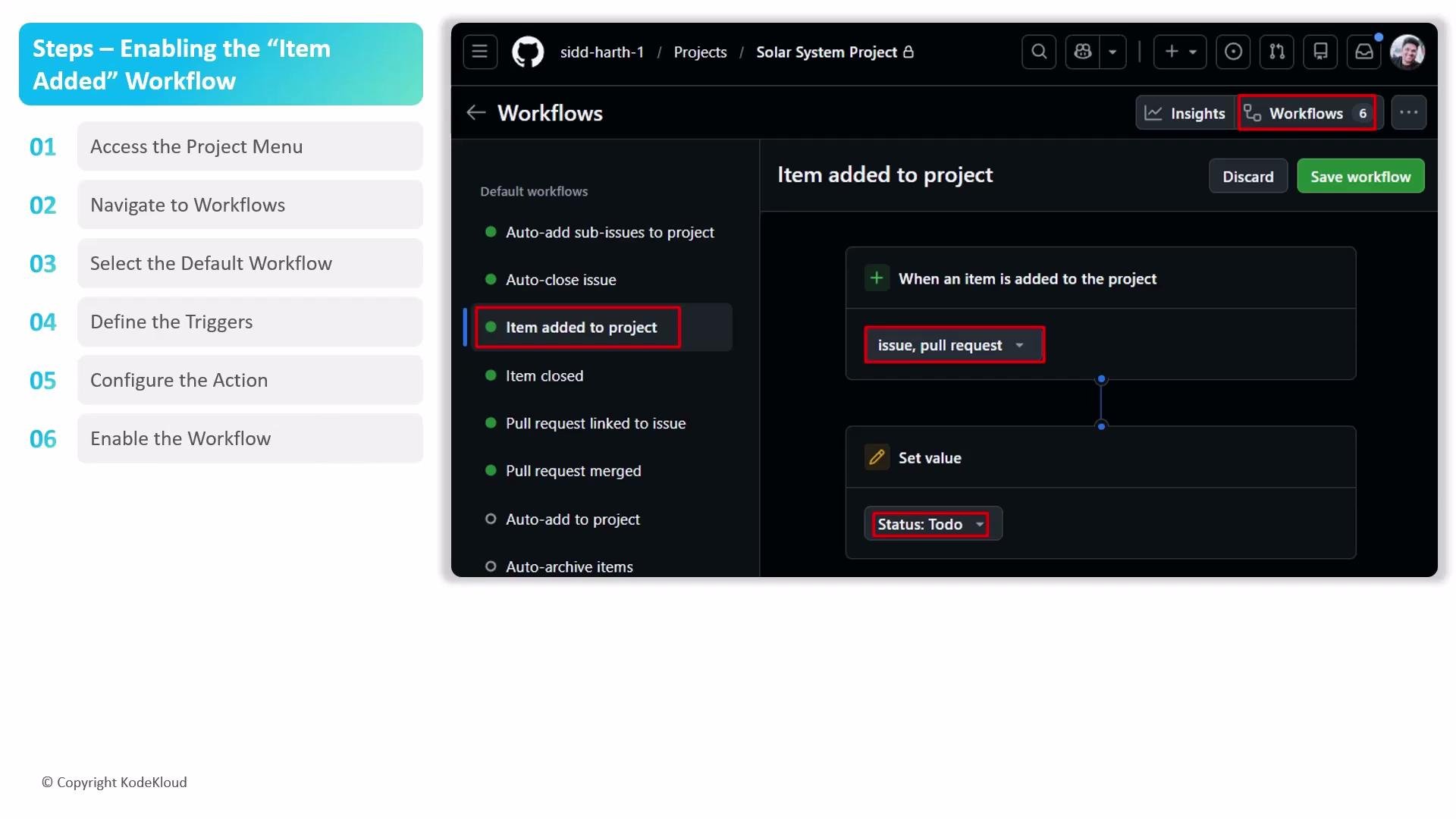
- Test by adding a new issue and a new pull request to confirm both are assigned the
To dostatus. - Revisit the Workflows UI to adjust filters or field values as your process evolves.
- Audit your workflow periodically to ensure it still aligns with team conventions or any new custom fields.
You must have appropriate project permissions (usually project admin or maintainer) to enable or edit project workflows. If you can’t access Workflows, request access from a project administrator.
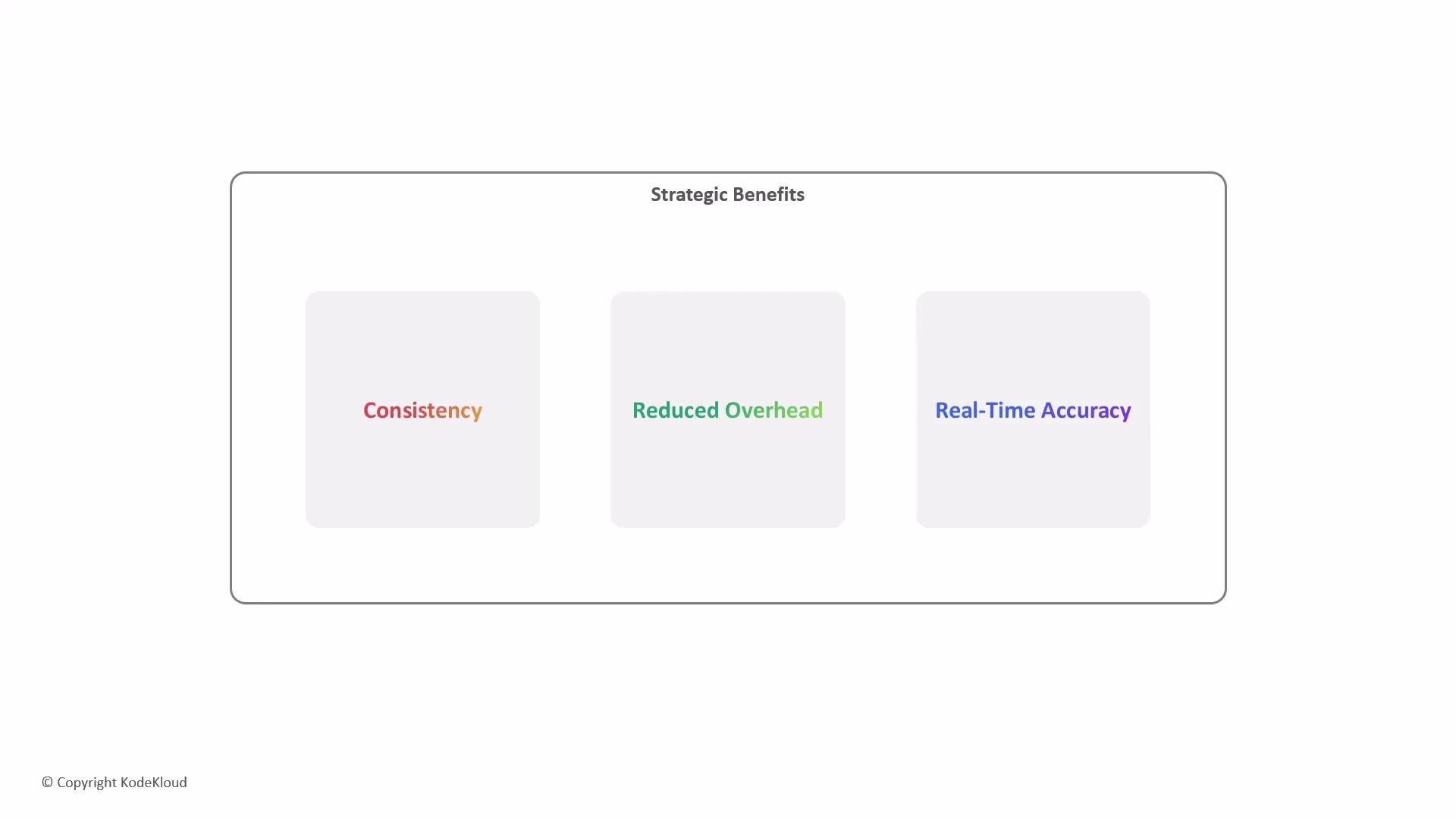
- Consistency — Automatically place every new item into the initial phase so nothing is missed.
- Reduced overhead — Remove repetitive administrative work like dragging items between columns.
- Real-time accuracy — Keep project boards synchronized with repository activity, giving stakeholders an up-to-date view of progress.
- GitHub Actions — Create custom workflows when built-in automations aren’t enough.
- GitHub GraphQL API — Programmatic access for advanced or large-scale automation.
- GitHub Projects Workflows — Configure and manage automations from the Project > Workflows UI.