

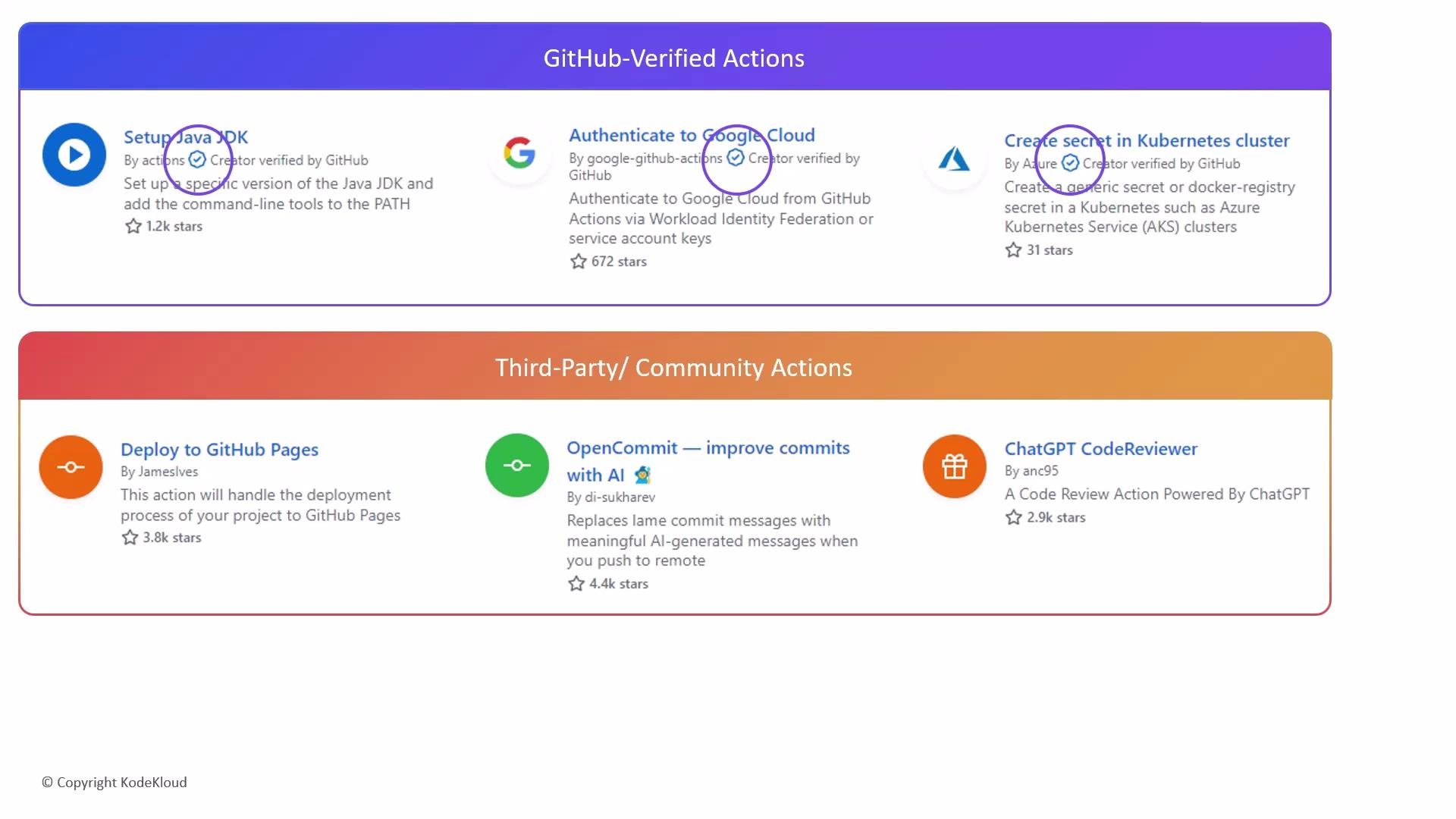
When possible, prefer GitHub-verified actions. Always pin third-party actions to a specific tag or commit SHA to reduce supply-chain risk and avoid using moving references like
@main.
Example: pin an action to a commit SHA in your workflow
actions/checkout repository for implementation details: https://github.com/actions/checkout
Additional practical tips
- Use Dependabot and other supply-chain tools to monitor action updates and vulnerabilities: https://docs.github.com/en/code-security/supply-chain-security/keeping-your-dependencies-updated-automatically/about-dependabot
- Limit repository secrets to only what workflows require; avoid exposing secrets to untrusted actions.
- If an action is useful but you need to audit or customize it, fork the repository and use your forked reference in workflows.
- Consider running untrusted actions inside isolated repositories or environments until audited.
Be cautious with actions that request broad permissions or ask for sensitive inputs. Always pin to a release tag or a commit SHA, and prefer audited or verified actions for production workflows.
- GitHub Marketplace (Actions): https://github.com/marketplace?type=actions
- GitHub Actions permissions docs: https://docs.github.com/en/actions/learn-github-actions/workflow-syntax-for-github-actions#permissions
- Dependabot: https://docs.github.com/en/code-security/supply-chain-security/keeping-your-dependencies-updated-automatically/about-dependabot
- actions/checkout repository: https://github.com/actions/checkout