

github.dev editor to edit repository files without starting a full Codespace. It covers:
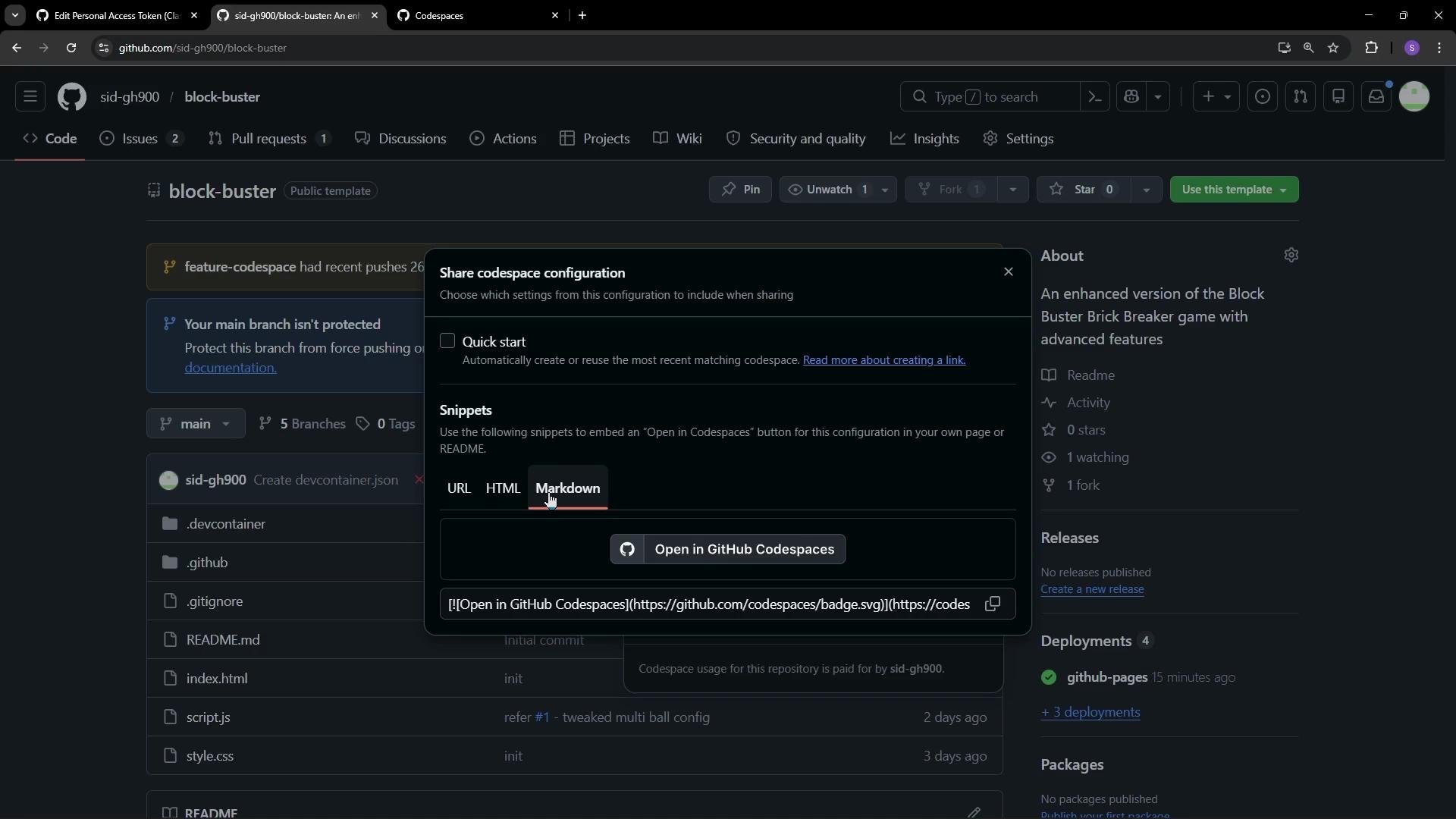
- What a Codespaces deep link is and how to generate one
- How to embed a deep link in your README
- How and when to use the
github.devweb editor for quick edits - Limitations of
github.devand when to opt for a full Codespace
What is a Codespaces Deep Link?
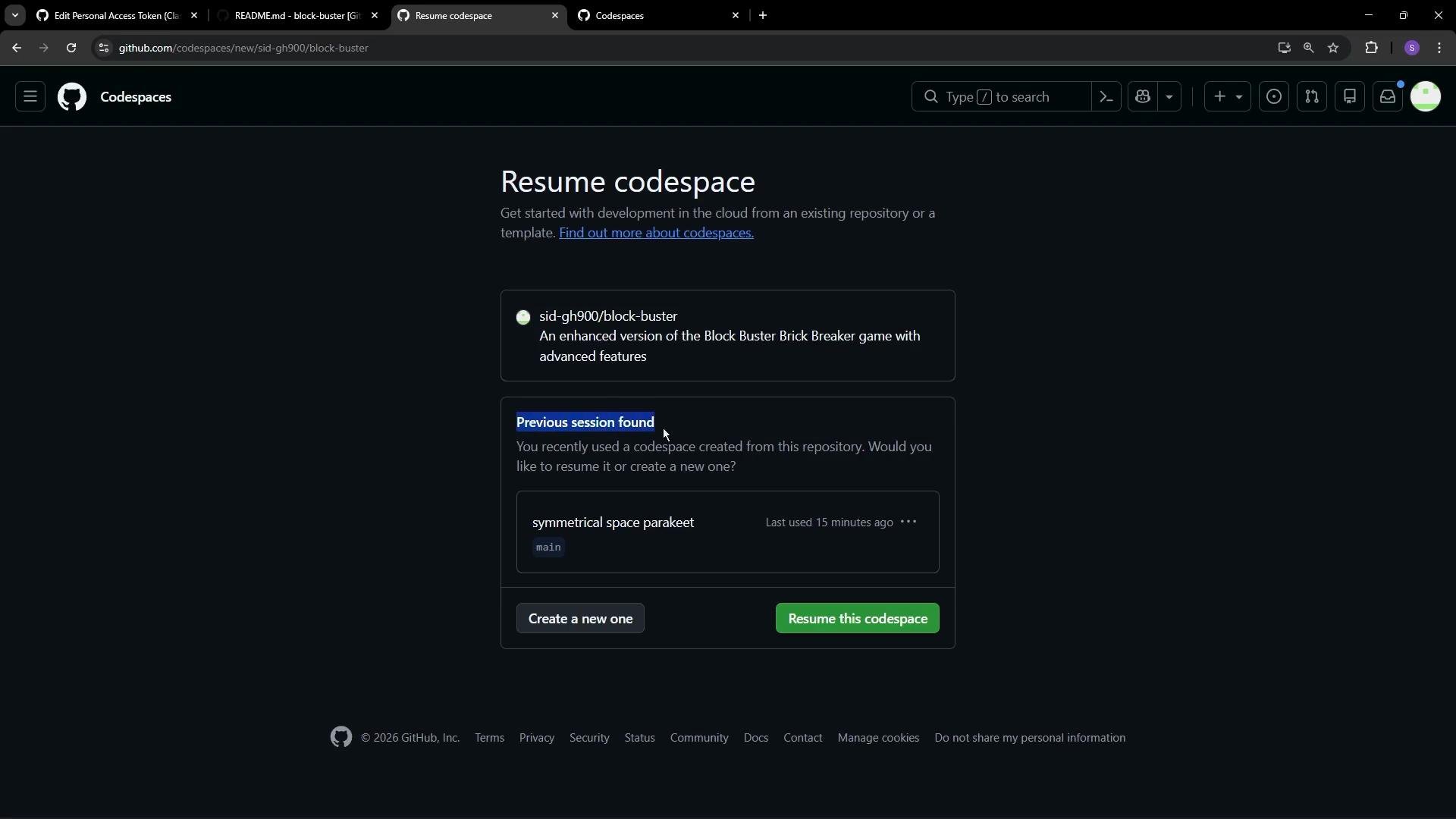
A Codespaces deep link is a shareable URL that points users to a repository-specific page where they can create or resume a GitHub Codespace. You can include startup parameters in the URL (branch, devcontainer, machine type, etc.) so collaborators open a Codespace with the intended environment immediately. Official documentation: Codespaces Deep LinkCommon URL parameters
Example pattern (use the exact snippet GitHub provides or update
OWNER/REPO and BRANCH):
How to create and share a deep link
- Open the repository on GitHub.
- Click the green Code button.
- Choose Codespaces, then select Share a deep link.
- Pick an output format: URL, HTML, or Markdown. Use the Markdown snippet for README embedding.
Edit files quickly with github.dev (no Codespace needed)
When you only need to make simple edits (README, docs, small code changes), use the github.dev editor — a fast, browser-based VS Code-like editor that edits files directly in the repository without starting a container.
How to open:
- Press the
.(period) key while viewing the repository on GitHub, or - Click Code and select the
github.devoption.
github.dev editor you can:
- Make edits in the browser
- Cancel any unnecessary prompts (for example, GitHub Actions setup prompts)
- Commit changes using the web UI
The
github.dev editor is ideal for quick edits, documentation updates, and light browsing of the codebase. It does not run a development container, and you cannot launch terminals or run/debug code from it. Use a full Codespace when you need a runnable environment, terminal access, or debugging capabilities.