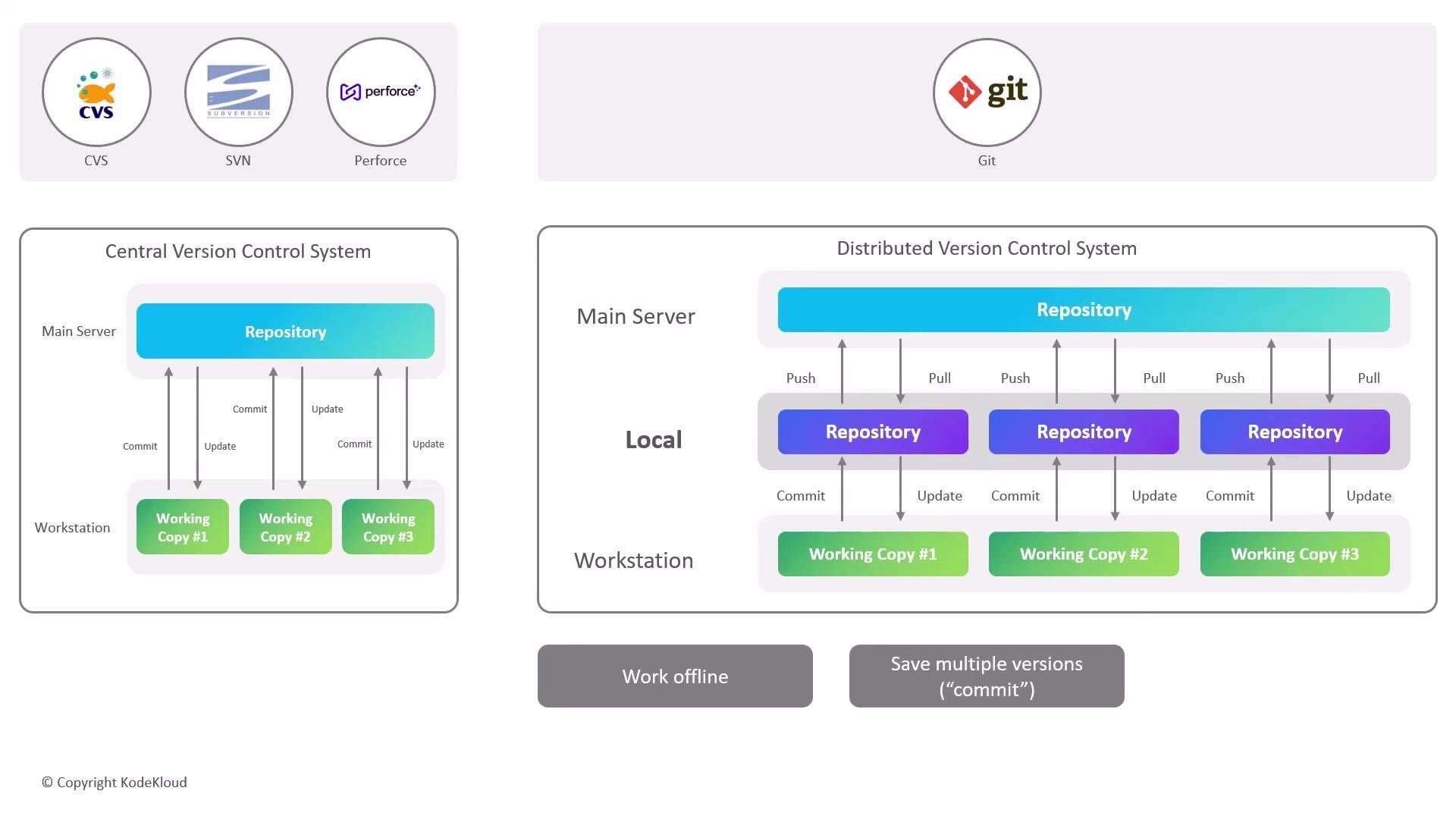
This page compares distributed and centralized version control systems and explains why Git’s distributed design changed how teams collaborate. Legacy centralized systems such as CVS, Subversion, and Perforce rely on a single central server that stores the entire project history. That central server is a single point of failure: if it goes down, developers can be blocked and the project history can become difficult to recover.
The image compares Central Version Control Systems (CVS, SVN, Perforce) and Distributed Version Control System (Git), illustrating their workflows with repositories and working copies.
Git is a distributed version control system: every developer’s clone contains a full, independent copy of the repository — including the entire commit history. That architecture provides several practical advantages for both solo and team workflows:
  • Work offline: you can commit locally without network access, keeping incremental history on your machine.
  • Reduced coupling to remotes: network connectivity is required only when exchanging changes with a remote (for example, push, fetch, or pull).
  • Redundancy and recovery: any clone with the required history can act as a backup of the project, reducing the risk of total data loss (note: shallow clones that omit older commits are an exception).
Common Git operations you’ll use when collaborating with remotes:
Distributed does not mean “no server.” Most teams use remote hosting (for example, GitHub, GitLab, or a self-hosted Git server) to simplify collaboration, code review, CI/CD, and backups while still benefiting from Git’s distributed model.
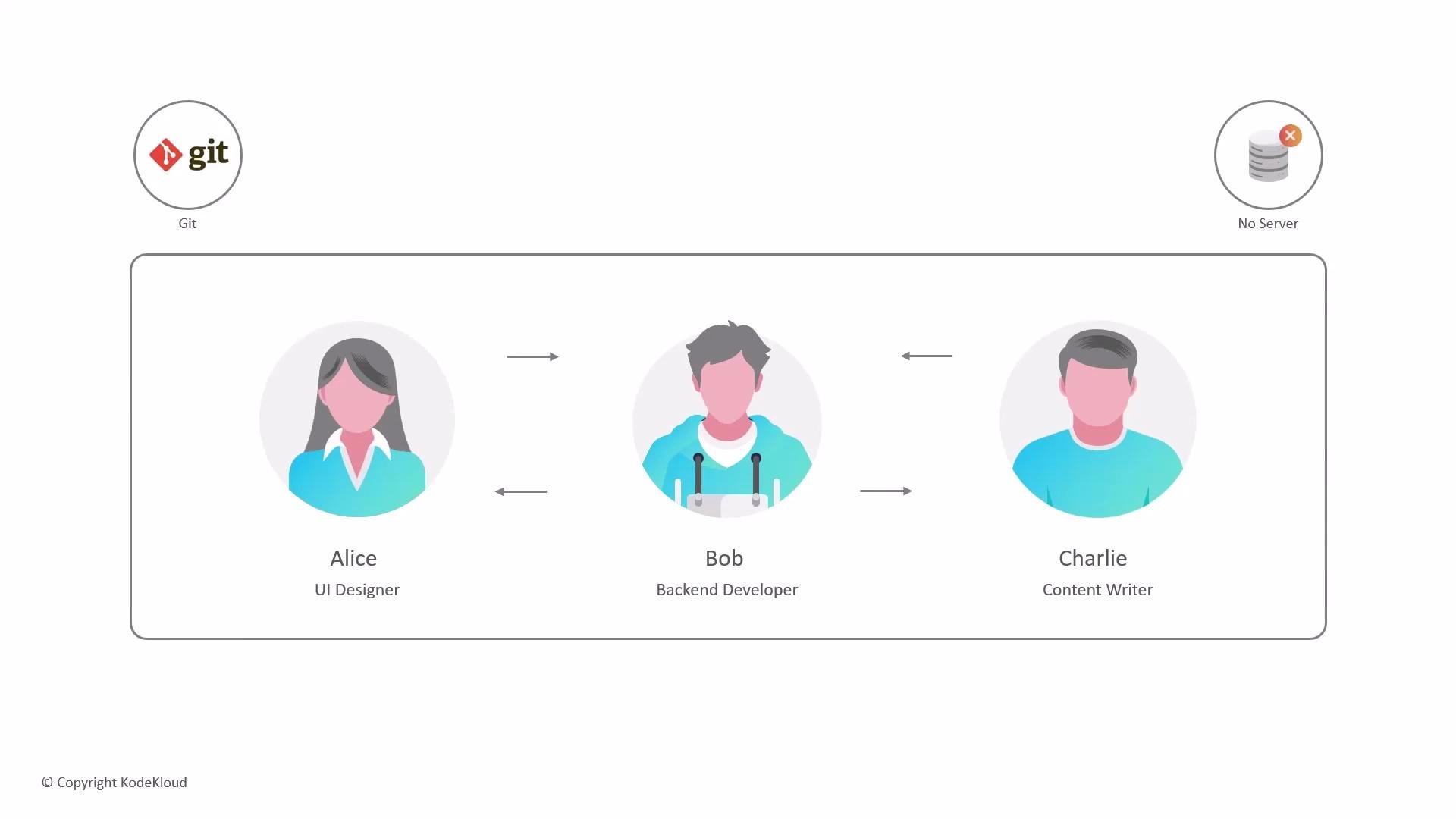
The image illustrates a team workflow involving three roles—UI Designer, Backend Developer, and Content Writer—interacting through Git, with no central server present.
In practical team environments, a hybrid approach is the norm: developers use full local history for offline work and fast local operations, and they rely on one or more remote hosts to coordinate sharing, run CI/CD, and enforce access control.
Beware of shallow clones (e.g., git clone --depth <n>). They omit older history and can prevent full repository recovery if a remote is lost. Use shallow clones only when you understand the trade-offs.
Summary comparison Links and references In short: Git’s distributed architecture removes the single point of failure inherent in centralized systems, enables robust offline workflows, and gives teams flexible options for sharing and backing up history — while remote hosts provide the coordination and services teams typically depend on.

Watch Video