

- If you have draft issues, open each draft, choose the correct target repository if prompted, and publish it. Once published the item becomes a normal issue that can be labeled, assigned, and added to projects.
- After publishing, you’ll see the issue details, comment controls, and the sidebar controls to add labels, assignees, and project membership.
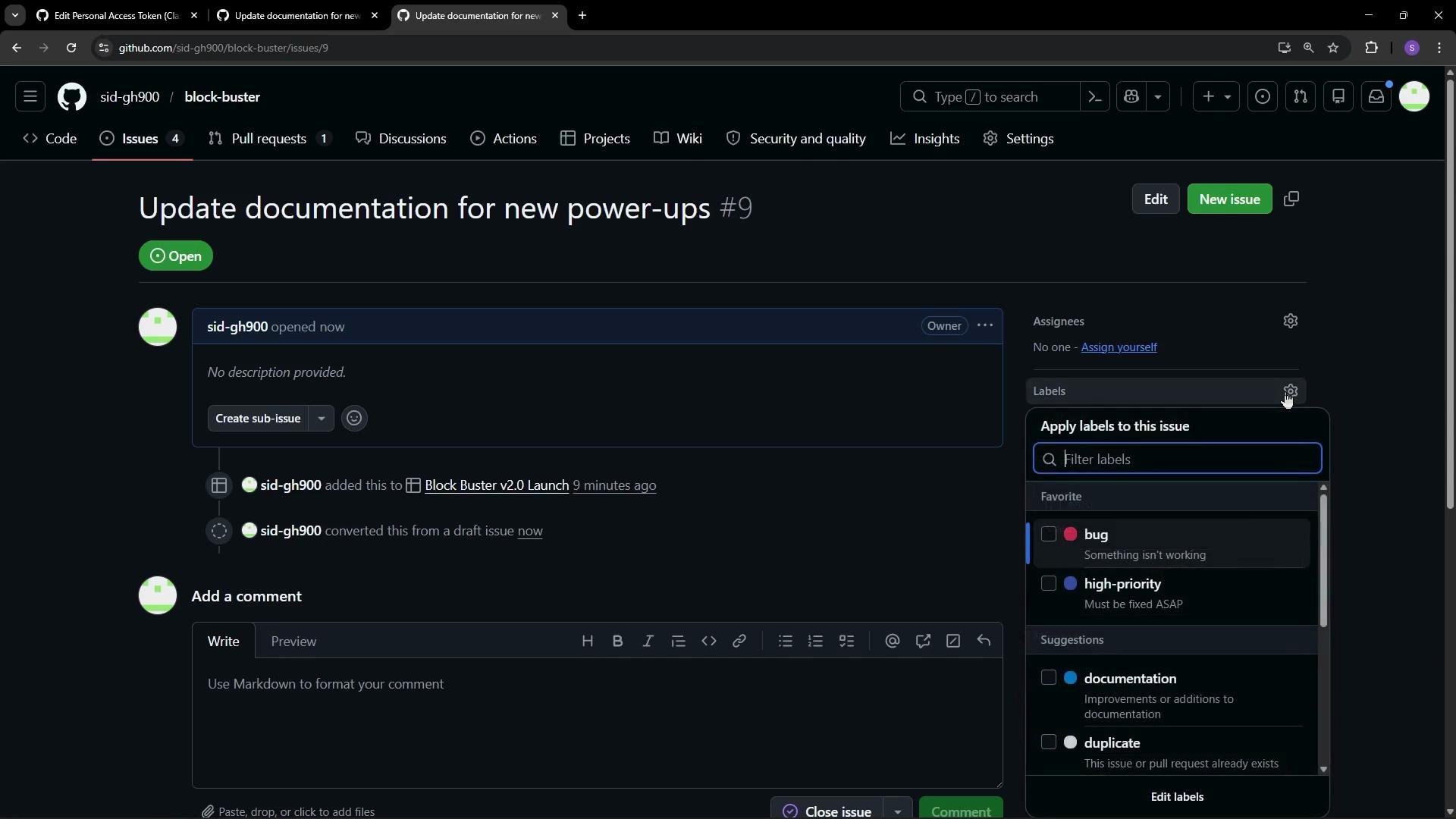
If a draft doesn’t belong to any repository yet, GitHub will prompt you to choose one when you publish. Confirm the repository before publishing to avoid placing the issue in the wrong project.
bug, documentation, and enhancement.
How to add a label:
- Open the issue and find the Labels dropdown in the issue sidebar.
- Select one or more existing labels.
- If no existing label fits, create a custom label in your repository’s Labels management area.
- Add
documentationto a docs-related issue. - Add
enhancementto a feature request such as a new pop-up.
- Visual categorization for faster triage.
- Power to filter issues across the repository or project boards.
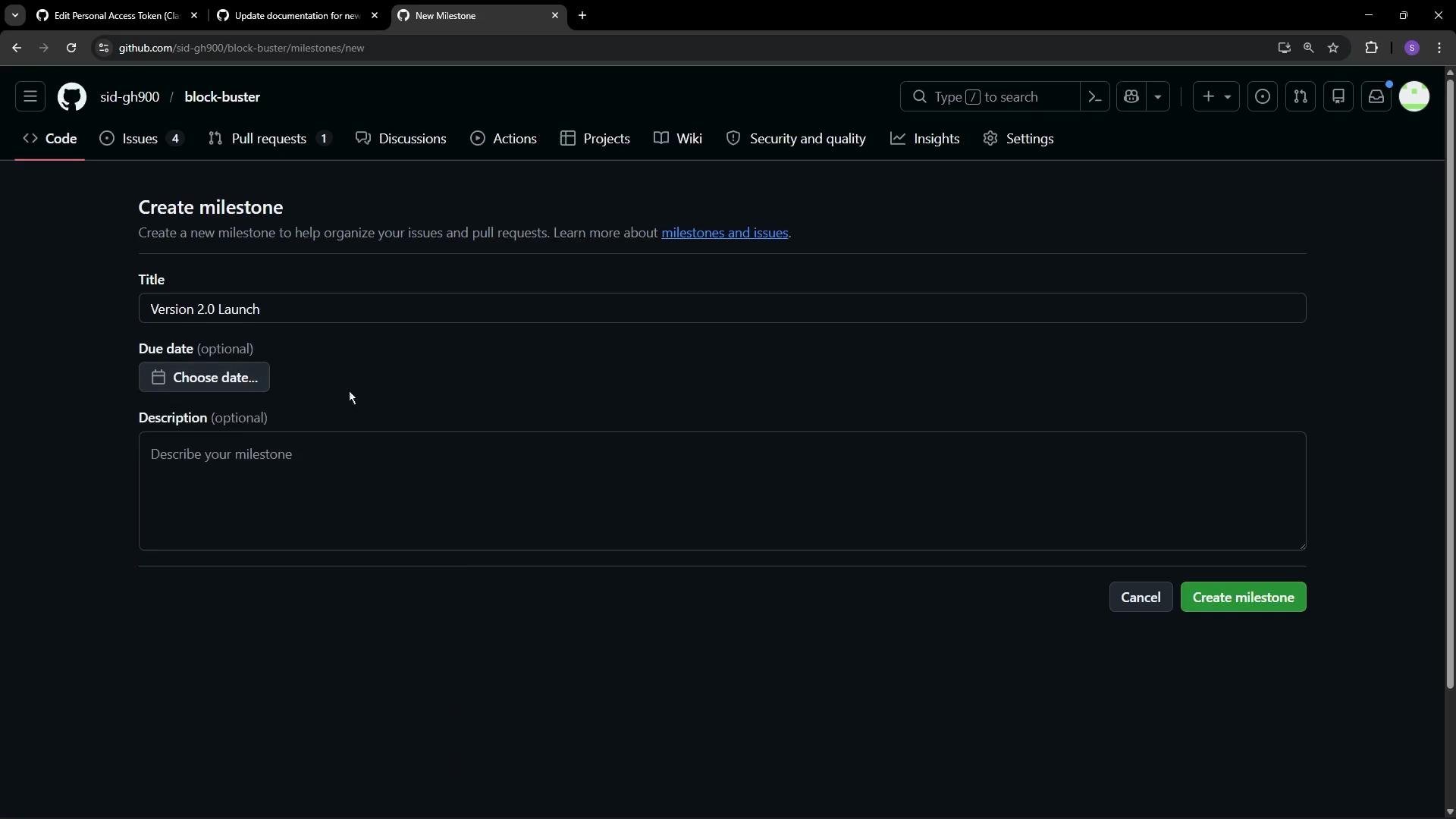
- Go to the repository Issues tab and click Milestones.
- Create a new milestone with a clear title, for example “Version 2.0 Launch”.
- Optionally add a due date and a descriptive summary to clarify scope.
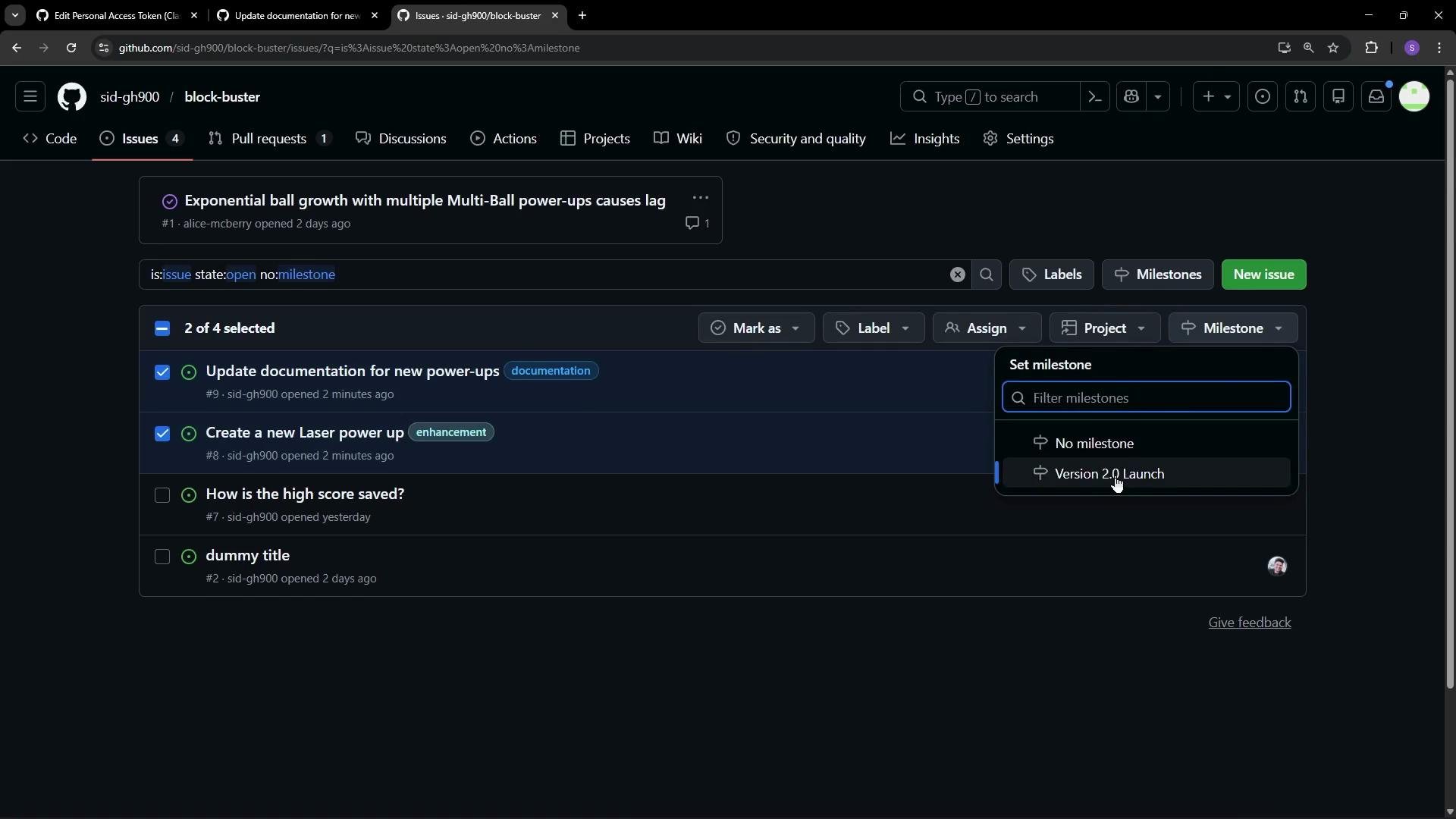
- Open the issue list or an individual issue.
- Select the relevant issues and choose the milestone you created.
- The Milestones view shows a count of issues and how many are closed, along with a progress bar.
- When you close an issue that belongs to a milestone, the milestone progress automatically updates (for example, 1 of 2 issues closed = 50% complete).
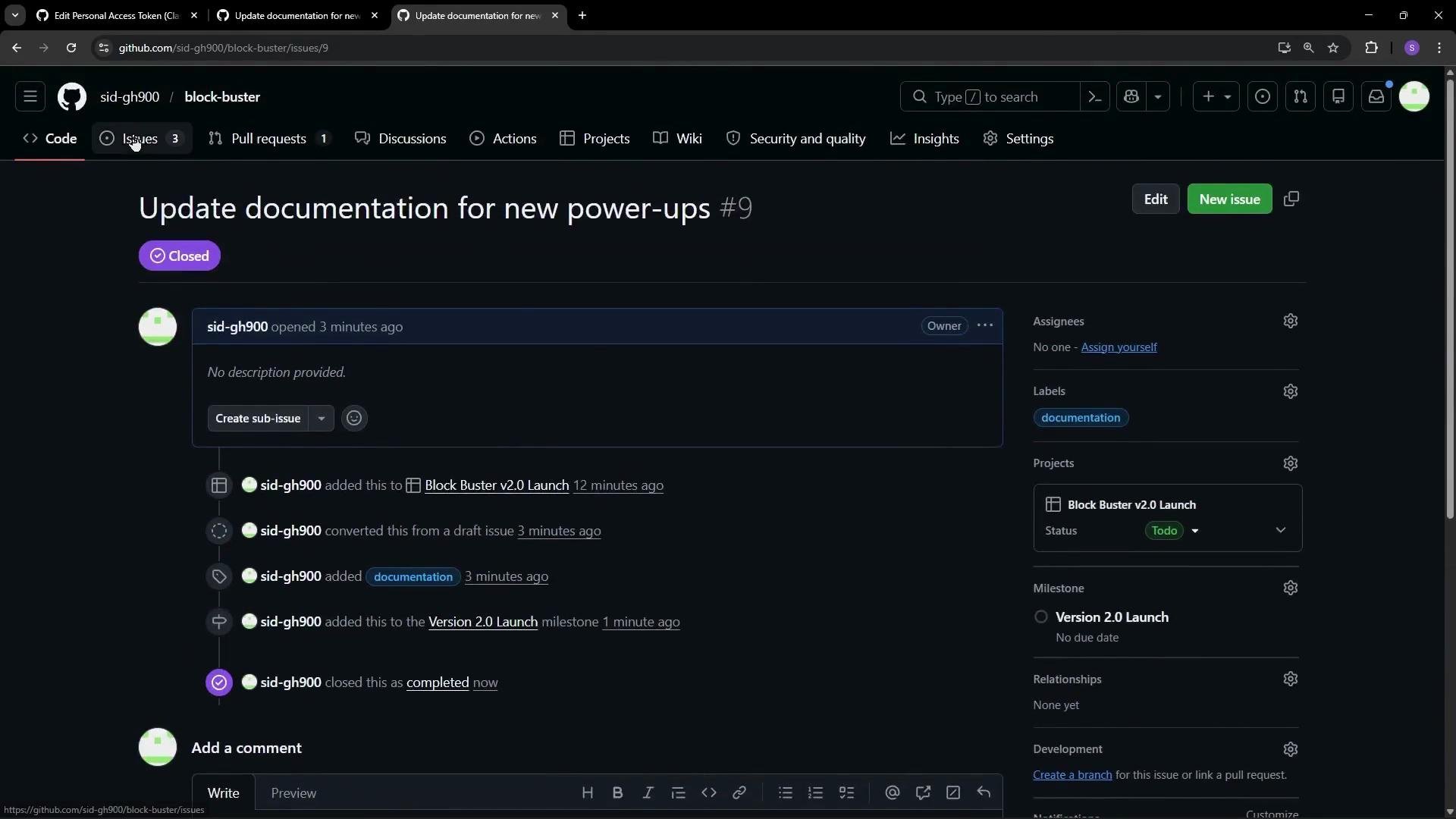
Milestones show aggregated progress but don’t automatically reassign or re-prioritize issues. Make sure to review linked issues and update labels, assignees, or descriptions as scope changes.
Summary
- Use labels to categorize and filter work (
bug,documentation,enhancement). - Use milestones to group issues and pull requests for releases and to track progress.
- Combining labels and milestones helps you quickly organize work, prioritize issues, and monitor release status.