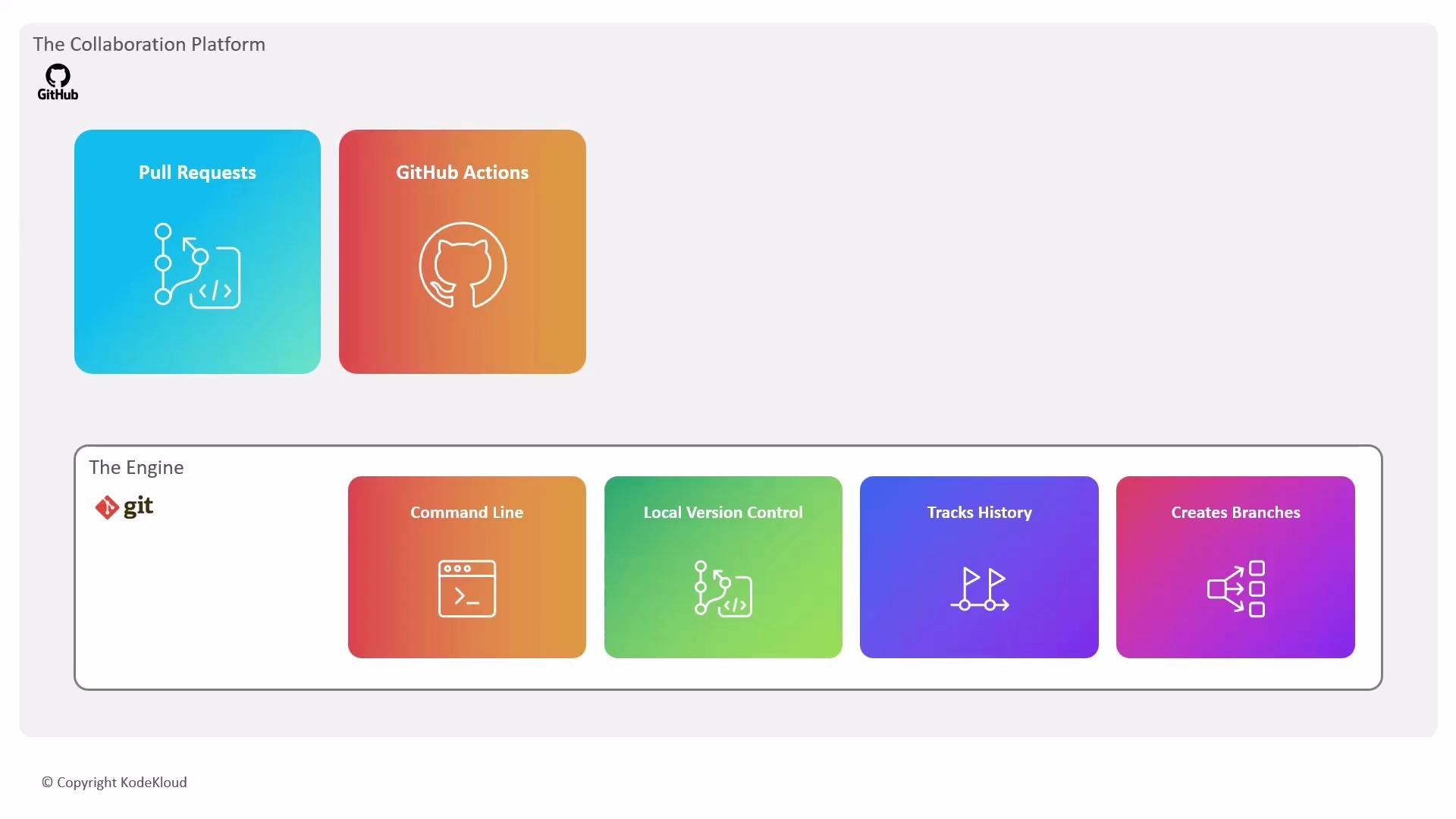
What is the difference between Git and GitHub? Many people use these terms interchangeably, but they serve distinct roles in software development. A helpful analogy: Git is the engine that manages changes; GitHub is the collaborative garage where teams share, review, and automate work. Git is a distributed version control system you install locally. It records every change to files, enables branching and merging, and lets you work offline. You do the heavy lifting on your machine and push changes to a remote host when ready. GitHub is a cloud-based platform built on Git. It hosts repositories remotely and adds collaboration, code review, project planning, automation, and security features that go beyond Git alone.
The image illustrates a visual comparison between GitHub as a collaboration platform with features like Pull Requests and GitHub Actions, and Git as an engine with functions such as Command Line, Local Version Control, Tracks History, and Creates Branches.
What Git provides
  • Local version control with a complete history of changes
  • Branch creation and merging workflows to develop features independently
  • Command-line tools and local workflows that work offline
Common Git commands
What GitHub provides
  • A web interface for browsing and managing repositories
  • Collaboration via pull requests for code review and discussion before merging
  • Issue tracking and threaded discussions for planning and communication
  • Project management tools such as project boards and labels
  • Automation and CI/CD with GitHub Actions
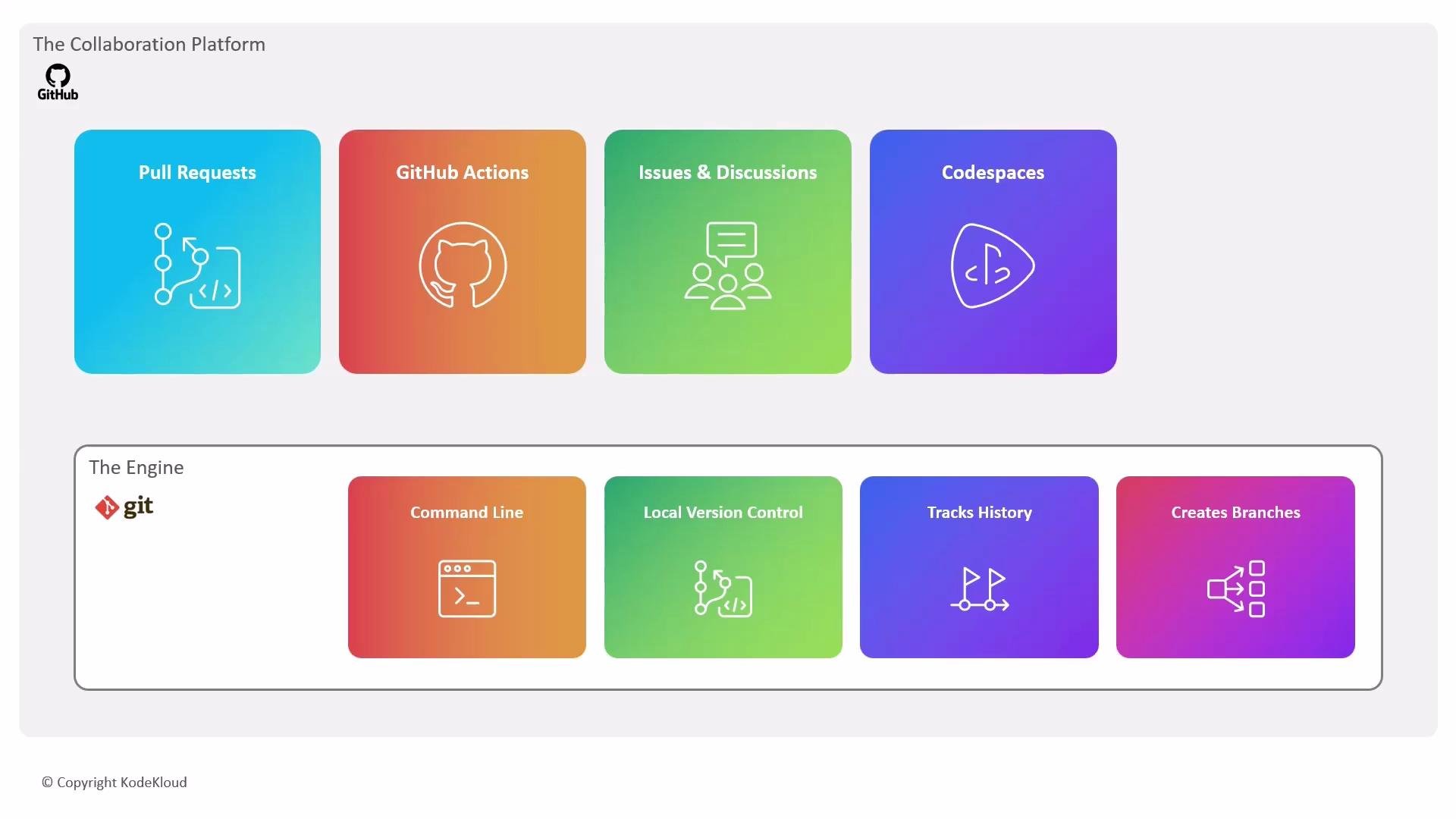
The image is an infographic illustrating the components of GitHub as "The Collaboration Platform" with features like Pull Requests and GitHub Actions, and Git as "The Engine" with functionalities such as Command Line and Local Version Control.
Quick comparison GitHub also supports open collaboration workflows: you can fork repositories to experiment independently and then submit pull requests to propose changes back to the original project. Beyond basic collaboration, GitHub Enterprise extends productivity and security for organizations. It integrates features such as Copilot, Copilot Chat, and Copilot Agents (https://github.blog/2024-03-05-introducing-github-copilot-agents/) to assist developers, and provides built-in security tooling like CodeQL, secret scanning, Dependabot, and a consolidated Security Overview to surface risks earlier in the development lifecycle.
Git manages the history and structure of your code locally. GitHub layers collaboration, code review, automation, and security on top of Git so teams can build, test, and deliver software together.
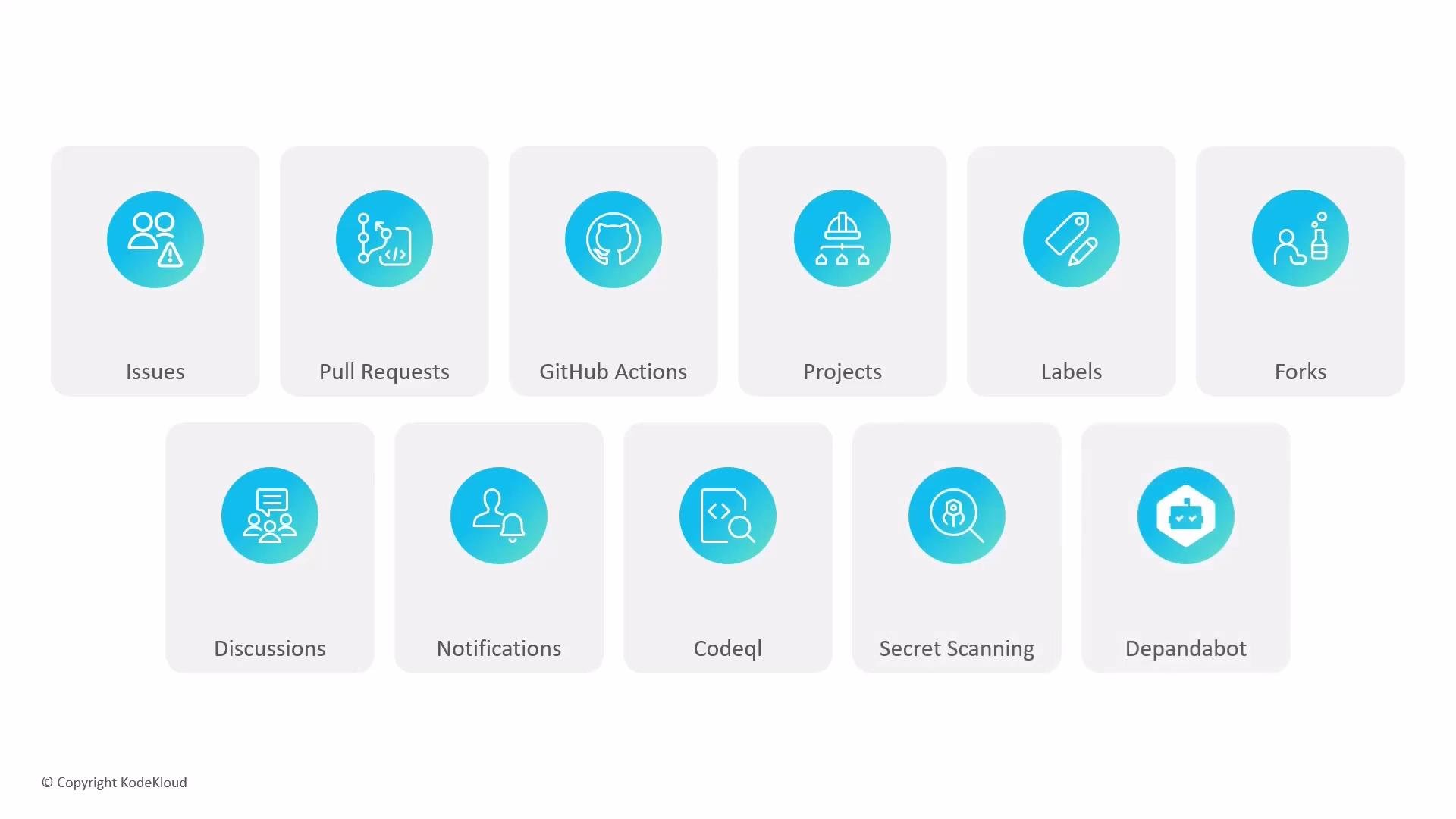
The image displays a grid of labeled icons related to GitHub features, including Issues, Pull Requests, GitHub Actions, Projects, Labels, and more. Each icon is enclosed in a box with its corresponding label beneath it.
In short: use Git as your local version control engine and GitHub as the platform for sharing, reviewing, automating, and securing your projects. For further reading and official guides, see the Git documentation and the GitHub Docs.

Watch Video