

.github/FUNDING.yml file, how GitHub surfaces the Sponsor button, and what account owners must do to receive payouts.
Back in my BlogBuster repository, assume I want to enable sponsorship for this project. One way to do that is from the repository Settings.
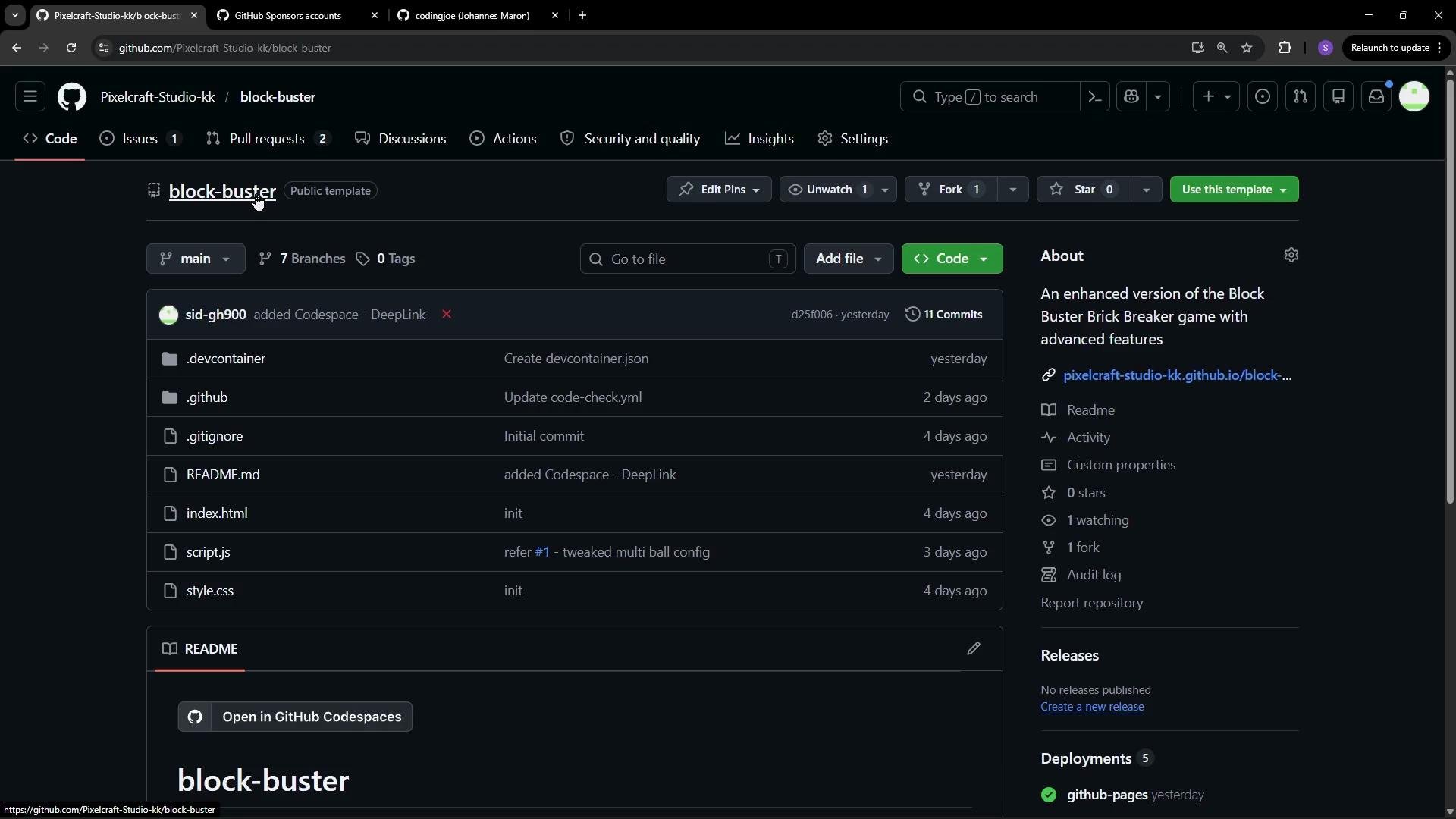
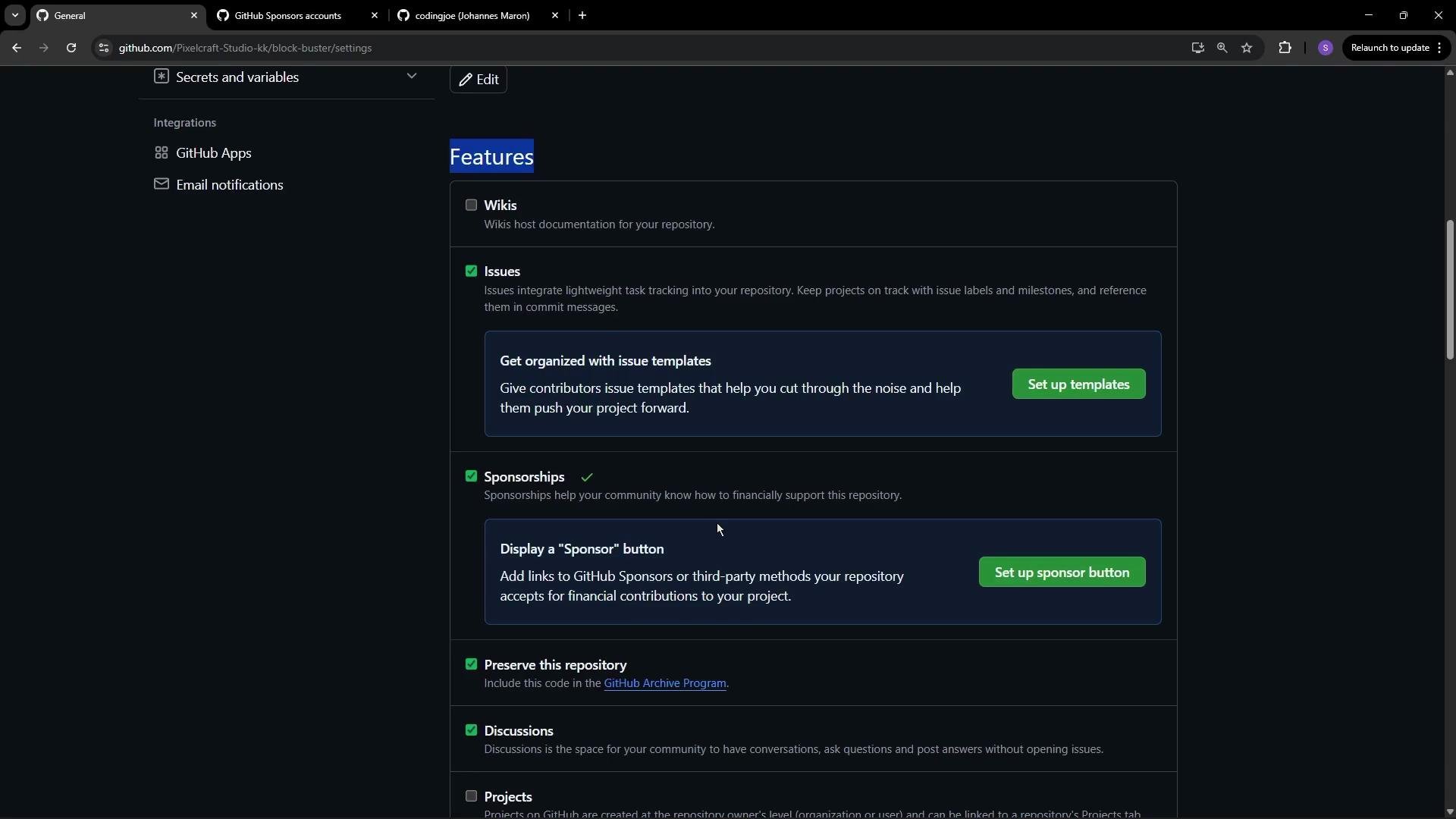
- GitHub uses a configuration file named
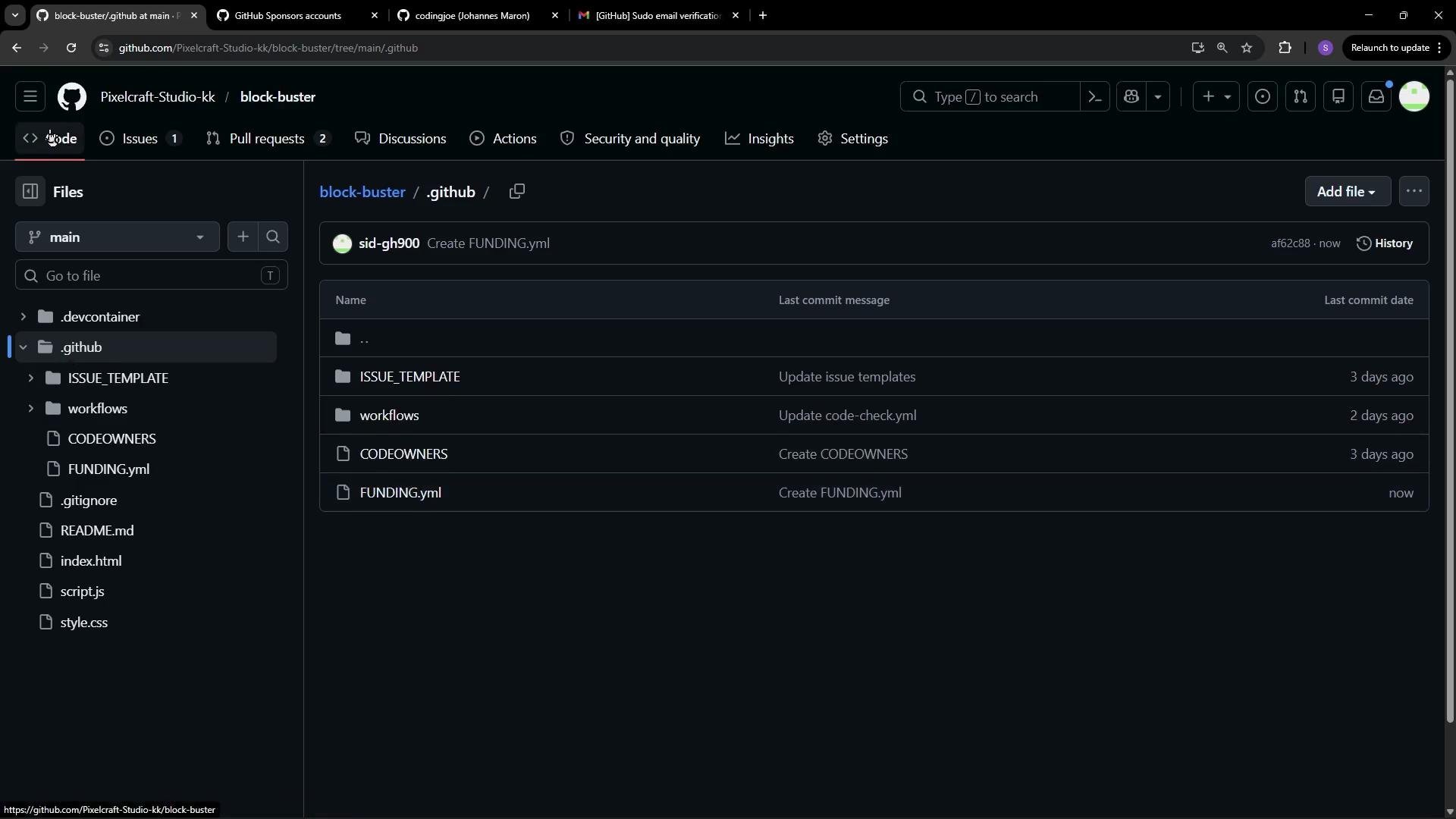
FUNDING.ymlplaced in the.githubdirectory on the repository’s default branch (for example,main). - That file declares supported providers and the account names or URLs to display when a visitor clicks the Sponsor button.
Example: only GitHub Sponsors
If you want the repository to list only GitHub Sponsors accounts, create
.github/FUNDING.yml with the GitHub entries:
FUNDING.yml directly to main. In that case you have two main options:
- Create a new branch, add
.github/FUNDING.yml, and open a pull request for the default branch; or - If you are an admin and your policy allows it, temporarily permit admins to bypass the protection rules and commit directly.
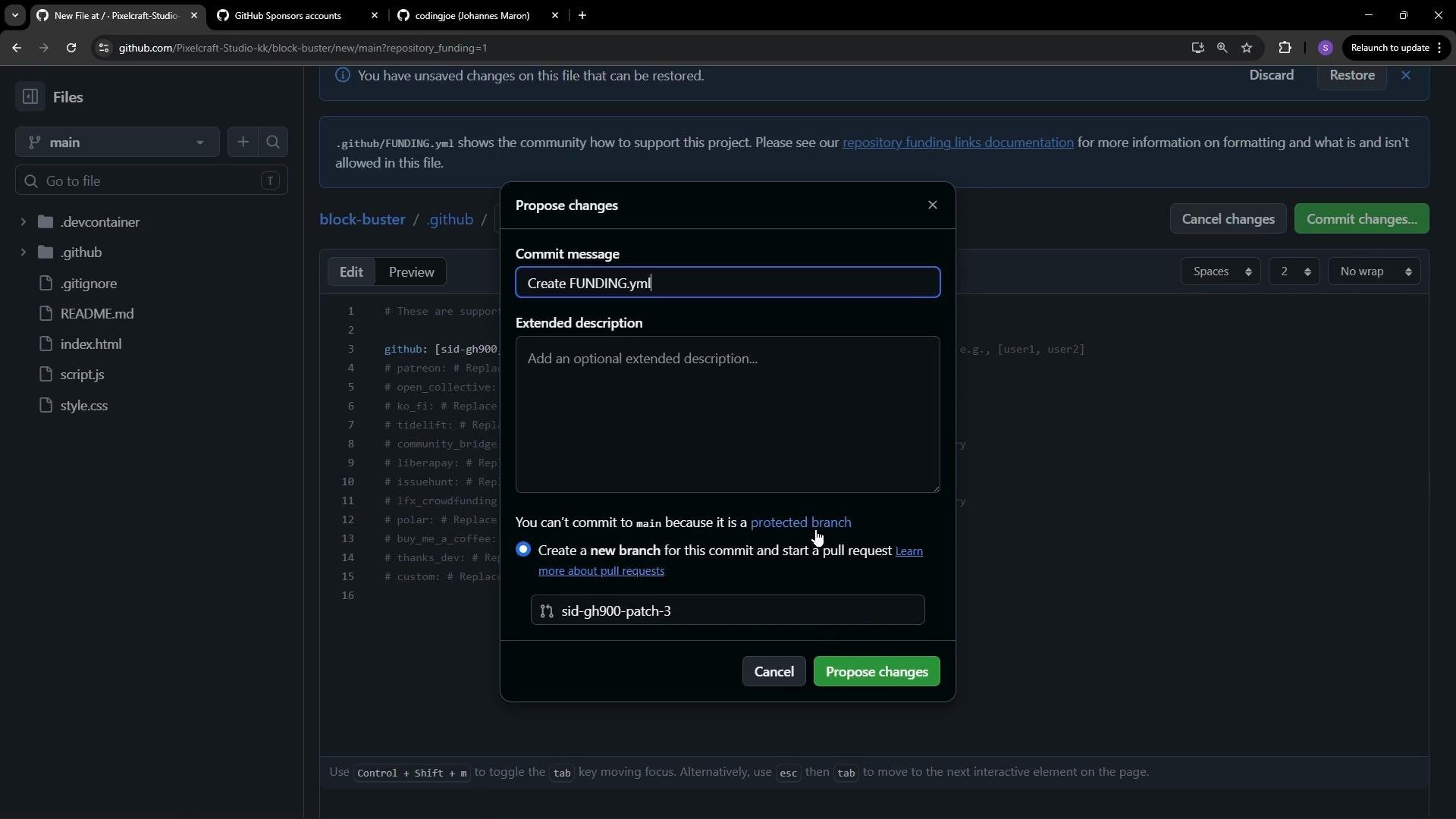
FUNDING.yml file directly to main.
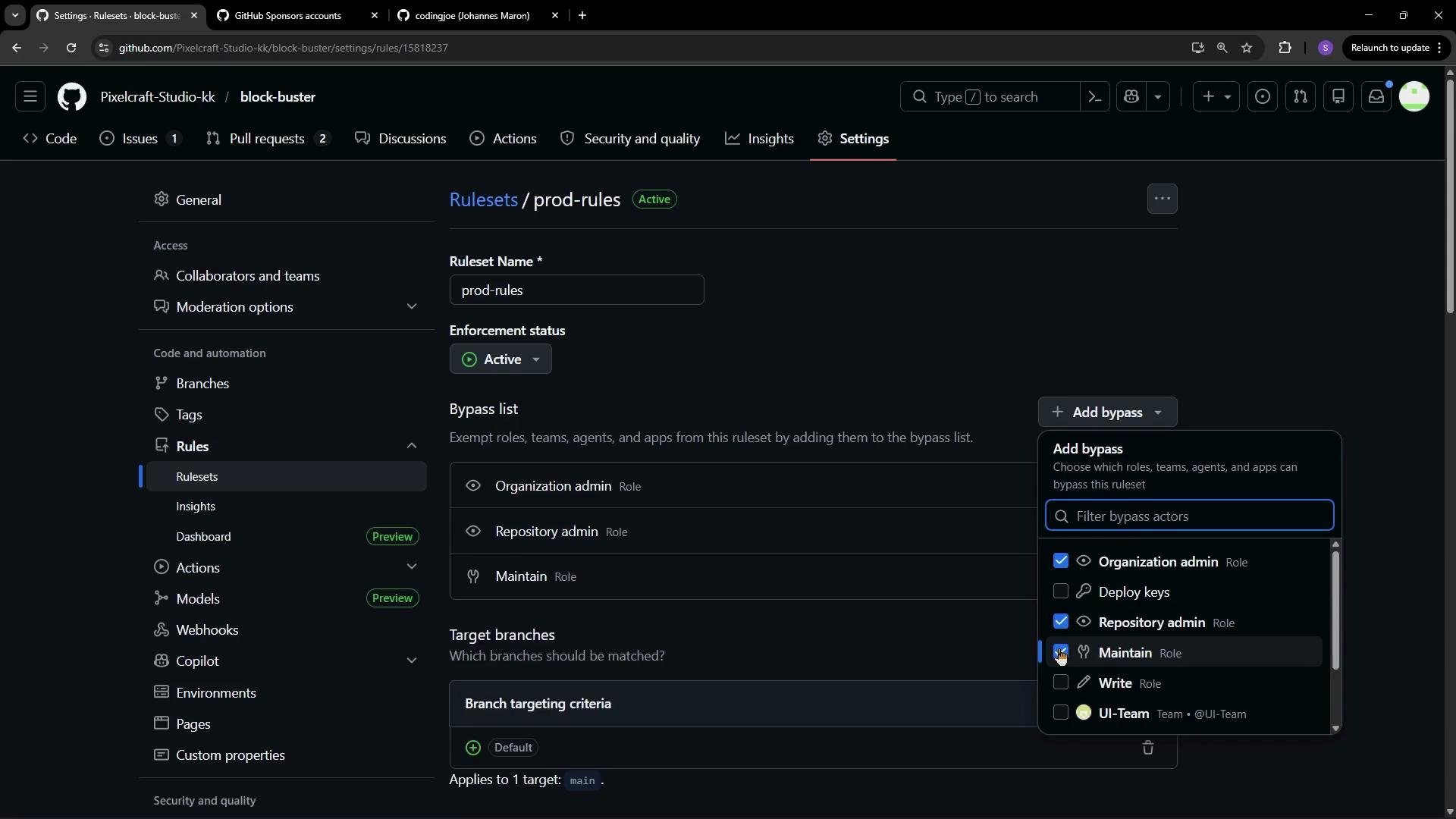
.github/FUNDING.yml is present on the default branch, the Sponsors button will appear on the repository UI. Visitors can click it to view available funding options.
FUNDING.yml does not by itself enable payouts. Each GitHub Sponsors account must complete onboarding steps (identity verification, banking details, tax info) to accept funds. When configuring a sponsorship account you select your country, enter payout information, and finish verification.
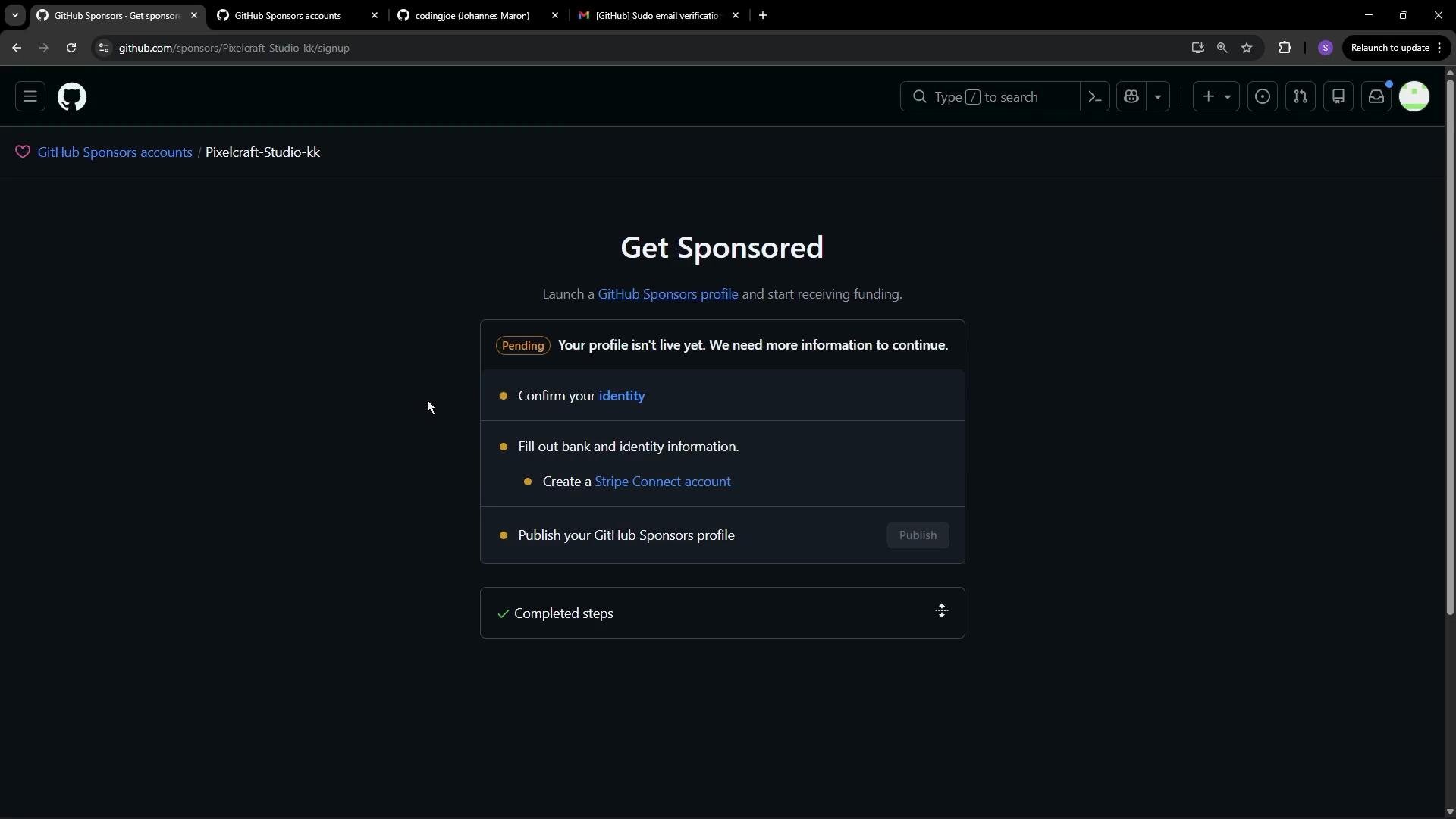
- Repository-level
FUNDING.ymlcontrols which funding options a repository advertises. - Account-level setup (user or organization) is required to accept payments. GitHub provides an accounts page listing organizations and users eligible for GitHub Sponsors.
- Read about the author or project,
- Choose between tiers (monthly or one-time),
- Provide billing details and complete payment.
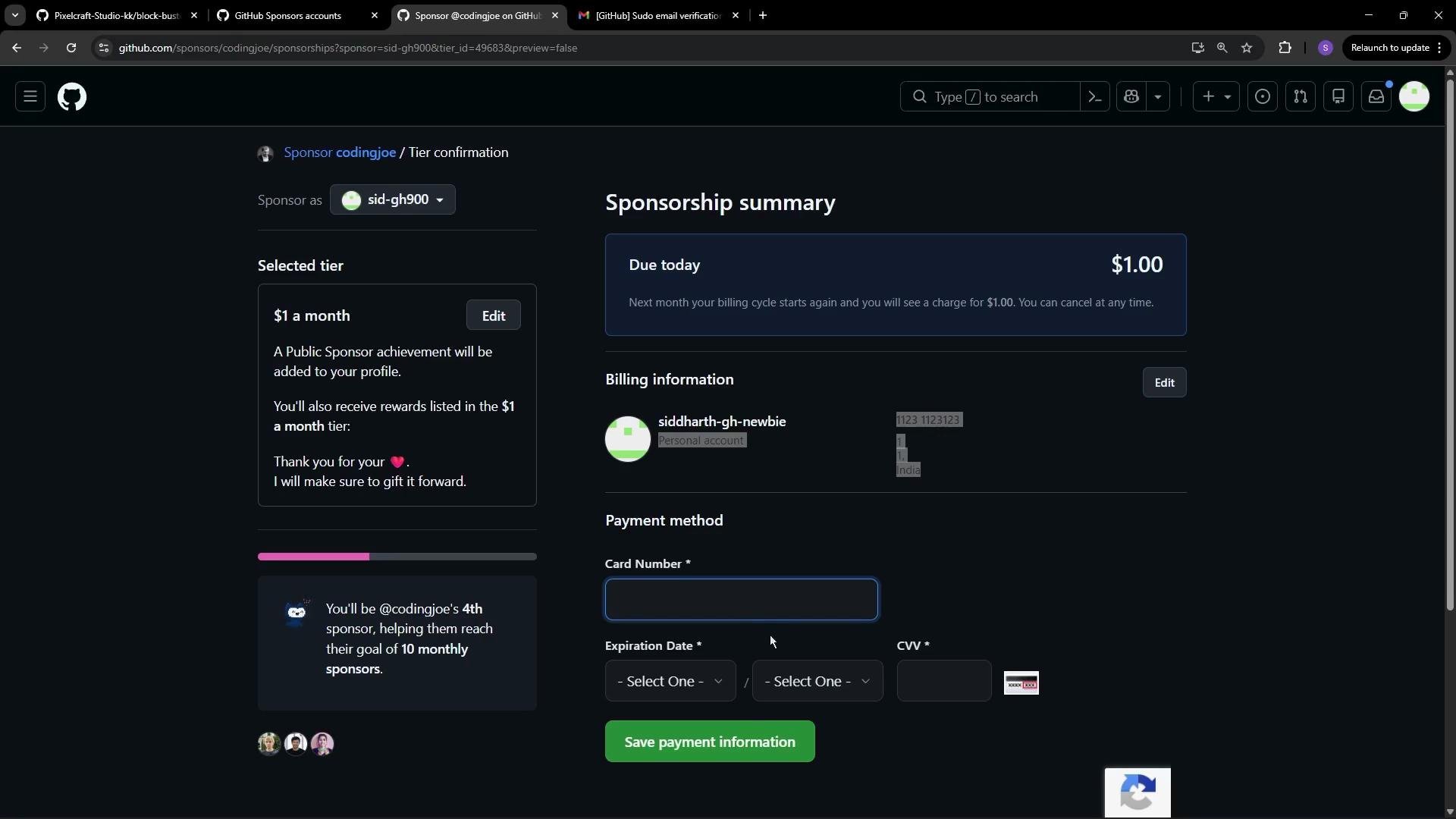
Place your
FUNDING.yml at .github/FUNDING.yml on the repository’s default branch (for example, main). If branch protection prevents a direct commit, open a pull request or temporarily allow admins to bypass the rule according to your workflow.- Enable Sponsorship in repository Settings to show the Sponsor button.
- Use
.github/FUNDING.ymlto declare the providers and accounts to surface. - Complete account-level GitHub Sponsors onboarding to receive payouts.
- If branch protection blocks direct commits, use a PR workflow or a temporary admin bypass.
- GitHub Sponsors: https://github.com/sponsors
- FUNDING.yml documentation: https://docs.github.com/en/github/building-a-strong-community/adding-a-sponsor-button-to-your-repository
- GitHub branch protection rules: https://docs.github.com/en/repositories/configuring-branches-and-merges-in-your-repository/configuring-protected-branches