

- You stage changes you want to include in the next snapshot.
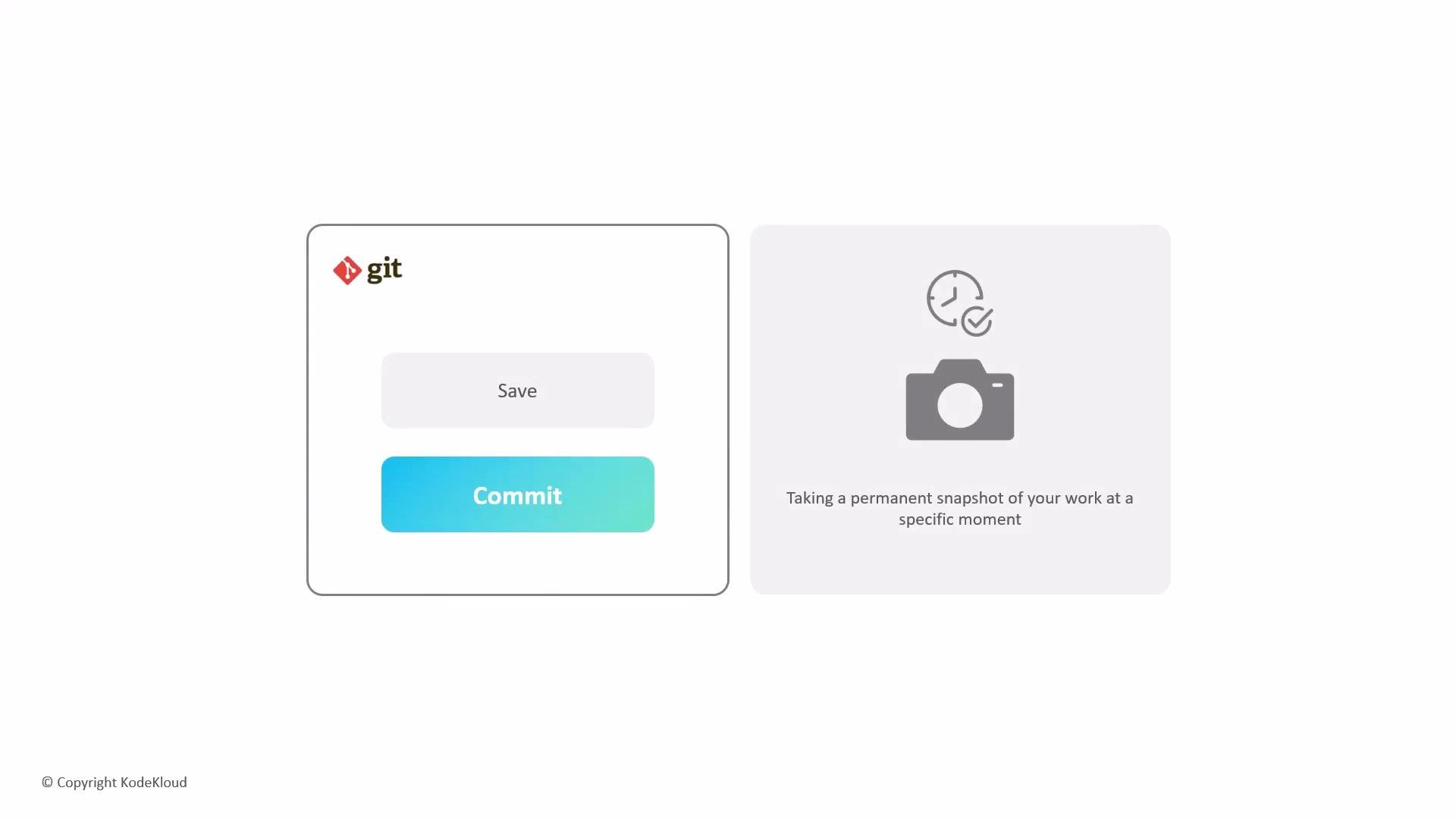
- You create a commit with a short, descriptive message that explains the reason for the change.
- The commit records the staged content and stores metadata such as author, timestamp, message, and a unique identifier (SHA).
- The repository history becomes a sequence of commits (snapshots) that can be reviewed or restored.
-a:
Write concise, meaningful commit messages that explain the why, not just the what. For new files, remember to stage them with
git add before committing. Use the imperative tense for messages (e.g., “Fix bug in parser” instead of “Fixed bug in parser”).
Inspect recent commits
Use
git log to review history. For a compact view:
- Pro Git Book — Git Basics: Recording Changes to the Repository
- Git Documentation — git-commit
- Writing Good Commit Messages — Best Practices