

-
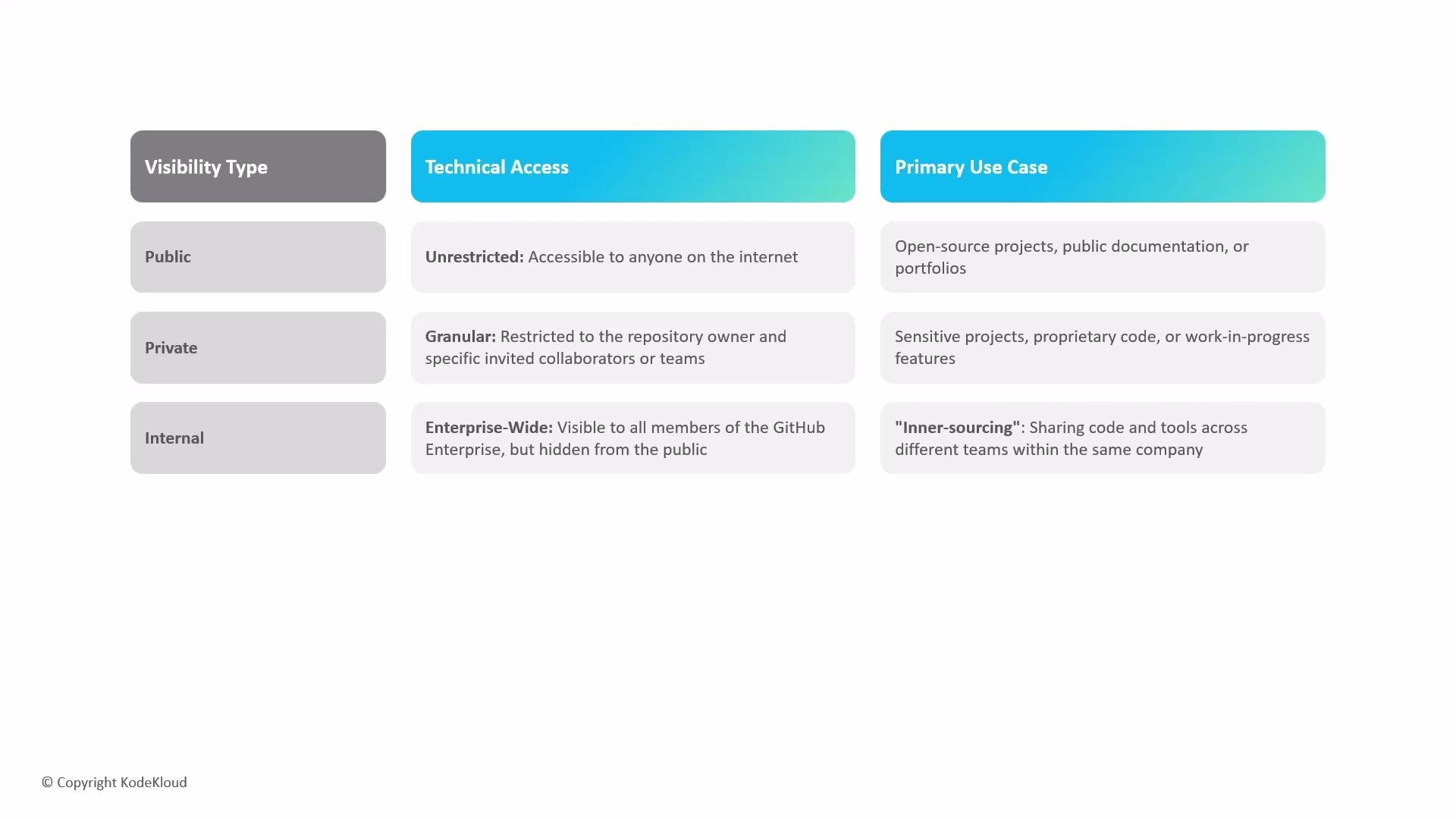
Public
- Accessible to anyone on the internet.
- Ideal for open-source projects, public documentation, or developer portfolios where discoverability and broad collaboration are desired.
-
Private
- Access is restricted to repository owners and explicitly invited collaborators or teams.
- Appropriate for sensitive or proprietary code, pre-release work, or private experiments.
-
Internal
- Visible to members of the same organization or enterprise (but not to the general public).
- Useful for InnerSource practices: sharing code, tools, and knowledge across teams inside a company to reduce duplication and encourage reuse.
- Public repositories encourage contributions and external adoption, but should never contain secrets, credentials, or proprietary IP.
- Private repositories are the default choice for sensitive code or early-stage projects; use protected branches and required reviews for extra control.
- Internal repositories are effective when an enterprise wants to allow discoverability and reuse inside an organization without exposing assets to the public internet.
Internal visibility is available to organizations that are part of an enterprise account (for example, on GitHub Enterprise). It makes repositories visible to organization/enterprise members but keeps them hidden from the public internet.
Never commit secrets, API keys, or credentials to any repository. If secrets are accidentally committed, rotate them immediately and remove them from history using tools like
git filter-repo or GitHub’s secret scanning/remediation features.- Is the code intended to be discovered or reused externally? → Public
- Does the repository contain sensitive IP, customer data, or pre-release work? → Private
- Should the repo be discoverable across teams but not public? → Internal (requires enterprise/organization support)
- GitHub Docs — About repository visibility
- GitHub Enterprise — Enterprise features including internal repositories
- Best practices for secret management