

Starring a repository is a fast way to bookmark and organize projects you want to revisit. Note that starring does not automatically subscribe you to notifications — use Watch if you want updates. You can also group starred repositories into lists to keep related projects together.
- Bookmark: Stars let you save repositories to your personal Stars page for future reference.
- Social signal: The star count is visible publicly and indicates community interest.
- Organization: You can place starred repositories into custom lists (for example, “work-related” or “learning”).
- Visibility: Stars are public by default — other users can see what you’ve starred.
- Open the repository you want to save on GitHub.
- Click the Star button located at the top-right of the repository page.
- In the Save dialog that appears, choose to add the repository to your starred list or select one of your custom lists.
Creating and using custom lists
- Purpose: Use custom lists to separate concerns — e.g., “work-related”, “self-learning”, or “tools to evaluate”.
- Naming: Choose descriptive names and consider emojis for visual scanning in the UI.
- Adding items: After clicking Star, pick an existing list or create a new one in the Save dialog.
- Editing lists: From your Stars page, you can rename, delete, or change the membership of lists as your needs evolve.
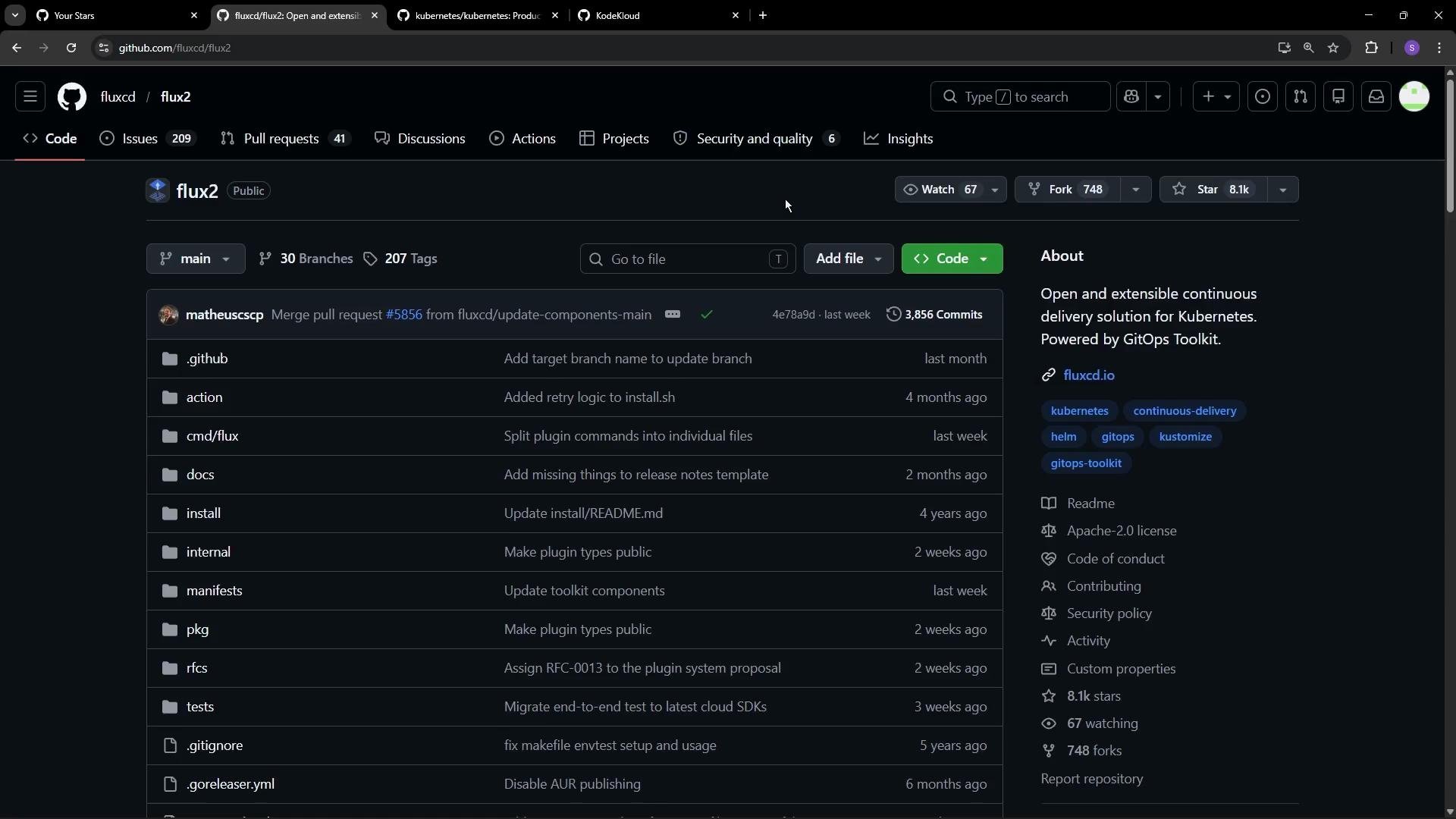
- Open the course repository page.
- Click the Star button.
- Select your “self-learning” or equivalent list in the Save dialog.

- Access your Stars page from your GitHub profile to see everything you’ve starred.
- Filter by list: On the Stars page, click a custom list name to view only repositories saved to that list.
- Edit or delete lists: Use the list management options on the Stars page to keep your organization up to date.
- Remove a repository from a list: Open the repo and click the Star button again to unstar it — it will be removed from all lists.
- Privacy: Stars are public and appear on your profile as part of your public activity.
- Click a topic (for example, the
gotopic) to open its topic page:https://github.com/topics/go. - On a topic page you can browse public repositories tagged with that topic and choose to follow it to surface related projects in your feed.
- GitHub documentation: Saving repositories with stars —
https://docs.github.com/en/get-started/exploring-projects-on-github/saving-repositories-with-stars - Browse topics:
https://github.com/topics - KodeKloud: Learn platform