

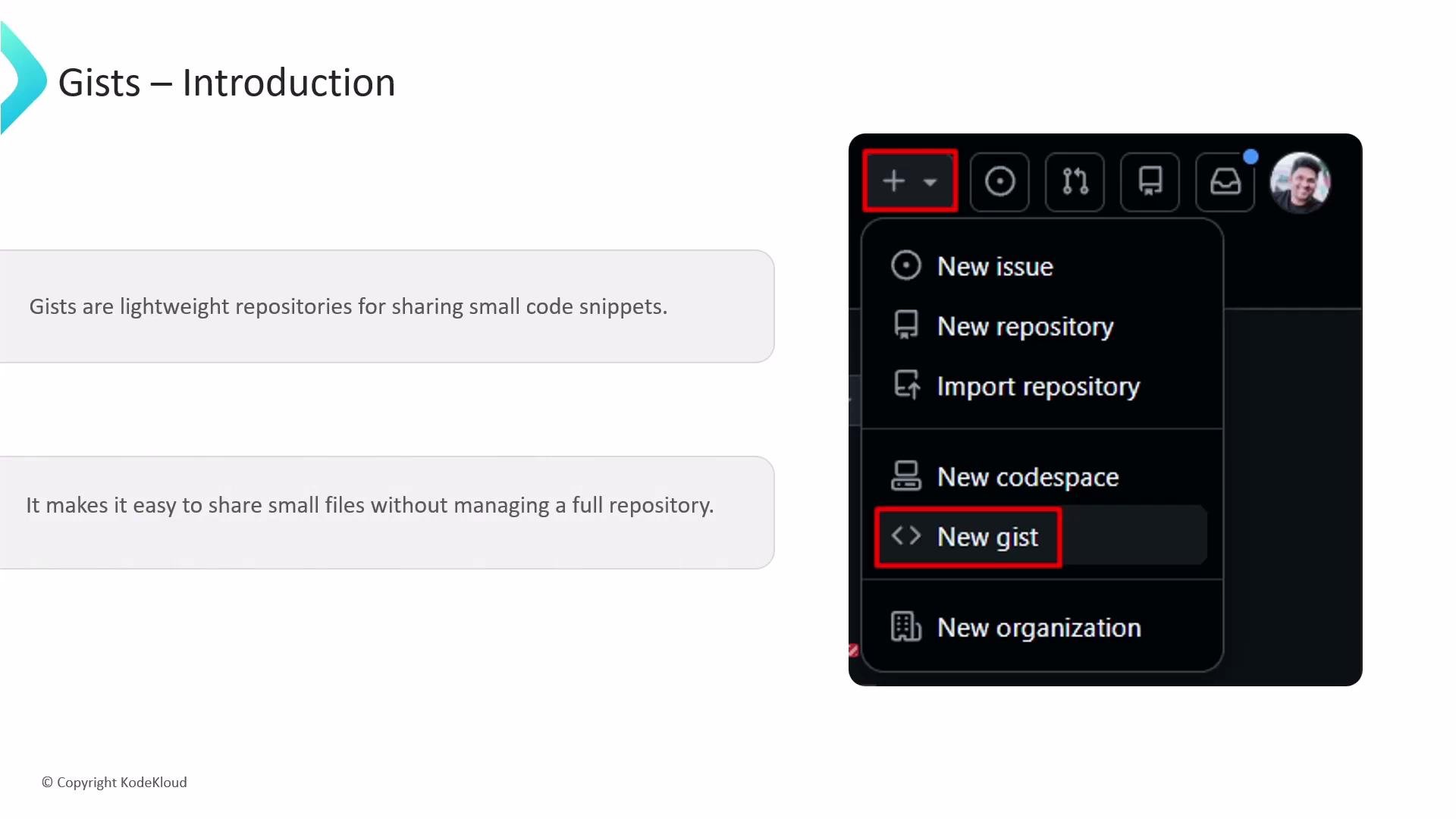
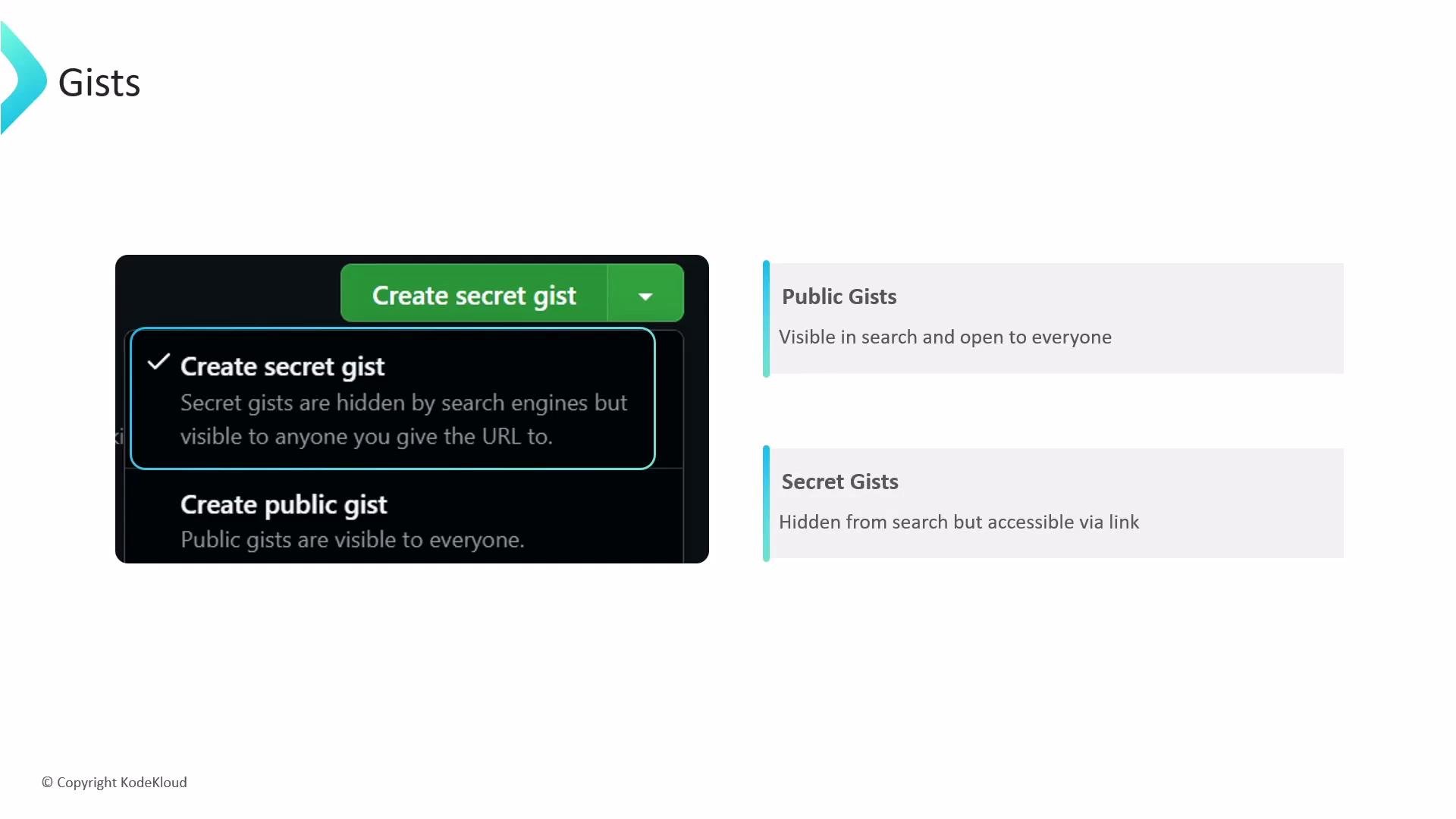
- Public gists: Indexed by search engines and discoverable via GitHub search. Use these for community sharing and open collaboration.
- Secret gists: Not indexed or shown on your public profile, but accessible to anyone with the direct URL — they are obscured, not private or encrypted. Treat secret gists as “link-shared” content.
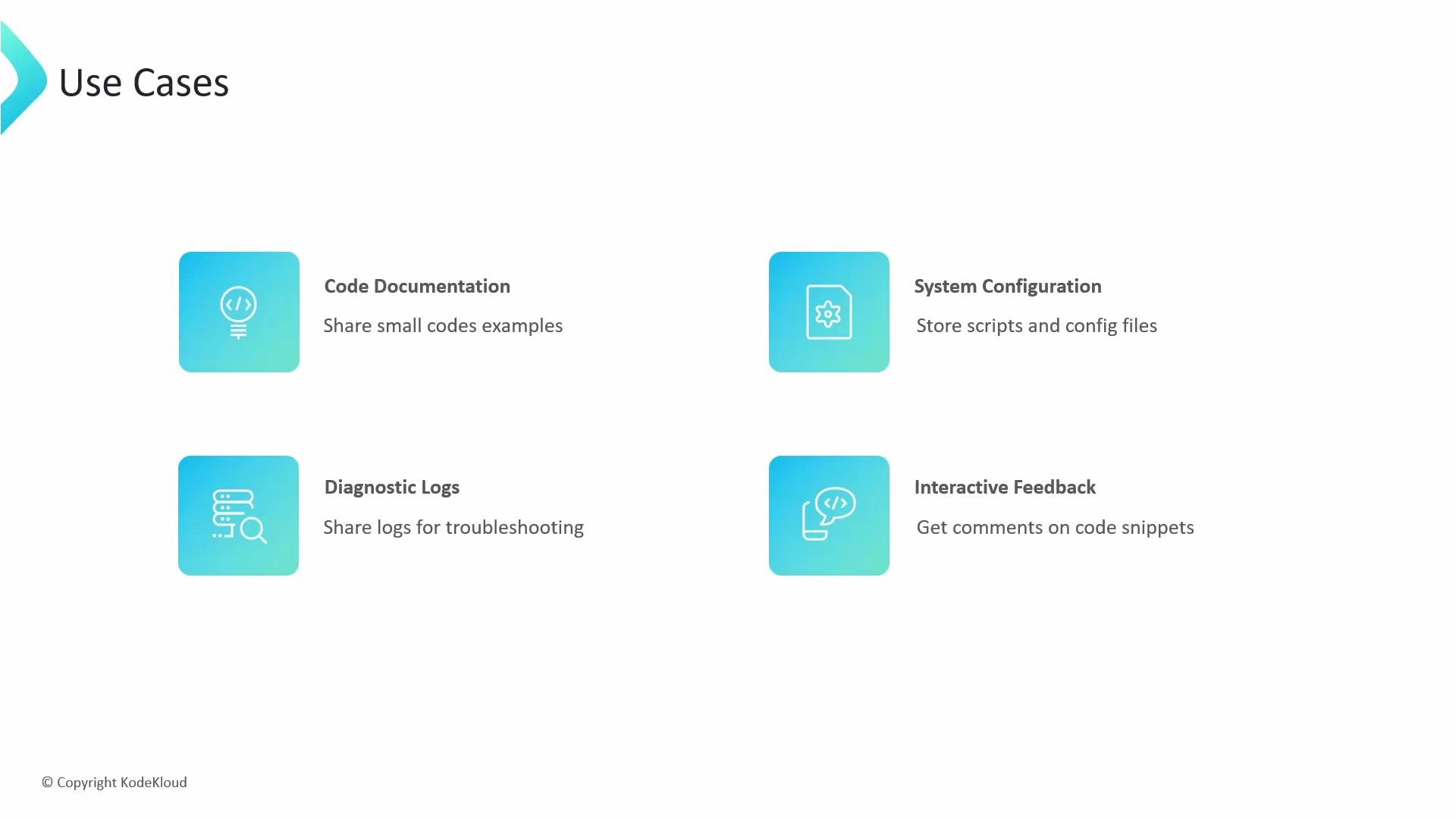
- Versioned by Git: Each save creates a new revision/commit. You can view history, compare diffs, and revert changes.
- Markdown support: Write documentation and include images and formatted text alongside code snippets.
- Embeddable: Insert a Gist into a blog or docs with a small JavaScript snippet so it always reflects the latest revision.
- Forkable: Use the Fork button to copy and extend another user’s Gist in your account.
- Cloneable: Treat a Gist as a mini-repo and work on it locally.
Limitations and best practices
Never store sensitive data such as API keys, passwords, or tokens in a gist. Secret gists are not secure storage — anyone with the URL can access the content.
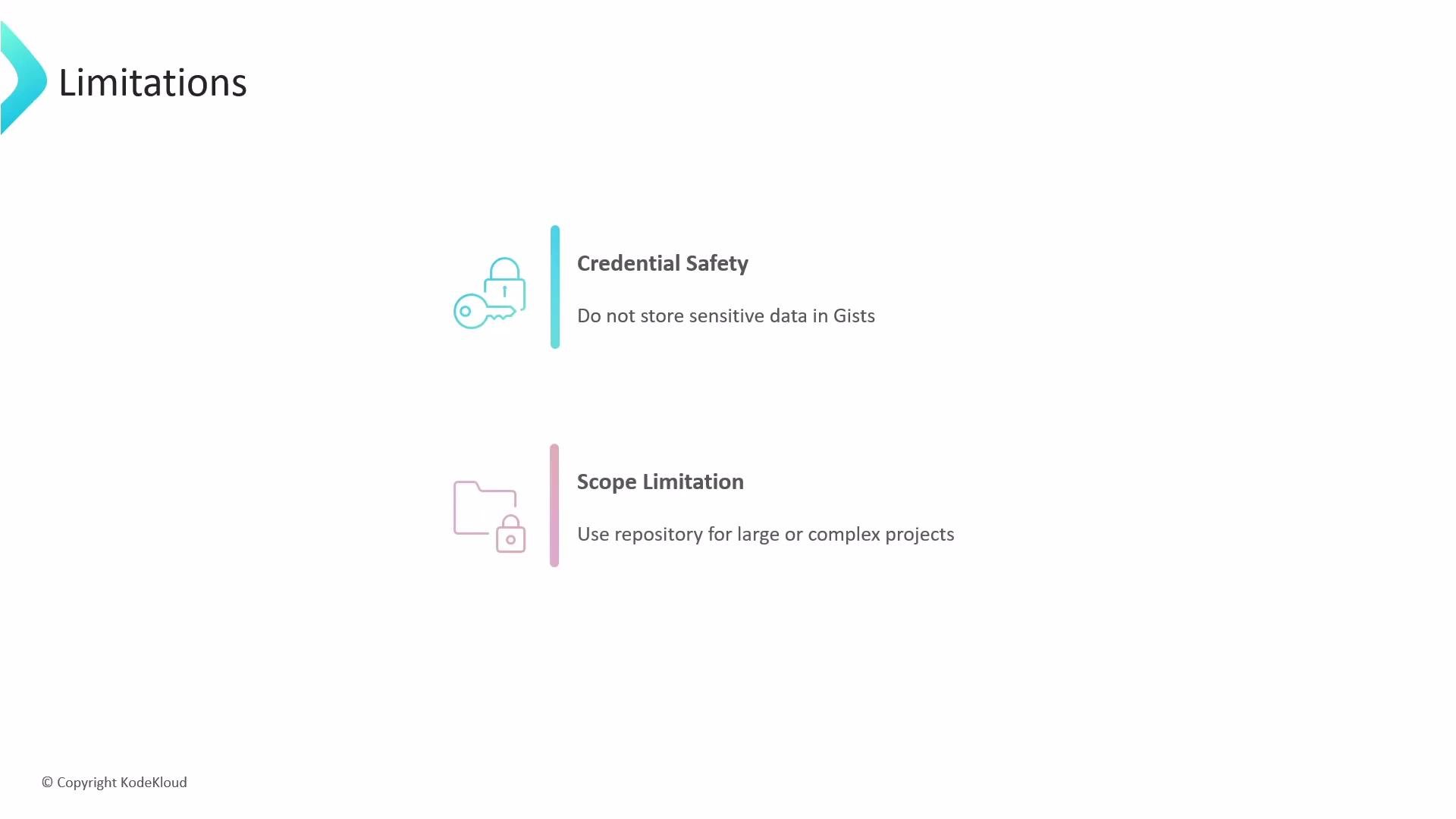
- Credential safety: Do not store secrets or credentials in any gist. Use dedicated secret management (e.g., vaults, environment variables, or GitHub Secrets) for sensitive information.
- Scope limitation: If your work requires multiple directories, complex branching, CI/CD, fine-grained access controls, or extensive collaboration, create a full GitHub repository instead of a Gist.
- Is the content small and self-contained? If yes, a Gist is appropriate.
- Will the content contain secrets? If yes, do not use a Gist.
- Do you need CI, multiple branches, or complex permissions? If yes, use a repository.