

.github/CODEOWNERS file, commit it, and verify GitHub auto-requests reviewers for matching pull requests.
Where to add a CODEOWNERS file
Create a file namedCODEOWNERS in one of the supported locations:
.github/CODEOWNERS(common and recommended)docs/CODEOWNERSCODEOWNERSat the repository root
- Create
.github/CODEOWNERS(or one of the other supported locations).
A CODEOWNERS file consists of one or more lines with a pattern and one or more owners. Owners are GitHub usernames (prefixed with
@) or teams (prefixed with @org/team). Patterns are matched against file paths in the repository.- Example
.github/CODEOWNERScontents:
- Any change to a
.jsfile will automatically request@alice-mcberryas a reviewer. - Any change to
index.htmlwill automatically request@sid-harth-1as a reviewer.
CODEOWNERS file to the repository’s default branch (commonly main). Once present in the default branch, GitHub will evaluate the file and auto-request reviewers for new pull requests that change matching files.
Quick reference: common CODEOWNERS patterns
Notes:
- Use
@org/team-namefor organization teams. - Place more specific patterns above more general patterns (rules are matched top-to-bottom).
Test your CODEOWNERS configuration
- Create a new branch from
main, for example:test-CODEOWNERS. - Make a small change to a file that matches a pattern in your
CODEOWNERSfile. - Commit the change and open a pull request targeting
main.
script.js to simulate a code change):
main and auto-requests reviewers based on the matching CODEOWNERS rules.
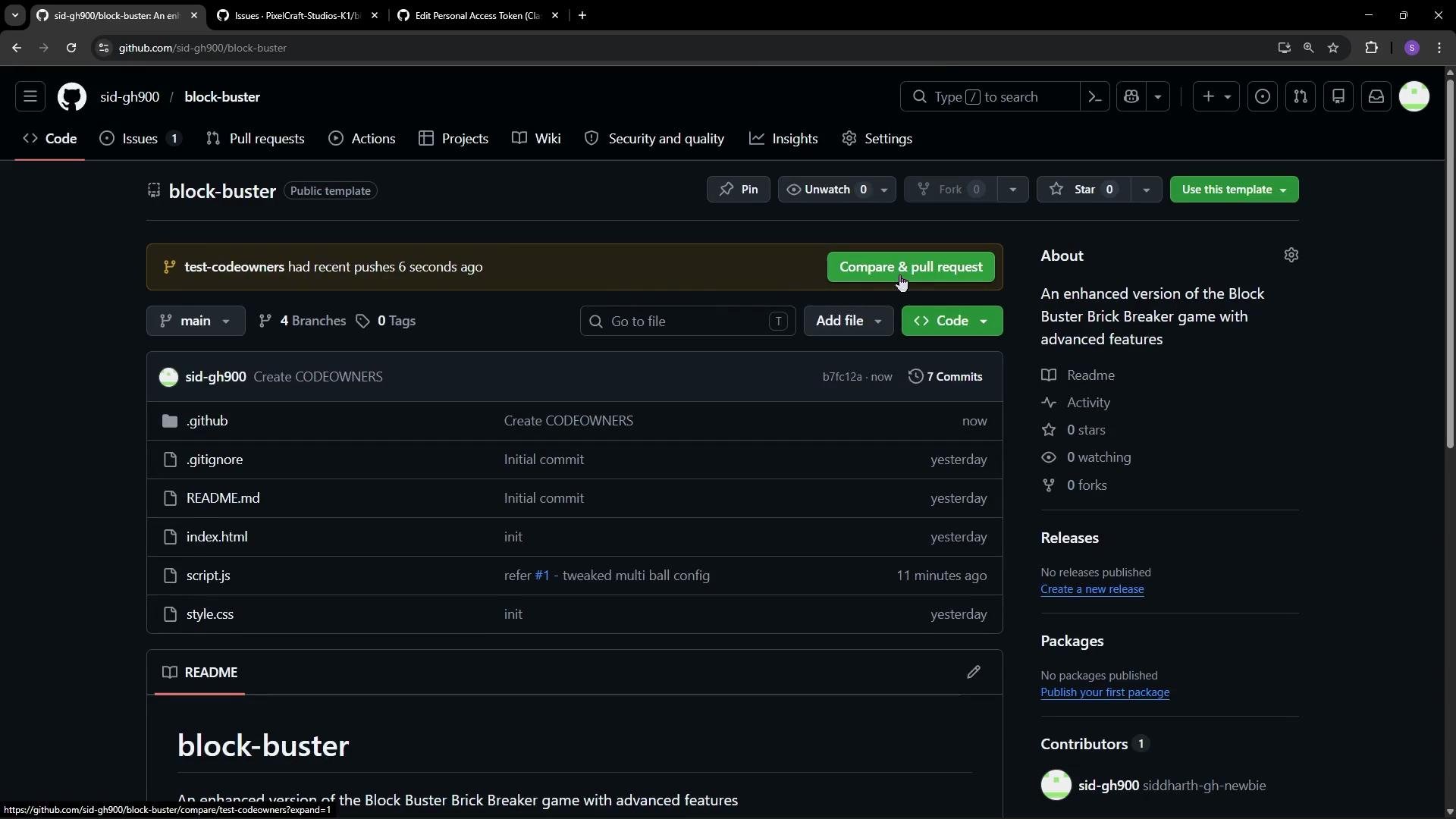
CODEOWNERS. In the screenshot above, GitHub already added Alice MacBury as a requested reviewer and indicates she is a CODEOWNER — meaning the reviewer assignment was automatic. Alice will be notified and can provide a review once the PR is marked ready for review.
If you rely on CODEOWNERS to enforce reviews, make sure you configure branch protection rules appropriately. Also double-check usernames and team names — misspelled owners cannot be requested by GitHub.
Notes and gotchas
- Rules are processed top-to-bottom: place specific patterns before generic ones.
- Owners may be individual users (
@username) or organization teams (@org/team-name). - If a username or team does not exist (or the team is private and not accessible), GitHub cannot auto-request that owner.
- CODEOWNERS only affects new pull requests comparing against the default branch where the CODEOWNERS file resides. It does not retroactively update existing PRs.
- Consider combining CODEOWNERS with branch protection to require reviews from code owners: see GitHub branch protection settings.
Links and references
- About CODEOWNERS — GitHub Docs
- Configuring protected branches — GitHub Docs
- Managing teams — GitHub Docs