In this lesson we’ll cover Enterprise Managed Users (EMUs) — a GitHub Enterprise Cloud feature that gives organizations centralized, enterprise-owned control over user identities and the account lifecycle. EMUs eliminate individually owned GitHub accounts in favor of accounts provisioned, authenticated, and revoked by your corporate identity provider (IdP). Enterprise Managed Users (EMUs) are a premium capability of GitHub Enterprise Cloud designed for organizations that require strict ownership, compliance, and automation for developer accounts. EMUs are created and managed by the enterprise via an external IdP such as Microsoft Entra ID or Okta. Users do not self-register; their GitHub account lifecycle is derived from their corporate identity. How EMUs work — provisioning, authentication, and offboarding:
  • Provisioning: The IdP provisions accounts based on enterprise policies and group memberships.
  • Authentication: Users sign in through the IdP (SSO). GitHub trusts the enterprise-managed identity for access.
  • Offboarding: Removing a user from the IdP immediately revokes their GitHub access and membership in orgs/teams.
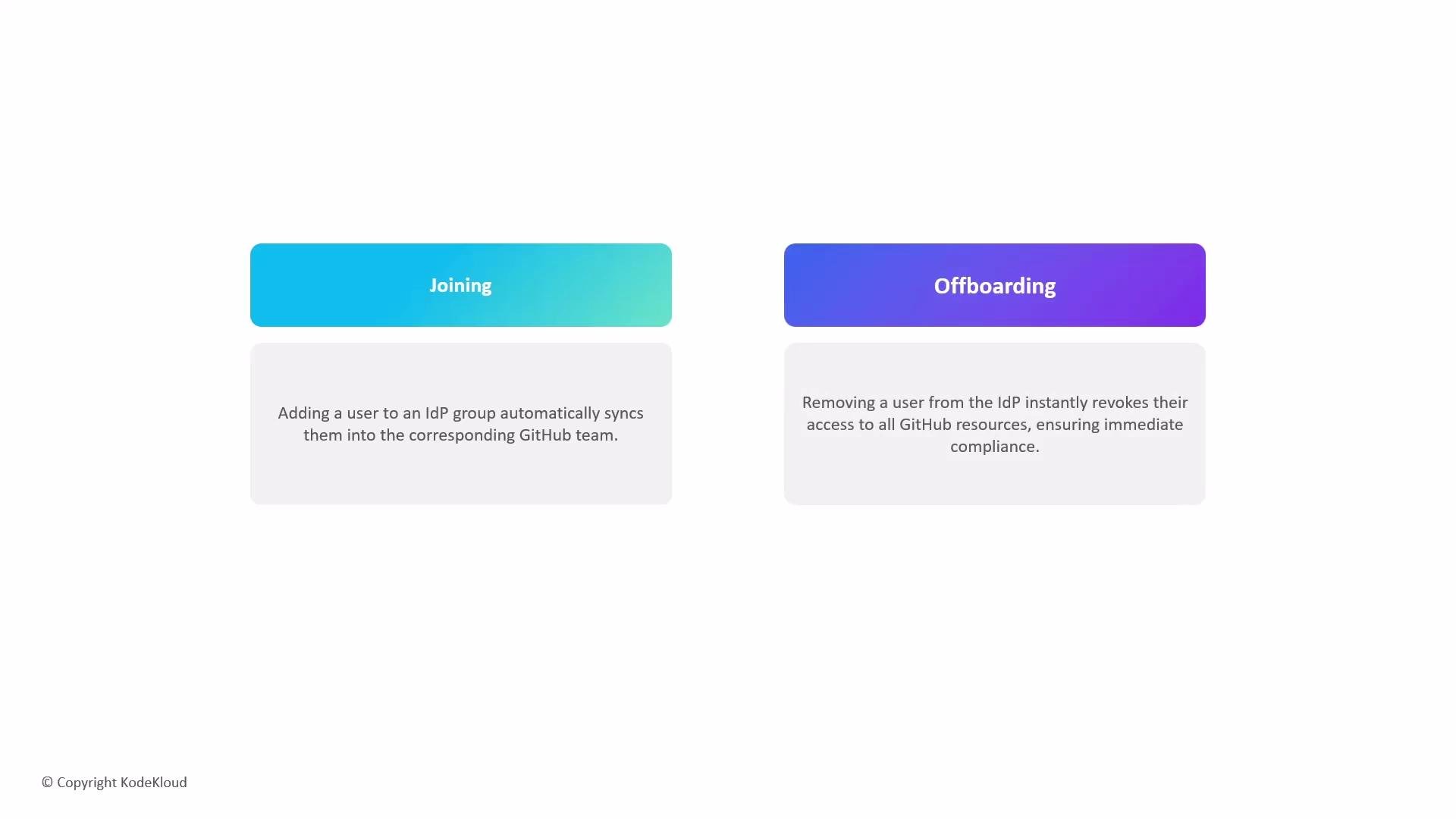
Mapping GitHub teams to IdP groups automates membership: adding a user to an IdP group places them into the corresponding GitHub team; removing them from the IdP group immediately revokes access to enterprise resources.
The image shows two labeled sections: "Joining" in blue, describing automatic syncing of a user to a GitHub team upon joining an IdP group, and "Offboarding" in purple, explaining immediate access revocation from GitHub resources when removing a user from the IdP.
Why use Enterprise Managed Users?
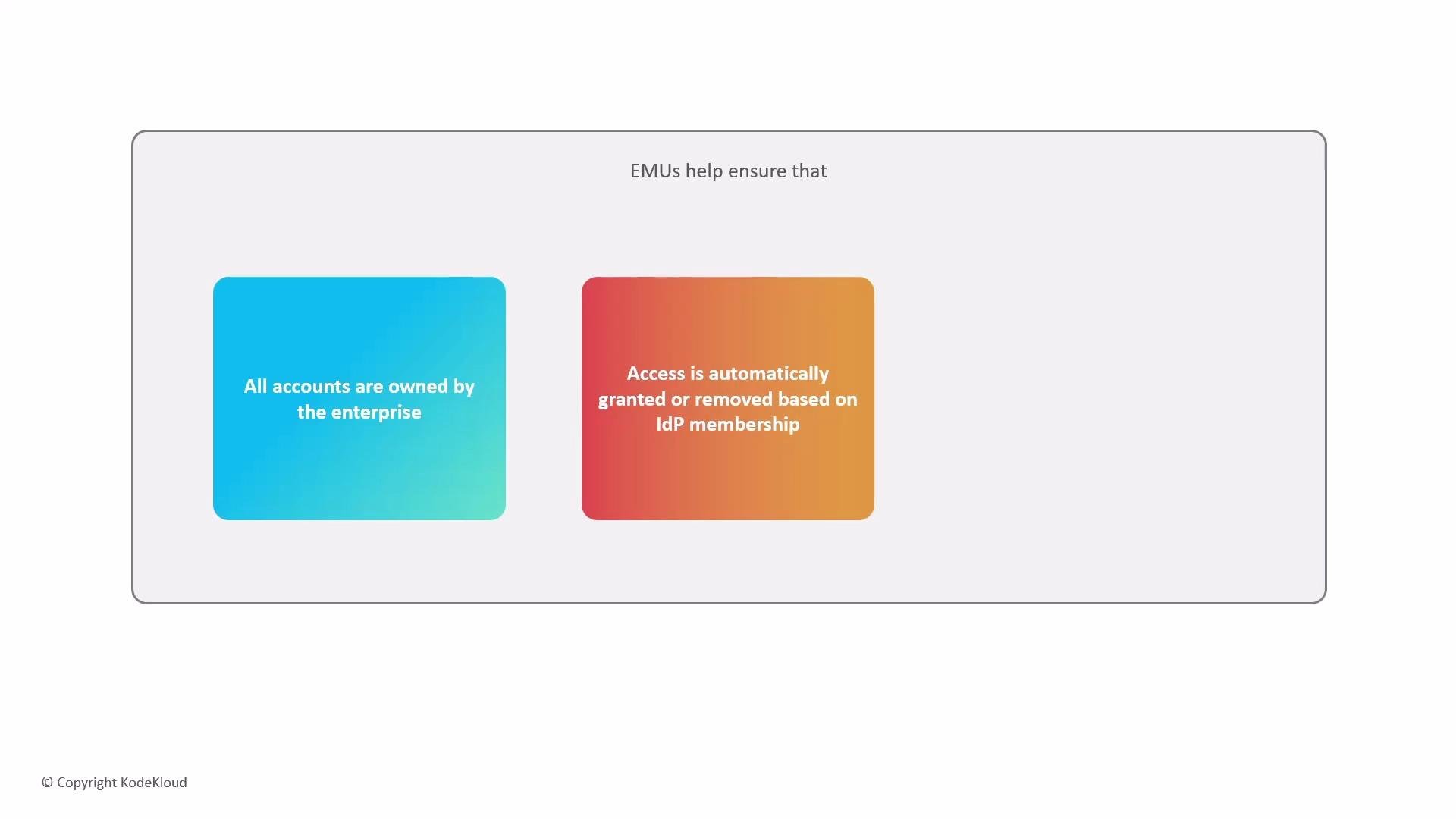
The image contains two colored boxes with text: one stating "All accounts are owned by the enterprise" and the other stating "Access is automatically granted or removed based on IdP membership," under the heading "EMUs help ensure that."
Controlled collaboration and IP protection EMUs are optimized for internal collaboration. By design, managed users operate within enterprise boundaries to reduce the risk of accidental data exposure and to maintain governance. Typical enterprise restrictions for managed users include:
  • No forking of private repositories outside the enterprise.
  • No ability to push to repositories owned by external accounts.
  • Network and repository-level policies that limit interactions to internal users and resources.
These restrictions help ensure intellectual property remains a corporate asset and that collaboration stays inside approved channels.
Managed users are intentionally restricted to internal collaboration. Before enabling EMUs, review your organization’s collaboration and CI/CD workflows to ensure external integrations and open-source contribution processes are compatible with enterprise-only accounts.
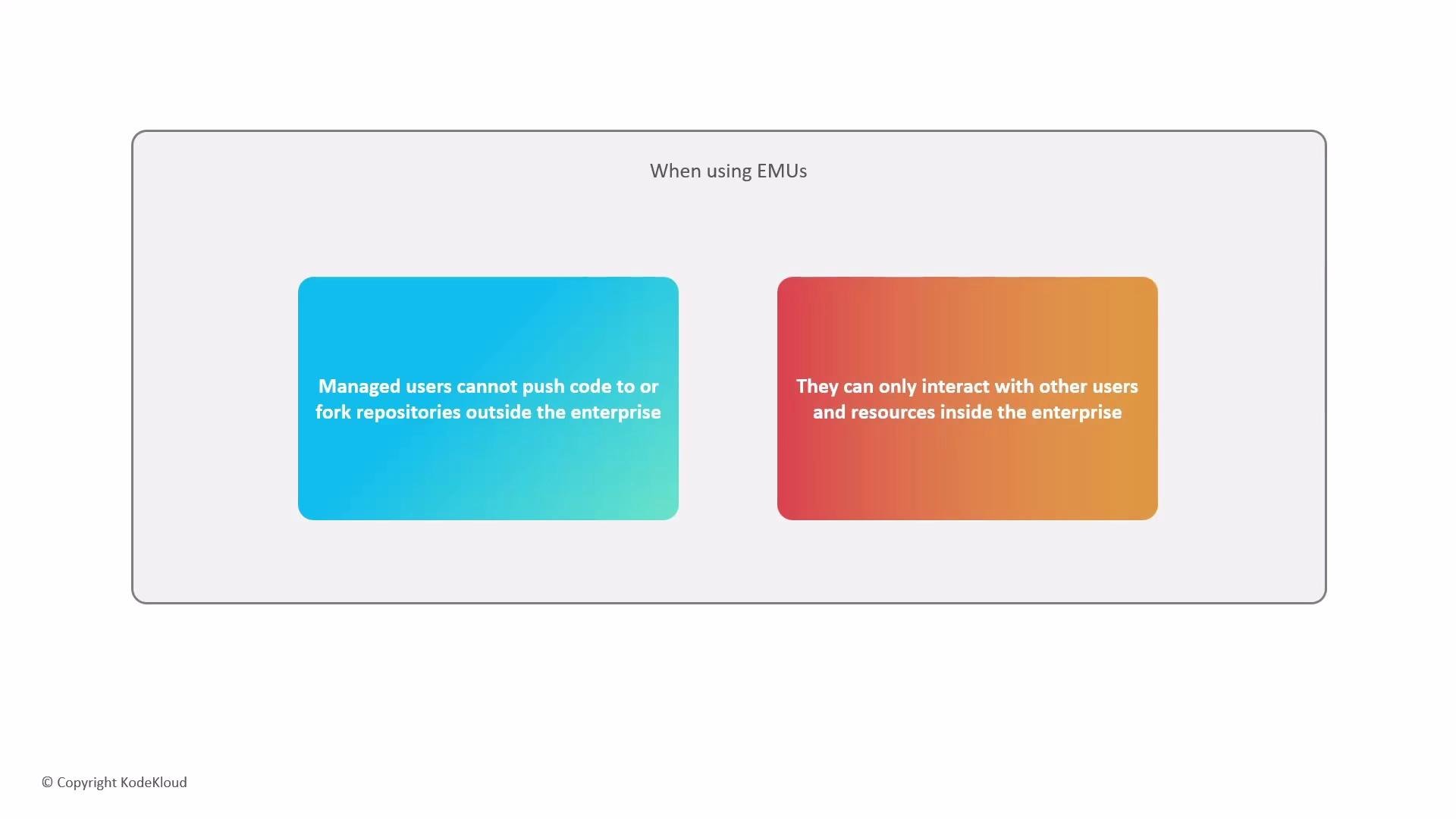
The image describes restrictions on managed users within an enterprise context, stating they cannot push code or fork repositories outside the enterprise and can only interact with internal users and resources.
Implementation notes and best practices
Plan your IdP-to-GitHub mapping strategy before enabling EMUs. Common best practices:
  • Map IdP groups to GitHub teams for role-based access control.
  • Use group lifecycle automation (HR system → IdP → GitHub) for reliable onboarding/offboarding.
  • Audit group memberships and SSO logs regularly to verify policy enforcement.
Links and further reading This overview explains why organizations adopt EMUs, how EMUs automate identity lifecycles via an IdP, and which controls help protect corporate IP while maintaining compliance and traceability.

Watch Video