

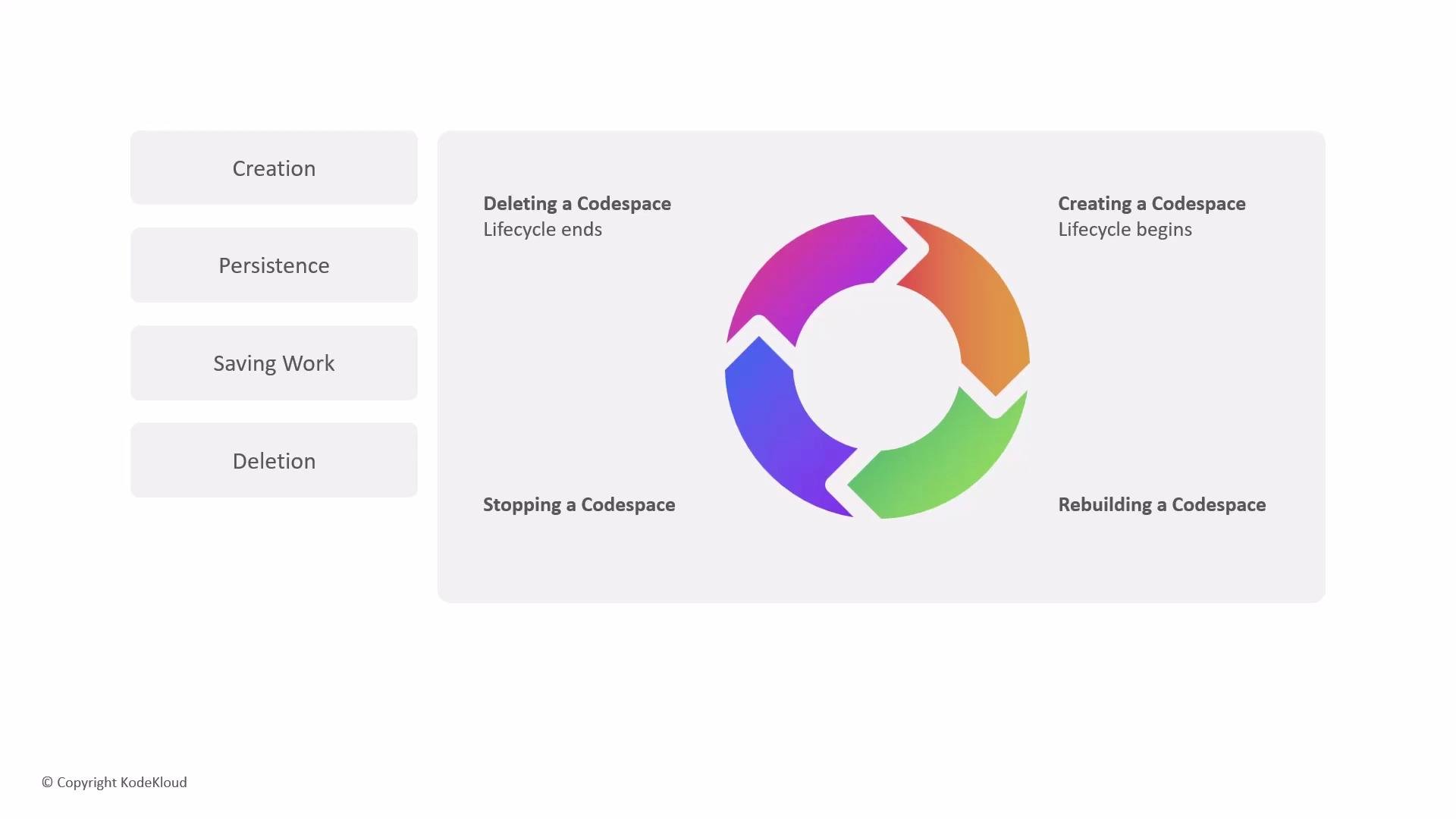
Quick overview: lifecycle phases
- Provisioning (creation) — a VM and persistent storage are allocated; the development container image is built or pulled; connections and initialization run.
- Active (connected) — you work in the Codespace, running terminals and services.
- Idle / Stopped — compute is halted to save costs while persistent disk retains files.
- Rebuild — the environment can be rebuilt from the repository configuration.
- Deletion — VM and persistent storage are removed; data cannot be recovered.
Provisioning (creation)
When you create a Codespace, GitHub performs several backend steps to prepare a reproducible development environment:- Resource allocation: a virtual machine plus dedicated persistent disk are provisioned.
- Containerization: the devcontainer image is built or pulled using your repository’s configuration (
devcontainer.json, Dockerfile). - Connection setup: a secure channel is established between your client (browser or VS Code) and the VM.
- Post-creation configuration: setup scripts and extensions run to install dependencies and apply custom settings.
- Keep your
devcontainer.jsonand Dockerfiles small and cache-friendly to reduce creation and rebuild times. - Use prebuilt images where available to speed provisioning.
Operational states: connected, disconnected, stopped
Codespaces offers flexible states so you can pause and resume work without losing progress:- Disconnecting preserves running processes but continues billing for the VM.
- Stopping conserves compute (and costs) while preserving files on disk.
- Rebuilding re-applies the repository-defined configuration and can refresh a corrupted or outdated environment.
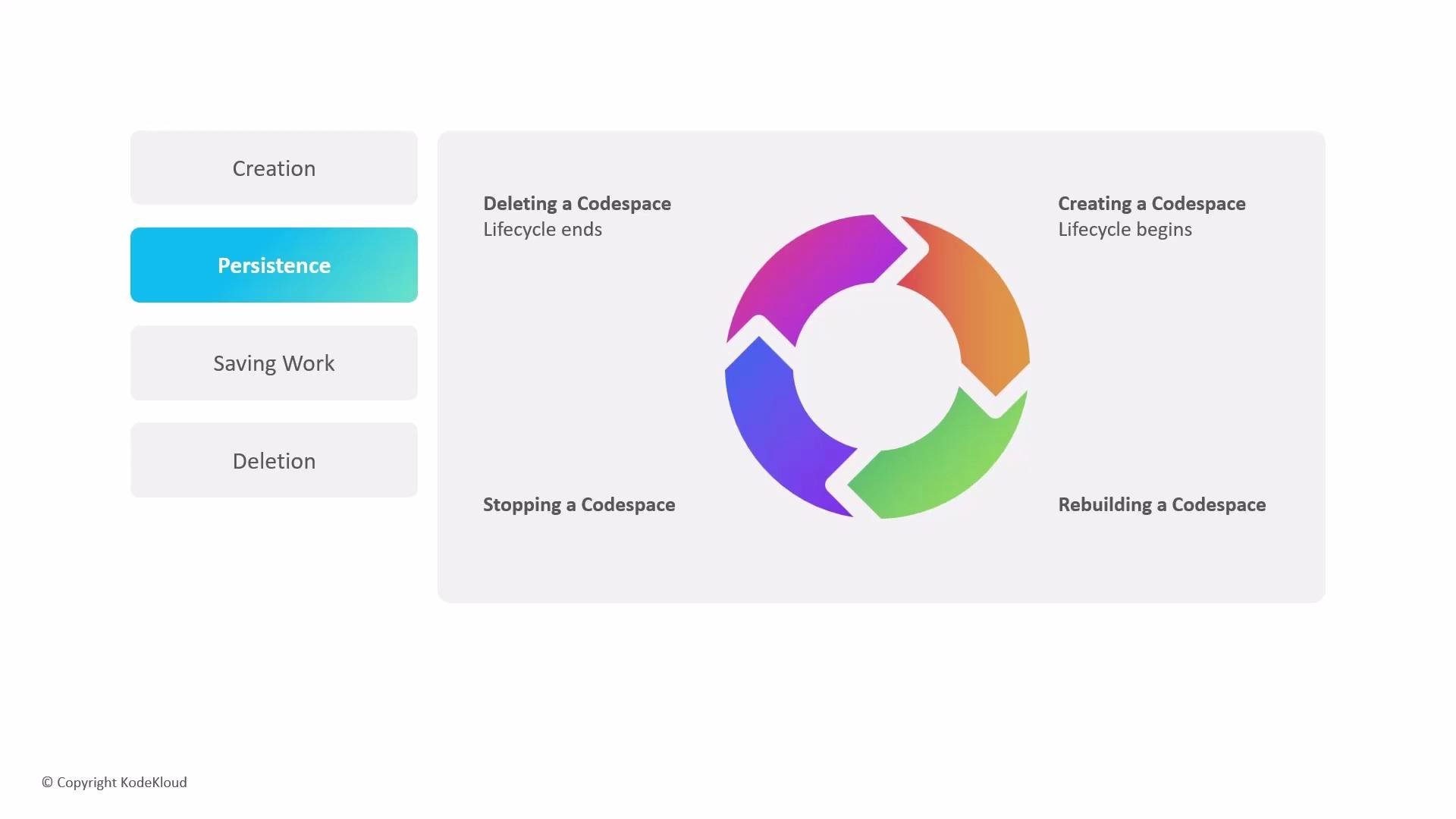
Set automatic stop timeouts for idle Codespaces to reduce costs. Organizations and users can configure stop timeouts so idle Codespaces are automatically stopped after a configured period.
Saving and synchronizing your work
Files you edit inside a Codespace are stored on that Codespace’s persistent disk for the lifetime of the environment. Important points:- Local changes on the Codespace disk exist only in that Codespace until you record them in Git and push to the remote repository.
- The integrated web editor has autosave enabled by default. When using the VS Code desktop client, enable autosave in VS Code or ensure you save files before committing.
- The default workspace path inside a Codespace is
/workspaces/<repository-name>— use that path when running scripts that expect the repository root.
Deletion and end of lifecycle
Deletion is final: when a Codespace is deleted, its VM and persistent storage are removed and cannot be recovered.- You can create multiple Codespaces per branch but watch account and organization limits — you may need to delete older Codespaces when limits are reached.
- Consider exporting or merging important changes into branches or pull requests before deleting an environment.
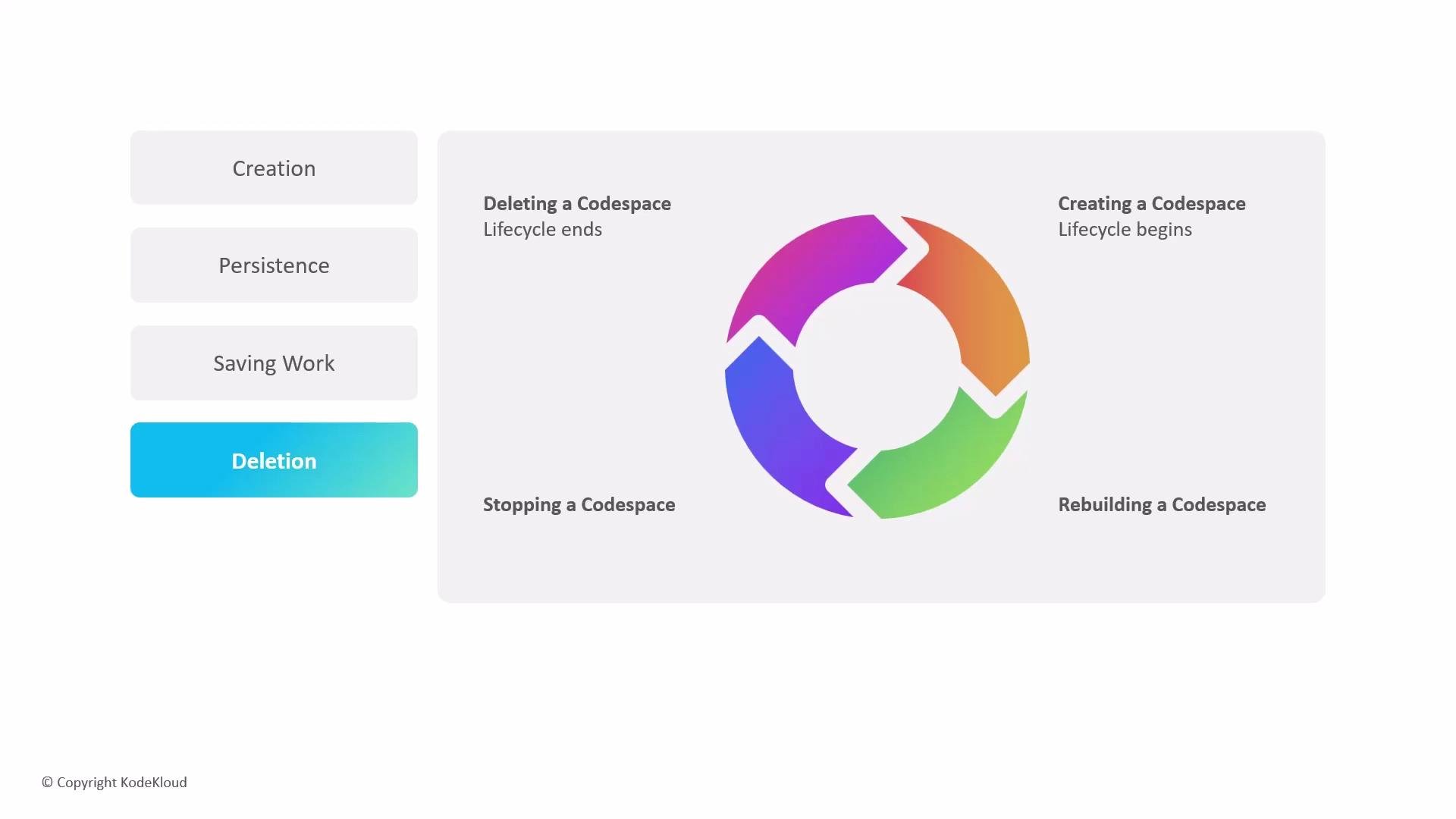
Before stopping or deleting a Codespace, verify that all necessary work has been committed and pushed to the remote repository. Unpushed changes that exist only on the Codespace will be lost upon deletion.