

How repository templates work
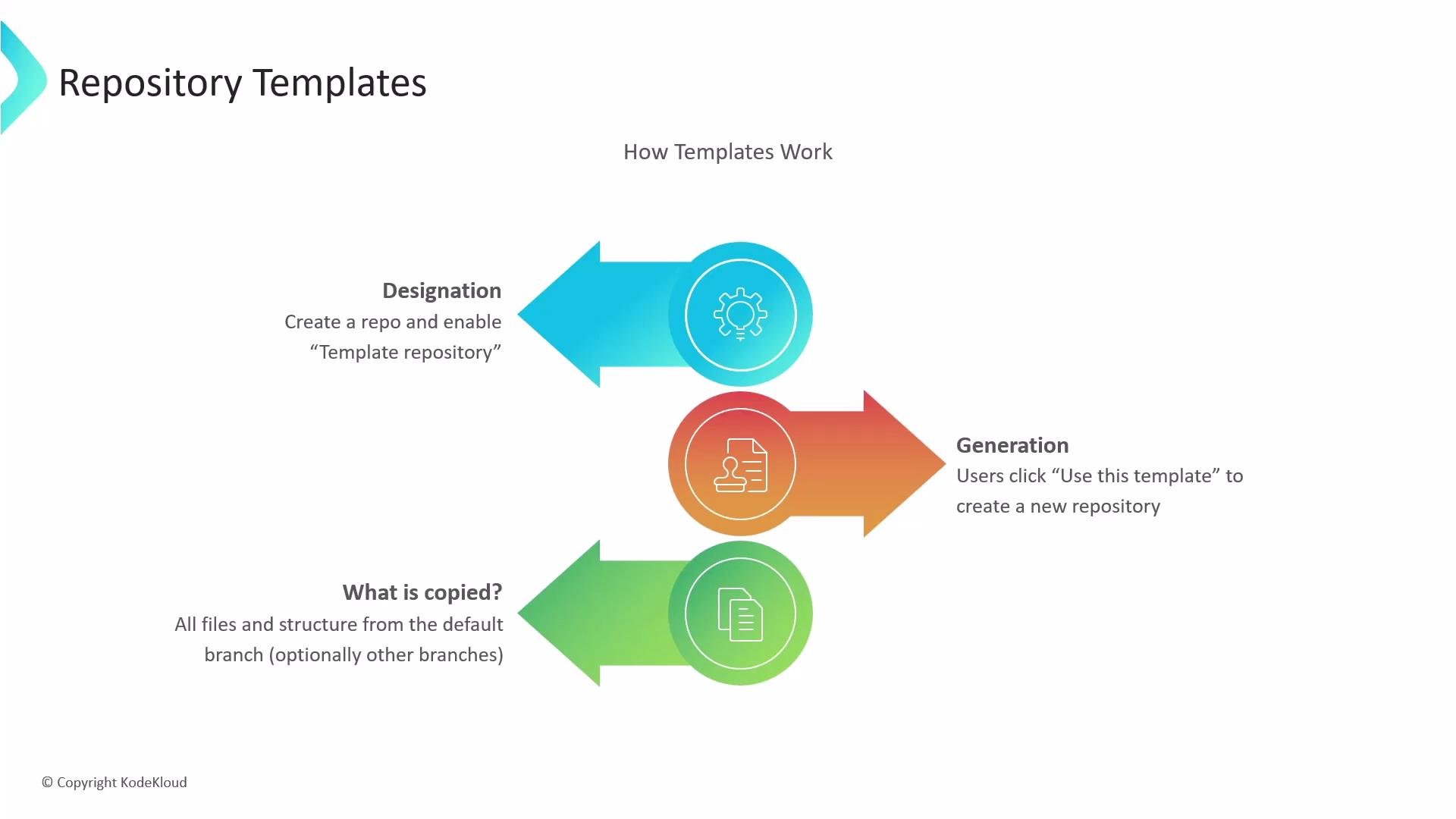
- Create a repository containing the files, directories, and any starter content you want every new project to include.
- Enable the repository’s template setting (often found in the repository options or settings).
- Anyone with appropriate access can create a new repository from the template by clicking the
Use this templatebutton. The new repository is generated instantly using the template’s content.
- The entire directory structure and all files from the template’s default branch are copied into the new repository.
- Some hosting platforms may offer options to include additional branches at creation time, but the default branch is what is copied by default.
- The new repository starts with a fresh commit history; commits from the template are not preserved.
- Open repository Settings → Template repository → enable.
- Click
Use this template. - Choose a repository name, visibility, and create.
Technical difference vs. forking or cloning
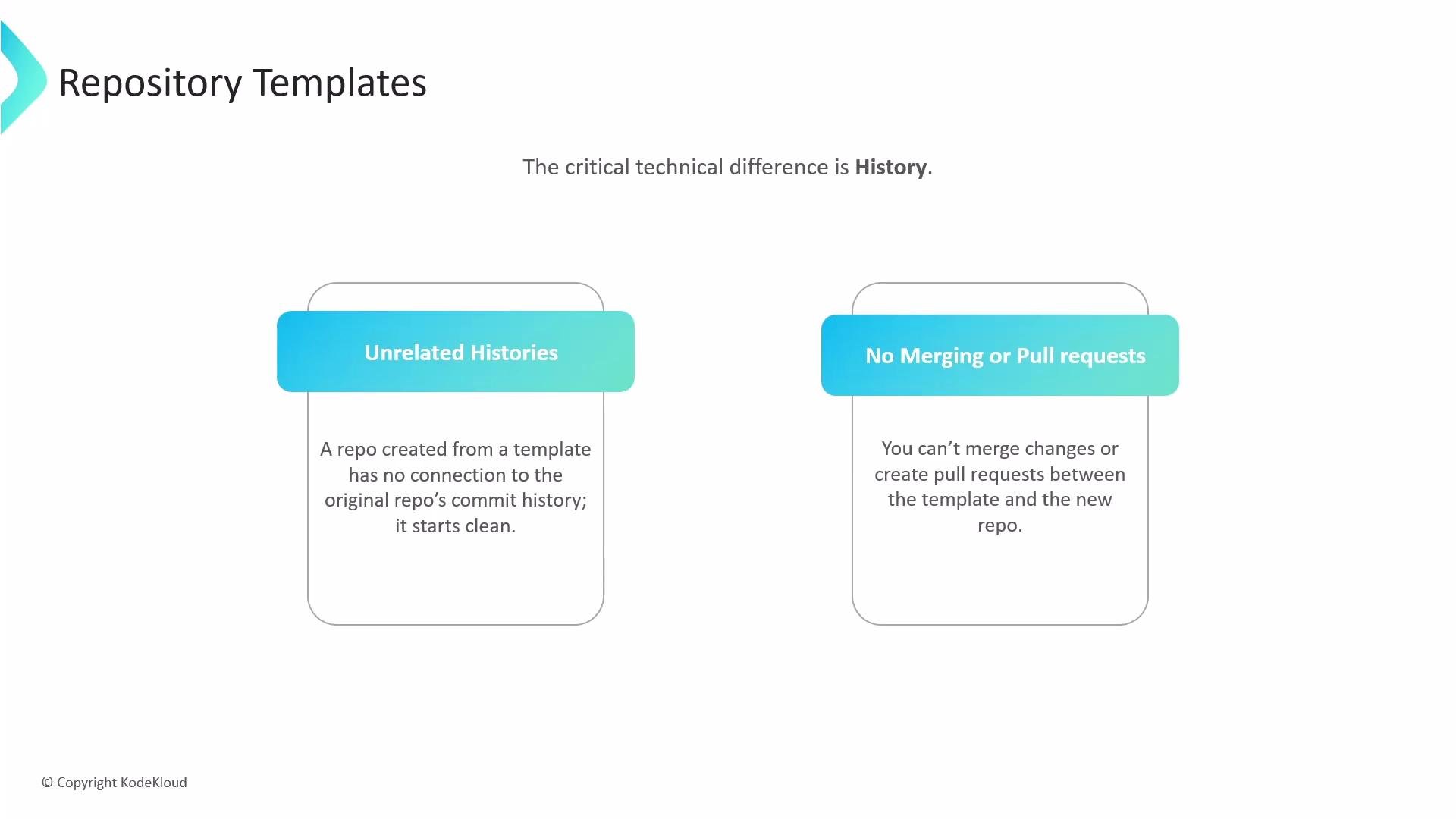
The critical technical distinction is commit history and synchronization.- A repository created from a template has no commit history from the template; it starts with a new, independent history.
- Because the histories are unrelated, you cannot open pull requests to merge changes from the original template into the repositories generated from it.
- Templates are intended to provide one-time scaffolding at creation time, not to keep derived repositories synchronized with the source.
Use a repository template to standardize project setup and generate fresh repositories with consistent scaffolding. If you need ongoing synchronization between a source repo and its derivatives, use forks, submodules, or a CI-driven synchronization workflow instead.
Comparison: Template vs Fork vs Clone
When to use templates
- Starting a new project that must follow organizational standards.
- Bootstrapping repositories for consistent CI/CD, licensing, CODEOWNERS, or README structure.
- Providing a predictable developer onboarding experience with starter code and docs.