

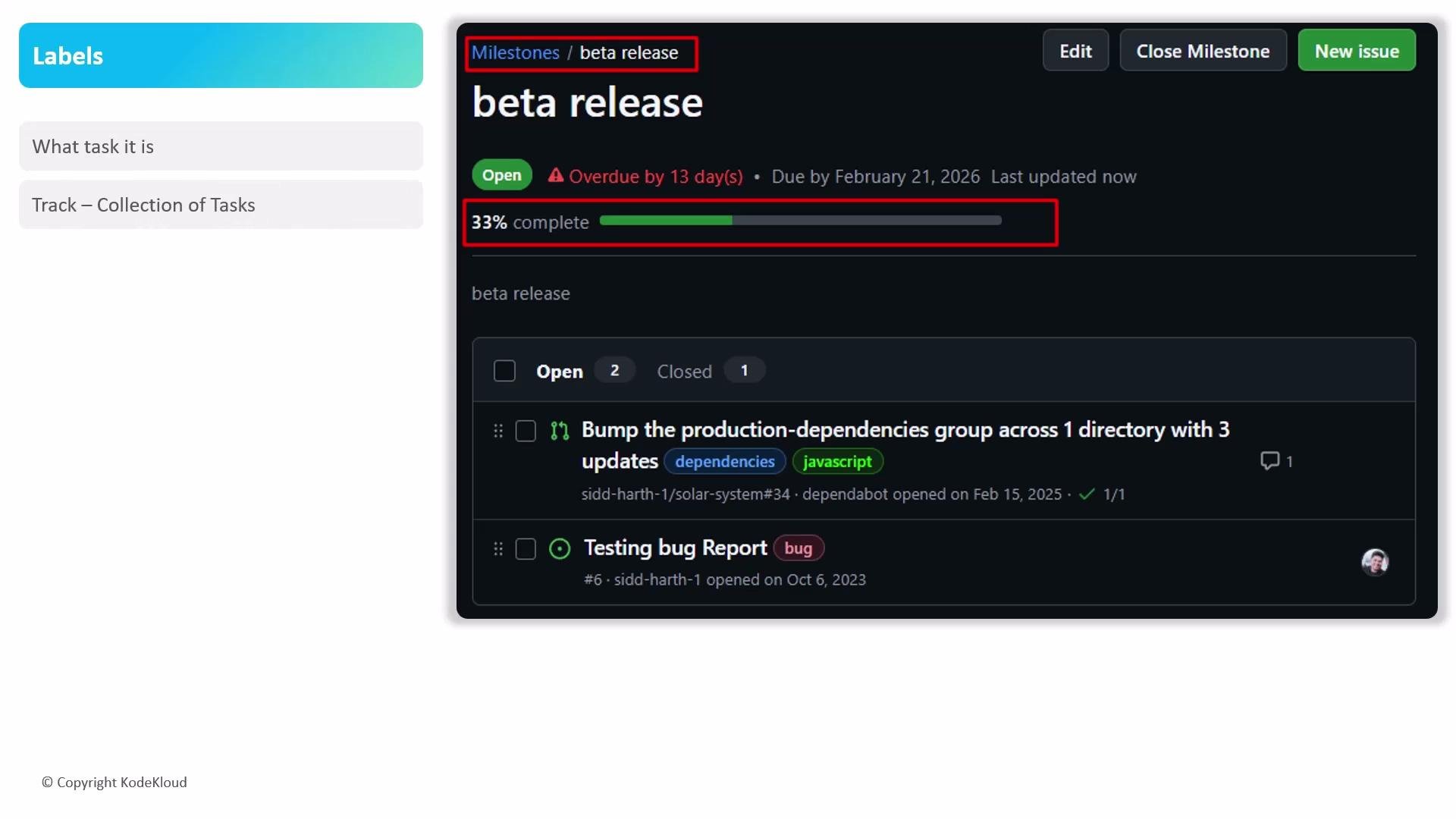
Make sure you link issues and pull requests to the milestone (or create them from the milestone view). The progress bar only reflects work that is associated with the milestone.
- Create a milestone for each release, sprint, or major project phase to keep scope and deadlines visible.
- Use the milestone view to create issues directly—this automatically associates them with the milestone and updates progress.
- Regularly review overdue milestones and update due dates or rescope the work to reflect current priorities.
- Filter and sort issues by milestone to produce status reports and to identify blockers quickly.
- Combine milestones with labels (e.g.,
bug,enhancement,high-priority) for better filtering and triage workflows.
- Visibility: Stakeholders can quickly see overall progress and what’s blocking a release.
- Coordination: Developers and maintainers have a shared reference for delivery dates and scope.
- Reporting: Progress bars and milestone lists simplify status reporting and retrospective analysis.