

- Static web assets: HTML, CSS, JavaScript, images, fonts, and other static files.
- Sites built by static site generators (SSGs): GitHub Pages will automatically build Jekyll sites. For other SSGs (Hugo, Gatsby, Eleventy, etc.), include a build step (locally or via CI) and publish the generated output to the Pages branch/folder.
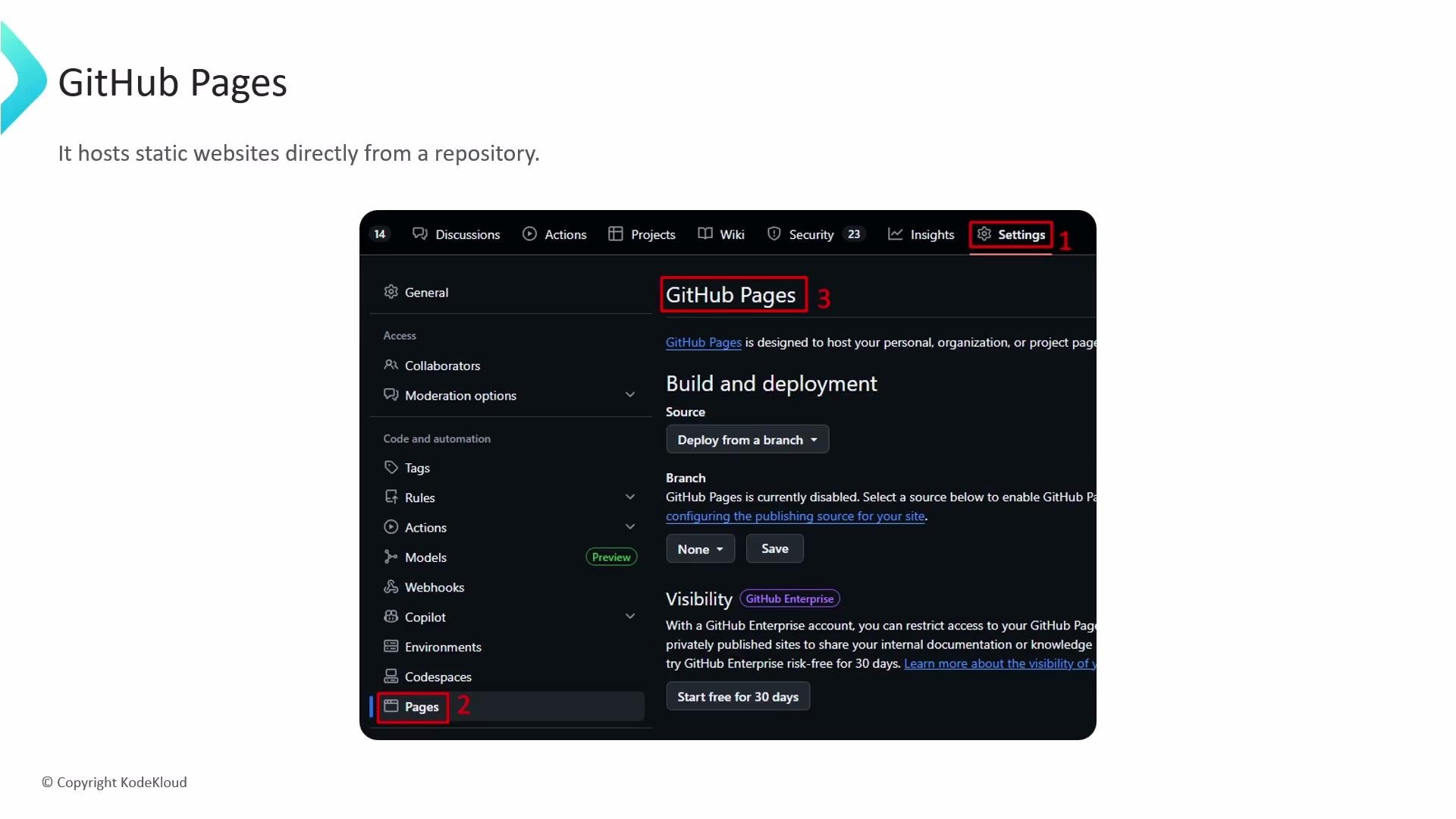
- Deployment source: In your repository Settings → Pages you choose a branch and an optional folder (for example
gh-pages, ormainwith/docs) as the publishing source. - Automatic publishing: Changes pushed to the chosen branch/folder trigger GitHub Pages to publish the latest static content. For Jekyll sites, GitHub can build automatically.
- Optional build pipelines: Use GitHub Actions to run custom builds (compile SSG sources, bundle assets, run tests) and publish the generated static files to the Pages branch/folder.
- Public accessibility: Sites published on GitHub Pages are publicly reachable by default and served over HTTPS.
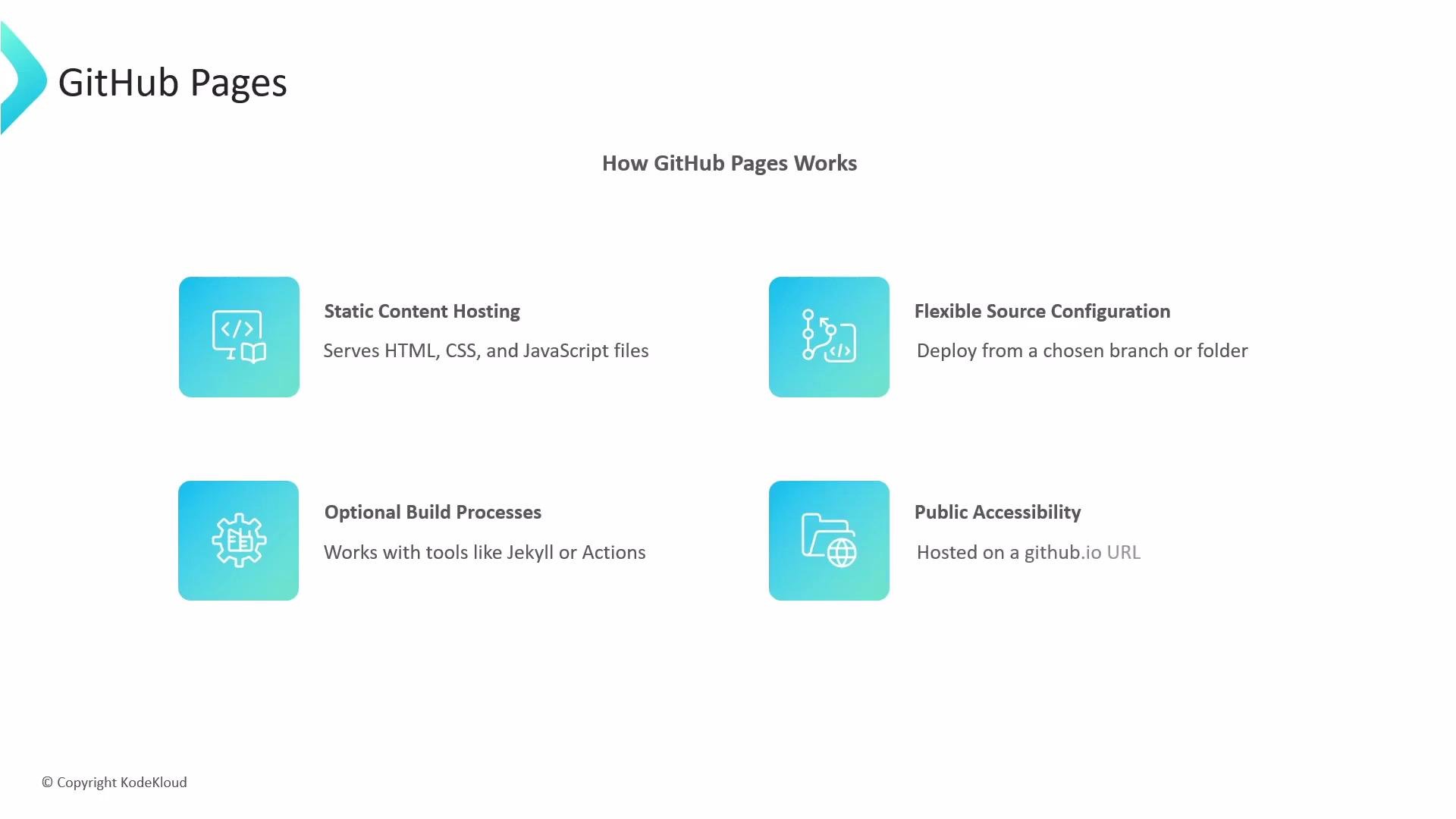
github.io domain, for example:
https://username.github.iohttps://username.github.io/repository
- Add your domain in the Pages settings.
- Create a
CNAMEfile in the published site (root of the branch/folder) containing your custom domain, or use the Pages UI. - Update DNS records (usually an A record or ALIAS/ANAME for apex domains, and a CNAME for subdomains). GitHub will provision HTTPS for enabled custom domains.
GitHub Pages serves only static content — server-side runtimes like Node.js, Python, or PHP are not supported. For dynamic behavior use client-side JavaScript calling APIs, or pair Pages with serverless/backend services.
Quick setup (step-by-step)
- Create or choose a repository.
- Prepare your static site files (or your SSG source).
- Configure Pages source: Settings → Pages → select branch and folder (
/or/docs). - If using a non-Jekyll SSG, add a CI workflow to build and publish the generated output.
- This example runs a build and deploys the generated
public(ordist) folder to thegh-pagesbranch usingpeaceiris/actions-gh-pages. The YAML is shown as a reference — customize build steps for your site generator.
Do not use GitHub Pages when your site requires server-side code execution, WebSocket connections, or other server runtimes. For dynamic backends, choose a platform that supports server-side processes or use serverless APIs alongside Pages.
- Use the
docsfolder onmainif you prefer to keep pages in the same branch as source code. - For Jekyll users, GitHub Pages supports a subset of plugins — use Actions to run a full Jekyll build if you rely on unsupported plugins.
- Monitor the Pages build logs (Settings → Pages) when troubleshooting build or publish failures.
- For private repositories, Pages can be configured to publish publicly or be limited to internal/organization members depending on your account and settings.