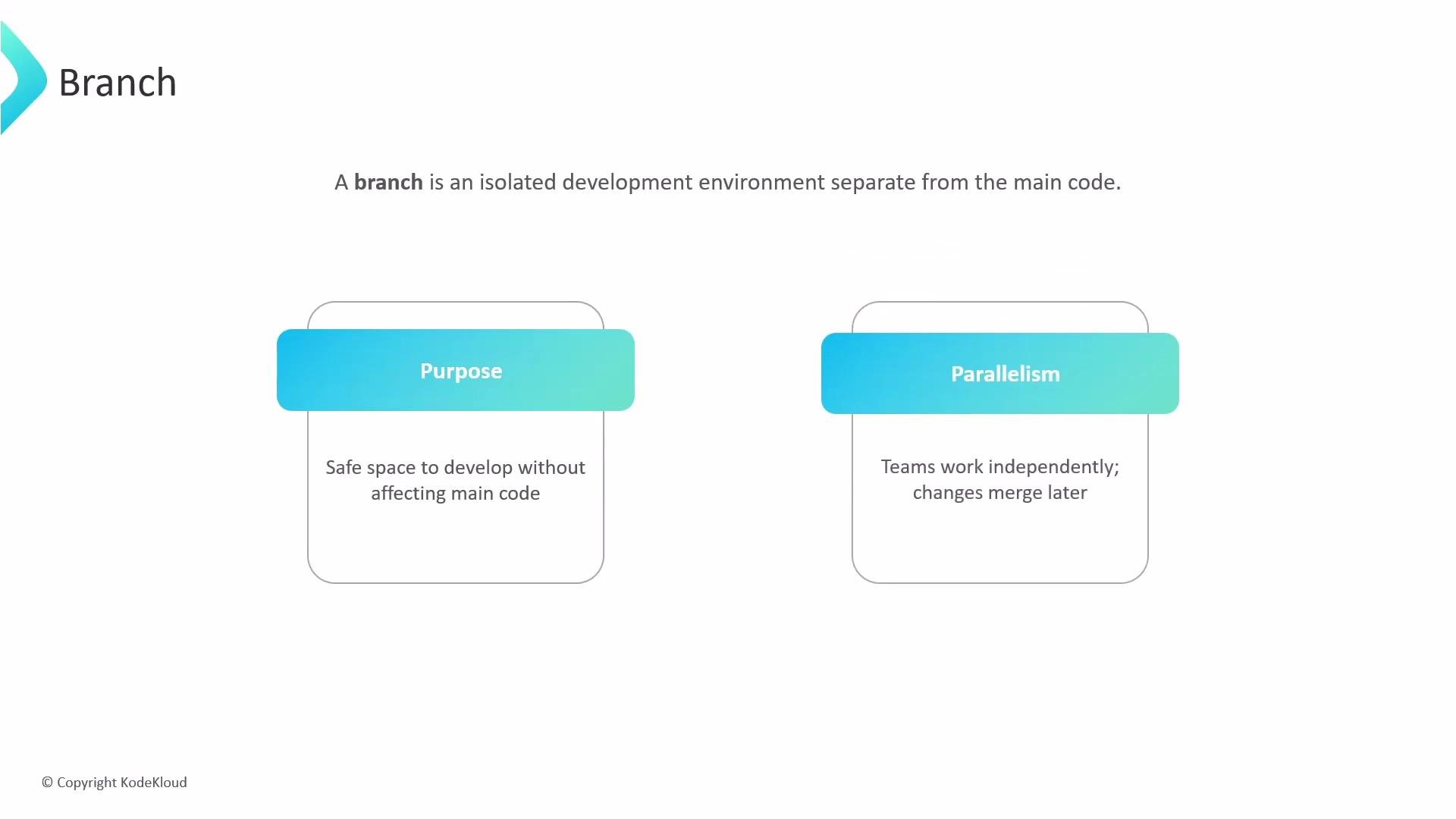
Let’s talk about pull requests and how they fit into a branch-and-merge workflow. What is a branch? A branch is an isolated development environment that diverges from the main line of development. It provides a sandbox where developers can implement features, fix bugs, or experiment without impacting the main codebase or the work of others. Using independent branches enables multiple contributors to work in parallel and reduces risk to production.
The image explains the concept of a code branch as an isolated development environment. It highlights the purposes of safety in development and parallelism, allowing teams to work independently with later merges.
Why branches matter Branches let teams focus on different parts of a project simultaneously. Changes in one branch remain invisible to others until you intentionally integrate them. That integration step is where coordination and quality assurance occur. The challenge of integration While branches increase individual productivity, they must eventually be synchronized. Merging integrates independent work back into a shared destination (often main). As projects grow, unmanaged merges can cause regressions, lost work, or conflicting changes. A structured review process reduces these risks.
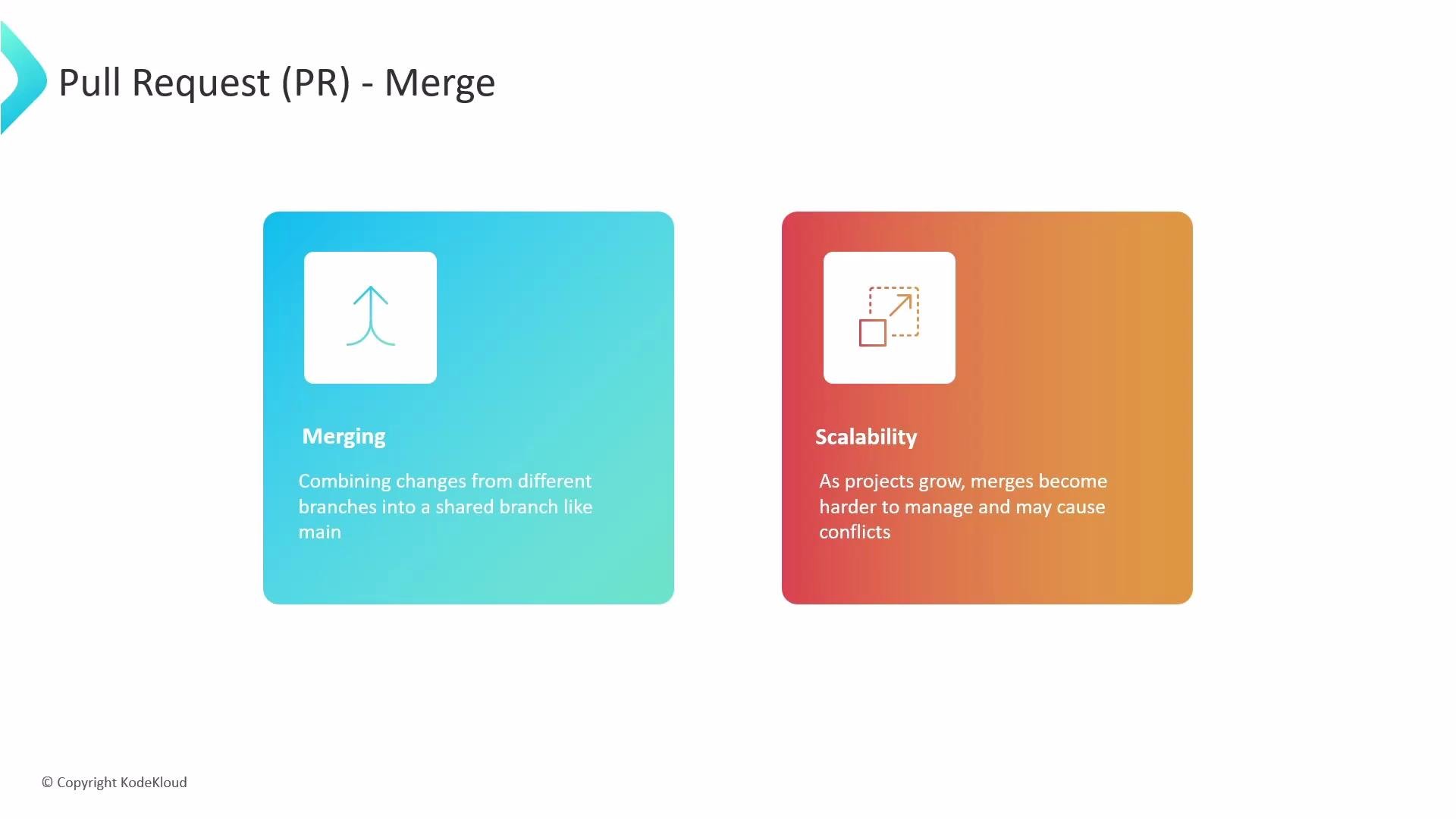
The image explains pull requests (PR) in the context of merging branches, highlighting the concepts of merging changes and scalability challenges as projects grow.
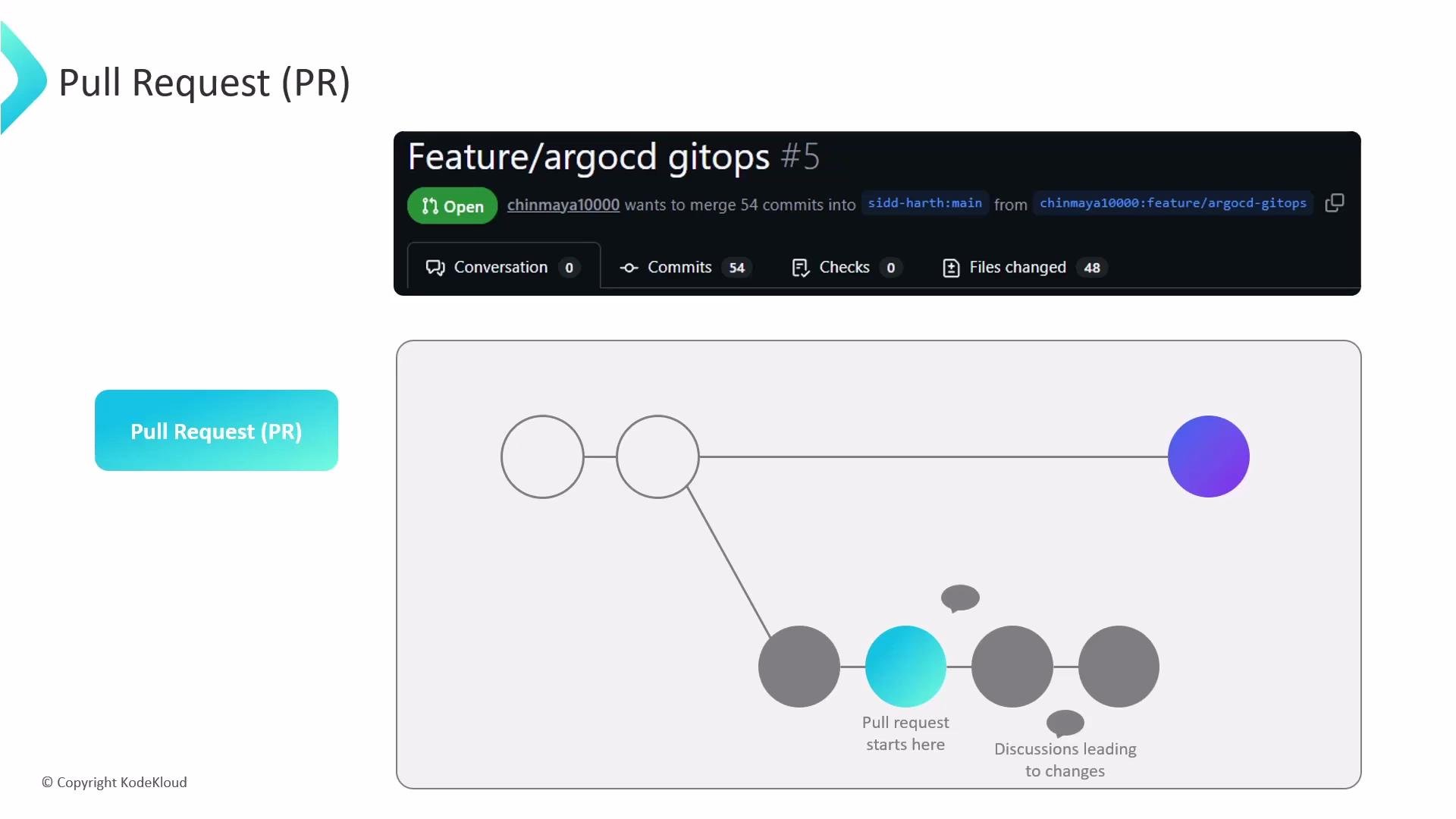
What is a pull request? A pull request (PR) is a formal proposal to merge changes from a compare (source) branch into a base (target) branch. You push your branch to a remote repository and open a PR so others can inspect, discuss, and approve the changes before they are merged into the stable codebase.
The image explains a pull request (PR) workflow with an interface showing a pull request in a repository and a diagram illustrating the starting point and discussion process of a pull request.
Why use PRs?
  • Enable code review and collaboration.
  • Run automated checks (CI) before integration.
  • Create an auditable history of why changes were made.
  • Facilitate discussion and discovery of design or implementation issues.
Compare branch vs. base branch Every PR is defined by two branches: the compare branch (source) with the new commits and the base branch (target) where changes will land—commonly main. When a PR is opened, GitHub generates a diff highlighting file and line changes so reviewers can focus on the actual modifications.
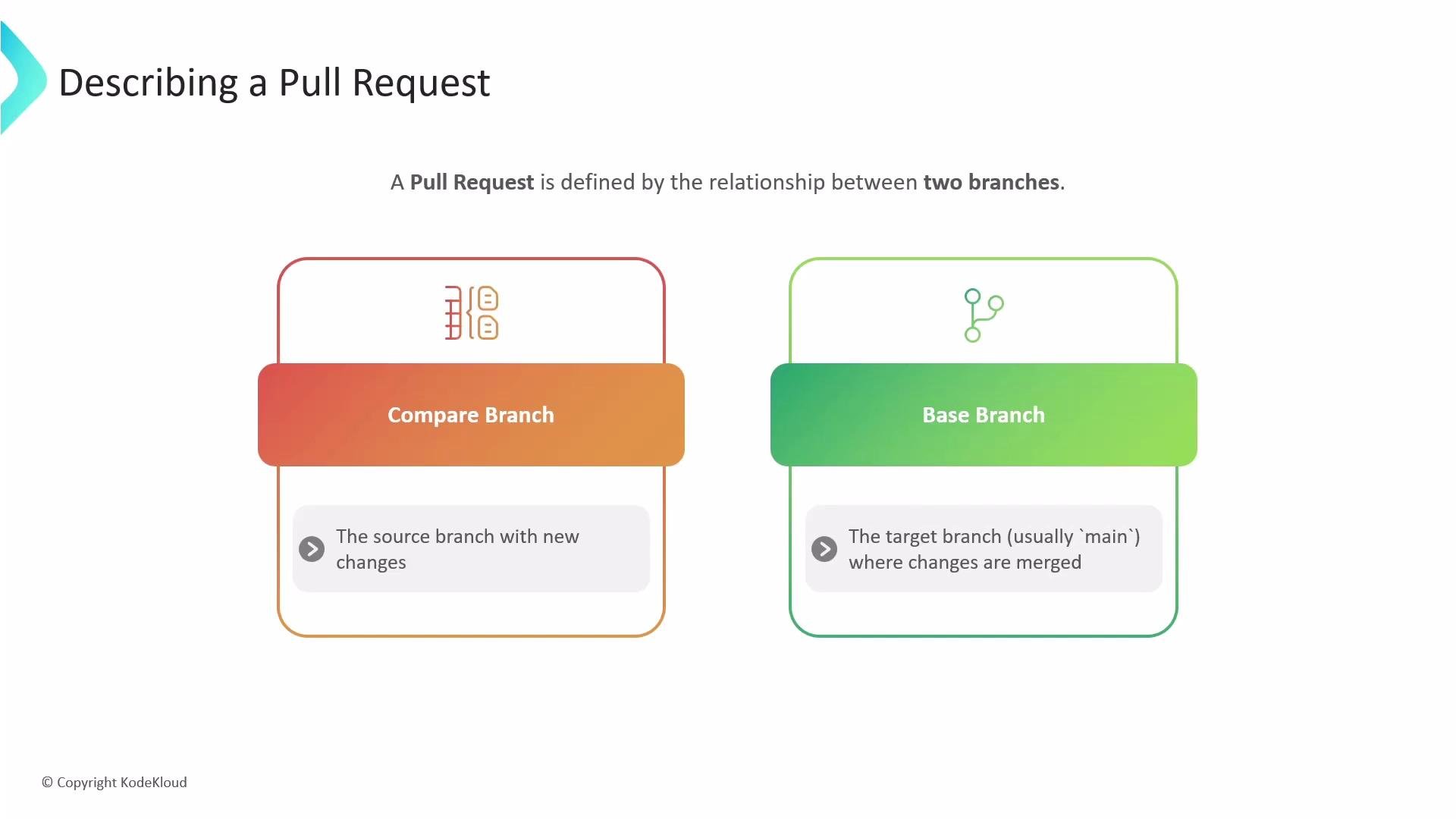
The image is a diagram explaining a pull request, showing a relationship between a "Compare Branch" which is the source branch with new changes, and a "Base Branch" which is the target branch where changes are merged.
What GitHub shows in a PR
  • The list of commits included in the PR.
  • All changed files with a line-by-line diff and inline commenting.
  • Status checks and CI results (passing or failing).
  • Mergeability status (clean merge vs. conflicts).
  • A discussion thread for comments, requested changes, and resolutions.
Typical pull request workflow (commands) Merge methods: when to use each Handling merge conflicts If GitHub reports merge conflicts, update your branch and resolve them locally, then push the resolved branch back to the remote. Two common approaches are merge or rebase: Merge approach:
Rebase approach (keeps a cleaner linear history):
Review workflow and automation Typical reviewer actions:
  • Leave inline comments on specific lines.
  • Request changes or approve the PR.
  • Verify passing CI checks and automated tests.
  • Ensure code owners or maintainers sign off if required.
Automations to enforce quality:
  • CI pipelines (tests, builds).
  • Linters and static analysis.
  • Protected branch rules (require reviews, passing checks).
Keep pull requests small and focused. Small PRs are easier to review, test, and merge. Include a clear description, testing steps, and references to related issues or tickets.
Do not merge a pull request while checks are failing or when review comments are unresolved. Merging under these conditions can introduce regressions or unstable code into the base branch.
Best practices summary
  • Use descriptive branch names and PR titles (e.g., feature/auth-login, fix/typo-readme).
  • Write a clear PR description with the motivation, changes, and testing steps.
  • Run and ensure CI checks pass before requesting review.
  • Address requested changes and keep the PR updated with the base branch as needed.
  • Prefer smaller, frequent PRs over large, monolithic ones to reduce review friction and risk.
Further reading and references This lesson explained what a pull request is, how it fits into the branch-and-merge workflow, and the typical interactions that reviewers and contributors perform to safely integrate changes into the main codebase.

Watch Video