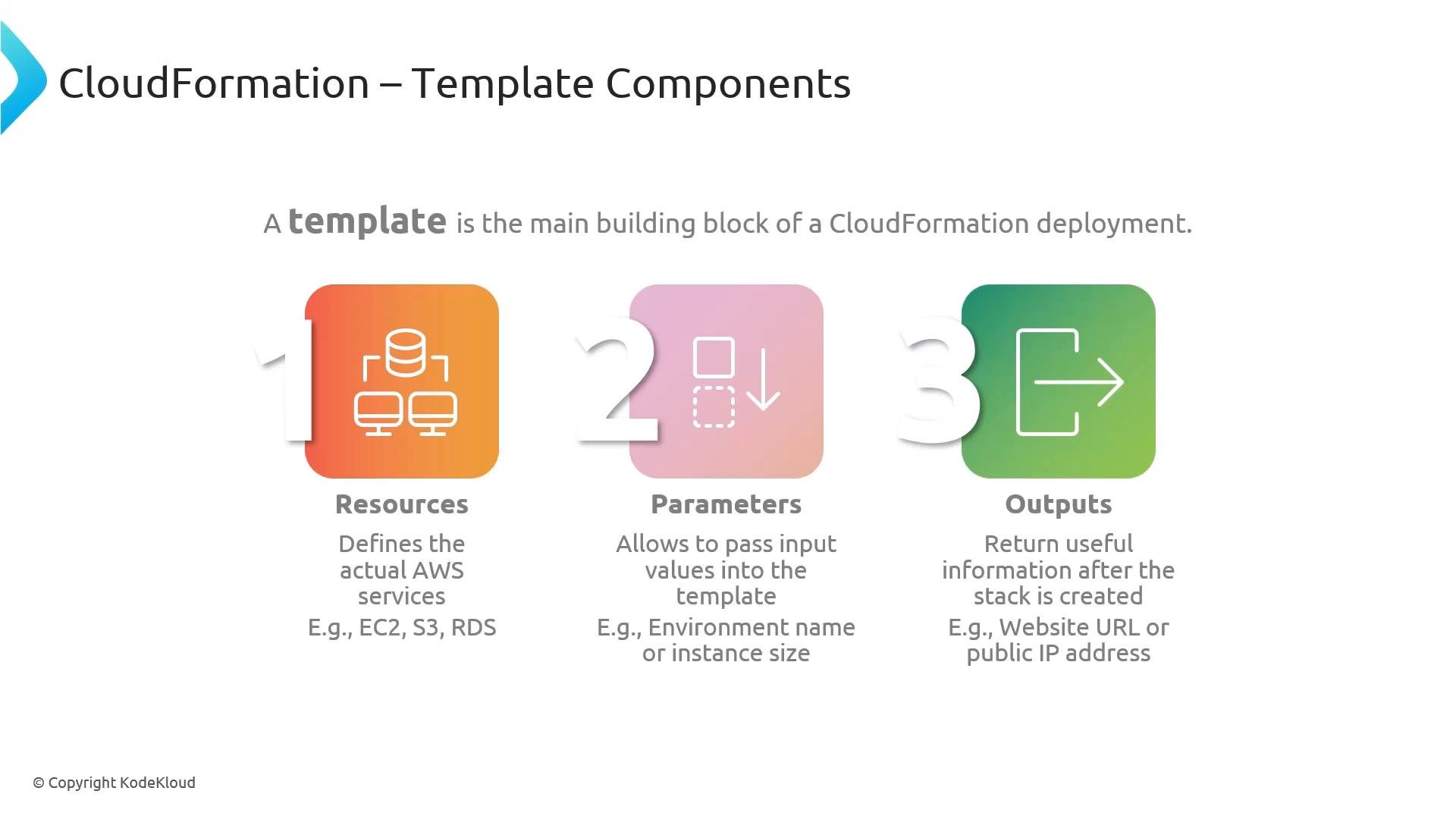
- Resources — The only required section for most templates. Resources declare the AWS services to create (for example,
AWS::EC2::Instance,AWS::S3::Bucket, orAWS::RDS::DBInstance). - Parameters — Optional user-supplied inputs passed to the template at stack creation time. Use parameters to avoid hard-coding values (for example: environment name, instance type, DB size).
- Outputs — Optional values returned after stack creation, such as an instance public IP, a website URL, or other useful metadata.
Use
Parameters to make templates reusable across environments (dev, staging, prod). Favor references like !Ref and !Sub rather than hard-coded values to improve portability.
Beyond the core sections, templates often include additional optional components to increase portability, validation, and conditional behavior:
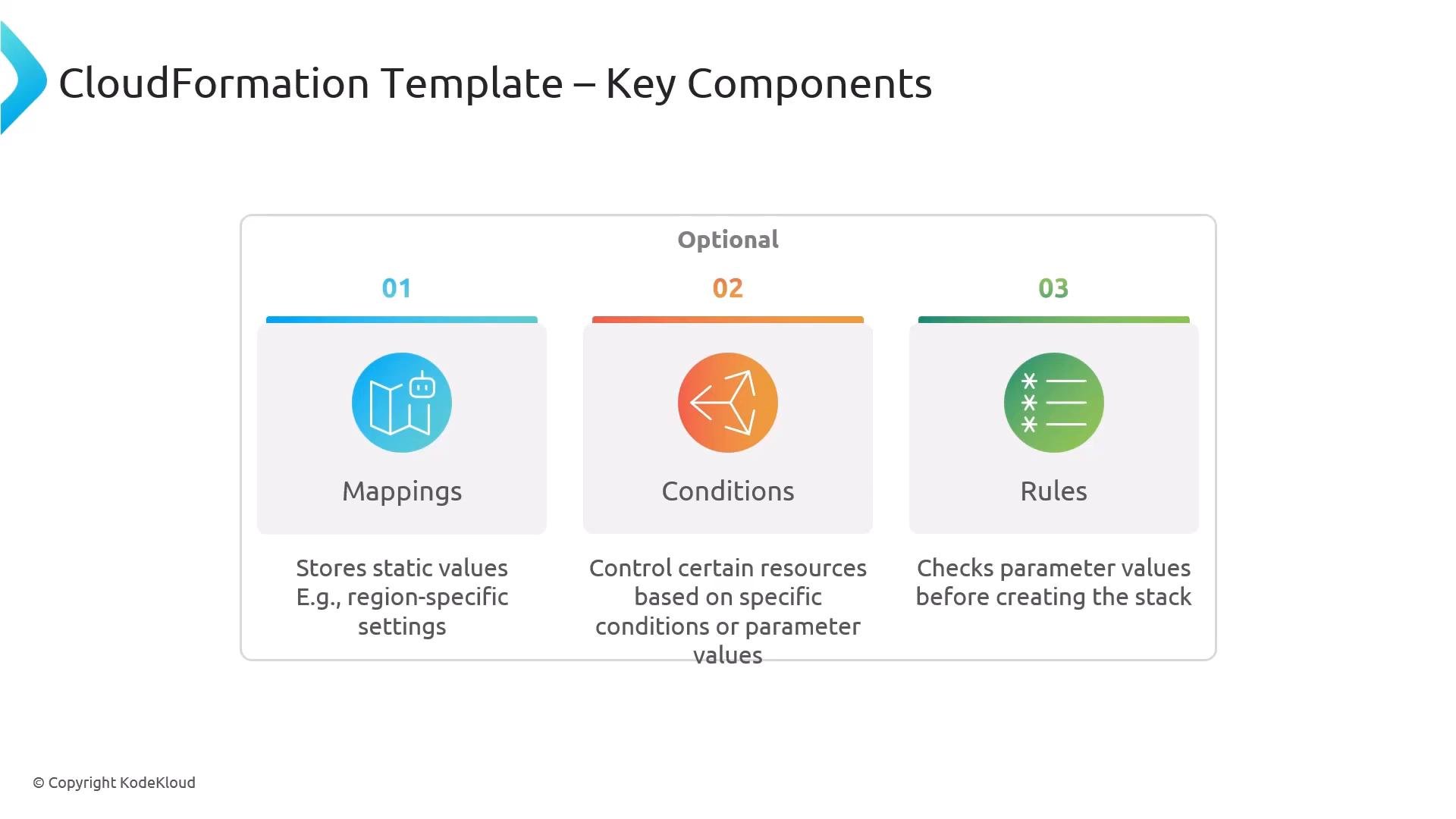
- Mappings — Static key/value tables used for lookups (for example, mapping regions to AMI IDs).
- Conditions — Boolean expressions (using
Fn::If,Fn::Equals, etc.) that control whether resources or properties are created based on parameters or other values. - Rules — Pre-deployment validations for parameters that catch incorrect input early.
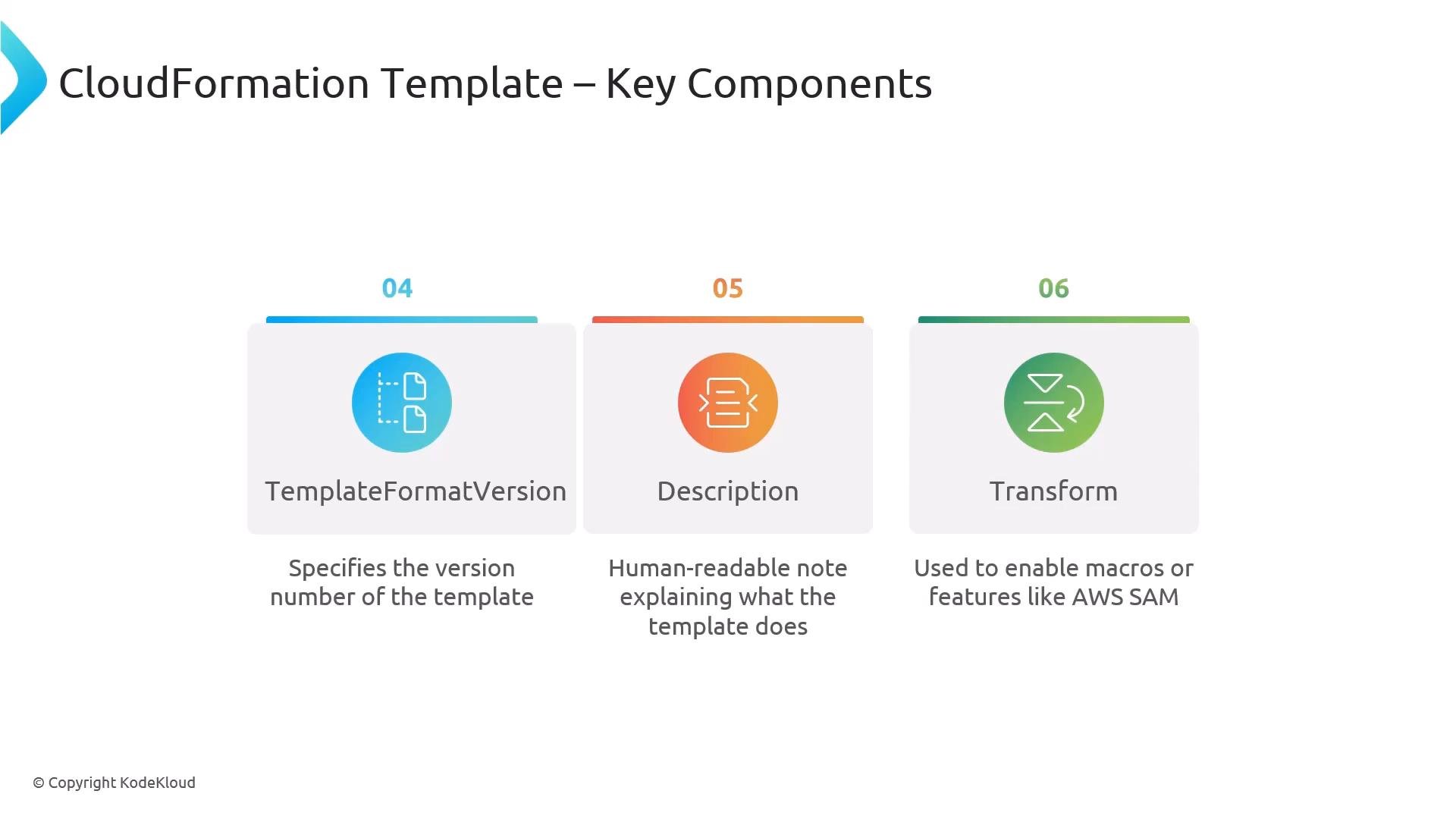
AWSTemplateFormatVersion— Optional document field (commonly"2010-09-09") that records the template format version.Description— A human-readable summary of the template’s purpose.Transform— Declares transforms (macros) applied to the template, for exampleAWS::Serverless-2016-10-31for AWS SAM.
Avoid embedding secrets (passwords, API keys) directly in templates. Use AWS Secrets Manager, Systems Manager Parameter Store, or pass sensitive data securely at deployment time.
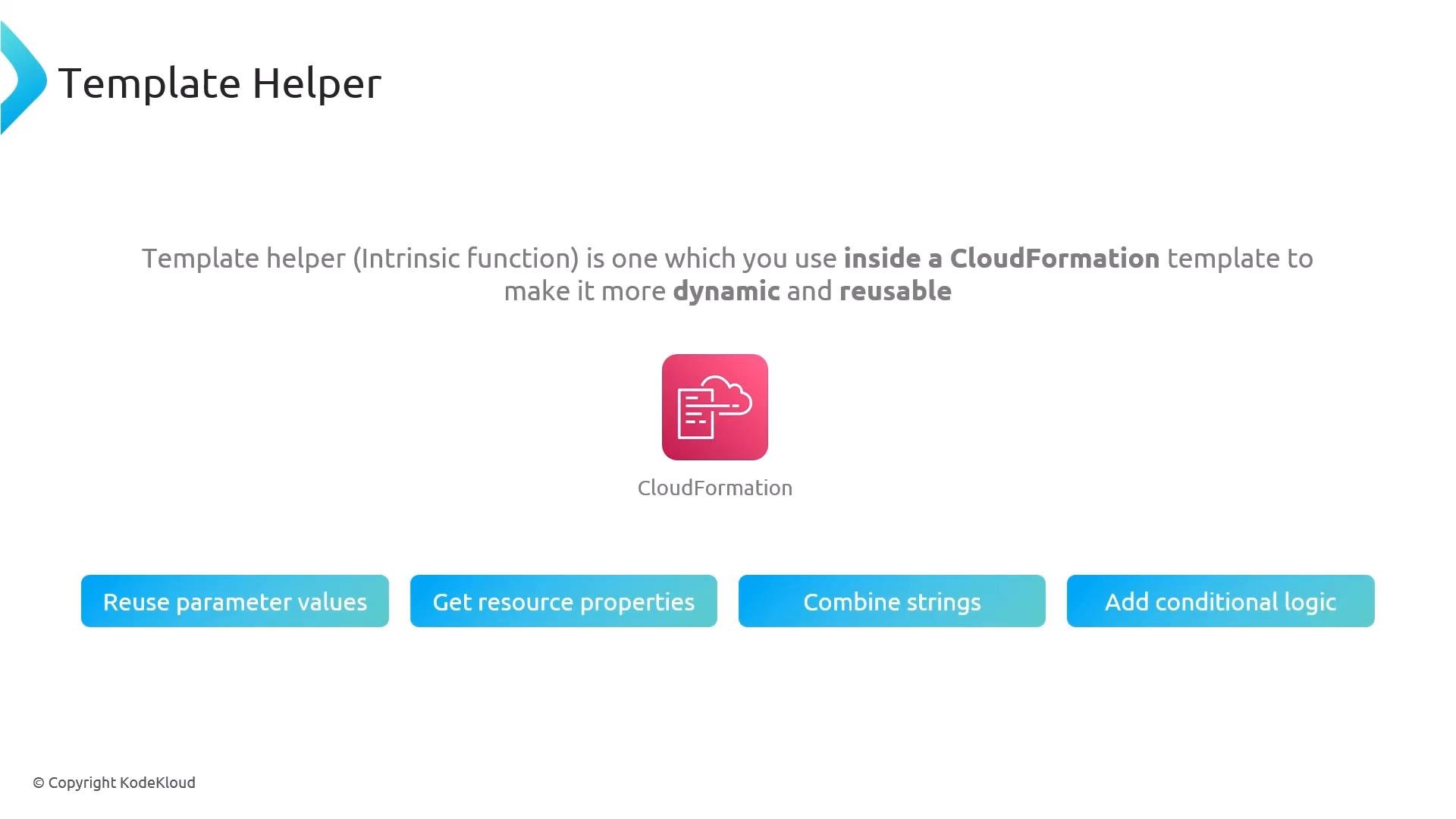
- Reuse parameter values with
Ref(short form!Ref). - Retrieve resource attributes with
Fn::GetAtt(short form!GetAtt). - Concatenate or format strings with
Fn::JoinorFn::Sub. - Add conditional logic with
Fn::If,Fn::Equals, etc.
!Ref, !GetAtt) and long-form JSON equivalents (e.g., "Fn::GetAtt").