-
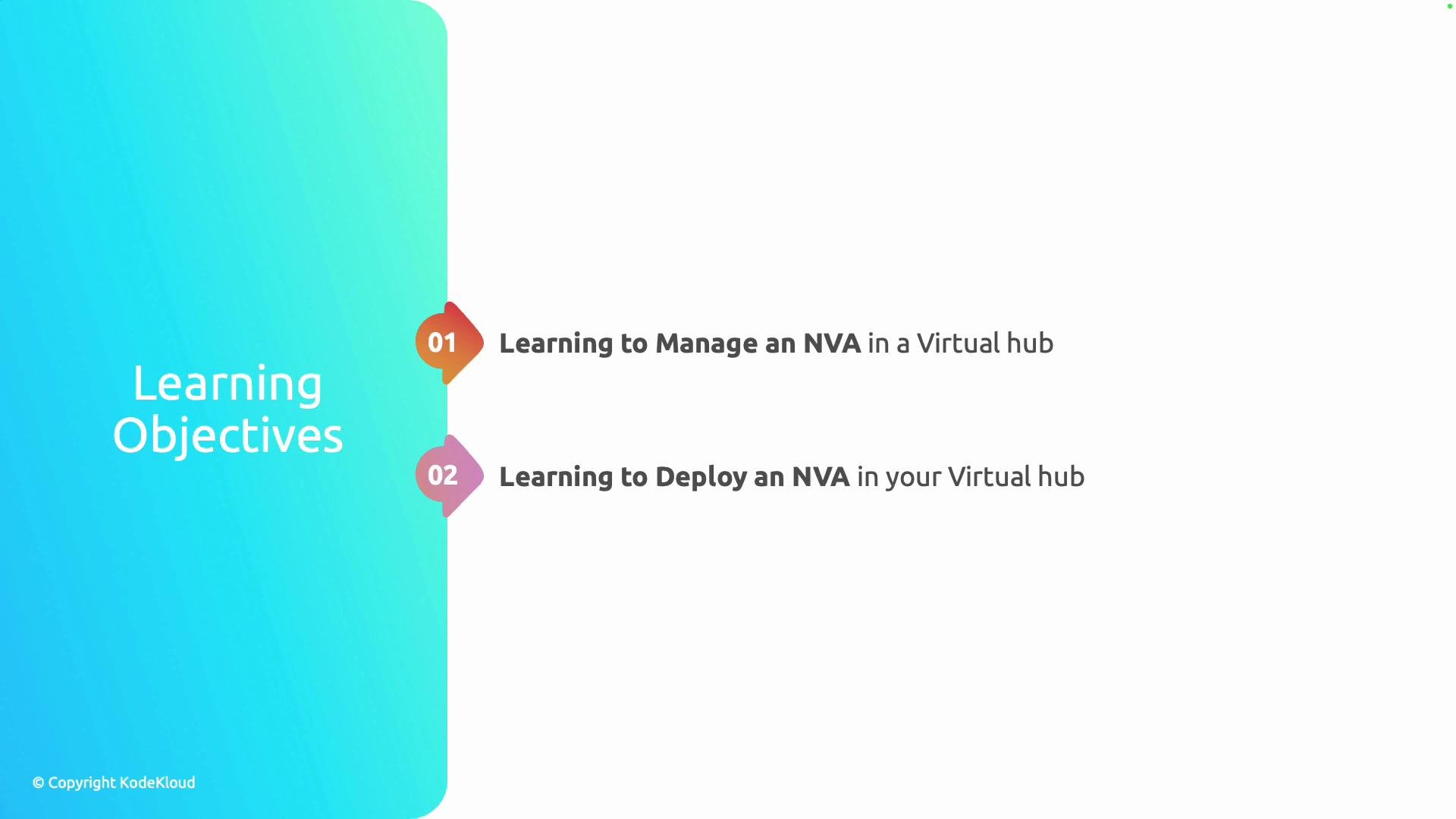
Manage an NVA in a Virtual Hub:
- Monitor health and metrics.
- Configure settings and policies.
- Apply updates and manage lifecycle.
-
Deploy an NVA into a Virtual Hub:
- Choose an appropriate appliance image or VM size.
- Integrate the NVA with hub routing and security constructs.
- Verify traffic flow and policies.
This lesson focuses on the conceptual steps and management tasks for NVAs in an Azure Virtual Hub. A basic understanding of Azure Virtual Hubs, hub routing, and virtual machine administration will help you follow along.
- Centralized security and inspection: route inter-spoke or egress traffic through a firewall or DPI appliance.
- Advanced routing: run custom routing or packet manipulation not supported by built-in hub routing.
- Vendor features: leverage third-party firewall, WAN optimization, or IDS/IPS features available through marketplace appliances.
| Use Case | Prefer NVA when | Prefer native Azure service when |
|---|---|---|
| Deep packet inspection, Stateful firewall | You need vendor-specific features (IDS/IPS, WAF, advanced logging) | Basic network security via Azure Firewall or NSGs |
| Complex routing, protocol manipulation | Appliance supports custom routing policies or non-standard protocols | Hub route tables and Route Server suffice |
| Integrated management and logging | You need central management across multiple hubs/spokes | Azure-native solutions integrate more tightly with Azure Monitor and services |
- Familiarity with Azure Virtual Hub architecture and hub/spoke network design.
- Basic VM management (images, sizes, NICs).
- Access to the Azure subscription with network contributor or higher role.
- Azure Virtual WAN overview
- Azure Virtual Network: route tables and traffic routing
- Marketplace virtual appliance images