

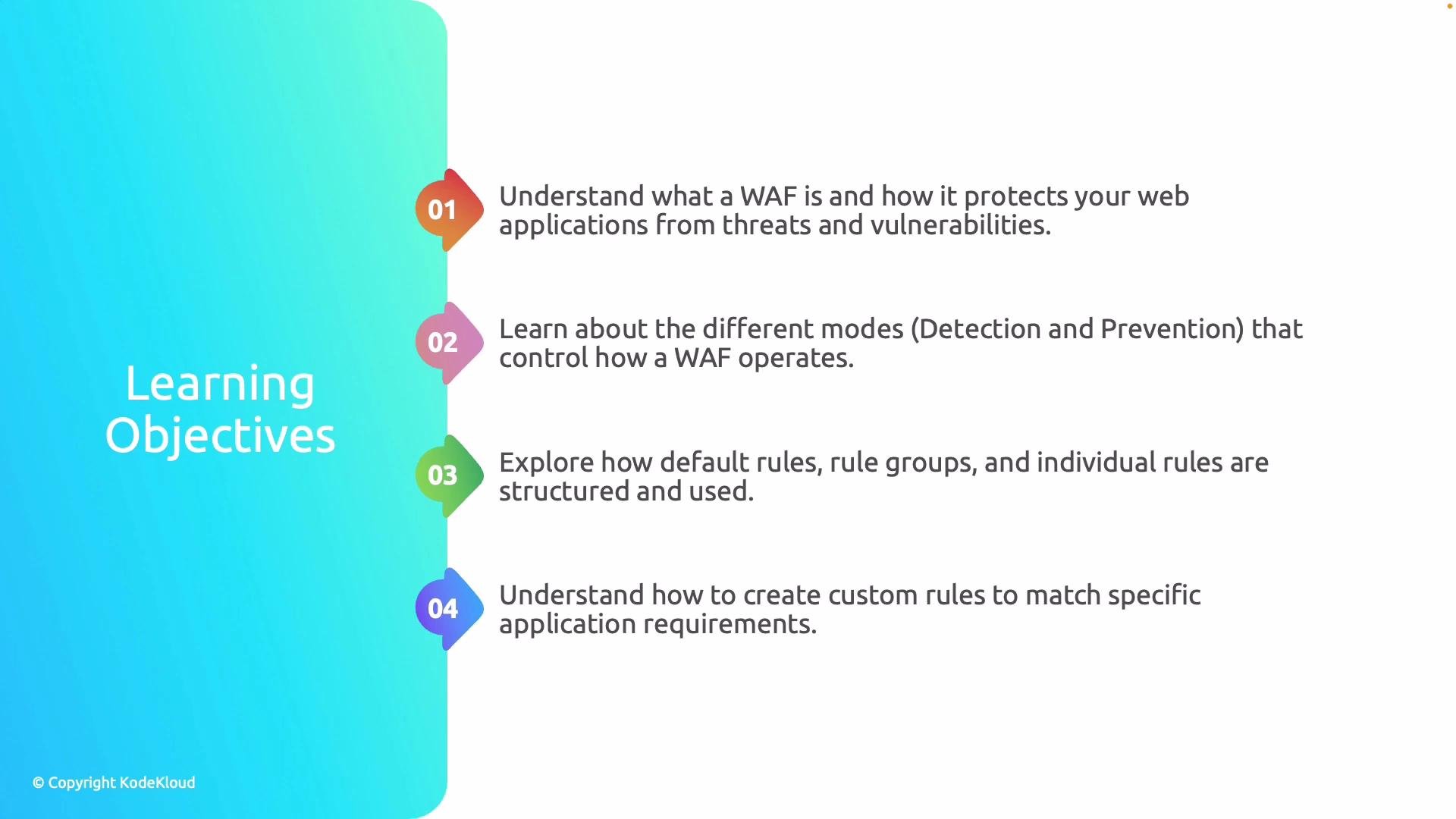
- What a WAF is and which attacks it defends against (for example, SQL injection, cross-site scripting, and other OWASP Top 10 threats).
- WAF operating modes: detection (logging/monitoring) versus prevention (blocking malicious requests).
- Rules and rule groups: the difference between managed/default rule sets and custom rules, and when to use each.
- How to integrate WAF with Azure Front Door to provide centralized edge protection for globally distributed applications.
- Detection mode: logs suspicious or malicious traffic for analysis without impacting user traffic.
- Prevention mode: actively blocks requests that match configured rules to stop attacks immediately.
Use detection mode when you first enable a WAF or when you’re tuning rules. Switch to prevention only after you’ve validated rule behavior to avoid unintended blocking.
Rules and rule groups
WAF rules are organized into rule groups. Azure provides managed rule sets—such as the OWASP Core Rule Set—that block many common attack patterns out of the box. Managed rule sets give broad coverage quickly; however, they can require tuning to prevent false positives for your specific application. Custom rules let you target organization-specific threats by combining match conditions (IP address, geographic location, request URI, headers, query string, rate thresholds) with actions (Allow, Block, or Log) and a priority. You can also define rate-limiting rules to throttle abusive clients. Common custom-rule examples:- Block requests from specific countries or IP ranges.
- Block or rate-limit requests to a specific path (for example, repeated requests to a login endpoint).
- Block requests that exceed a configured request size or contain suspicious headers.
Azure WAF deployment options
Azure supports multiple WAF deployment models. Each option has trade-offs for global reach, latency, and the feature set available:
When to choose each:
- Use Application Gateway WAF when you require deep integration with Azure VNets, private backends, or per-region routing.
- Use Azure Front Door WAF to protect globally distributed apps and apply centralized security rules at the edge.
- Use CDN-integrated WAF when you primarily serve static assets and want basic edge-level request filtering.
Tuning, testing, and best practices
- Start in detection mode to collect logs and analyze rule hits before enabling prevention. Review false positive events and add exclusions or custom rules as needed.
- Apply rate-limiting rules for high-risk endpoints (e.g., authentication or API endpoints) to mitigate brute-force and scraping attacks.
- Combine managed rules with targeted custom rules rather than wholesale disabling managed rule groups. Disable only the specific rules that cause false positives.
- Use prioritized custom rules to allow trusted traffic that would otherwise be blocked by managed rules (for example, internal health probes).
- Integrate WAF logs with Azure Monitor, Log Analytics, or SIEM for alerting and incident response.
What this article covers
This article walks through how to choose the right WAF deployment for your scenario, tune managed rule sets, and implement common custom rules to address application-specific threats. It also demonstrates integrating Azure WAF with Azure Front Door for centralized, global protection.Links and references
- OWASP Top 10
- Azure WAF on Application Gateway: https://docs.microsoft.com/azure/application-gateway/waf-overview
- Azure Front Door WAF: https://docs.microsoft.com/azure/frontdoor/waf-overview
- Azure CDN documentation: https://docs.microsoft.com/azure/cdn/