Welcome. This lesson explains Azure ExpressRoute — a private, high-throughput, low-latency connectivity option that links on-premises infrastructure to Microsoft Azure datacenters over Microsoft’s global backbone. ExpressRoute delivers predictable performance, SLA-backed availability, and is commonly used for workloads that require enhanced security, compliance, or consistent network behavior. Because ExpressRoute deployments require coordination with network service providers, dedicated circuits, and on-premises equipment, a live demo is not possible in this lesson. Instead, the module focuses on core concepts, design considerations, and real-world usage patterns using explanatory examples and configuration snippets so you can understand how ExpressRoute fits into enterprise network architectures.
Note: This lesson does not include a live ExpressRoute deployment. Many ExpressRoute tasks (physical provisioning, circuit handoffs, and carrier coordination) cannot be demonstrated inside a sandbox environment.
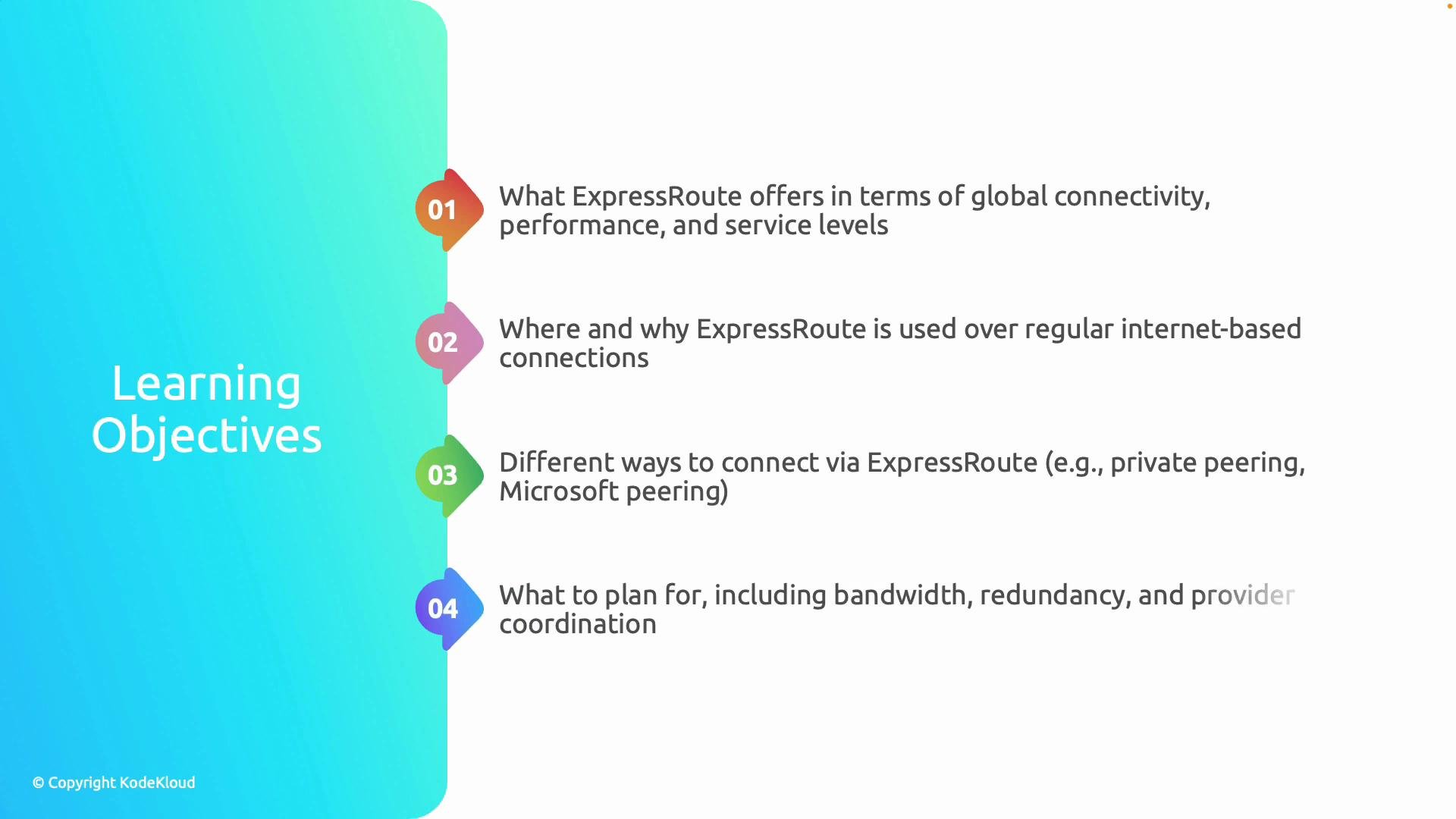
A presentation slide titled "Learning Objectives" with four numbered points about Azure ExpressRoute. The points cover what ExpressRoute offers (global connectivity, performance, service levels), where/why to use it, connection options (private/Microsoft peering), and planning considerations (bandwidth, redundancy, provider coordination).
Learning objectives (summary)
  • Understand ExpressRoute fundamentals: private connectivity over Microsoft’s backbone, predictable performance, and SLA-backed availability.
  • Identify when ExpressRoute is preferred over internet-based VPNs — typically for workloads requiring higher security, reliability, and regulatory compliance.
  • Learn primary connection models (Private Peering and Microsoft Peering), what each delivers, and how they affect routing and design.
  • Plan deployment details: bandwidth sizing, redundancy patterns, high availability, and coordination with a network service provider.
Key operational features you’ll learn about:
  • BFD (Bidirectional Forwarding Detection) — reduces detection time for link or path failures to speed up routing failover (for example, when used with BGP).
  • Encryption on the access circuit — technologies such as MACsec can provide hop-by-hop confidentiality for the physical access link even though the ExpressRoute circuit is private.
A presentation slide titled "Learning Objectives" listing two points: (05) learning how BFD improves failover detection and reduces downtime, and (06) how to secure ExpressRoute using encryption technologies like MACsec. The slide has a blue gradient left panel and a © Copyright KodeKloud mark.
ExpressRoute connection models and when to use them
Connection modelPrimary purposeTypical use casesRoutes advertised
Private PeeringConnect your on-premises network to Azure Virtual NetworksLift-and-shift VMs, private services in VNets, cross-prem VNet connectivityCustomer routes (VCN subnets) and Azure VNet prefixes
Microsoft PeeringAccess Microsoft public services over private network pathsOffice 365, Azure PaaS endpoints, SaaS that uses Microsoft public prefixesMicrosoft public prefixes (e.g., Azure PaaS, O365)
ExpressRoute DirectHigh-capacity, dedicated physical ports (single tenant)Very high bandwidth needs, direct Microsoft peering at scaleAs above, at higher capacity (10Gbps–100Gbps ports)
ExpressRoute Global ReachConnect multiple on-prem sites via Microsoft backboneCross-site private interconnectivity across regionsYour private site-to-site routes propagated across ExpressRoute
Practical planning considerations
  • Bandwidth and sizing: Align circuit capacity to application throughput and growth. Consider headroom for bursts and failover scenarios.
  • Redundancy and HA: Deploy redundant circuits in different Microsoft peering locations or with multiple service providers when possible. Use BGP path attributes and diverse routing to avoid single points of failure.
  • Provider coordination: Provisioning requires the service provider to hand off circuits at an ExpressRoute location (co-location/edge). Lead time and operational support are key planning factors.
  • Security and compliance: While circuits are private, consider additional safeguards (MACsec for physical link encryption, IPsec on top of BGP where appropriate, and strict routing/ACL policies).
How ExpressRoute fits into enterprise topologies
  • Private peering typically connects on-premises routers to Azure VNets for private application traffic.
  • Microsoft peering enables private access to Microsoft public services (reducing traversal over the public internet).
  • ExpressRoute Direct and Global Reach are options for high-throughput and cross-site connectivity over Microsoft’s global network, useful for multi-region enterprises and data replication scenarios.
Further reading and references Use the rest of this lesson to explore example configurations, BGP peering guidelines, and design patterns for integrating ExpressRoute into your enterprise network.