

Quick overview
- Billing model: Metered vs Unlimited — choose based on expected egress volume.
- Bandwidth: Provision for current needs and anticipated growth; ExpressRoute Direct supports very large capacities.
- Resiliency: Multiple peering locations and circuits reduce risk of outage.
- SKU: Standard vs Premium — Premium required for global connectivity and higher route limits.
- Physical connectivity: Your connectivity provider provisions the handoff to Microsoft Edge routers.
Billing models: Metered vs Unlimited
- Unlimited Data: Fixed monthly fee covering all data transfer across the ExpressRoute connection. Best for sustained, high-volume traffic between Azure and on-premises.
- Metered Data: Lower monthly base charge with outbound (egress from Azure to on-premises) billed per GB. Suitable for small sites or scenarios with minimal outbound traffic.
If you expect minimal outbound traffic, choose the metered plan to save on monthly fees. For steady, high-volume transfers, Unlimited keeps costs predictable and avoids unpredictable egress costs.
Bandwidth selection and capacity planning
- Start with the capacity you need today and factor in 12–24 month growth estimates.
- ExpressRoute circuits commonly start at 50 Mbps and scale up; ExpressRoute Direct supports very large port speeds (10 Gbps, 100 Gbps options depending on provider).
- Provisioning too small risks congestion; provisioning too large wastes budget. When in doubt, size conservatively and plan for scale-up.
Scalability and gateway considerations
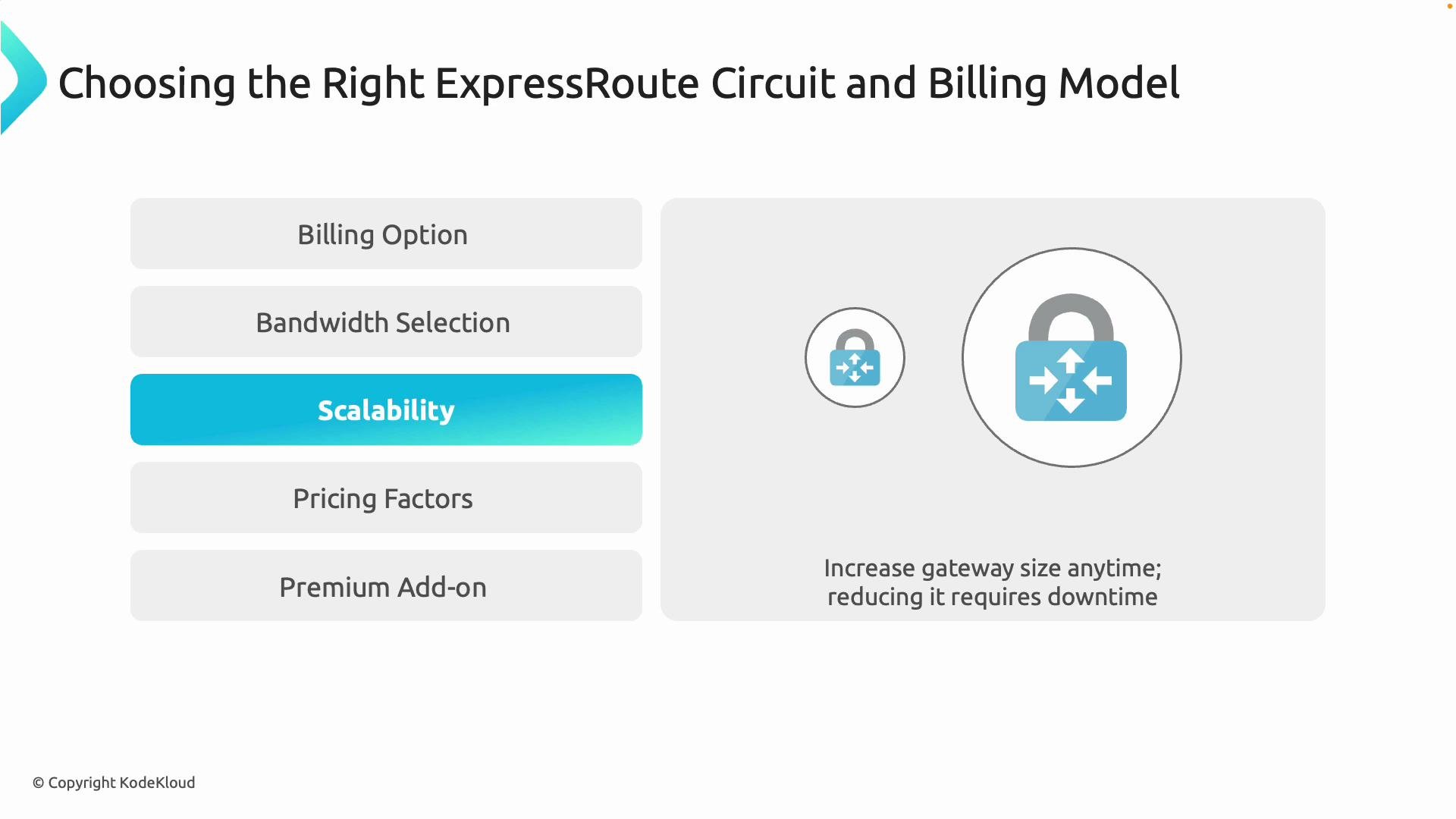
- You can often increase ExpressRoute circuit bandwidth without network downtime, but this may require coordination with your connectivity provider and the exchange.
- Changing the virtual network gateway SKU (or performing a downgrade) can require redeploying or recreating the gateway and may cause a brief outage.
Scaling down a gateway or changing its SKU can cause a brief outage. Schedule maintenance windows for downgrades and any action that requires gateway redeployment.
Pricing factors to review
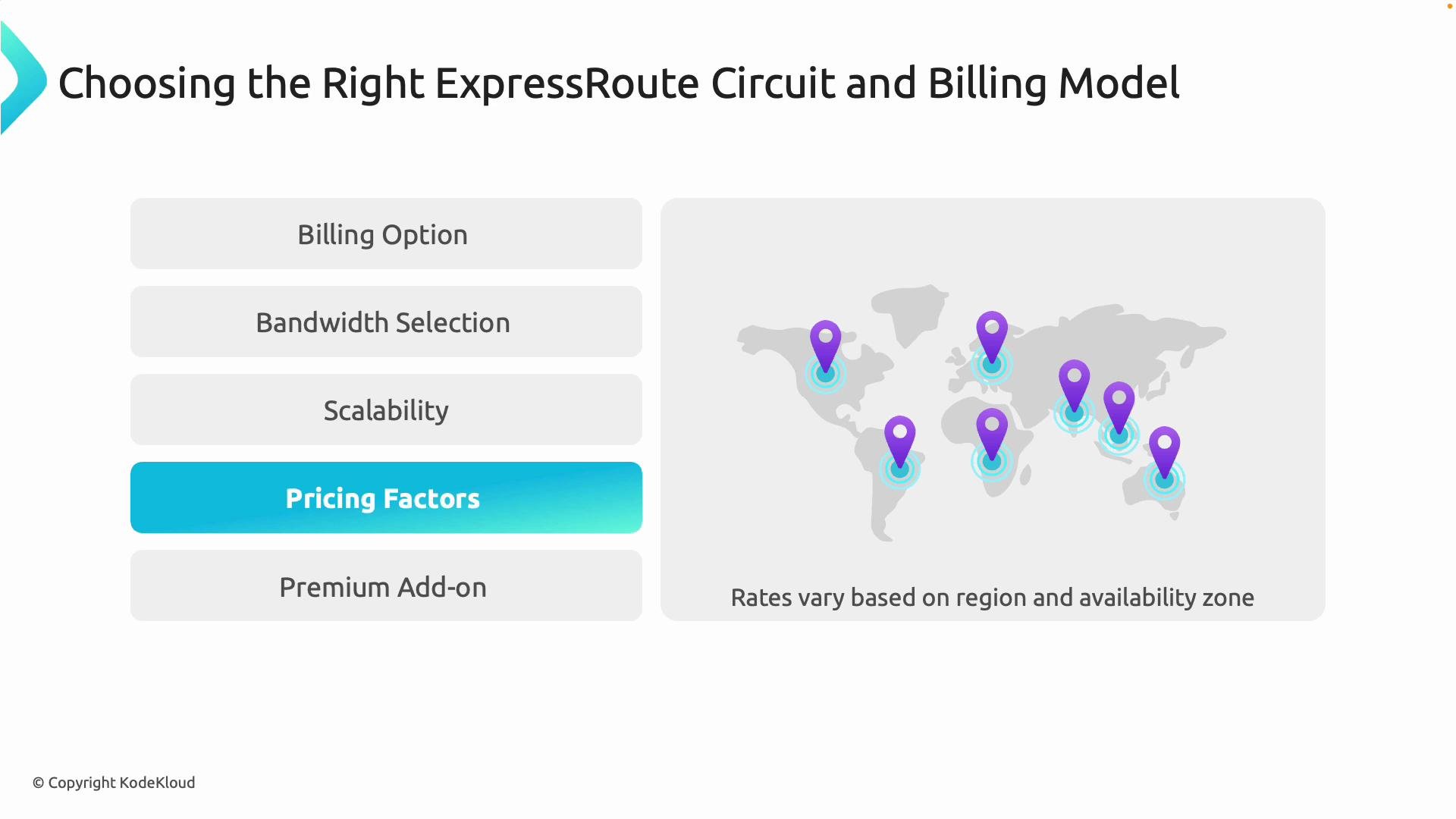
Pricing varies by region, resiliency, and billing model. Key variables that influence monthly cost:- Billing model (metered vs unlimited)
- Port speed (bandwidth)
- Region / peering location
- Resiliency and availability options
- Premium SKU (adds charge when used)
When to choose the Premium SKU
Choose Premium when you need:- Global connectivity across multiple Azure regions (connectivity beyond the local region).
- Higher route limits and larger scale than the Standard SKU provides.
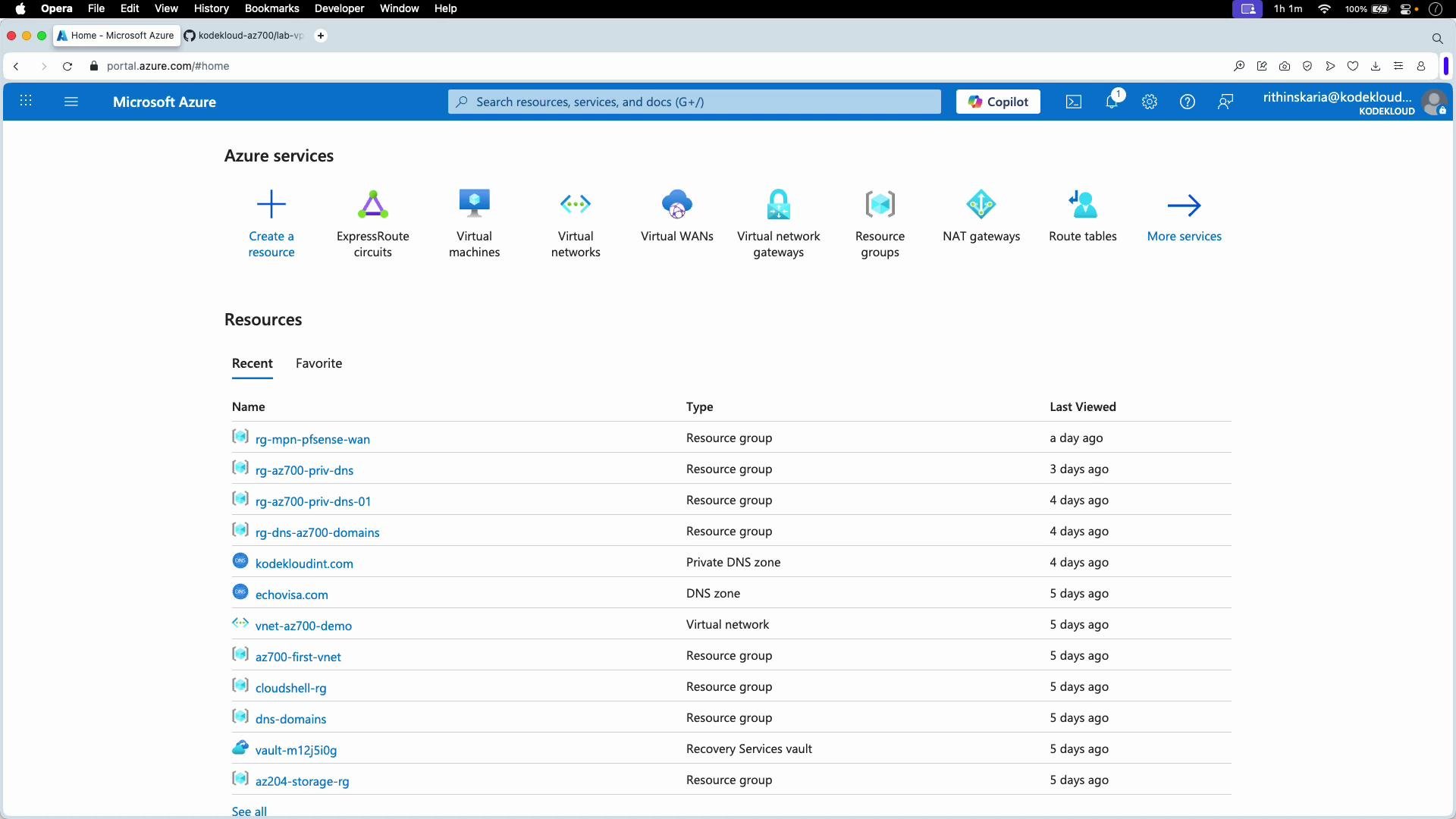
Portal walkthrough — where to create ExpressRoute resources
In the Azure portal you work with two main resource types for an ExpressRoute deployment:- Virtual Network Gateway — this is the gateway resource (same family used by VPN gateway) where the ExpressRoute circuit terminates. When creating it:
- Create it in the same region as the virtual network it will serve.
- Choose gateway type: ExpressRoute.
- Select gateway SKU appropriate for throughput and features (Standard, HighPerformance, UltraPerformance, or GW1/GW2/GW3).
- ExpressRoute Circuit — this resource holds circuit metadata:
- Select subscription and resource group.
- Choose port speed, peering location, provider (or ExpressRoute Direct), resiliency, billing model, and SKU (Standard vs Premium).
- ExpressRoute overview: https://learn.microsoft.com/en-us/azure/expressroute/expressroute-introduction
- Virtual network gateway: https://learn.microsoft.com/en-us/azure/vpn-gateway/vpn-gateway-about-vpn-gateway
Creating the virtual network gateway (key steps)
- Ensure the gateway is in the same region as the VNet.
- Select gateway type = ExpressRoute.
- Choose the correct gateway SKU for the required throughput and features.
- The ExpressRoute circuit will terminate on this gateway to provide connectivity to VNets.
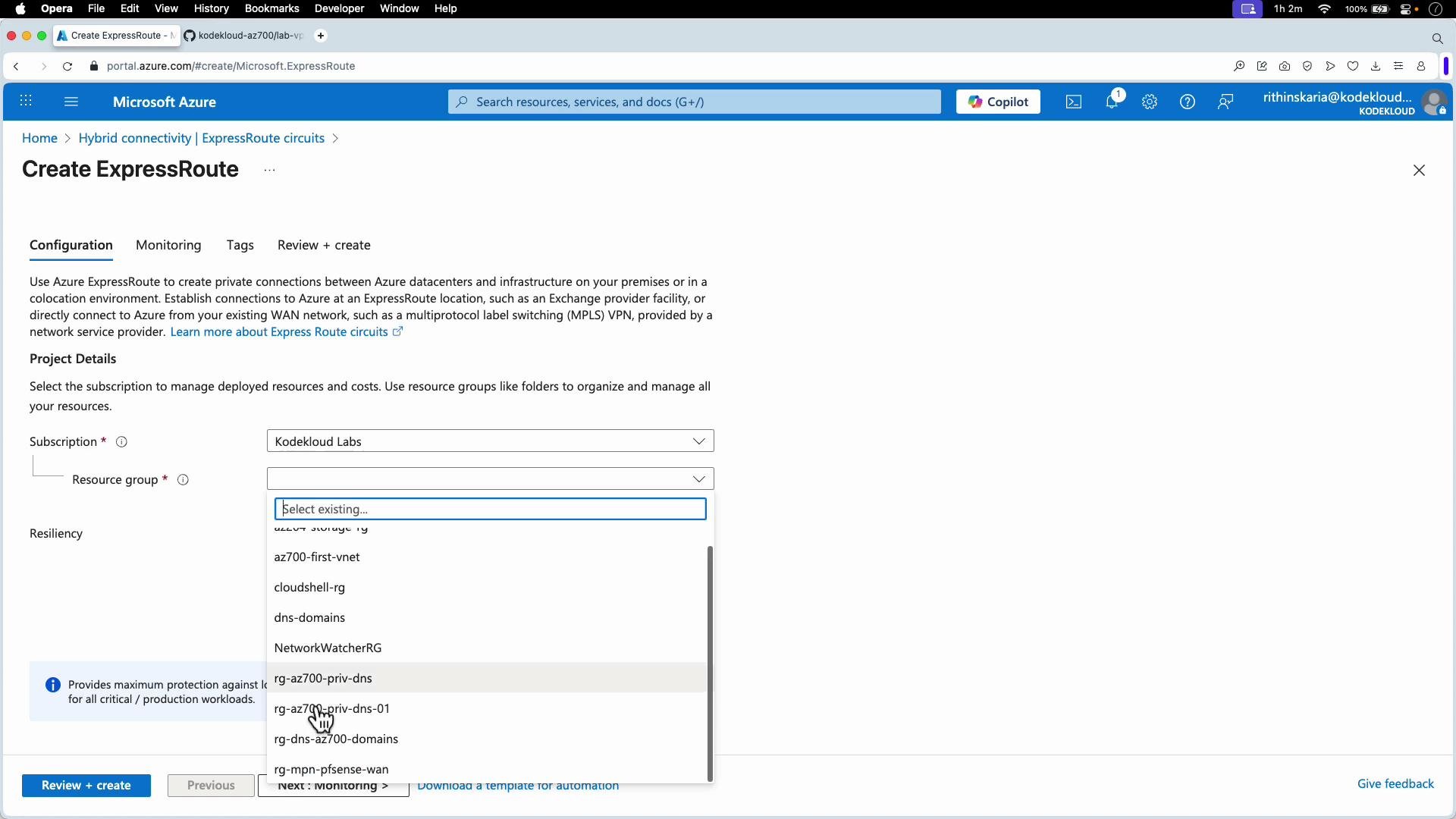
Creating the ExpressRoute circuit (key steps and resiliency options)
- Set subscription and resource group.
- Choose peering location and provider (or ExpressRoute Direct).
- Select port/bandwidth and billing model.
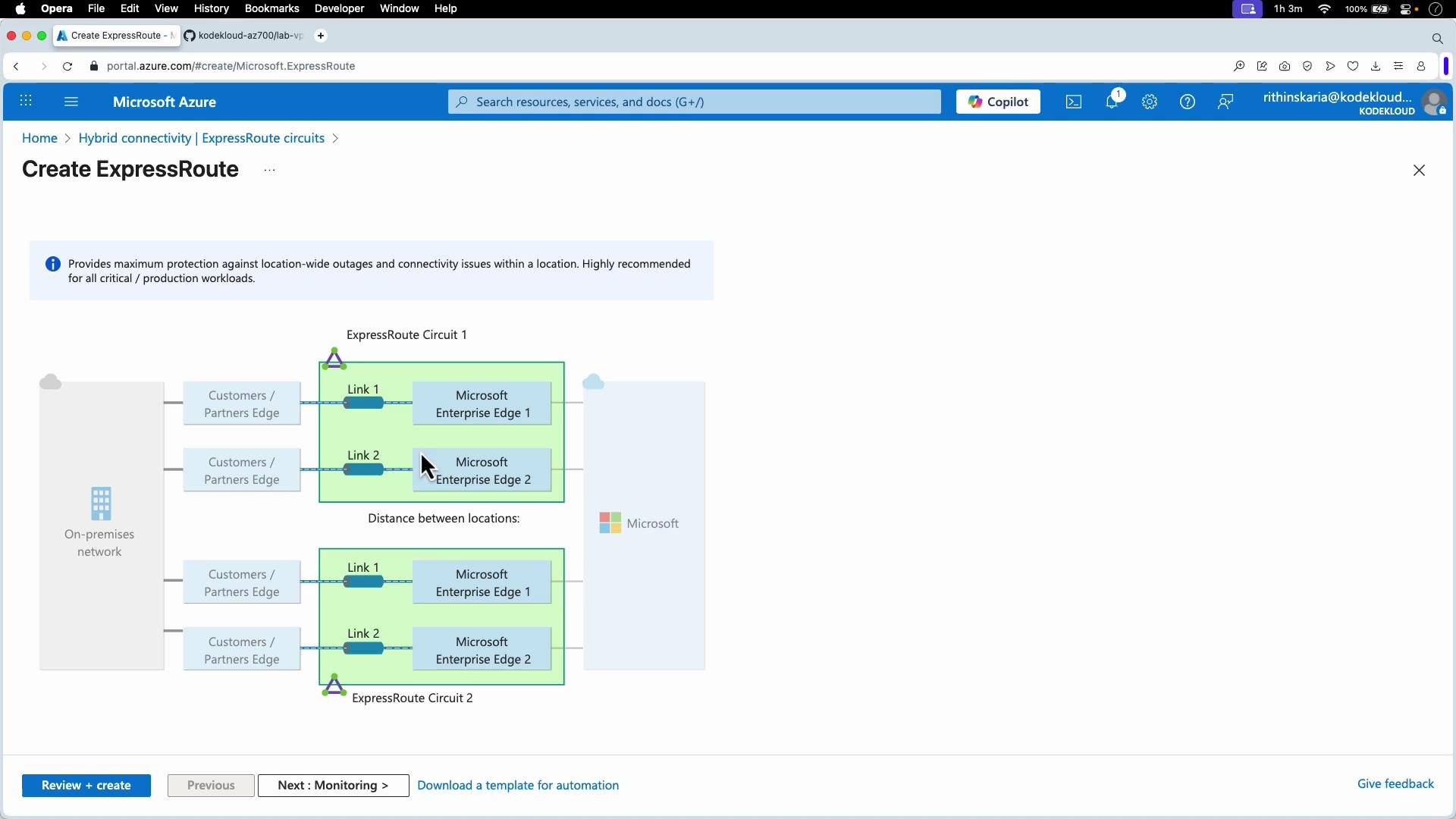
- Decide resiliency level:
- Maximum resiliency: two circuits across two different locations (strongest protection).
- High resiliency: two peering locations for greater availability.
- Standard resiliency: two links within a single peering location.
Provider involvement and the physical handoff
- After provisioning the ExpressRoute circuit resource, your connectivity provider provisions the physical layer from your site to the provider edge.
- The provider installs the physical circuit to the selected peering location and hands off to Microsoft Edge routers.
- Microsoft connects the Edge routers to your ExpressRoute gateway in Azure, which becomes the termination point for your circuit and enables connectivity to configured VNets.
Decision checklist
- Estimate monthly egress volume → choose Metered or Unlimited.
- Select initial port speed and plan for growth (document expected ramp).
- Decide if you need Premium for global reach or higher route counts.
- Choose resiliency level based on SLA and budget.
- Coordinate with connectivity provider for the physical installation and peering location.
- Validate costs in the Azure Pricing Calculator.
- Azure ExpressRoute documentation: https://learn.microsoft.com/en-us/azure/expressroute/
- Azure Pricing Calculator: https://azure.microsoft.com/en-us/pricing/calculator/