

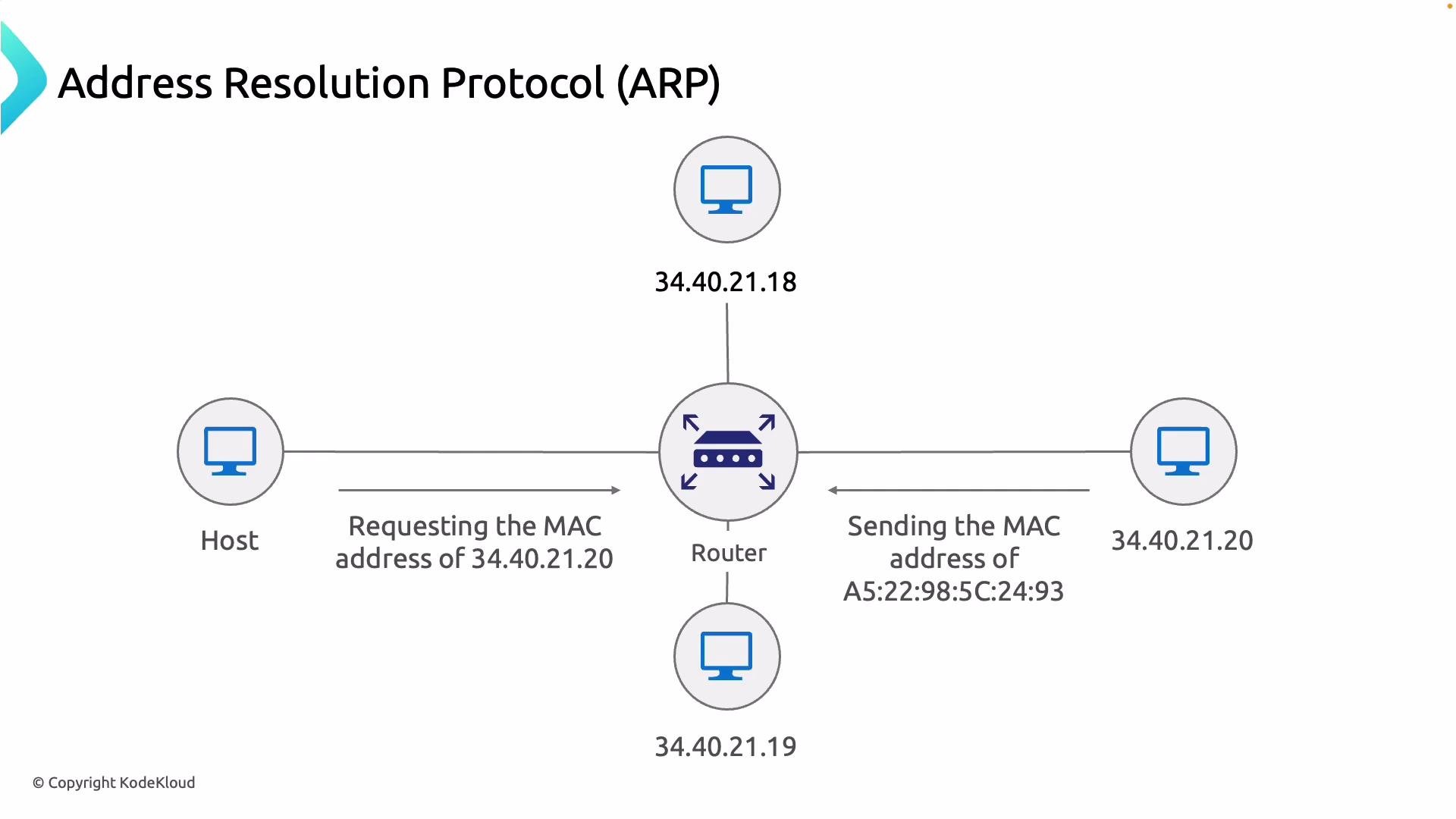
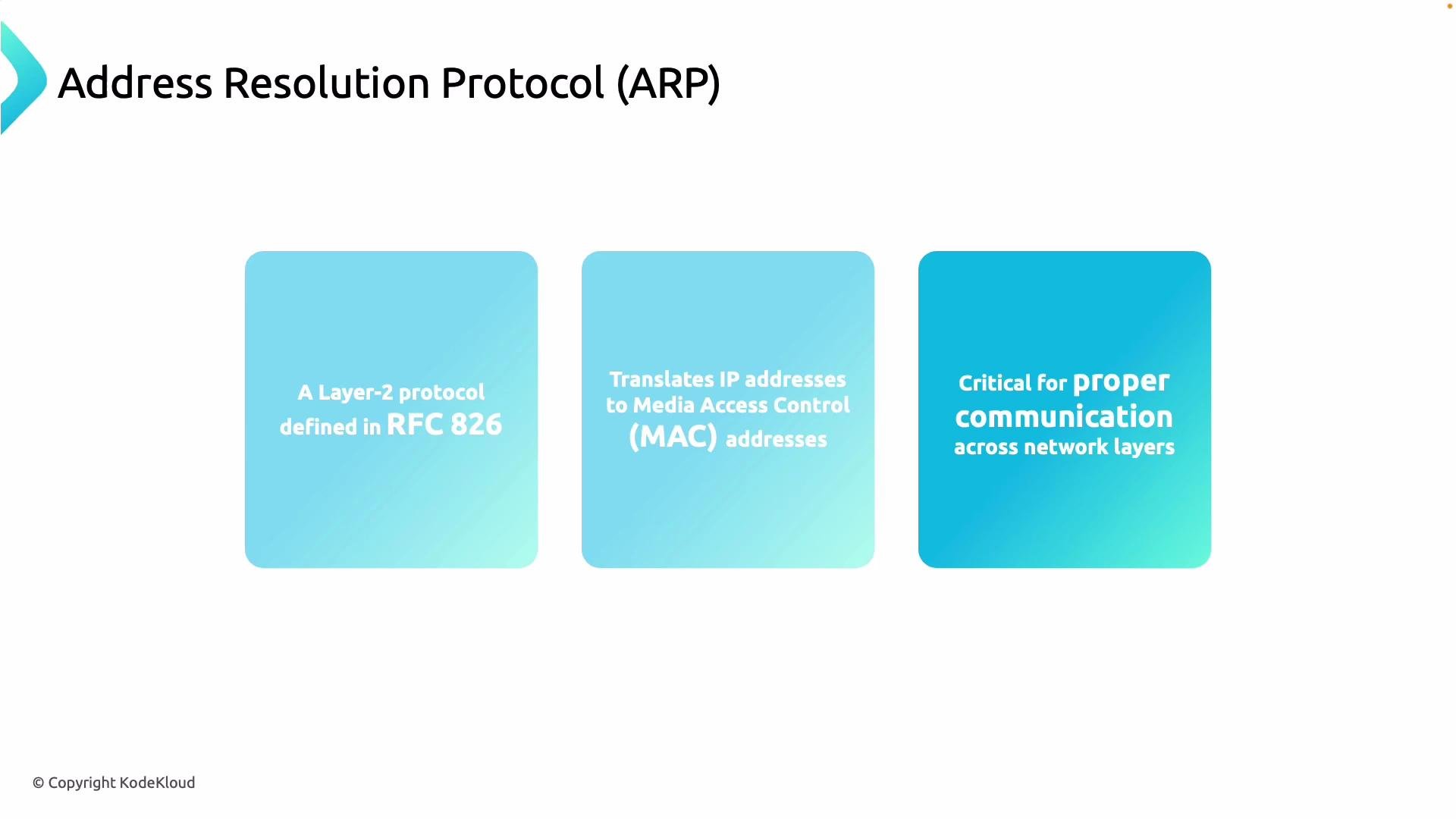
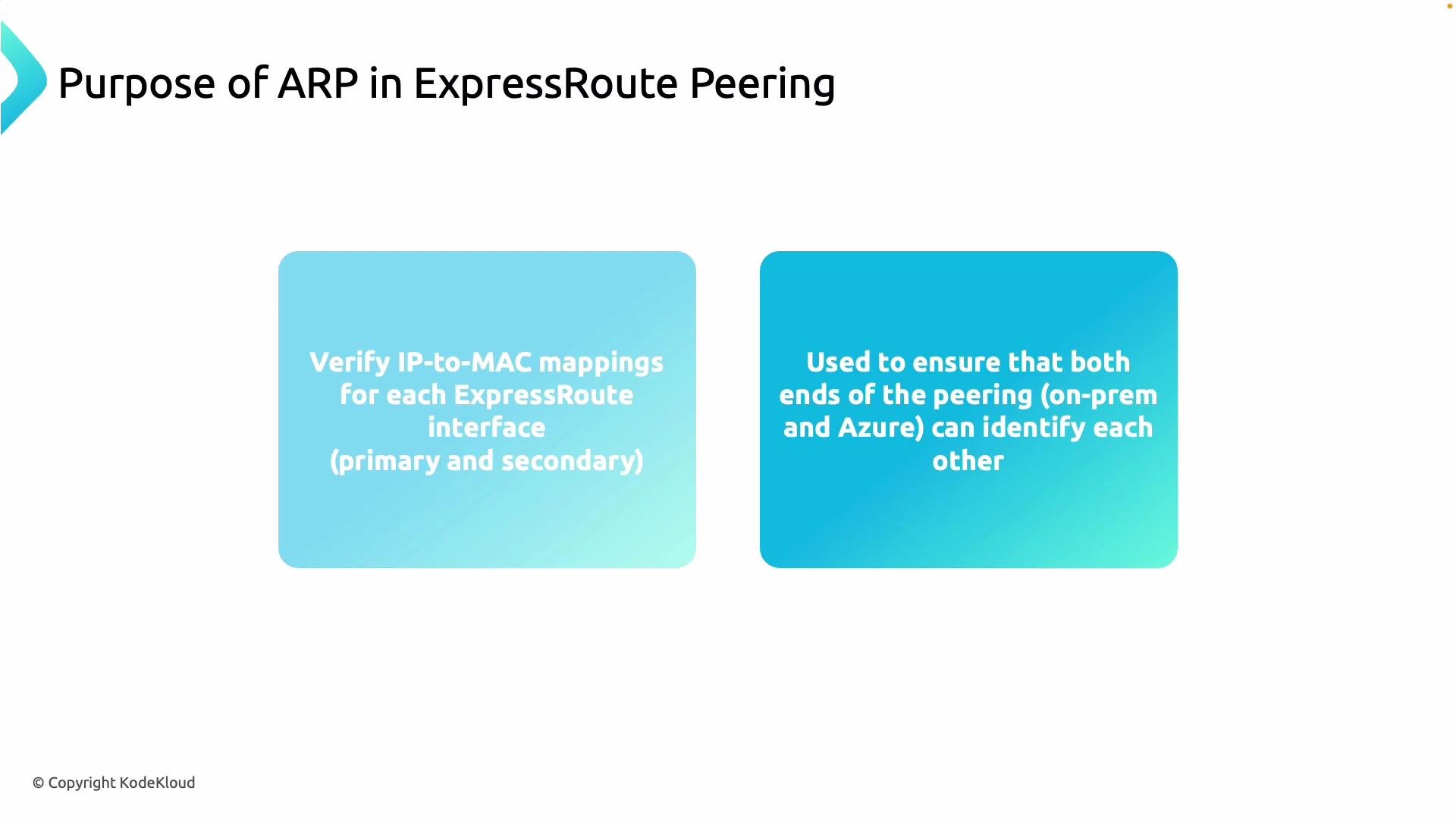
Key verification steps
- Confirm ARP entries on your on-prem router/switch match the expected Microsoft peer IPs for the ExpressRoute session.
- Ensure your device resolves the Microsoft-side MAC address for the ExpressRoute peer IP.
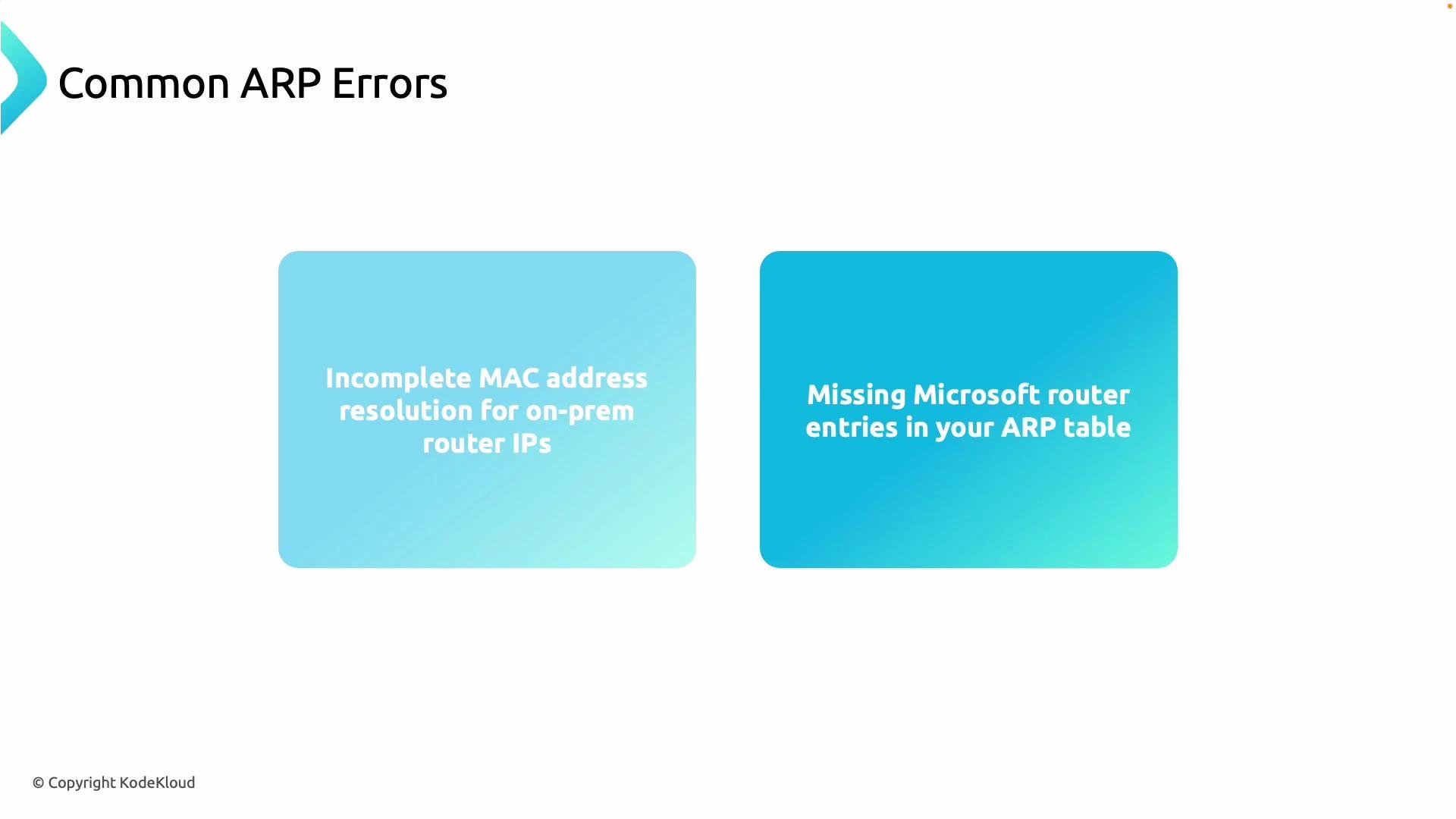
- Look for stale, incomplete, or missing ARP entries — these point to Layer 2 problems.
- Detect duplicate IP-to-MAC mappings (possible misconfiguration or MAC spoofing).
- Verify VLAN tagging, subinterfaces, and physical cabling between your edge and the ExpressRoute port.
- Check intermediate switches for security features (port-security, DHCP snooping, dynamic ARP inspection) that may block ARP.
- Ensure BGP session stability — while ARP is Layer 2, BGP problems can obscure ARP symptoms and vice versa.
Quick checklist
Useful commands to inspect and clear ARP entries
Commands vary by platform — examples:If you cannot see Microsoft’s internal ARP table, validate the MAC address that your on‑prem device learns for the ExpressRoute peer IP. That effective mapping—visible on your device—helps determine whether the problem originates upstream (Microsoft) or locally (your network).
Common problems and recommended next steps
If ARP mappings remain missing or stale after clearing caches, escalate the investigation into the physical layer (cables, optics), VLAN trunk/access settings, and switch-level security that could filter ARP traffic. Also ensure the ExpressRoute circuit and its peerings are provisioned correctly and that BGP peering is stable.
References and further reading
- ExpressRoute overview: https://learn.microsoft.com/en-us/azure/expressroute/expressroute-introduction/
- RFC 826 — ARP: https://datatracker.ietf.org/doc/html/rfc826
- RFC 4861 — IPv6 Neighbor Discovery (NDP): https://datatracker.ietf.org/doc/html/rfc4861
- Azure troubleshooting guidance for ExpressRoute: https://learn.microsoft.com/en-us/azure/expressroute/