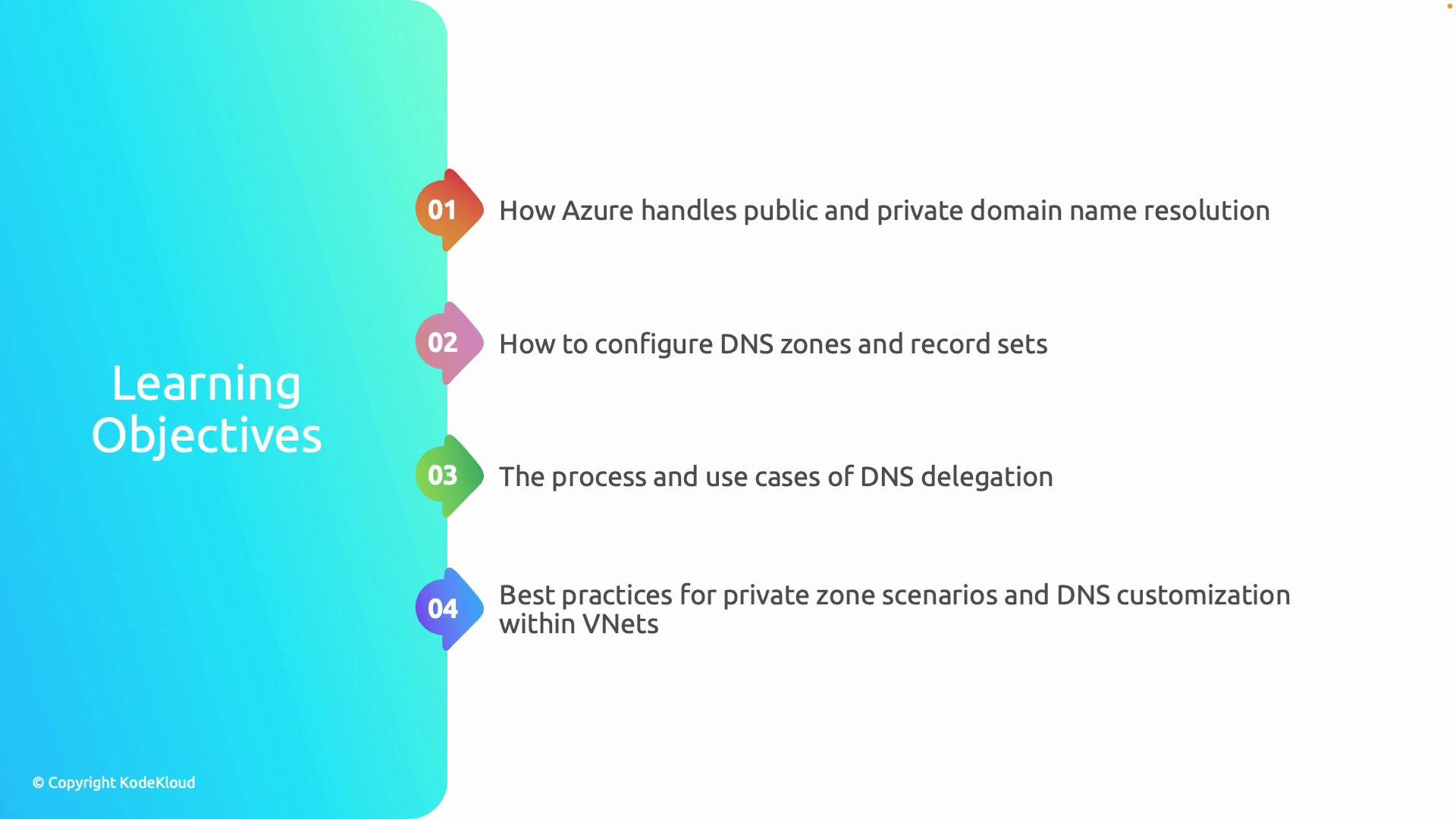
Welcome to this lesson on name resolution in Azure Virtual Networks. This module explains how DNS operates in Azure—covering both public and private name resolution—and shows how to control and extend it for cloud-native and hybrid scenarios. After completing the lesson you will be able to:
Learning objectiveWhat you’ll be able to do
Differentiate public DNS vs private DNS in AzureExplain when names are resolved publicly vs only inside VNets and how Azure isolates private namespaces.
Describe Azure’s automatic internal name resolutionDescribe the built-in VNet DNS IP, how VMs receive DNS settings via DHCP, and how Azure resolves hostnames for resources.
Create and manage DNS zones and record typesCreate Azure DNS zones and records (A, CNAME, PTR, etc.) and map names to Azure resources.
Understand DNS delegation and when to use itExplain delegation patterns (delegate to Azure DNS, to on-premises DNS, or to third-party providers) and common use cases.
Apply best practices for private DNS across VNetsDesign private zone scope, name collision avoidance, and cross-VNet resolution strategies.
A slide titled "Learning Objectives" showing a vertical list of four numbered items. It outlines: how Azure handles public/private domain resolution; configuring DNS zones and record sets; DNS delegation process and use cases; and best practices for private zones and DNS in VNets.
Throughout the lesson we’ll show how Azure assigns a built-in DNS IP address for each virtual network and how virtual machines automatically receive DNS settings via DHCP. You will walk through a hands-on configuration example where we create DNS zones and records, and you will see scenarios comparing when to use Azure-managed DNS versus an external DNS service.
Tip: Azure provides an automatic DNS endpoint for each VNet (the virtual network’s internal DNS IP). Use Azure private DNS zones to manage internal names without exposing them publicly, and delegate public domains to Azure DNS when you want a fully Azure-managed public zone.
What the hands-on portion covers (high level)
  • Create an Azure DNS zone (public or private) and add A and CNAME records.
  • Configure private DNS zone links to one or more VNets for name resolution.
  • Demonstrate DNS delegation: delegate a subdomain to Azure DNS or to an external provider.
  • Show how to override default VNet DNS settings (custom DNS servers) and when to rely on Azure resolution.
Key Azure DNS concepts to watch for
  • Built-in VNet DNS IP address (used for default resolution within a VNet).
  • Private DNS zones (scoped to VNets; not reachable from the public internet).
  • Public DNS zones (authoritative for internet-resolvable names).
  • DNS delegation (transfer responsibility for a subdomain to another DNS service).
  • Record types (A, AAAA, CNAME, PTR, TXT, SRV) and their use cases.
Recommended learning resources Summary — what you should take away
  • Use Azure’s built-in DNS for simple, internal name resolution across VM instances in the same VNet.
  • Choose private DNS zones when you need secure, VNet-scoped naming that is not published to the internet.
  • Delegate public domains to Azure DNS when you want Azure to be the authoritative service for your public records; delegate subdomains as needed for hybrid or multi-provider setups.
  • Design private DNS and custom DNS settings intentionally: plan zone scope, avoid overlapping names, and document delegation boundaries.
By mastering these patterns, your Azure networks will be easier to manage, more resilient, and better integrated with on-premises or multi-cloud DNS architectures.