

This guide focuses on practical configuration patterns—basic vs path-based routing, common redirection scenarios, and rewrite rules—plus a step-by-step Azure Portal walkthrough to create an Application Gateway that routes /api and /images paths to separate backend pools.
1. Request routing rules
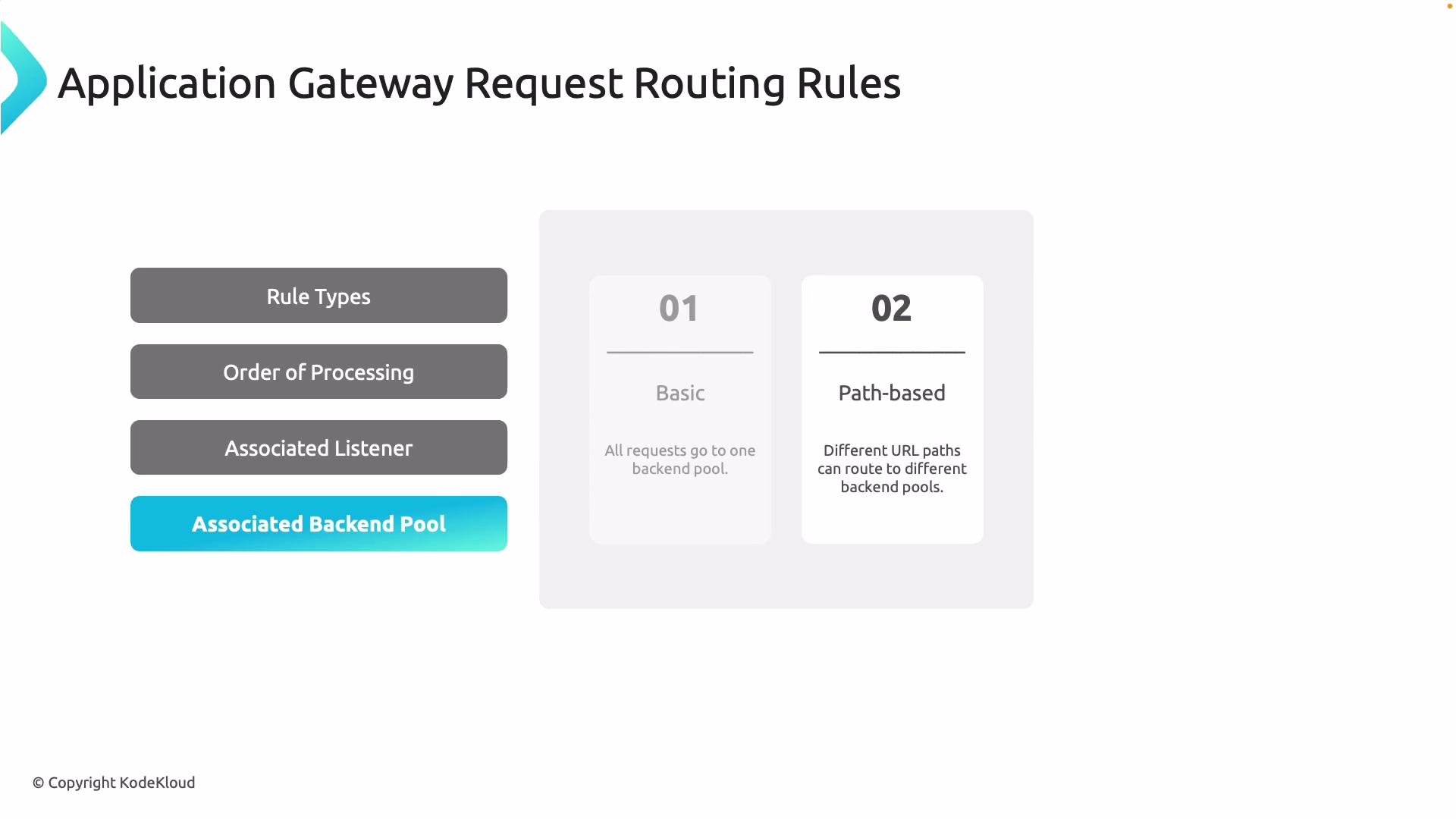
Routing rules determine how incoming HTTP(S) requests are mapped to backend pools. Every routing rule must be associated with a listener (the listener accepts traffic on a specific protocol, port, and hostname) and HTTP settings. Two primary rule types:
Path-based routing selects the most specific matching path pattern for a request. When designing path patterns, be deliberate about ordering and specificity—within a single routing rule, the gateway applies the first matching pattern.
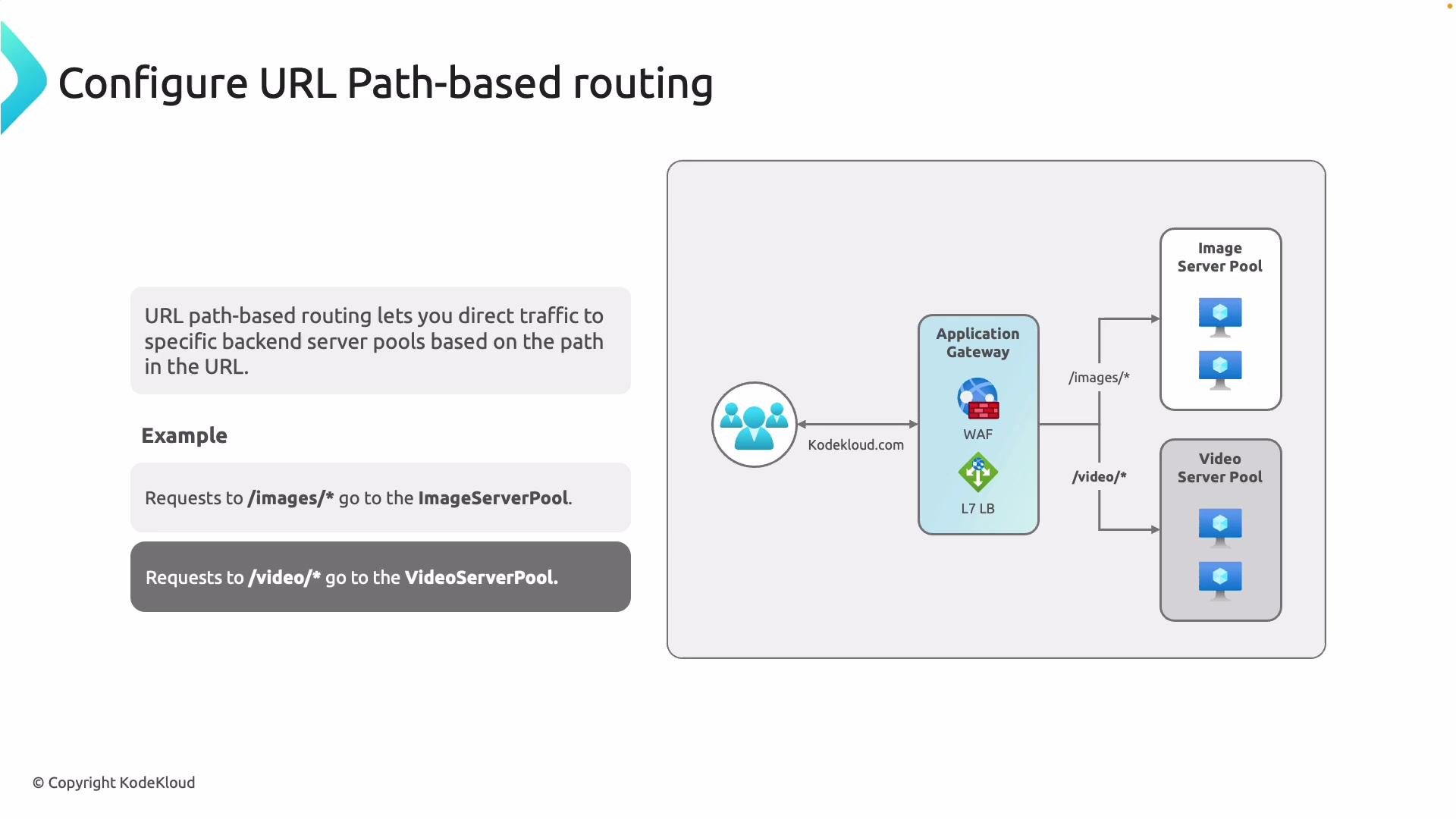
- Scalability: scale image servers independently from APIs.
- Performance: route static content to optimized servers or CDN frontends.
- Operational separation: different teams can own different backends.
2. URL Redirection
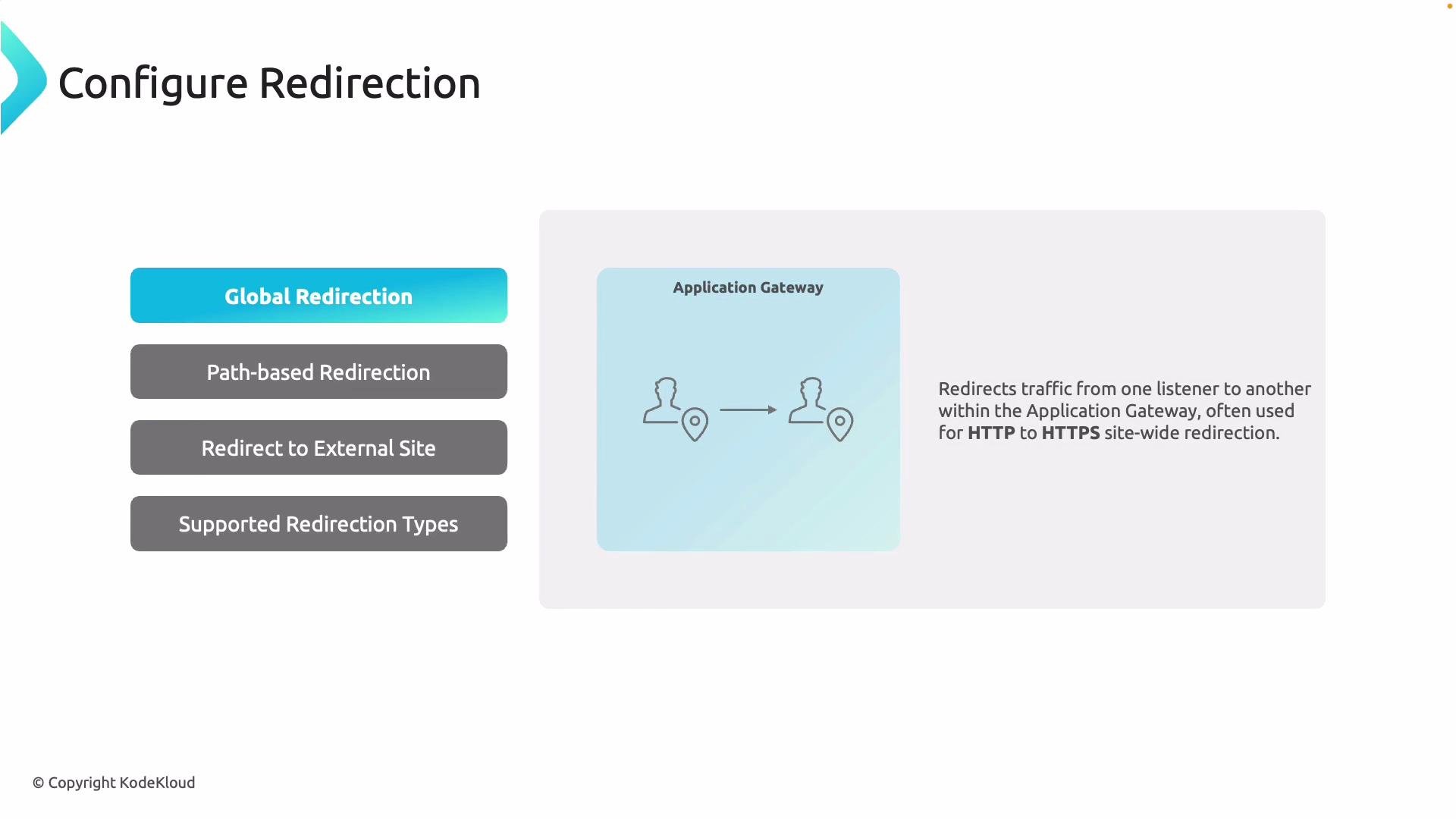
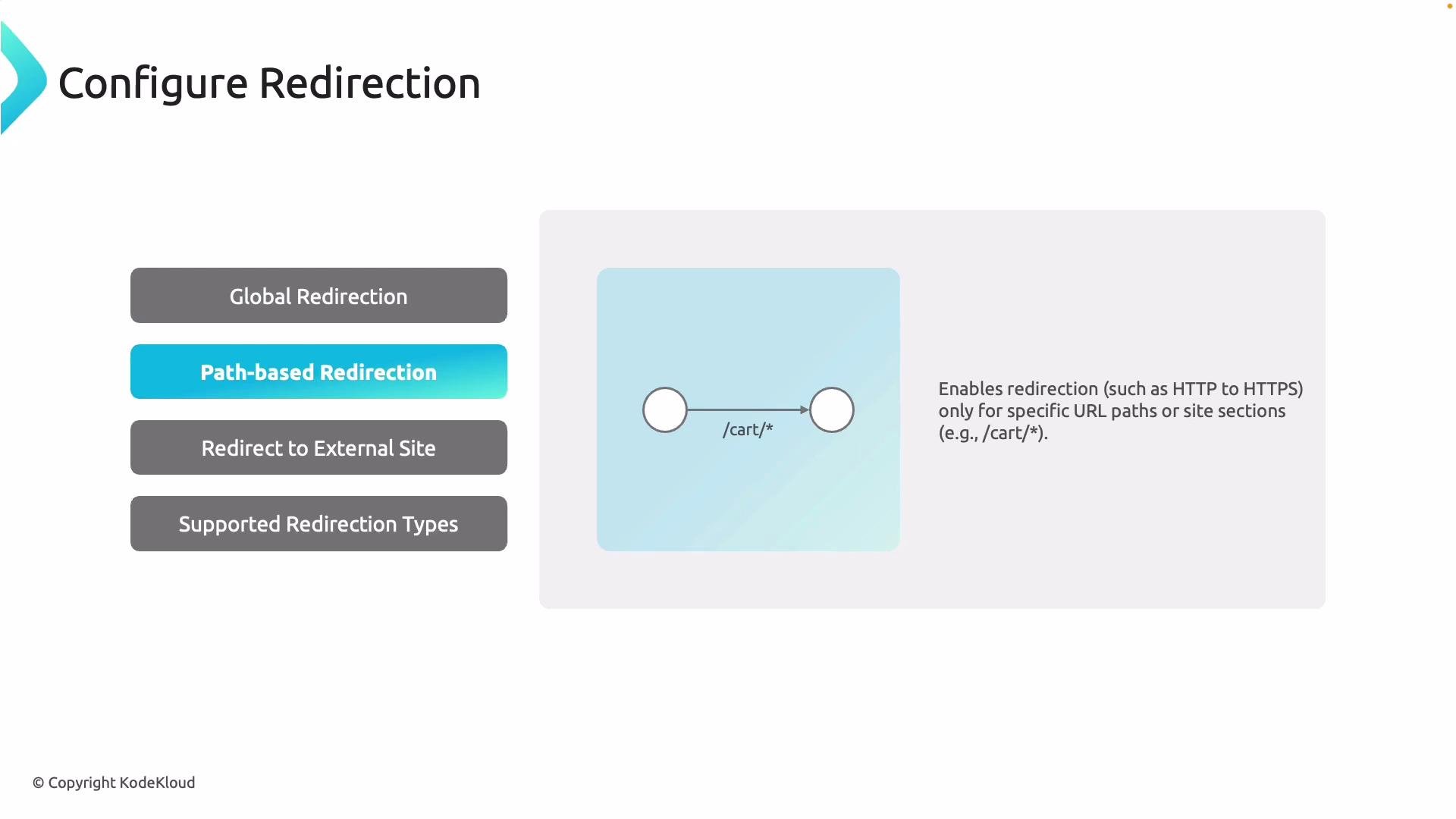
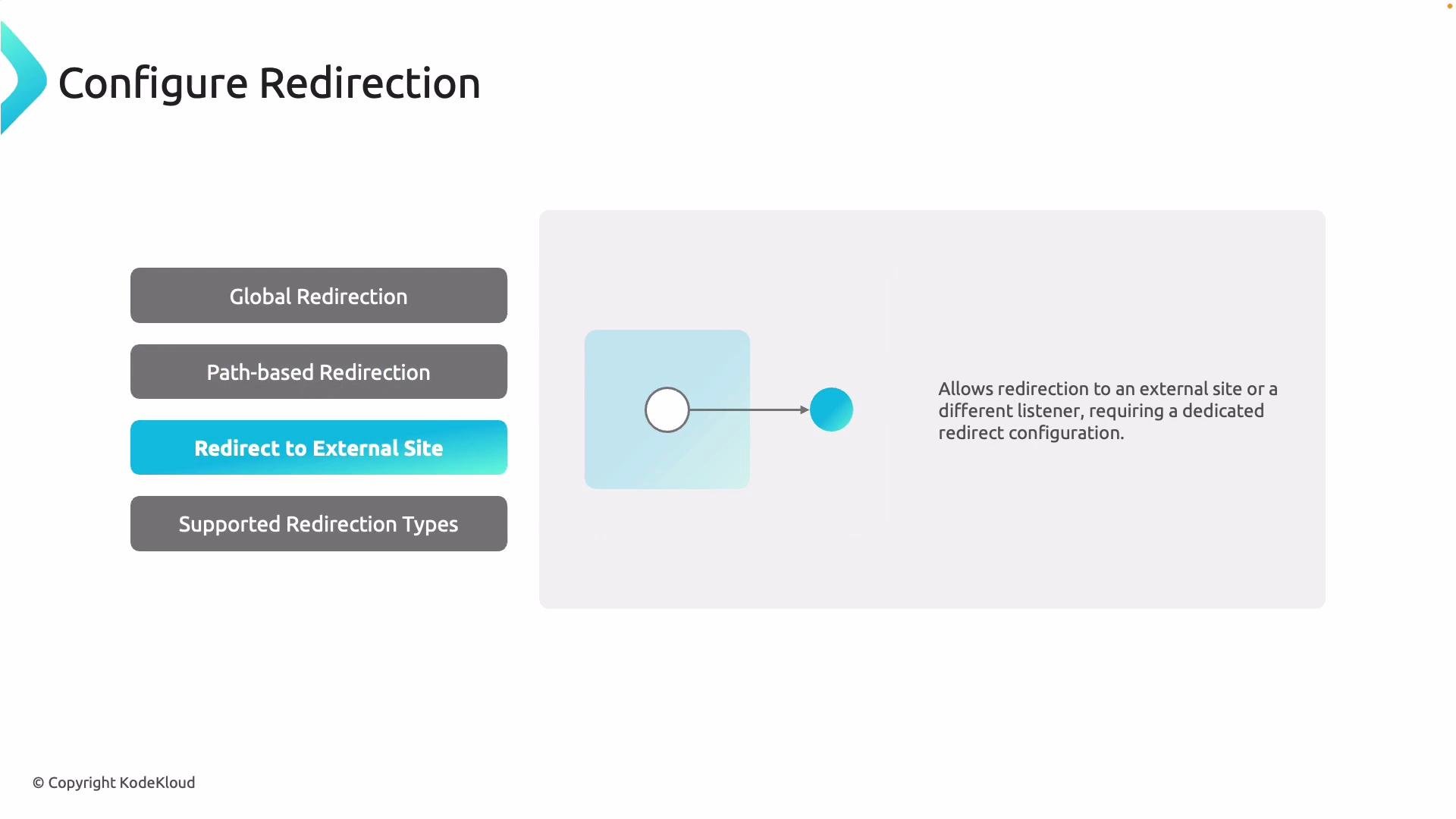
Redirection rules forward clients to different URLs or protocols based on conditions. Common scenarios include upgrading HTTP to HTTPS and migrating or consolidating endpoints. Redirection types:- Global redirection: redirect all requests from one listener to another (typical HTTP → HTTPS).
- Path-based redirection: redirect only requests that match certain paths (for example,
/cart/*). - Redirect to external site: send traffic to an external URL (configured with a dedicated redirect setting).
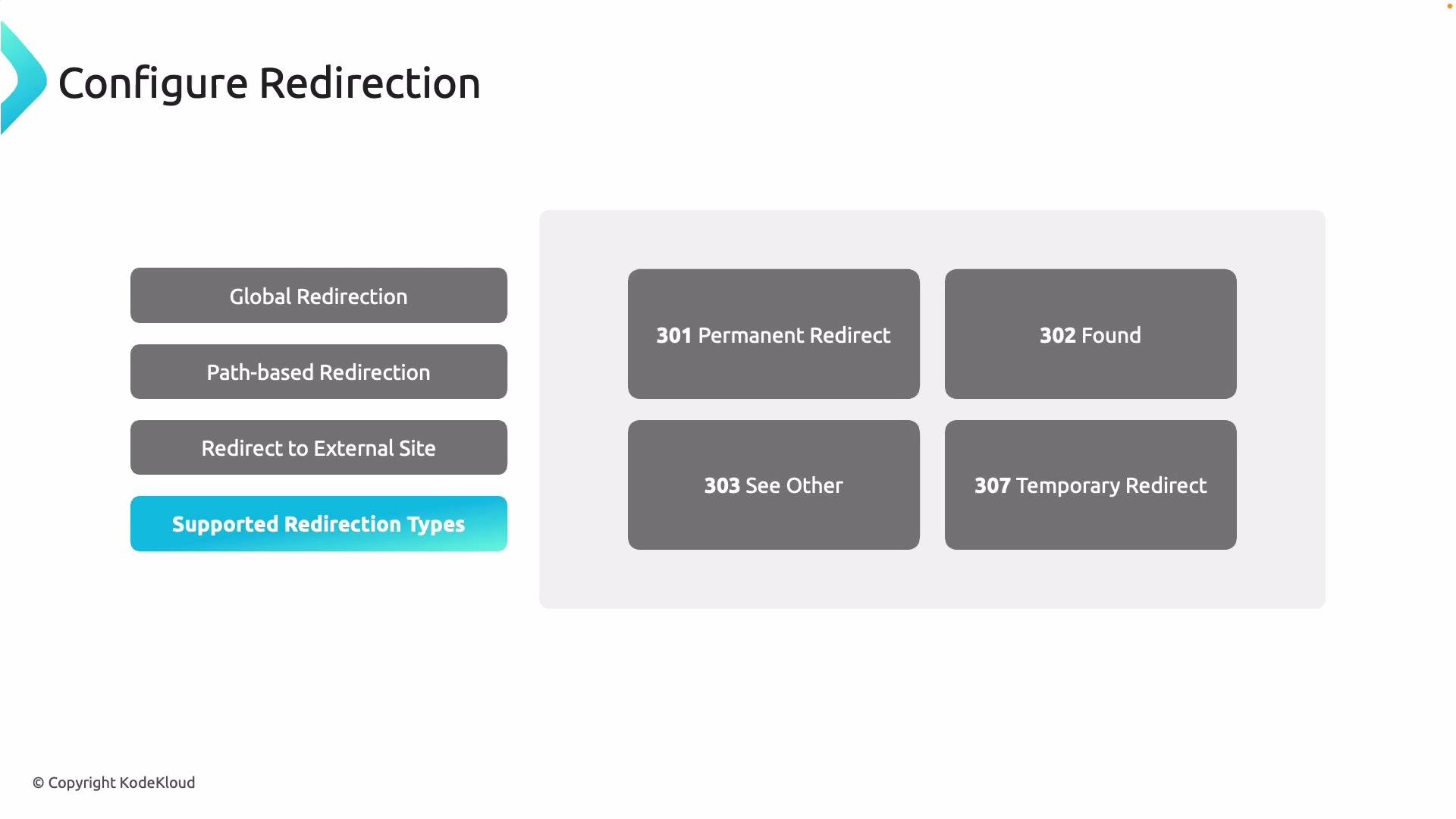
- Use 301 for permanent URL changes (search engines update indexes).
- Use 302/307 for temporary redirection (clients should continue to request the original URL later).
- Use 307 instead of 302 when you must preserve the original HTTP method (e.g., POST).
3. Rewrite policies
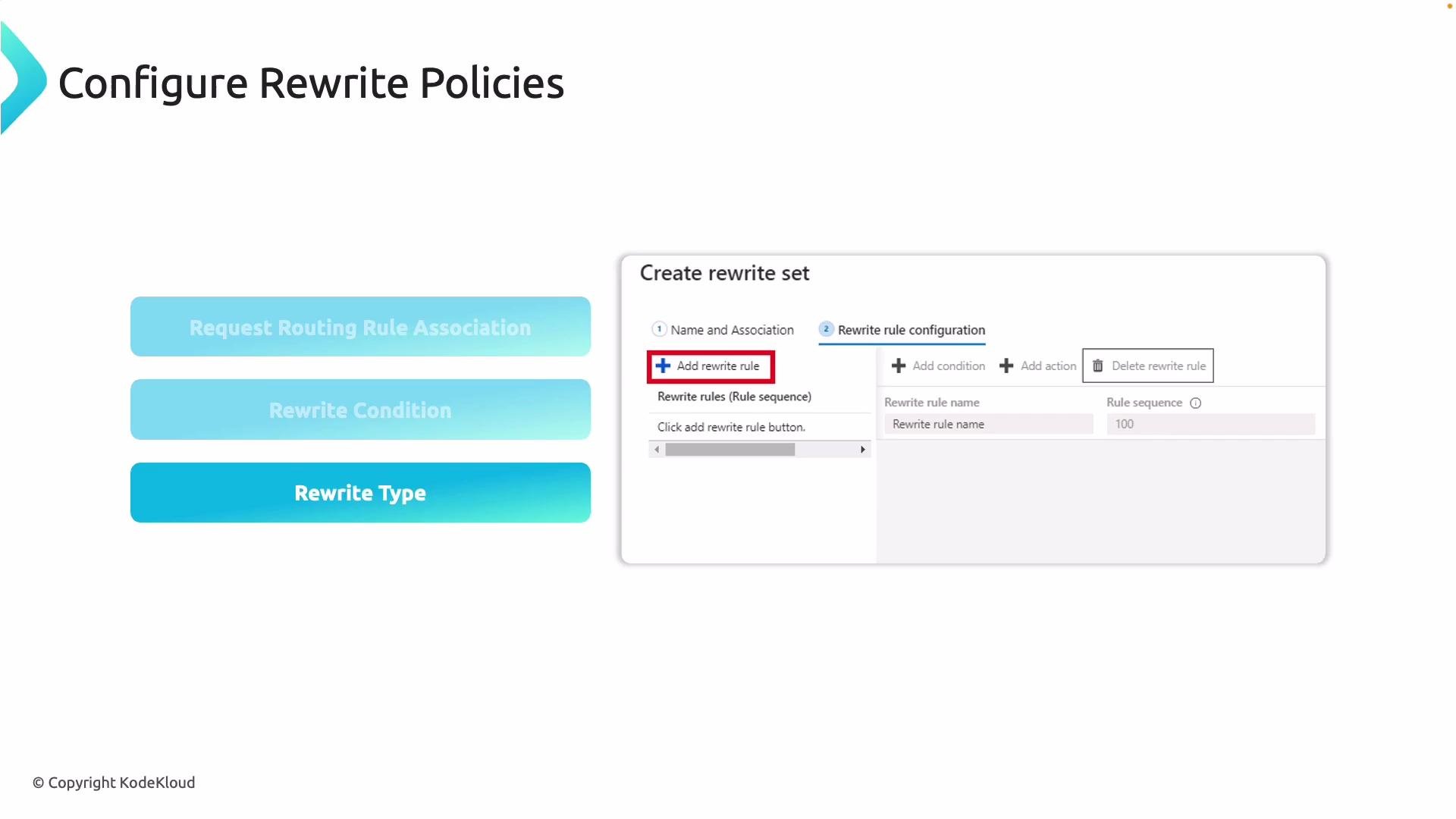
Rewrite rules let you modify HTTP requests/responses that flow through Application Gateway:- Add, remove, or modify request and response headers (useful for security headers, or injecting tracing headers).
- Change URL path or query string values.
- Re-evaluate path-based routing after rewriting the path (re-route).
- Add
Strict-Transport-Securityheader to responses. - Strip internal path prefixes (
/internal-api/*→/api/*) and then re-route. - Inject A/B test headers for specific user cohorts.
4. Portal walkthrough: create an Application Gateway with path-based routing
This walkthrough demonstrates creating an Application Gateway in the Azure Portal that routes/api requests to an API backend and /images requests to an image backend.
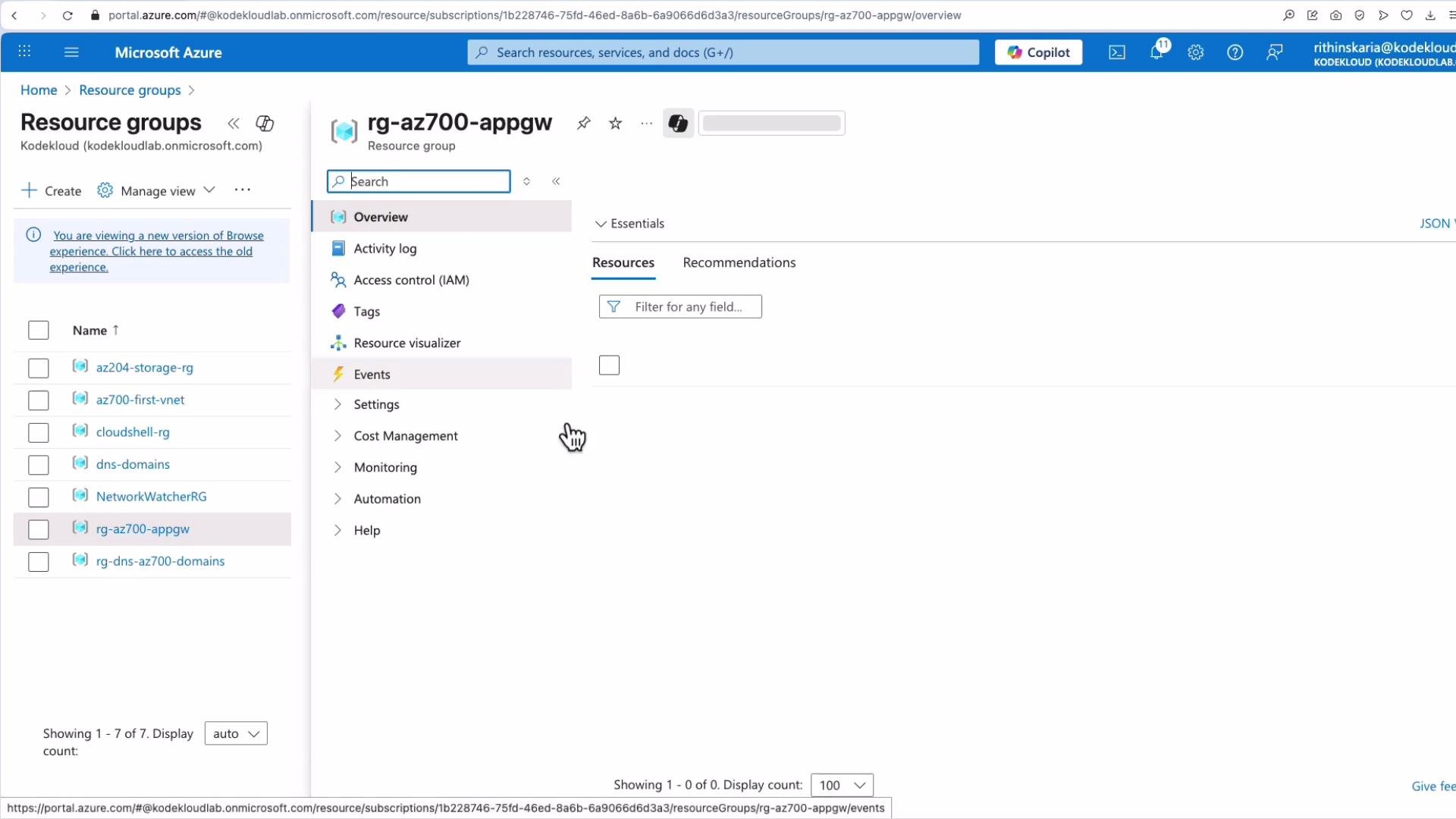
Start from your Resource Group (example: rg-az700-appgw) that contains your backend virtual machines.
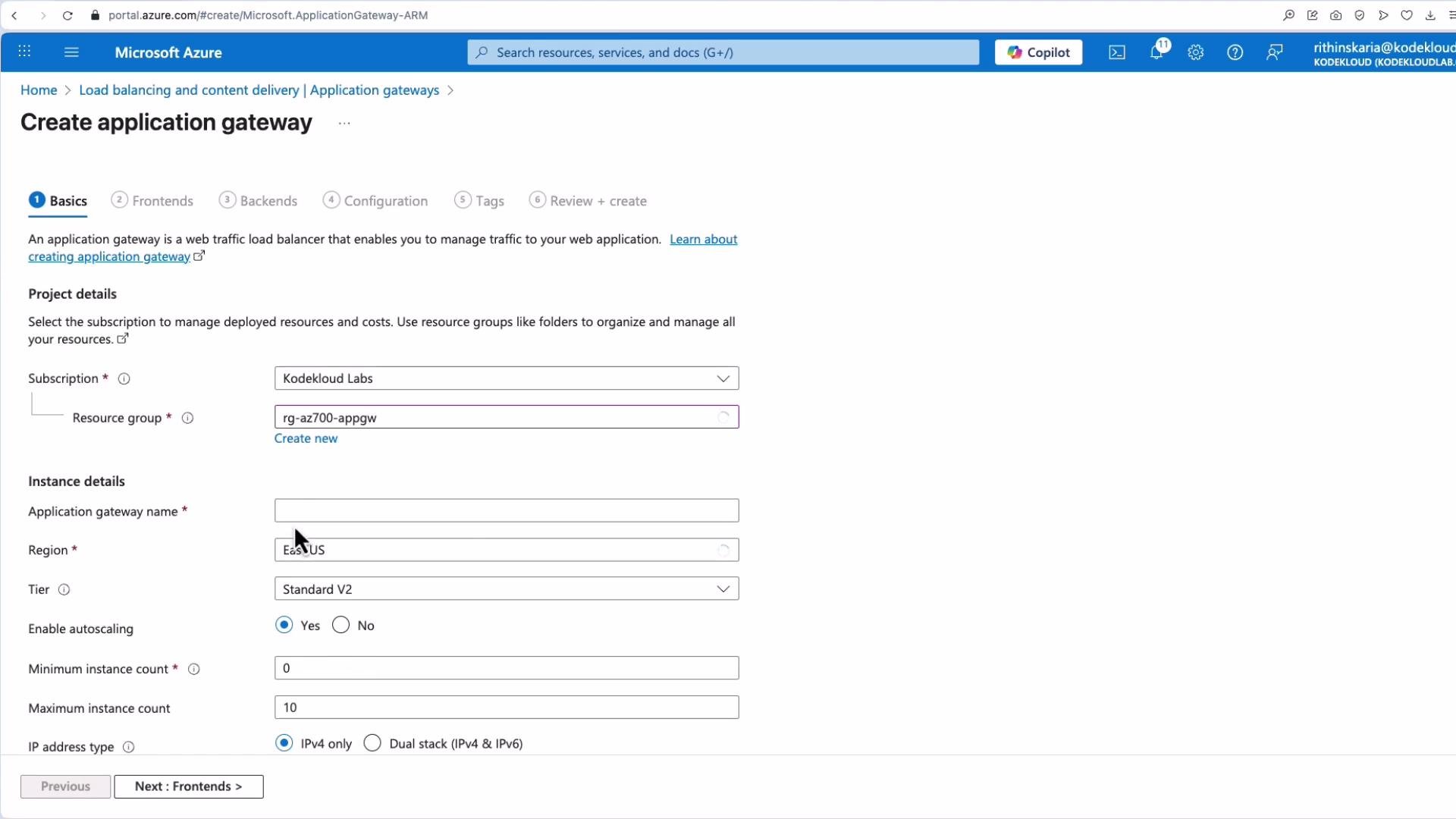
- Create Application Gateway resource:
- Name: e.g.,
AZ70001 - Region: match the VMs
- Tier:
Standard_v2(chooseWAF_v2if you need a managed Web Application Firewall) - Scale: choose instance count or enable autoscaling
- IP type: IPv4 or dual-stack as required
- Name: e.g.,
- Configure the Application Gateway subnet:
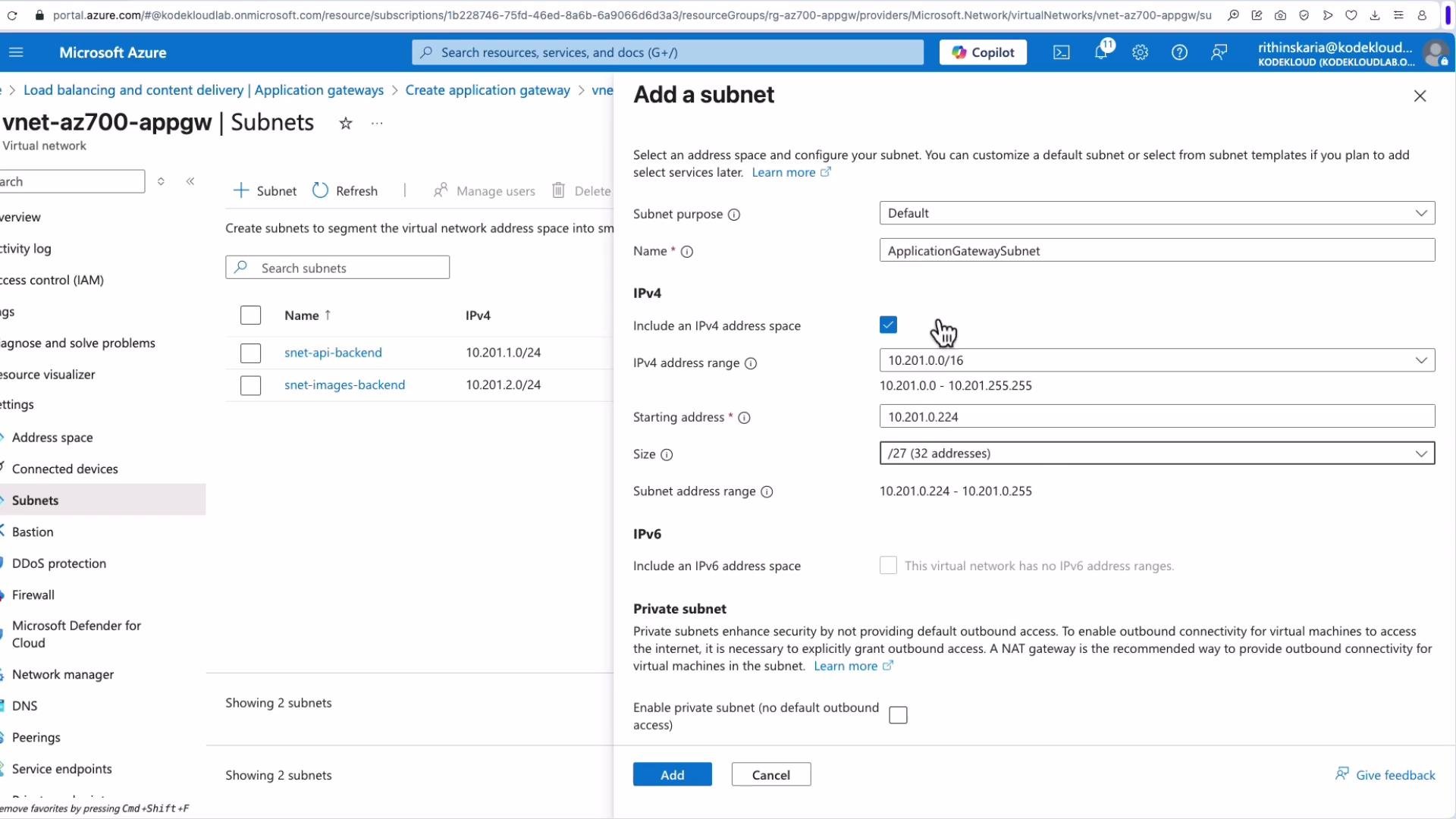
- Application Gateway requires a dedicated subnet, typically named
ApplicationGatewaySubnet. - Choose an address range sized for your expected scale (e.g.,
/27if not using autoscaling).
- Application Gateway requires a dedicated subnet, typically named
-
Frontend configuration:
- Create or select a public IP (e.g.,
AppGateway-AZ700-PIP) for internet-facing access, or configure private frontend IP for internal scenarios.
- Create or select a public IP (e.g.,
-
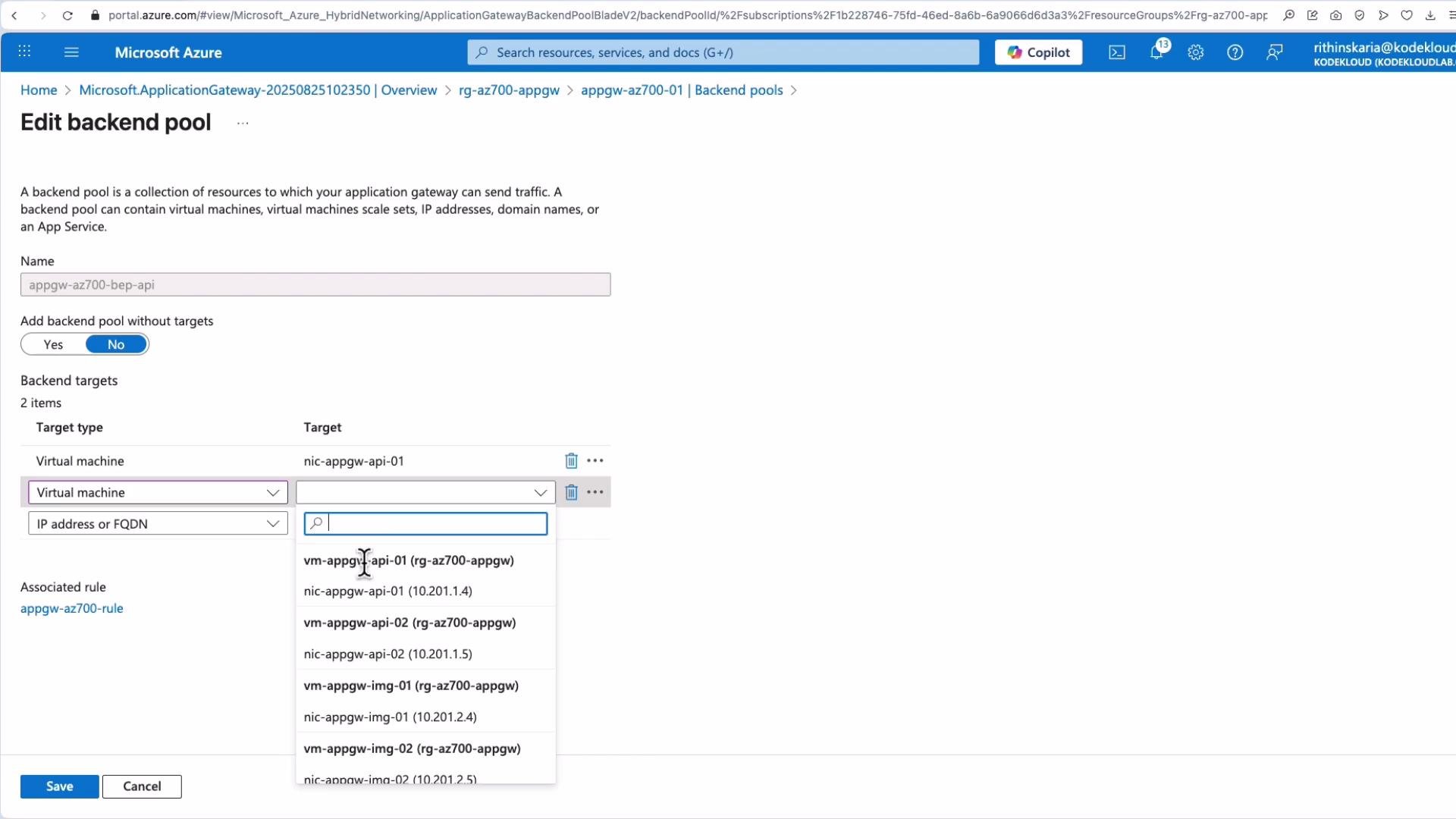
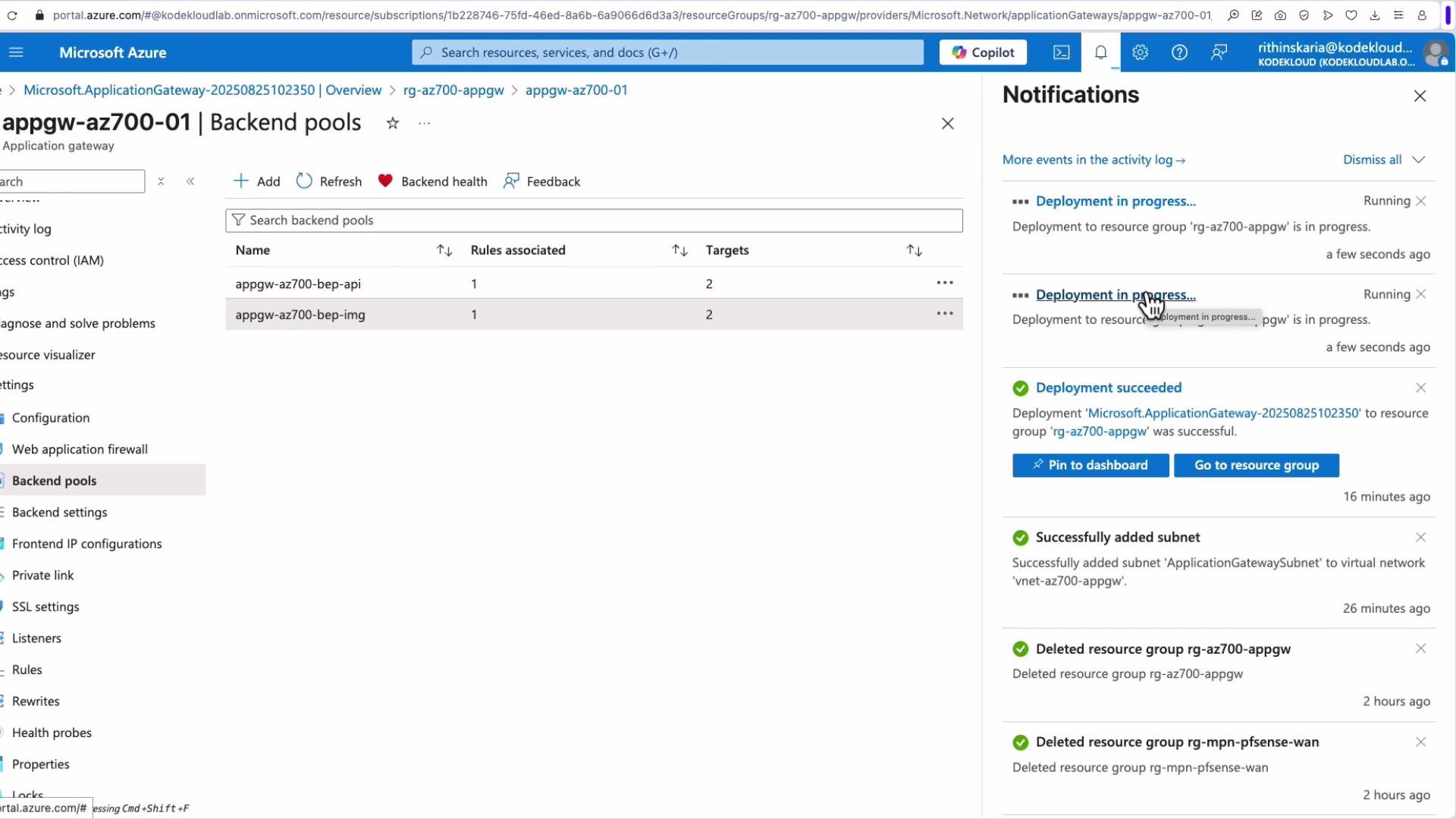
Create backend pools:
- Example names:
AppGW-AZ-700-BEP-APIandAppGW-AZ-700-BEP-IMG. - Targets: virtual machines, VMSS, NICs, IP addresses, or FQDNs.
- Example names:
-
Configure listeners and HTTP settings:
- Listener: protocol (HTTP/HTTPS), port (e.g., 80 or 443), and hostname.
- HTTP settings: backend port, protocol, cookie-based affinity (session stickiness), and health probe association.
-
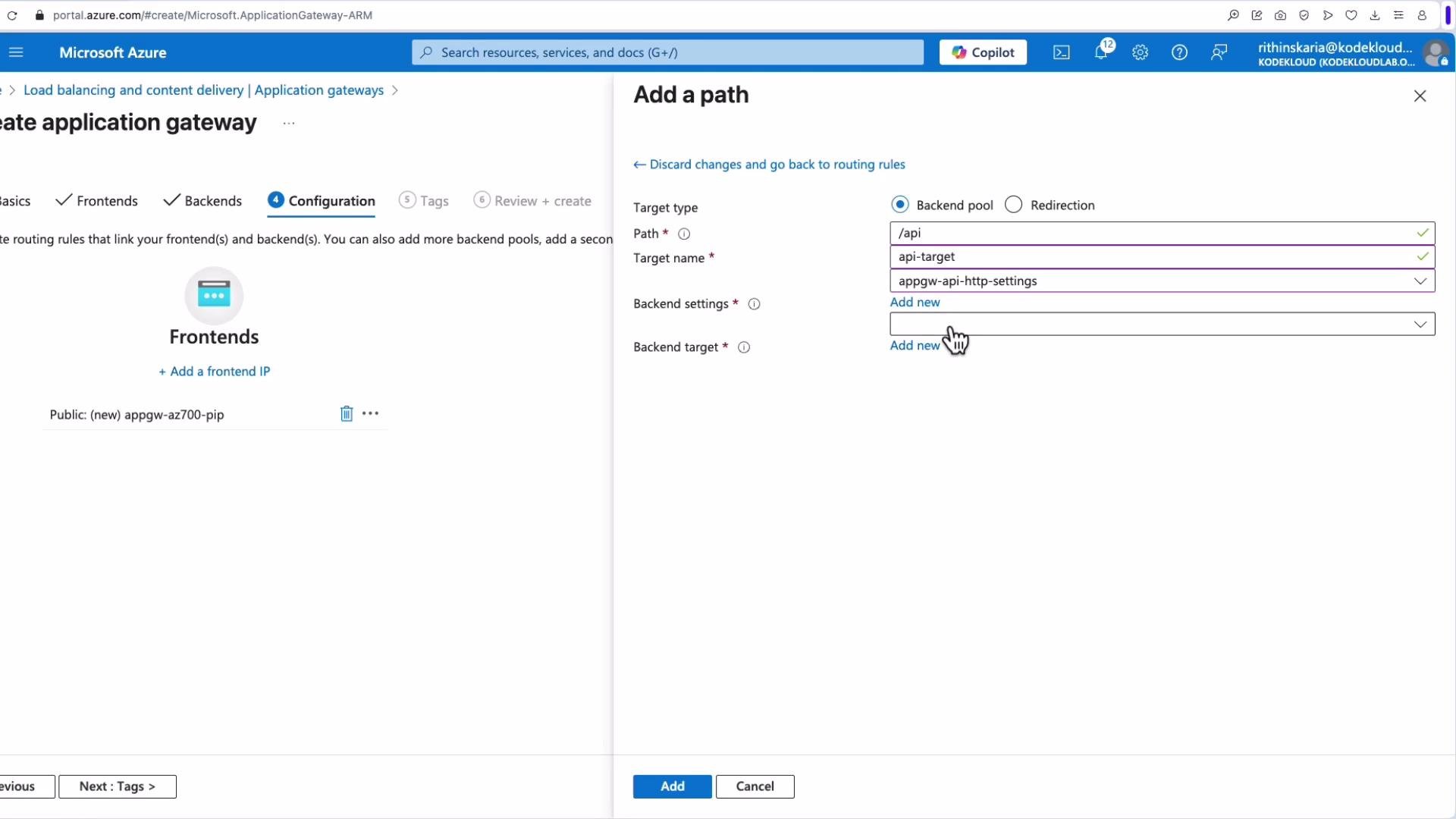
Add path-based routing rules:
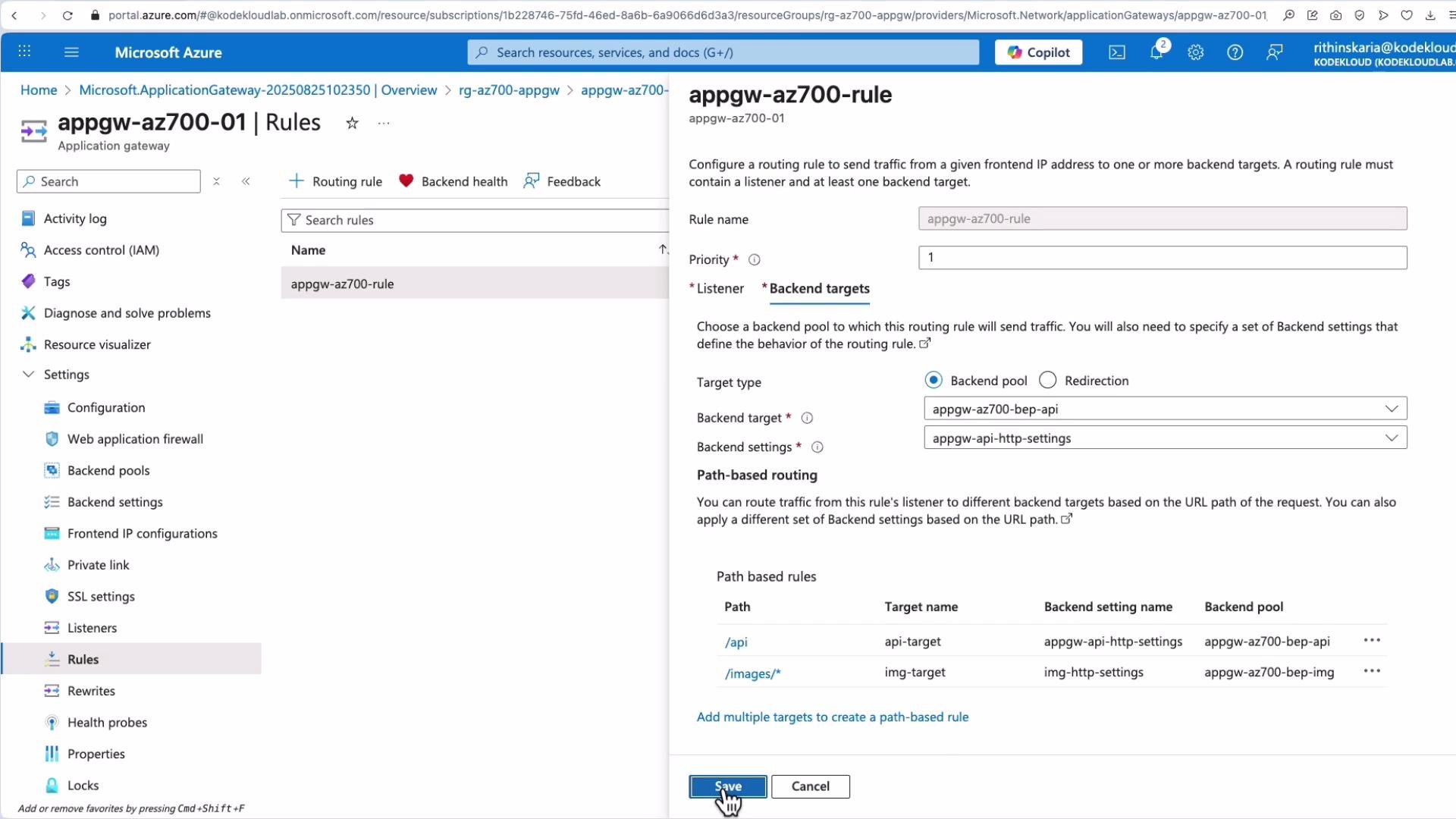
- Example path mappings:
- Example path mappings:
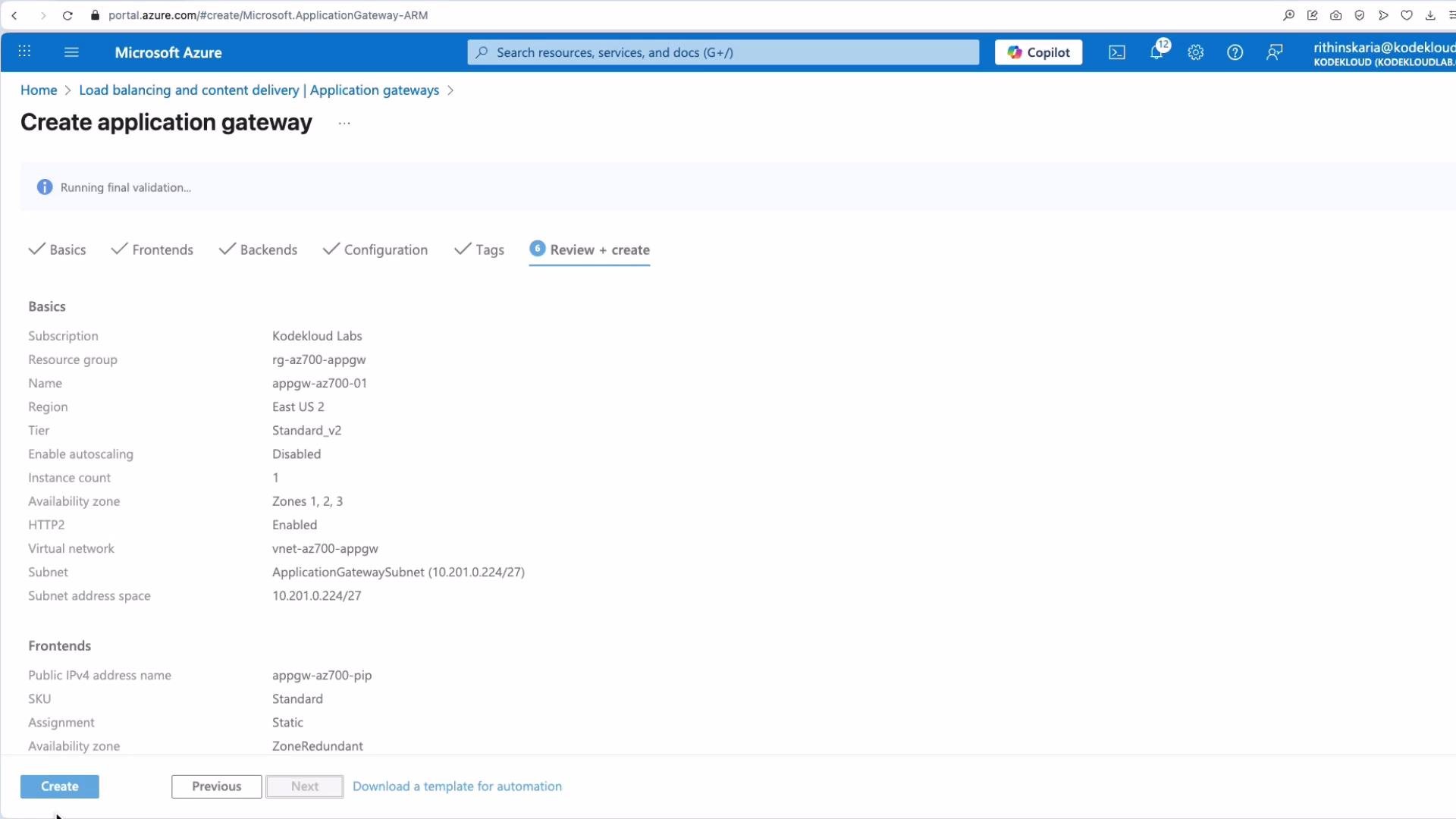
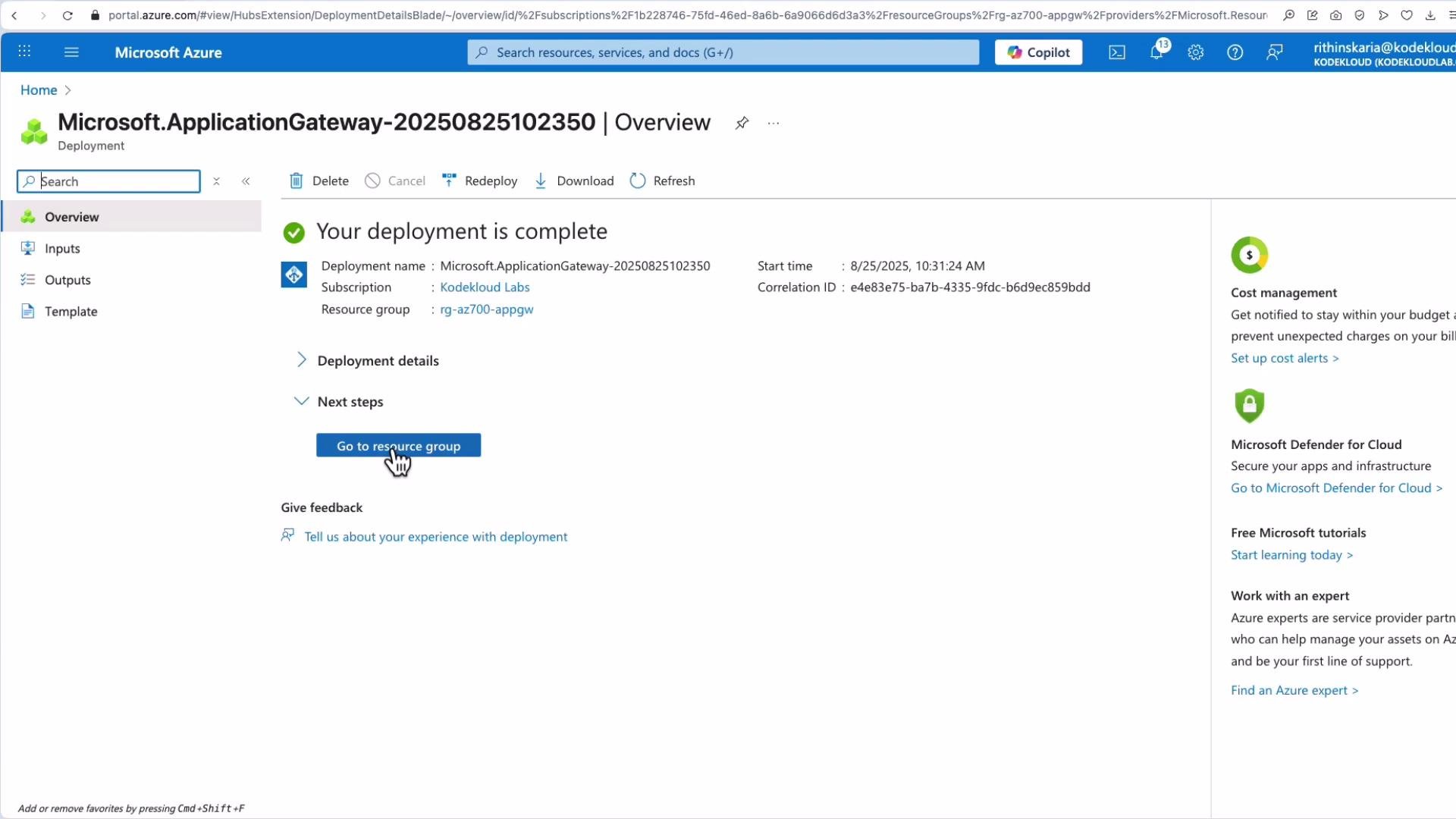
- Review and create. Deployment may take several minutes.
5. Post-deployment management
In the Application Gateway blade you can view and manage:- Web Application Firewall (if enabled)
- Backend pools
- Backend HTTP settings
- Frontend IP configurations
- Private link and SSL settings
- Listeners
- Rules (basic & path-based)
- Rewrite sets
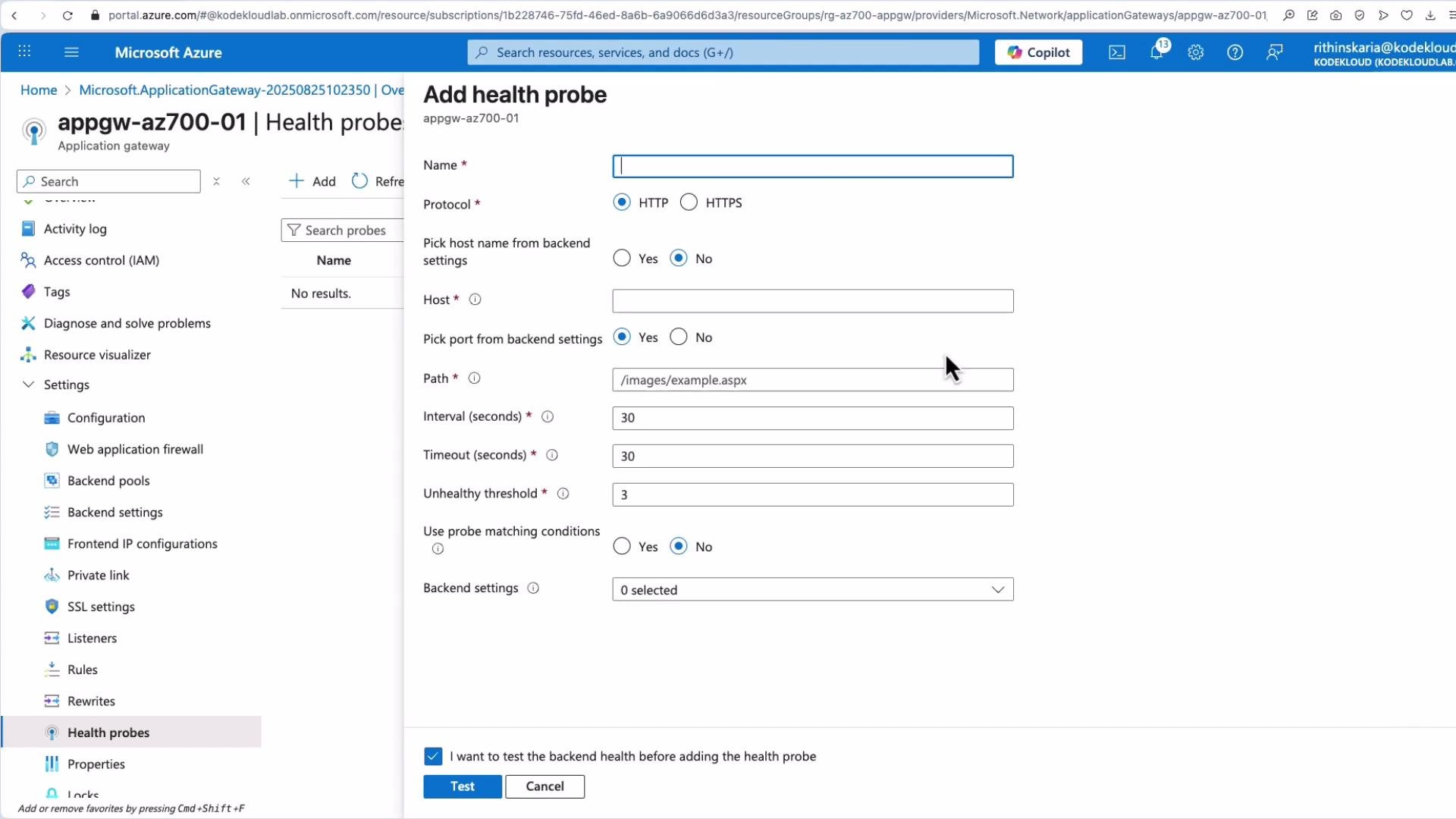
- Health probes
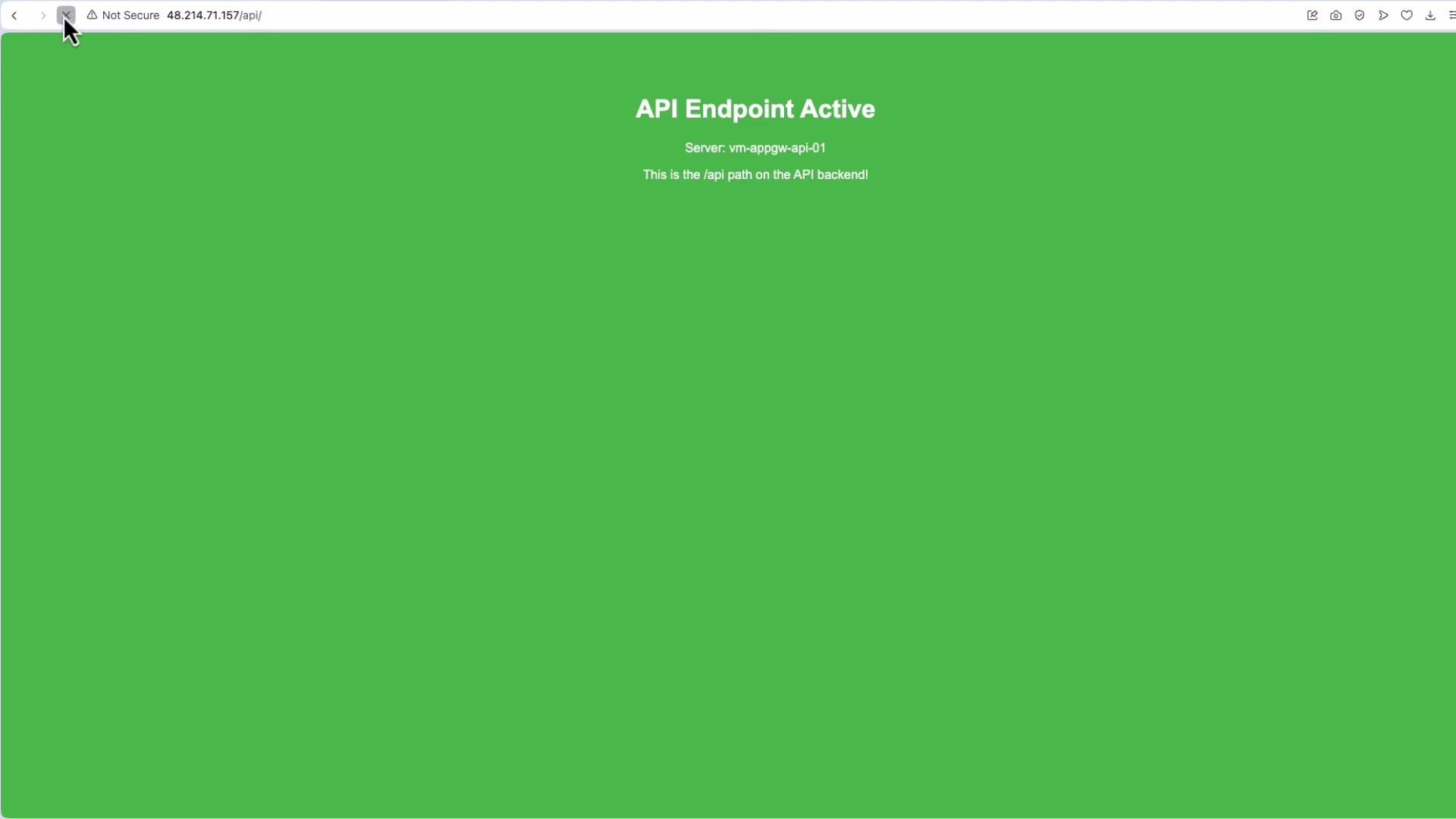
/api returns API responses).
- Path mappings in the routing rule.
- Backend content (for example,
index.htmlexists in the images folder). - Health probe results and logs.
6. Configuring rewrite rules in the portal
Create a rewrite set, add ordered rewrite rules with conditions and actions (modify headers, paths, queries), and then associate the rewrite set with the appropriate routing rule.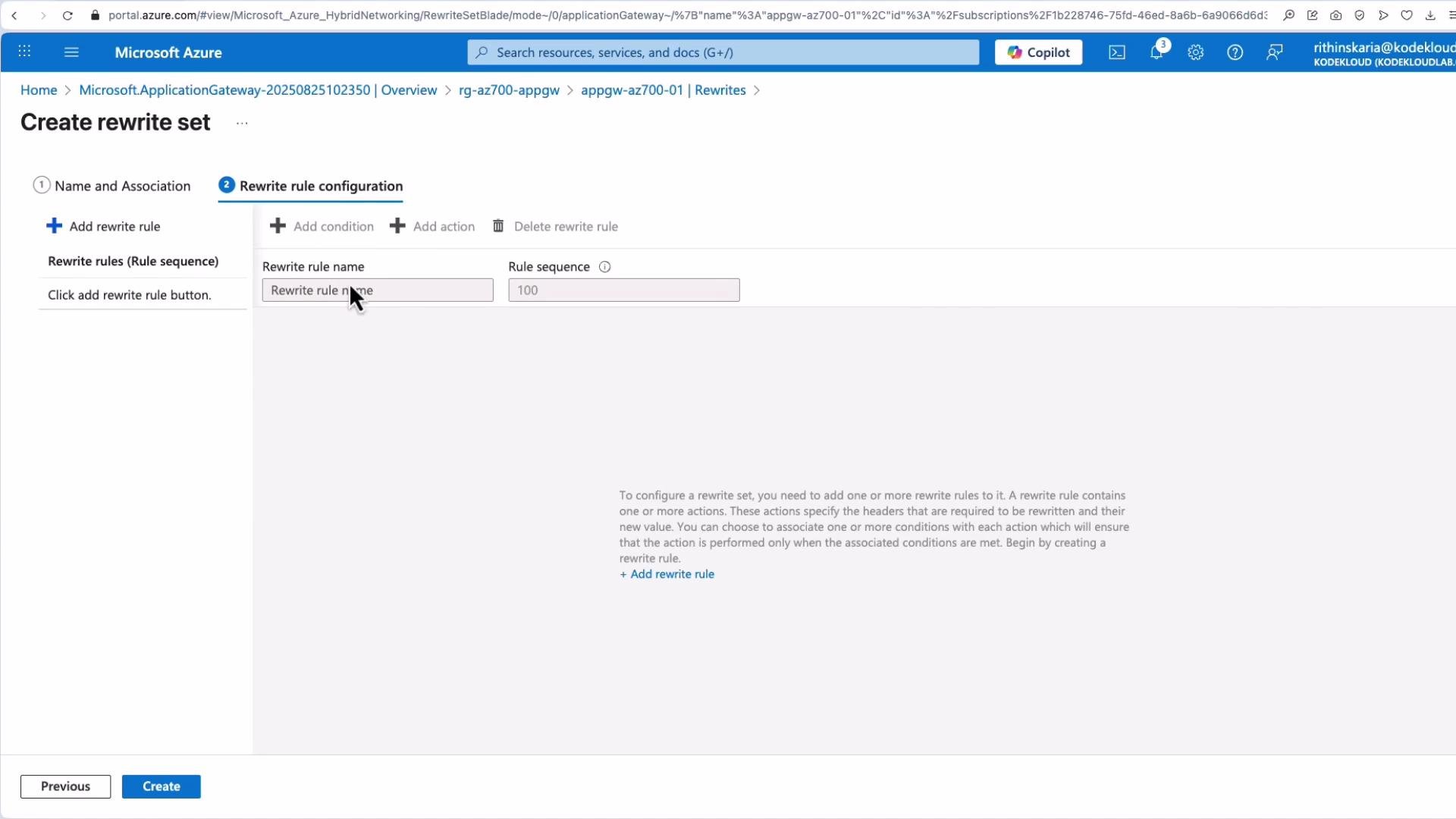
7. Health checks and backend health
Application Gateway exposes backend health status showing each instance, probe response codes (for example200 OK), and failing backends for troubleshooting. If you need custom health behavior, create and associate custom probes.
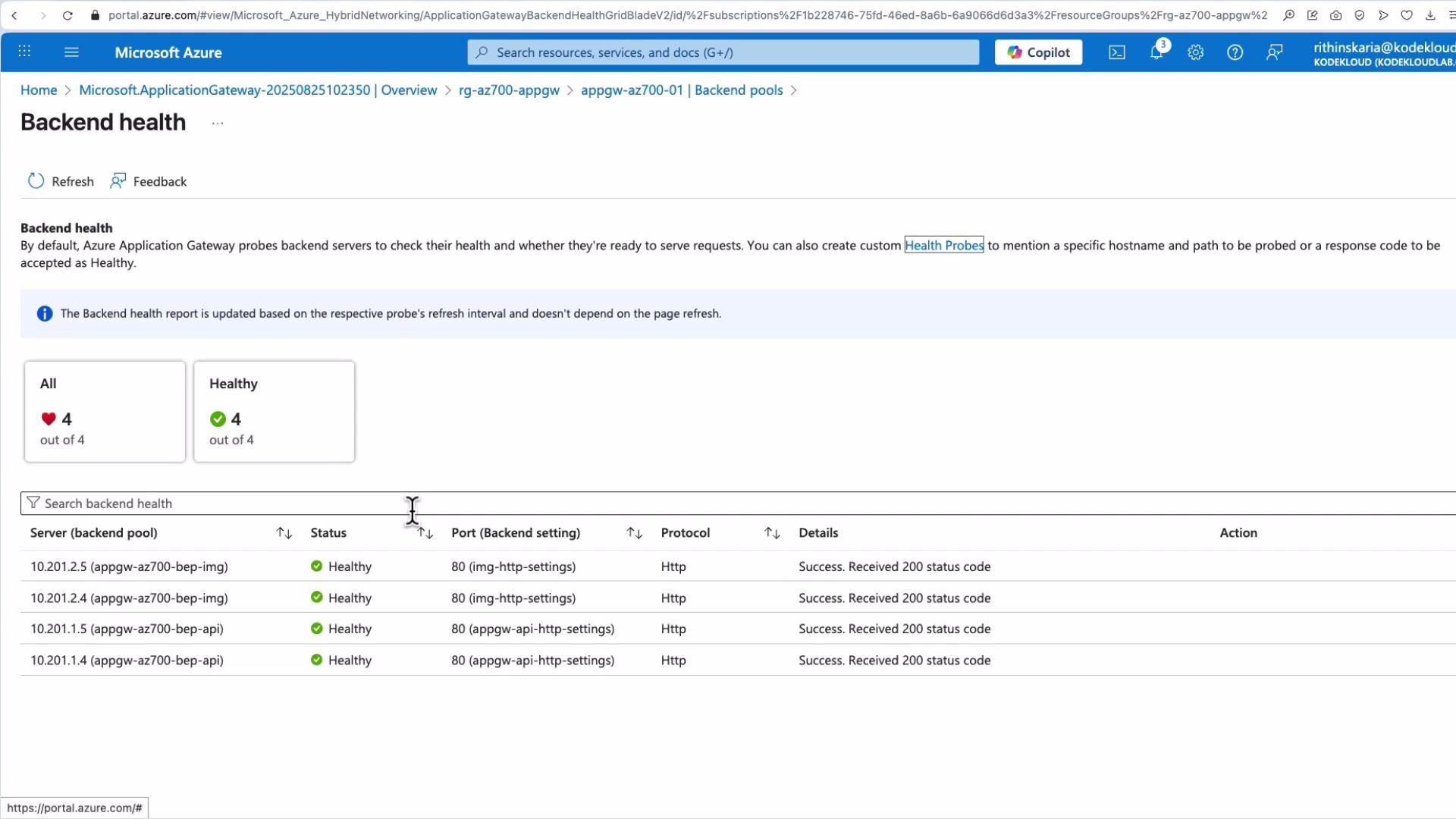
If you need more control over health checks, create and associate custom health probes with the HTTP settings. Custom probes let you define host, path, interval, and success thresholds.
Quick reference
Links and references
- Azure Application Gateway documentation: https://learn.microsoft.com/azure/application-gateway/
- Application Gateway configuration samples and how-to guides: https://learn.microsoft.com/azure/application-gateway/configuration-overview