

NAT rules (DNAT / SNAT)
- Purpose: Configure destination network address translation (DNAT) to publish internal services by mapping a firewall public IP and port to a private IP and port in your virtual network.
- Common use case: Publish a web server to the internet by mapping the firewall public IP on port 80 to the VM’s private IP and port 80.
- Outbound flows: Azure Firewall also performs source NAT (SNAT) for outbound traffic when the private source IPs need to be translated to the firewall’s public IP for internet-bound flows.
- Processing: NAT rules are always evaluated first. If a packet matches a DNAT rule, the destination is translated and the packet is forwarded using the translated destination.
Network rules (Layer 3–4)
- Purpose: Control access at transport and network layers by defining allowed or denied combinations of source IP ranges, destination IPs, protocol (TCP/UDP/ICMP), and ports.
- When to use: Traditional IP/port-based filtering—e.g., allow TCP/443 from a subnet to a specific backend IP or block specific IP ranges.
- Processing: Network rules are evaluated after NAT rules. They determine whether the transport-level flow (IP/protocol/port) is allowed or denied.
- Allow TCP 443 from
10.0.0.0/24to10.0.1.4:443
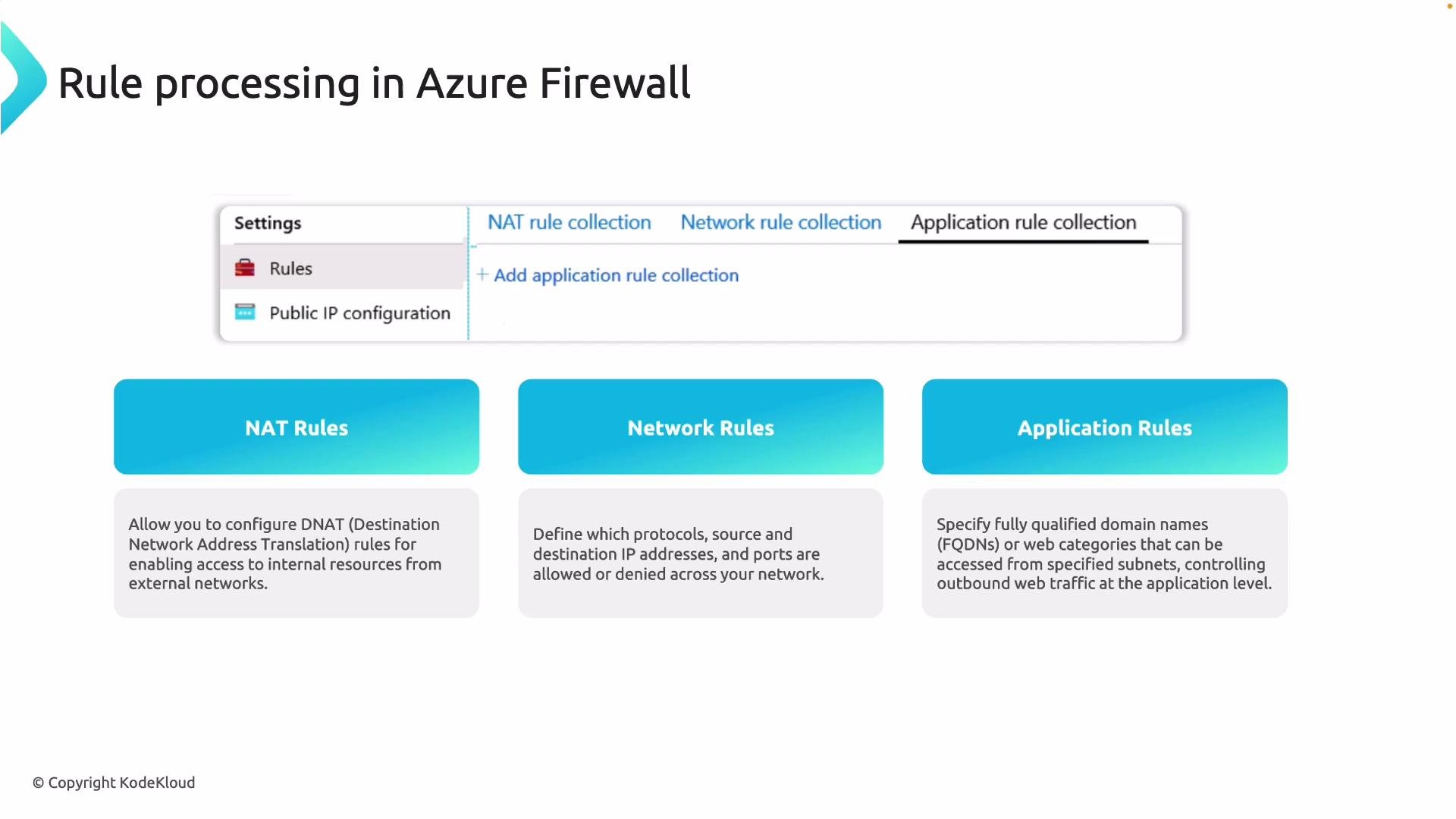
Application rules (Layer 7)
- Purpose: Apply application-layer filtering for HTTP/HTTPS traffic using fully qualified domain names (FQDNs), hostnames, URLs, and web categories.
- When to use: Allow/deny access based on domains or categories (for example, allow
*.microsoft.combut block social media domains). - Processing: Application rules are evaluated after network rules and only apply to supported HTTP/HTTPS flows that reach the firewall.
- Allow
*.microsoft.comand blockfacebook.com, or allow only specific URL paths for outbound web requests.
Rule processing precedence (strict order)
Azure Firewall evaluates rules in this exact sequence:- NAT rules — always processed first. If a DNAT rule matches, the destination is translated and the flow is forwarded using the translated endpoint.
- Network rules — evaluated next for transport-level (IP/protocol/port) access control.
- Application rules — evaluated last for domain- or URL-level filtering on HTTP/HTTPS flows.
- DNAT occurs before any transport- or application-level decisions.
- Network-level allow/deny decisions can short-circuit application evaluation.
- Application-level filtering is only considered when network rules do not already allow or deny the traffic.
Rule order matters: a DNAT match can change the destination before network or application rules are evaluated, and a network rule can allow or deny traffic before application rules are considered.
- Try a hands-on deployment of Azure Firewall and create example DNAT, network, and application rules to observe how the precedence affects actual flows.
- Reference: Azure Firewall documentation for configuration examples, JSON schema, and policy-based rules.