Overview of AZ-700 certification mapping exam domains, core Azure networking topics, and study and exam preparation guidance
Before starting the technical modules, review how the skills you’ll practice map to the official AZ-700: Designing and Implementing Microsoft Azure Networking Solutions certification. This guide breaks down each exam domain, highlights the core topics you must master, and explains the exam experience and resources you can use during the test.The AZ-700 exam is organized into five primary domains:
Design and implement core network infrastructure
Design, implement, and manage connectivity services
Design and implement application delivery services
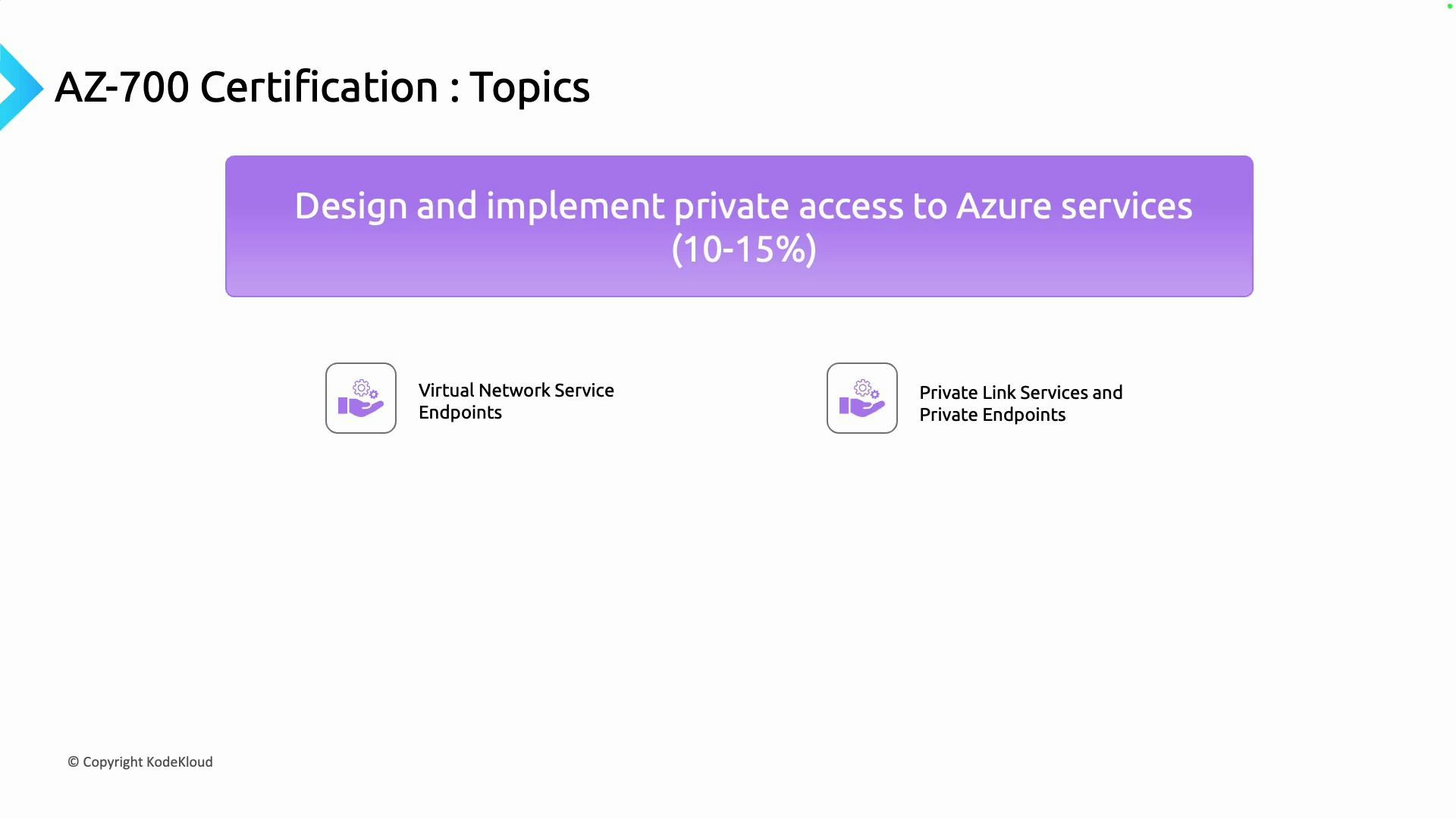
Design and implement private access to Azure services
Secure network connectivity to Azure resources
Each domain reflects real-world responsibilities expected of an Azure networking engineer. Below is a concise roadmap, followed by focused sections with the key topics for each domain.
Domain
Exam Weight
Key Topics
Core network infrastructure
25–30%
Azure Virtual Networks (VNets), Public IPs, DNS and name resolution, Cross-VNet connectivity, routing, Azure Virtual Network NAT
Azure Load Balancer, Application Gateway (incl. WAF), Traffic Manager, Front Door
Private access to Azure services
15–20%
Virtual Network service endpoints, Azure Private Link and private endpoints
Security
10–15%
Network Security Groups (NSGs), Azure Firewall, DDoS Protection, Web Application Firewall (WAF)
Design and implement core networking infrastructure (25–30%)
This largest domain covers Azure networking fundamentals and the building blocks used to design, deploy, and operate networks in Azure. Expect hands-on tasks and scenarios involving:
Designing and configuring Azure Virtual Networks (VNets)
Assigning and managing Public IP addresses
Implementing DNS and name resolution strategies
Enabling Cross-VNet connectivity patterns
Configuring routing and Azure Virtual Network NAT for controlled internet access
Mastering these fundamentals prepares you to design scalable, resilient Azure network topologies.Connectivity services
This domain focuses on connecting distributed environments—on-premises datacenters, branch offices, and cloud deployments—reliably and at scale. Key skills include:
Deploying and configuring Azure VPN Gateway (site-to-site, point-to-site)
Designing Azure Virtual WAN hub-and-spoke topologies for large-scale connectivity
Implementing ExpressRoute for private, high-throughput connections
Integrating hybrid connectivity patterns and failover strategies
These capabilities enable you to design dependable, high-performance hybrid and multi-site networks.Application delivery services (15–20%)
This section covers services used to deliver applications with high availability, optimal performance, and global reach. Focus areas include:
Azure Load Balancer (layer 4) for high-throughput traffic distribution
Azure Application Gateway and Web Application Firewall (WAF) for layer 7 security and routing
Azure Traffic Manager for DNS-based traffic routing and failover
Azure Front Door for global HTTP(S) routing, acceleration, and edge-based WAF
Understanding when to use each service and how to combine them is critical for delivering resilient, performant applications.Private access to Azure services
This domain covers patterns for restricting access to Azure PaaS and platform services so traffic remains on private IPs within your virtual network:
Virtual Network service endpoints for direct network-level access
Azure Private Link & private endpoints for private connectivity to platform and partner services
These features help you secure service access and meet compliance requirements by keeping traffic inside your VNet.Security
The security domain tests your ability to implement and operate network security controls to protect Azure resources from threats:
Network Security Groups (NSGs) for traffic filtering
Azure Firewall for centralized, stateful filtering and policy enforcement
DDoS Protection for resiliency against volumetric attacks
Web Application Firewall (WAF) to protect HTTP(S) workloads
These controls are essential for defending enterprise-grade Azure network architectures.Exam alignment and value
This AZ-700 roadmap maps directly to Microsoft’s exam objectives and prepares you for both conceptual design decisions and hands-on implementation tasks. Passing the AZ-700 validates that you can design, secure, and deliver enterprise-scale Azure networking solutions.Microsoft Certified: Azure Network Engineer Associate
Refer to the official Microsoft certification page for exam scope, measured skills, and scheduling:
Exam cost and logistics
The exam fee in the United States is USD 165; pricing varies by country and taxes may apply. Check the certification page for the latest pricing and regional availability.Documentation during the exam
Microsoft permits access to Microsoft Learn documentation from within the exam interface. This is especially useful for questions that require precise service limits or configuration details (for example, maximum connections supported by specific VPN Gateway SKUs). Practice navigating Microsoft Learn so you can quickly locate authoritative answers under timed conditions.
You can use Microsoft Learn during the exam to look up documentation, service limits, and configuration examples. Practice quick searches and bookmarking relevant pages so you can retrieve information efficiently during the test.
Exam interface and the sandbox
When you launch the exam, the interface offers side-by-side panes (question panel + documentation/sandbox). Use the built-in split-view to open Microsoft Learn alongside your questions. Avoid detaching or popping out documentation into a separate browser window while the exam is running.
Do not pop out the documentation window during the exam — some candidates report this can interrupt or break the exam session. Use the integrated split view provided by the exam platform.
Final tips
Practice hands-on: build VNets, configure VPN/ExpressRoute, deploy Application Gateway, and test Private Link and NSGs in a sandbox subscription.
Use Microsoft Learn modules and labs aligned with AZ-700 objectives.
Time-box practice exams to improve speed and exam navigation.
Focus on design trade-offs: cost, latency, scalability, and security for each solution.
With consistent study, hands-on practice, and familiarity with the documentation, you’ll be well prepared to pass AZ-700 and demonstrate the skills of an Azure Network Engineer.