

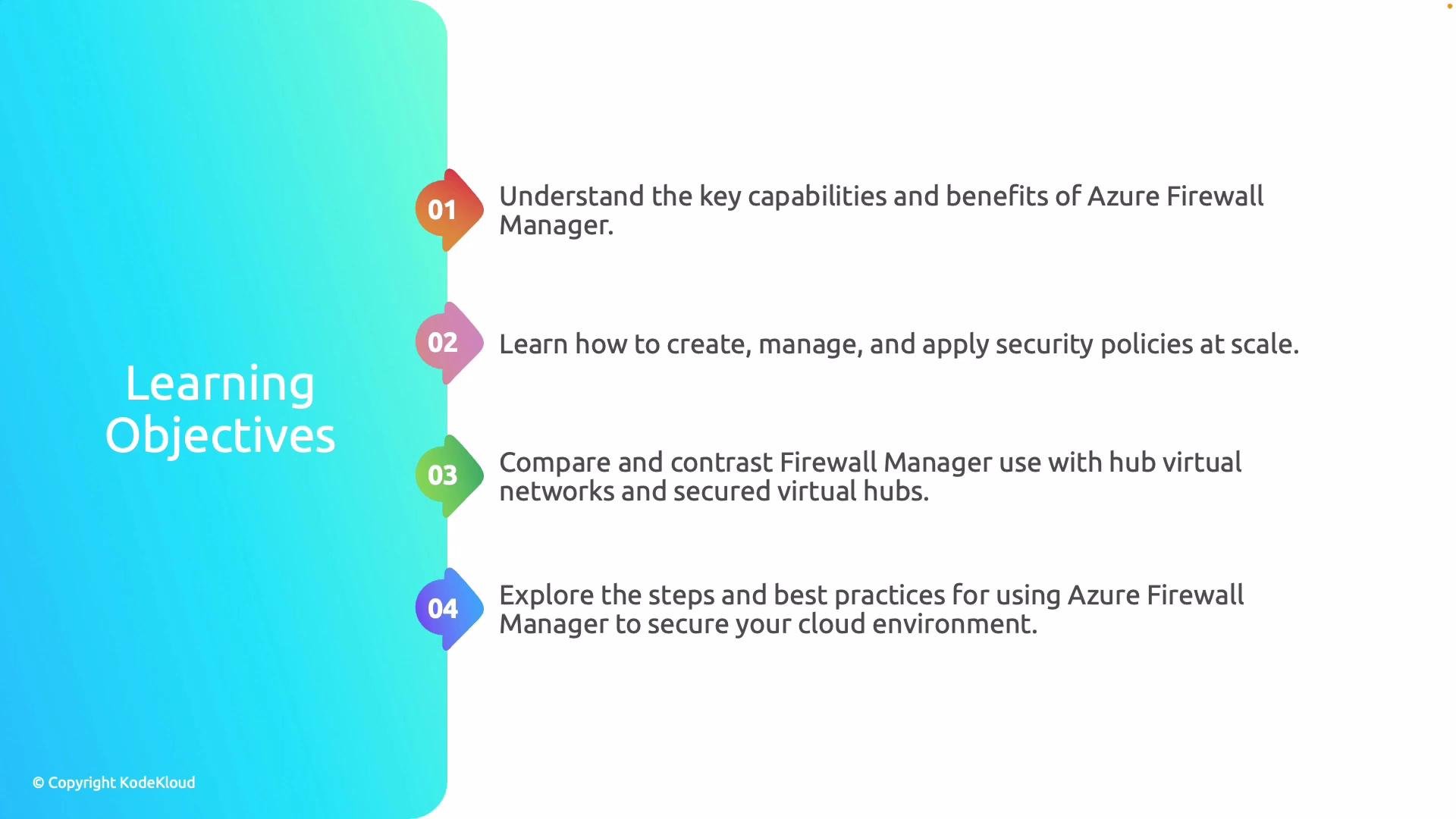
- Explain the key capabilities of Azure Firewall Manager and why it matters for enterprise security.
- Show how to create and manage security policies that can be enforced at scale across multiple firewalls.
- Compare the two main deployment models—Hub Virtual Networks and Secure Virtual Hub—and describe when to use each.
- Demonstrate how Firewall Manager is used in practice and present best practices for designing secure, operationally efficient deployments.
- Centralized policy management reduces human error and ensures consistent enforcement across subscriptions and regions.
- Scaling security for large, multi-region deployments becomes repeatable and auditable.
- Integration with Azure-native services (Azure Sentinel, Azure Policy, Virtual WAN) helps close visibility and response gaps.
Use Azure Firewall Manager when you need centralized policy enforcement, multi-firewall orchestration, or Secure Virtual Hub deployments. It works best alongside Azure Policy and monitoring tools for full lifecycle management.
Firewall Manager requires appropriate RBAC permissions and careful planning of management group and subscription boundaries. Misconfigured scope can lead to unexpected policy application.
Further reading and references
- Azure Firewall Manager overview: https://learn.microsoft.com/azure/firewall-manager/overview
- Azure Firewall documentation: https://learn.microsoft.com/azure/firewall/
- Azure Virtual WAN and Secure Virtual Hub: https://learn.microsoft.com/azure/virtual-wan/what-is-virtual-wan