Introduction to Azure Virtual Networks covering CIDR planning, subnetting, private IP addressing, and region and subscription design for secure scalable cloud network architectures
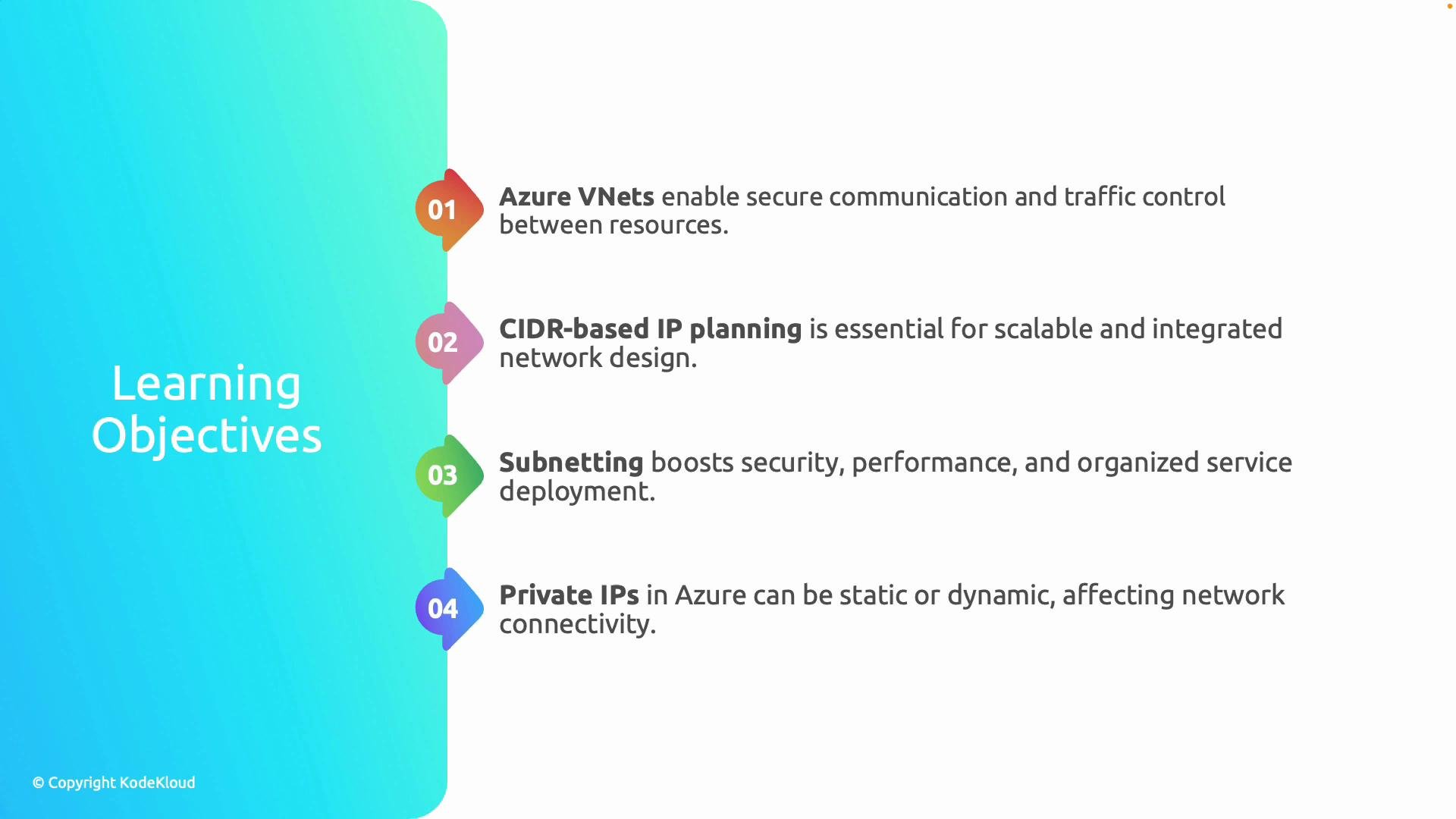
Welcome to the first module of your Azure networking journey.Because the AZ-700: Designing and Implementing Microsoft Azure Networking Solutions exam tests deep knowledge of Azure networking, we start with the foundation: the Azure Virtual Network (VNet). VNets are the core building blocks that enable secure, private communication between Azure resources — think of a VNet as your cloud private network that connects virtual machines, databases, and applications.Mastering VNets gives you a firm foundation for the rest of Azure networking topics.This lesson covers the following core learning objectives and why they matter:
Learning Objective
Why it matters
Example outcome
Understand Azure VNets and intra-VNet communication
Enables secure, isolated networking for cloud workloads
Architect a multi-tier application with internal-only DB access
CIDR-based IP planning
Prevents address exhaustion and reduces overlap in hybrid networks
Simplify VPN/ExpressRoute and VNet peering configurations
Subnetting for segmentation
Enforce policies, attach NSGs/route tables per segment
Separate web, app, and DB subnets with tailored security
Private IP addressing (static vs dynamic)
Control service reachability and reliability
Assign a static IP to a backend instance in a load-balanced pool
Region and subscription placement
Affects latency, compliance, cost, and management boundaries
Place production and dev in separate subscriptions or regions
These topics form the essential fundamentals you should master before moving on to advanced Azure networking features like Azure Firewall, Application Gateway, or ExpressRoute.
An Azure VNet provides logical isolation in the Azure cloud. Resources placed in the same VNet can communicate with each other by default. Any communication across VNets, to on-premises networks, or to the public internet requires explicit configuration (for example, VNet peering, site-to-site VPN, ExpressRoute, or public IPs).Common real-world scenarios:
Keep a database subnet private while allowing only the web subnet to accept internet traffic.
Use Network Security Groups (NSGs) and Azure Firewall to enforce traffic policies and logging.
Peer VNets across subscriptions or regions for service segmentation while avoiding public routing.
Azure uses CIDR (Classless Inter-Domain Routing) for IPv4 addressing. Choose an appropriate CIDR block (for example, 10.1.0.0/16) to reserve a contiguous address space that can be subdivided into subnets.Best practices:
Use RFC1918 private address ranges to avoid conflicts with public address space when connecting to on-premises networks. See RFC1918 for private address ranges: https://datatracker.ietf.org/doc/html/rfc1918
Plan for future growth: pick a sufficiently large prefix to allow additional subnets without renumbering.
Ensure non-overlapping ranges when designing hybrid connectivity (VPN/ExpressRoute) and VNet peering.
Quick example (Azure CLI): create a VNet with one subnet
Subnetting: segmentation for security and management
Subnets divide a VNet’s address space into smaller ranges for isolation, policy enforcement, and routing. Typical patterns include separate subnets for web, application, database, and management services. Subnets are the unit where you attach NSGs, route tables, service endpoints, and delegations.Important Azure subnet behavior:
Azure reserves the first four and the last IP address in each subnet. Factor this reservation into your sizing calculations when choosing /24, /26, etc.
Every resource attached to a VNet gets a private IP address from the subnet’s address range. These addresses are used for internal communication and are separate from public IPs.Allocation modes:
Static allocation: you explicitly assign a private IP to a network interface. Use this for databases, backend services, or any component that requires a known, stable address.
Dynamic allocation (default): Azure assigns an IP from the subnet via DHCP. In practice, dynamically assigned private IPs usually persist for the lifetime of the NIC, including through VM stop/start cycles — but if you need a guaranteed fixed address, choose static allocation.
Example: set a static private IP on a NIC (Azure CLI)
Copy
az network nic ip-config update \ --resource-group MyResourceGroup \ --nic-name MyNic \ --name ipconfig1 \ --private-ip-address 10.1.1.10 \ --subscription MySubscription
Where you create VNets (Azure region) and which subscription you place them in affects latency, data residency, compliance, and cost. Consider these dimensions when designing your network:
Design Consideration
Impact
Region selection
Latency, service availability, data residency laws
By mastering VNets, CIDR planning, subnetting, private IP addressing, and region/subscription design, you’ll be prepared to design secure, scalable Azure network architectures and take on more advanced topics like Azure Firewall, Application Gateway, and ExpressRoute.Ready to get started? Continue to the next module where we apply these fundamentals to design a multi-tier application network and configure secure connectivity.References and further reading: