

- Updating Lambda configuration with
aws lambda update-function-configuration - Integrating environment updates and code deployment in Jenkins
- Handling OWASP Dependency Check failures
- Verifying updates in the AWS Lambda console
Updating Lambda Configuration with AWS CLI
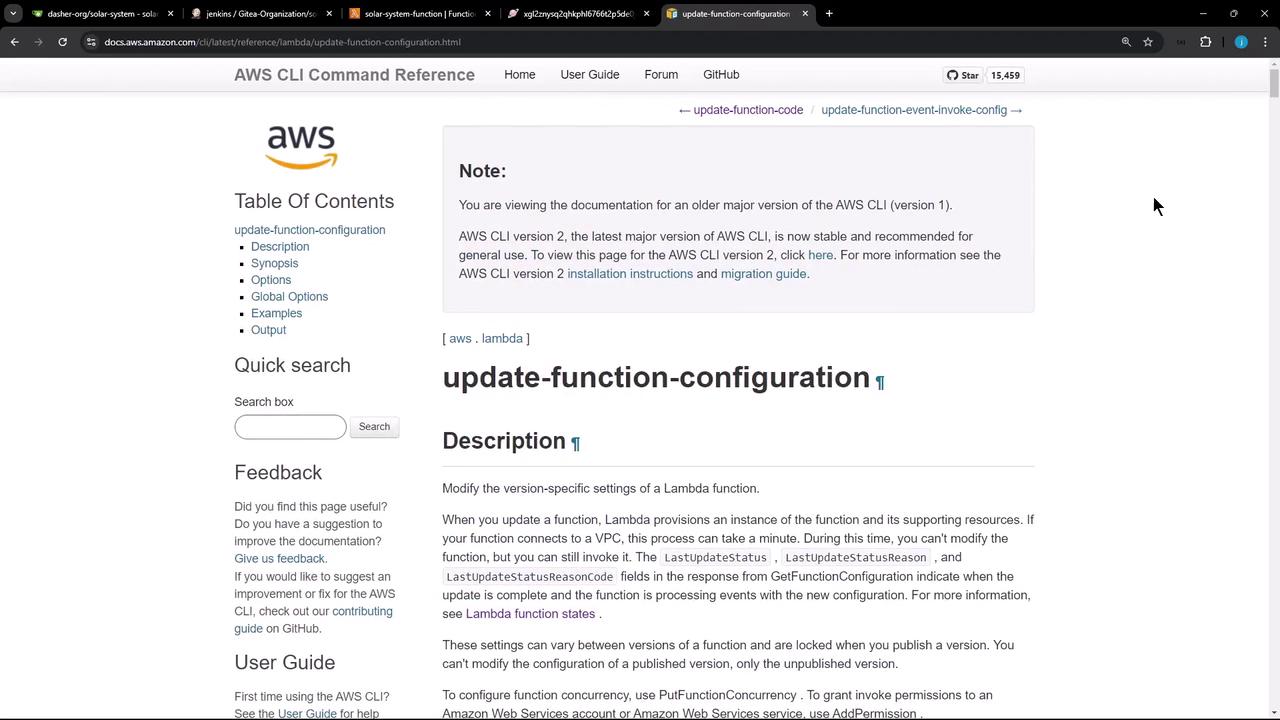
The AWS CLI’supdate-function-configuration command lets you modify Lambda settings, including environment variables. For full details, see the AWS CLI Command Reference.
Key Parameters
Environment Syntax
When using inline JSON on the command line, wrap the JSON in single quotes to avoid shell parsing errors.
Example: Update and Confirm
Integrating with Jenkins
We’ll extend theJenkinsfile to:
- Zip application code
- Upload the ZIP to S3
- Update Lambda environment variables
- Deploy new code to Lambda
Sample Jenkinsfile
Pipeline Stages Overview
Handling OWASP Dependency Check Failures
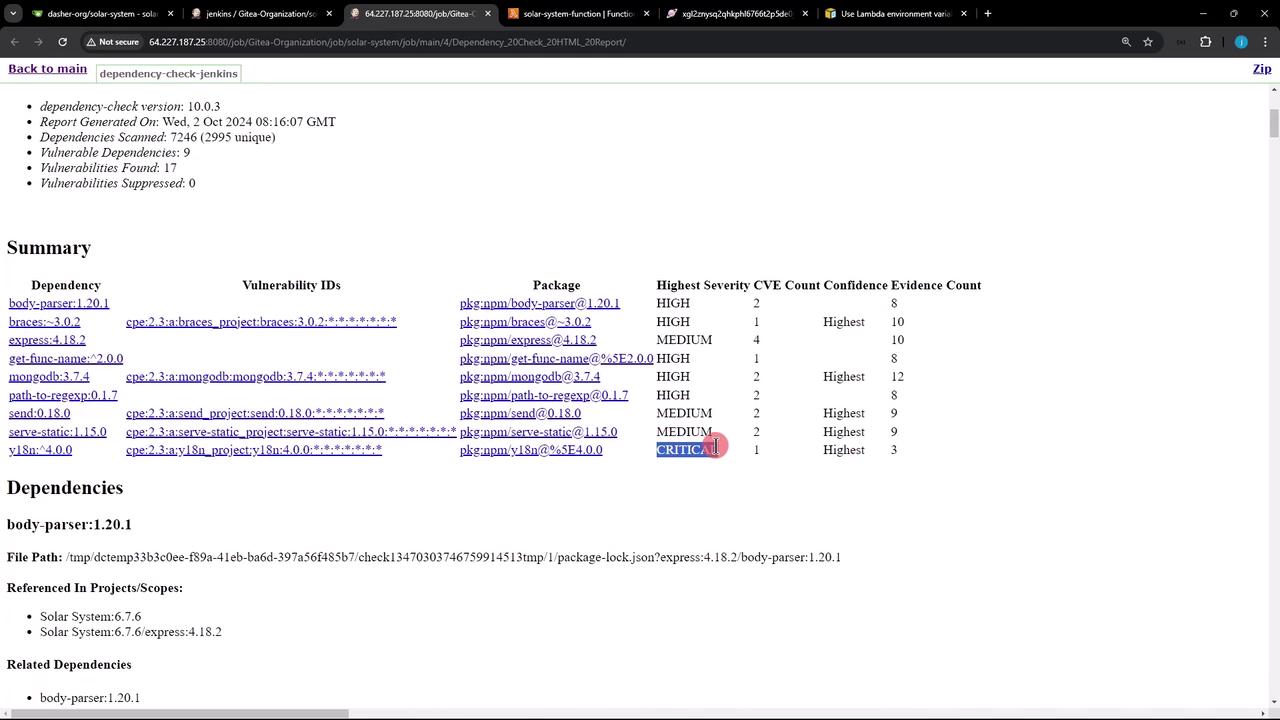
If the OWASP scan reports critical vulnerabilities, you can configure the publisher to continue the build:Setting
stopBuild: false allows the pipeline to proceed despite critical vulnerabilities. Be sure to review the detailed report and address issues in your next sprint.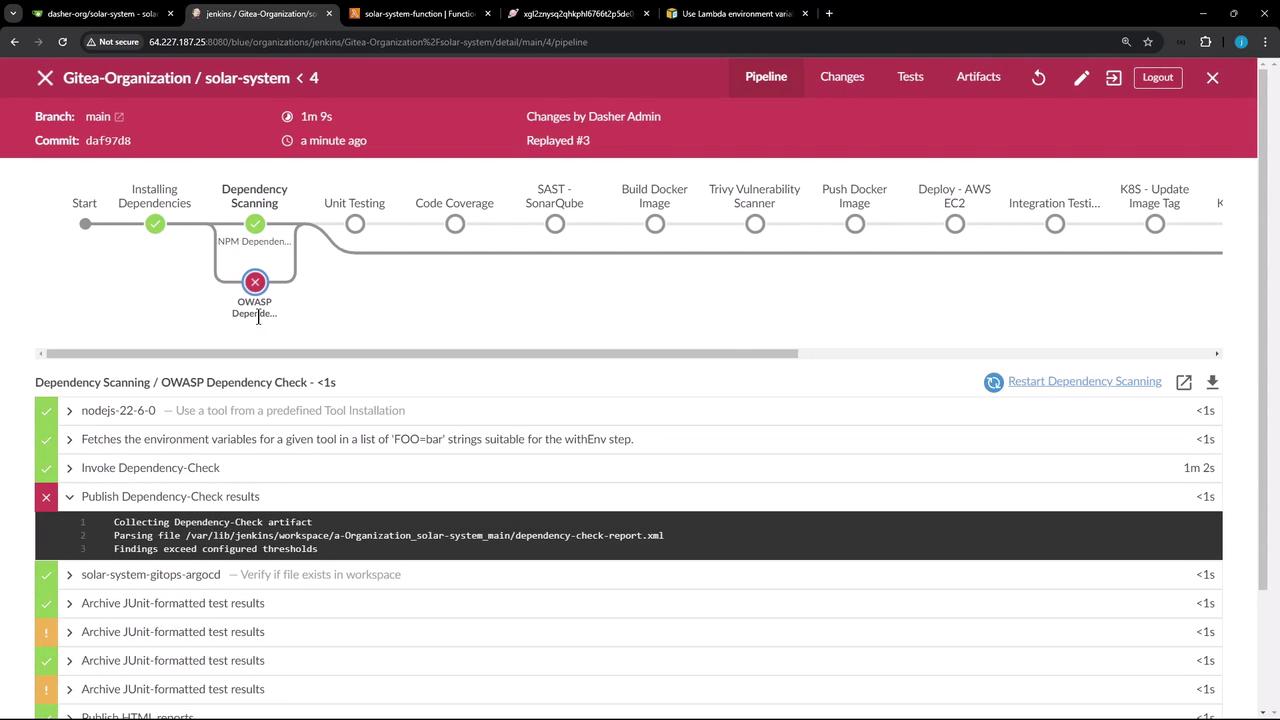
Verifying on AWS Lambda Console
Once the pipeline succeeds, open the AWS Lambda console and navigate to the Configuration tab to confirm the new environment variables: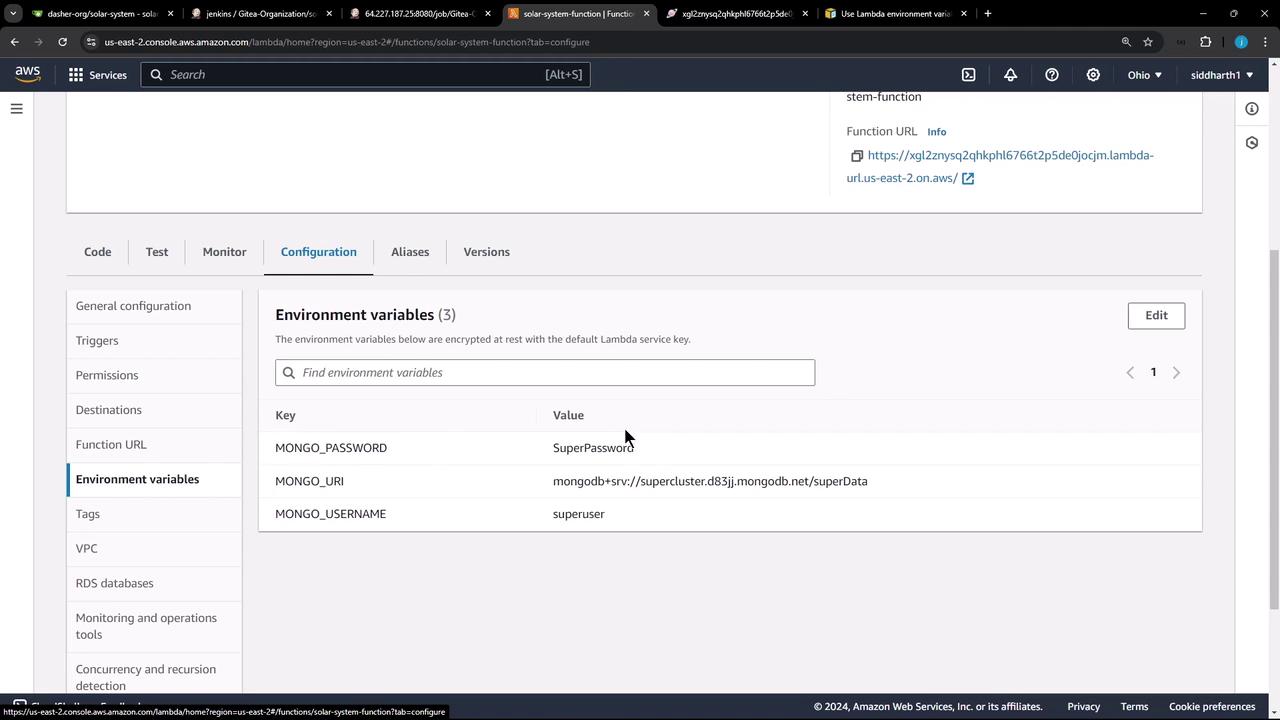
Testing the Application
Invoke your function’s endpoint or run a test to ensure it’s using the updated variables and code:200 OK response with {"status":"live"}, your Lambda update was successful.
Links and References
- AWS CLI Command Reference: update-function-configuration
- Jenkins Pipeline Syntax
- OWASP Dependency Check