Default Sandbox Execution in Pipelines
By default, Jenkins runs pipeline Groovy code inside a restricted sandbox provided by the Script Security Plugin. This prevents unauthorized operations on the controller.How the Groovy Sandbox Works
- Jenkins checks every method call and field access against an approved allow list.
- Unapproved calls halt the script with an exception.
- Signatures awaiting approval appear under Manage Jenkins ▶ In-process Script Approval.
Demonstration: Unapproved Static Method
Attempting to call a method likeHudson.getInstance() triggers a failure because it’s not on the allow list:
UnapprovedUsageException:
In-Process Script Approval UI
When a script fails due to an unapproved signature, it’s listed in Manage Jenkins ▶ In-process Script Approval. Administrators can: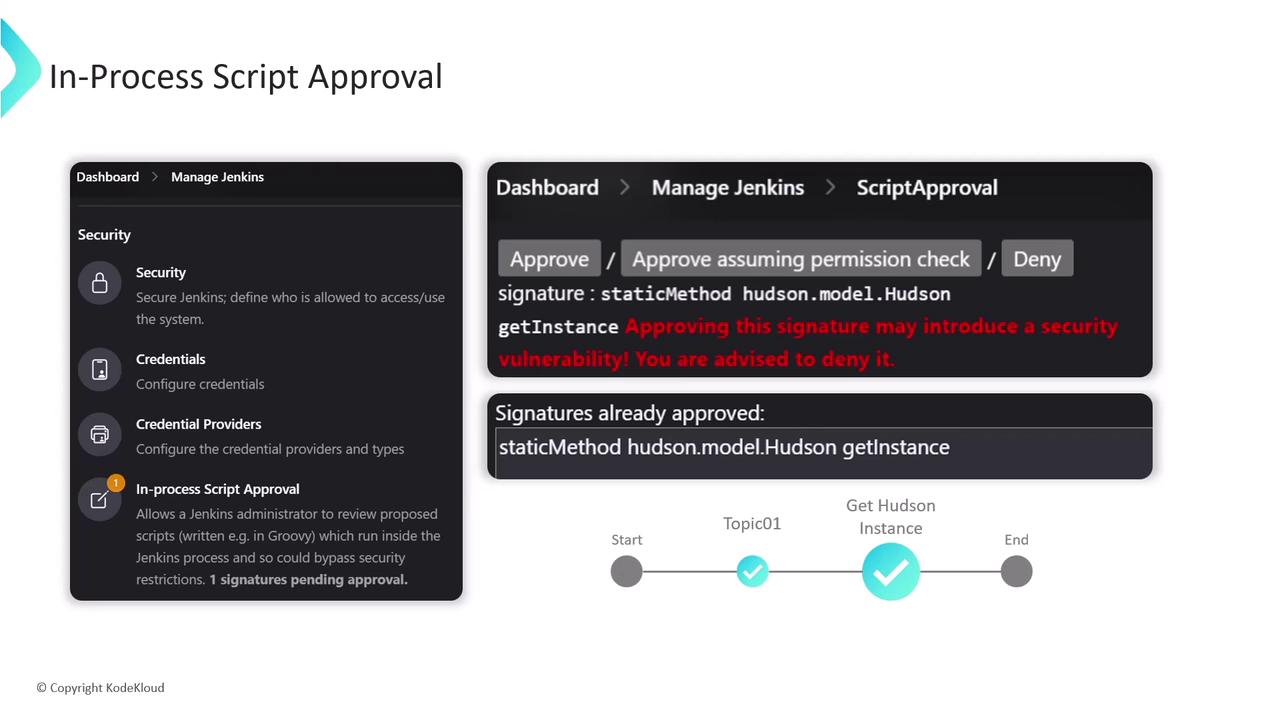
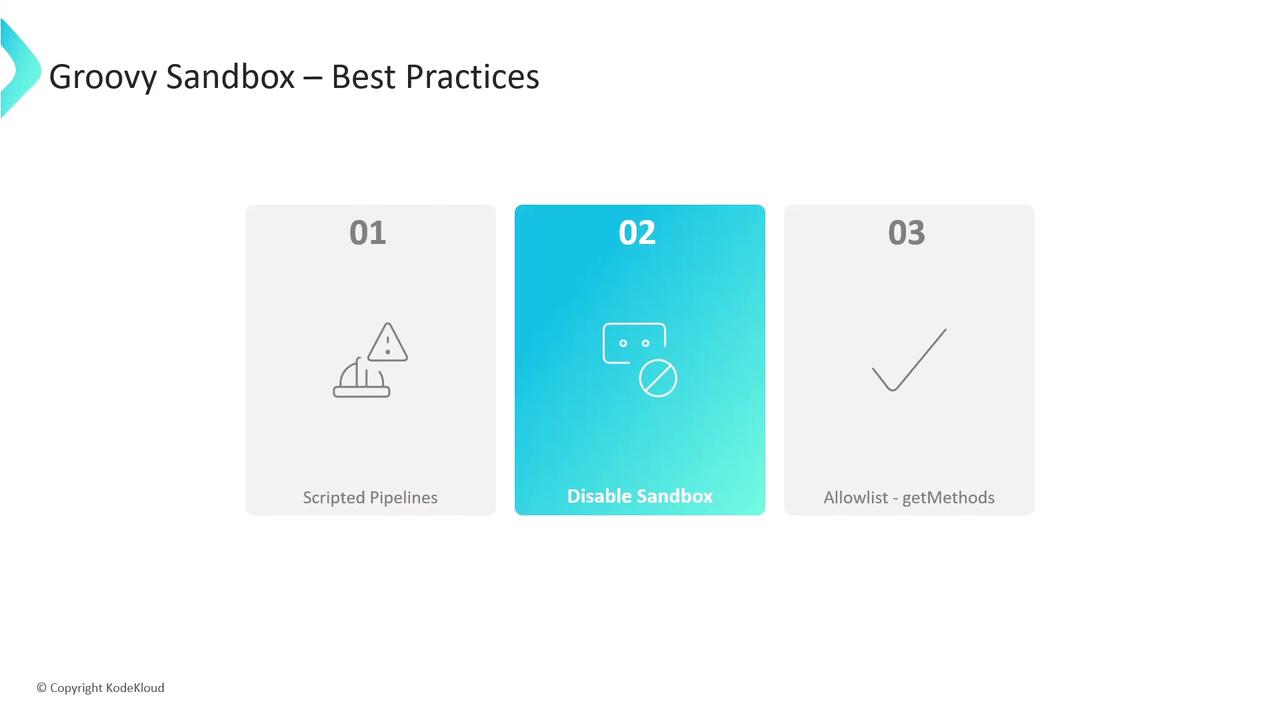
Disabling the Sandbox in Pipeline Configuration
- Unchecking Use Groovy Sandbox means only administrators can run the pipeline without further approvals.
- Non-admins see a prompt indicating that a Jenkins administrator must authorize the script.
- Administrators can approve scripts directly from the job’s configuration page.
Disabling the sandbox exposes your Jenkins controller to unverified code. Only disable if absolutely necessary and you fully trust all pipeline sources.
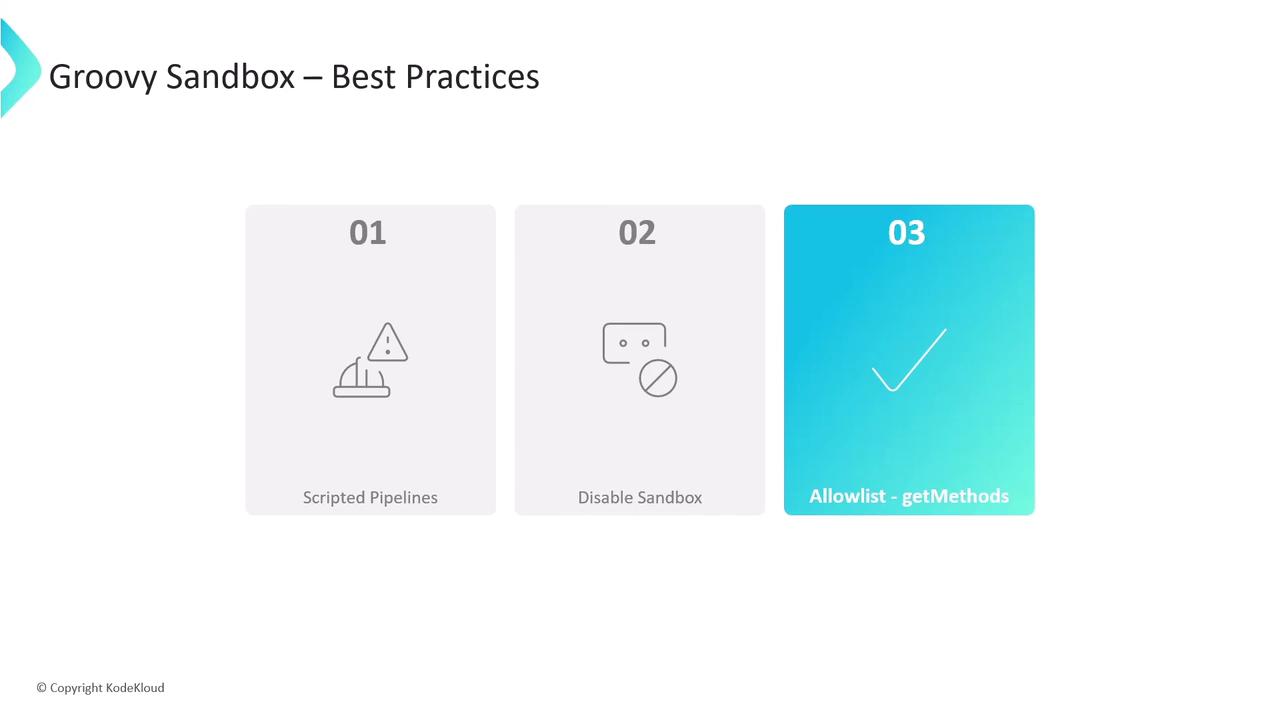
Best Practices for Groovy Sandbox
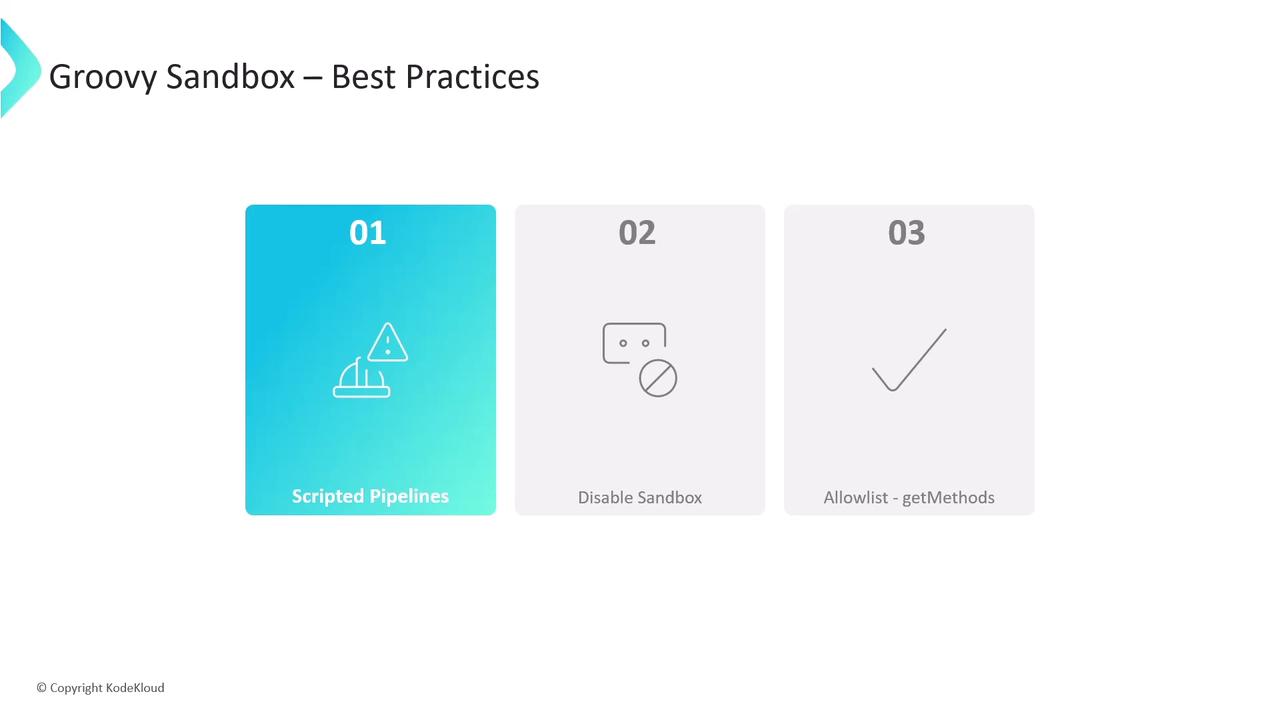
- Prefer Scripted Pipelines when advanced Groovy features are required.
- Keep the sandbox enabled to minimize security risks.
- Approve only read-only methods (e.g., getters). Avoid allowlisting any operations that change persisted state (e.g.,
execute, setters).
get. Steer clear of methods that modify external systems or internal state.