Understanding string interpolation in Jenkins pipelines is essential for creating dynamic build messages, parameterized workflows, and environment-aware configurations. This guide demonstrates how Groovy handles single-quoted and double-quoted strings and walks through a Jenkinsfile showcasing various interpolation techniques.

Why String Interpolation Matters

  • Simplifies logging and notifications
  • Enables dynamic parameter and environment variable usage
  • Integrates arithmetic and complex Groovy expressions
In Groovy, single quotes produce literal strings, while double quotes evaluate ${} expressions.

Single vs. Double-Quoted Strings


Complete Jenkinsfile Example


Stage 1: Print Basic String

A straightforward echo of a static message.

Stage 2: Interpolation with Variable

Comparing single vs. double quotes around a Groovy variable.

Stage 3: Interpolation with Parameter

Displaying a pipeline parameter using params.

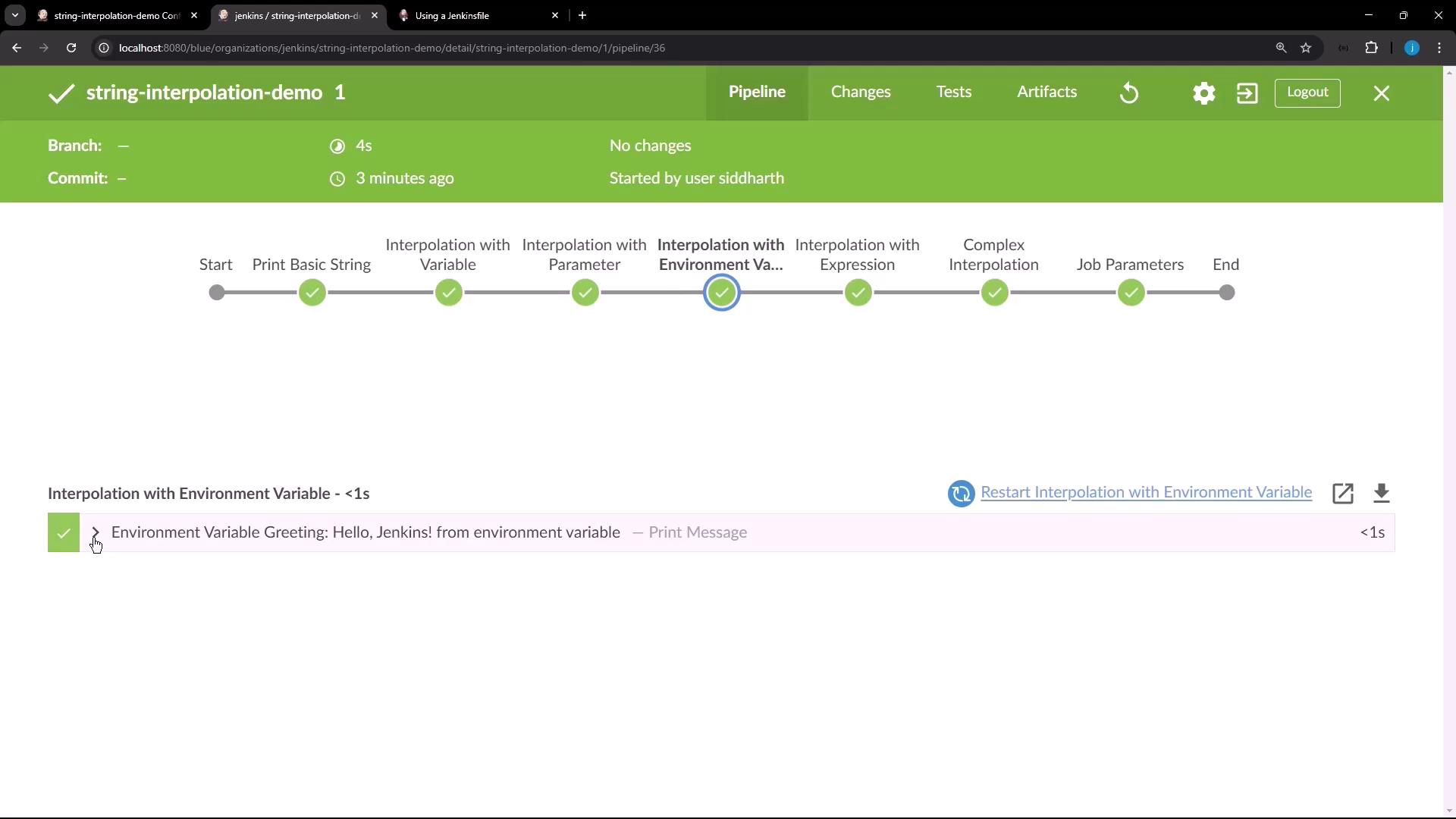
Stage 4: Interpolation with Environment Variable

Pulling in an environment variable via env.
The image shows a Jenkins pipeline interface with a completed "string-interpolation-demo" job, displaying various stages like "Print Basic String" and "Interpolation with Environment Variable," all marked as successful.

Stage 5: Interpolation with Expression

Executing arithmetic inside the interpolation.

Stage 6: Complex Interpolation

Leveraging list methods directly in the string.

Stage 7: Job Parameters

Accessing the current build number for dynamic context.

Additional Resources

Watch Video