

agent block to control where and how each pipeline stage executes. Agents handle the communication protocol, authentication, and tool resolution required for build and test jobs.
Controller-Worker Architecture
Jenkins controllers delegate work to agents over SSH or JNLP. All required build tools must be installed on the agent node.
Static vs. Containerized Agents
Besides static (permanent) agents, you can leverage Docker or Kubernetes to provision agents on demand. Container-based agents launch a clean environment each build, ensuring consistency and eliminating dependency conflicts.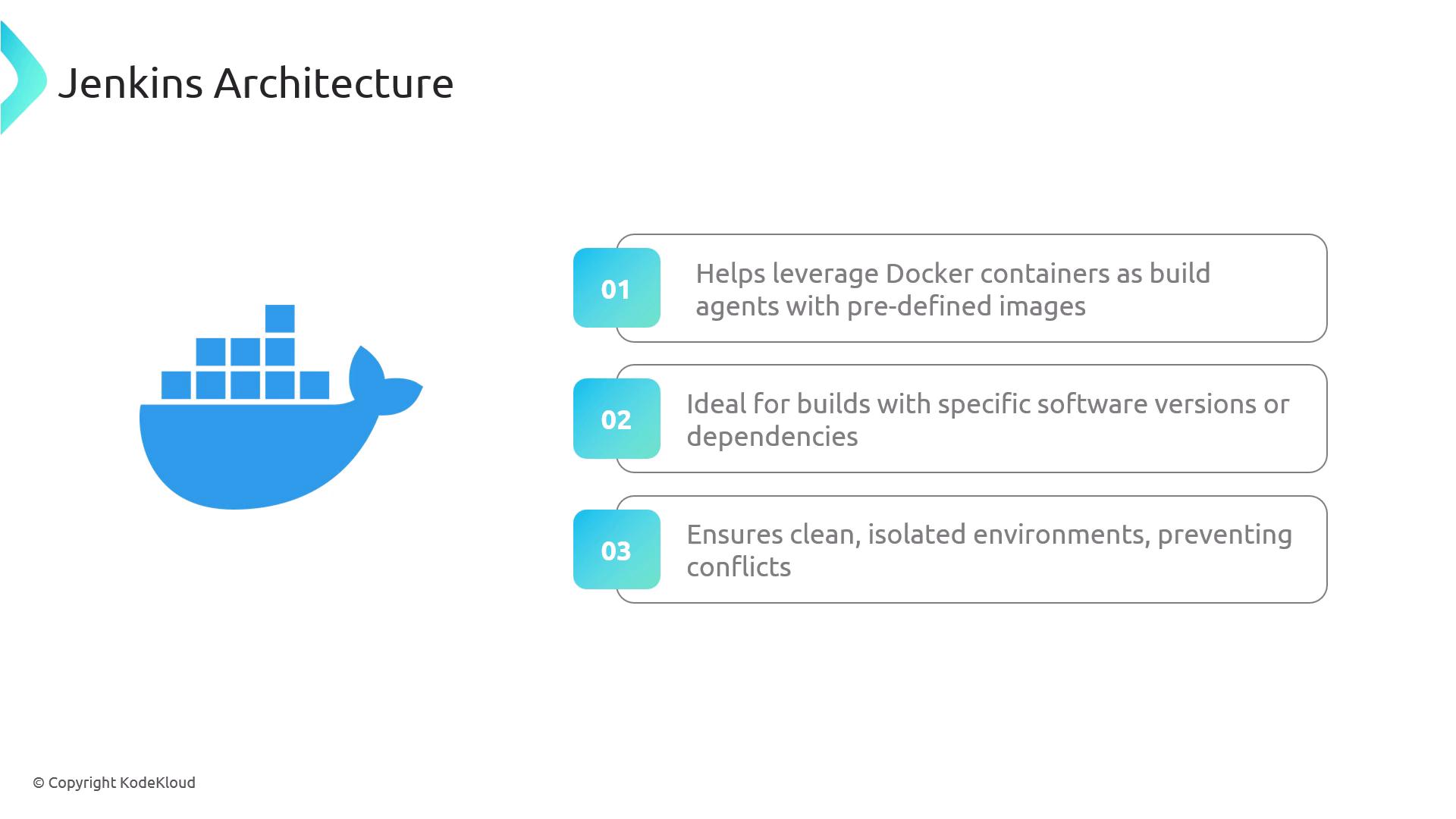
Common Agent Types
Below is a quick reference of the most widely used Jenkins agent types:Permanent agents remain online even when idle, consuming resources. Consider ephemeral Docker or cloud agents for variable workloads.

Agent Declarations in a Jenkinsfile
Use the declarative pipeline syntax to specify where your pipeline runs:1. agent any
Runs the entire pipeline on any available agent.2. Label-Based Agent
Targets a node with a specific label. Ensure a node labeledmy-agent exists.
3. Docker Agent
Spins up a Docker container using the specified image and arguments.Ensure Docker is installed and the Jenkins user has permissions to run containers on this agent.
4. Default and Stage-Level Agents
Defines a global agent and overrides it for specific stages.Links and References
- Jenkinsfile | Getting Started
- JNLP Agents
- SSH Agents
- Declarative Pipeline Syntax
- Docker
- Kubernetes
- AWS
- Azure