In this walkthrough, we’ll adapt our Dynamic Application Security Testing (DAST) with OWASP ZAP to ignore a specific warning—“Unexpected Content-Type”—so that the Jenkins build can proceed uninterrupted.
1. Identify the Unexpected-Content-Type Warning
Run the standard ZAP API scan:
chmod 777 "$( pwd )"
docker run -v "$( pwd )":/zap/wrk/:rw ghcr.io/zaproxy/zap-api-scan.py \
-t http://134.209.155.222:30000/api-docs/ \
-f openapi \
-r zap_report.html \
-w zap_report.md \
-J zap_json_report.json \
-x zap_xml_report.xml
You’ll see:
WARN: NEW: Unexpected Content-Type was returned [100001]
Normally this requires a code fix, but for demo purposes we’ll instruct ZAP to ignore this rule.
2. Generate and Customize the ZAP Rule Configuration
ZAP supports three levels for each rule:
Level Behavior FAIL Treat as error and exit non-zero WARN Report warning but continue (default) IGNORE Skip reporting the rule entirely
Generate the default config :
docker run --rm ghcr.io/zaproxy/zap-api-scan.py -g zap_default.conf
Open zap_default.conf—you’ll see lines like:
0 WARN (Directory Browsing - Active/release)
10019 WARN (Content-Type Header Missing - Passive/release)
...
Modify or add the entry for rule 100001 with single tabs:
100001<TAB>IGNORE<TAB>http://134.209.155.222:30000/api-docs/
Save this as zap_ignore_rules.
Be sure to use single tab separators. Mixing spaces or multiple tabs will cause parsing errors.
3. Update Your Jenkins Pipeline
In your Jenkinsfile, add the -c zap_ignore_rules flag to the DAST stage:
stage( 'DAST - OWASP ZAP' ) {
when { branch 'PR*' }
steps {
sh '''
chmod 777 "$(pwd)"
docker run -v "$(pwd)":/zap/wrk/:rw ghcr.io/zaproxy/zap-api-scan.py \
-t http://134.209.155.222:30000/api-docs/ \
-f openapi \
-r zap_report.html \
-w zap_report.md \
-J zap_json_report.json \
-x zap_xml_report.xml \
-c zap_ignore_rules
'''
}
post {
always {
publishHTML(
allowMissing : true ,
alwaysLinkToLastBuild : true ,
keepAll : true ,
reportDir : './' ,
reportFiles : 'zap_report.html' ,
reportName : 'DAST - OWASP ZAP Report'
)
}
}
}
4. (Optional) Front-End Cosmetic Change for Demo
Add extra rockets in index.html to visualize a change in your application:
< body >
< div >
< a href = "index.html" >
< button style = "font-size:40px;" >
< i class = "fa fa-rocket" ></ i > SOLAR < i class = "fa fa-rocket" ></ i > SYSTEM
</ button >
</ a >
</ div >
</ body >
5. Commit, Merge, and Sync with Argo CD
Commit your changes and open a Pull Request.
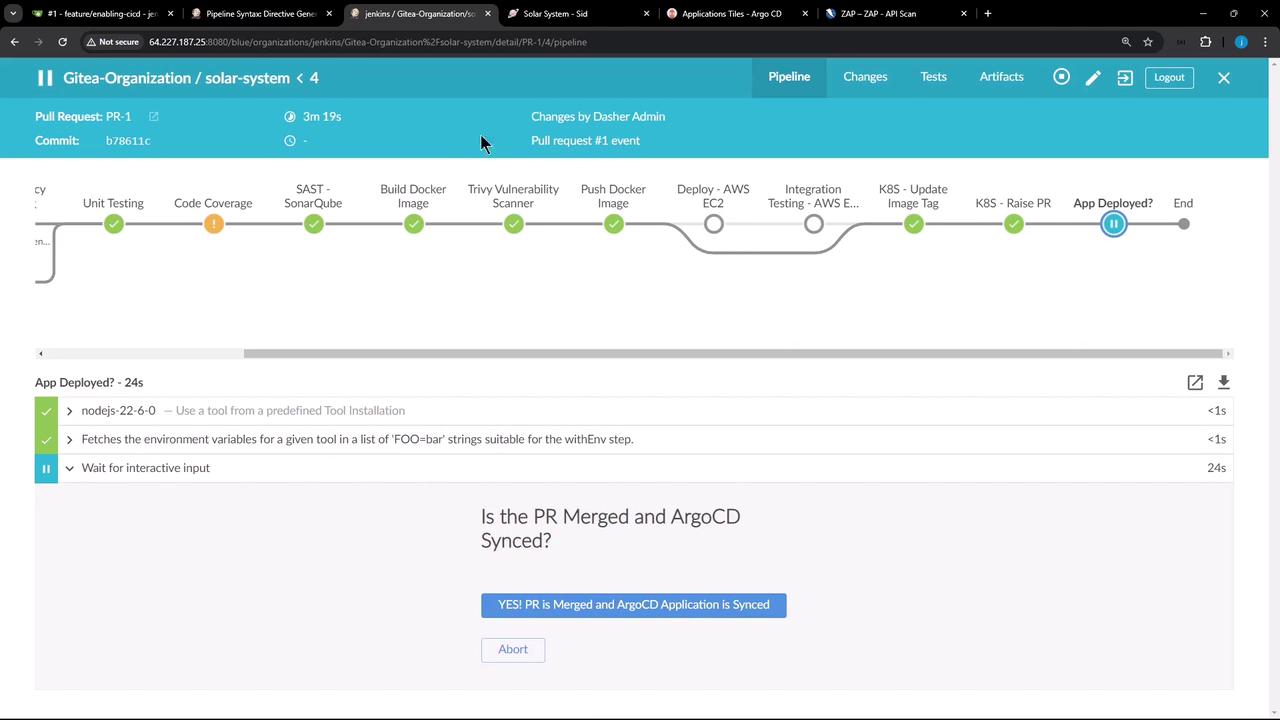
After merge, confirm in Jenkins:
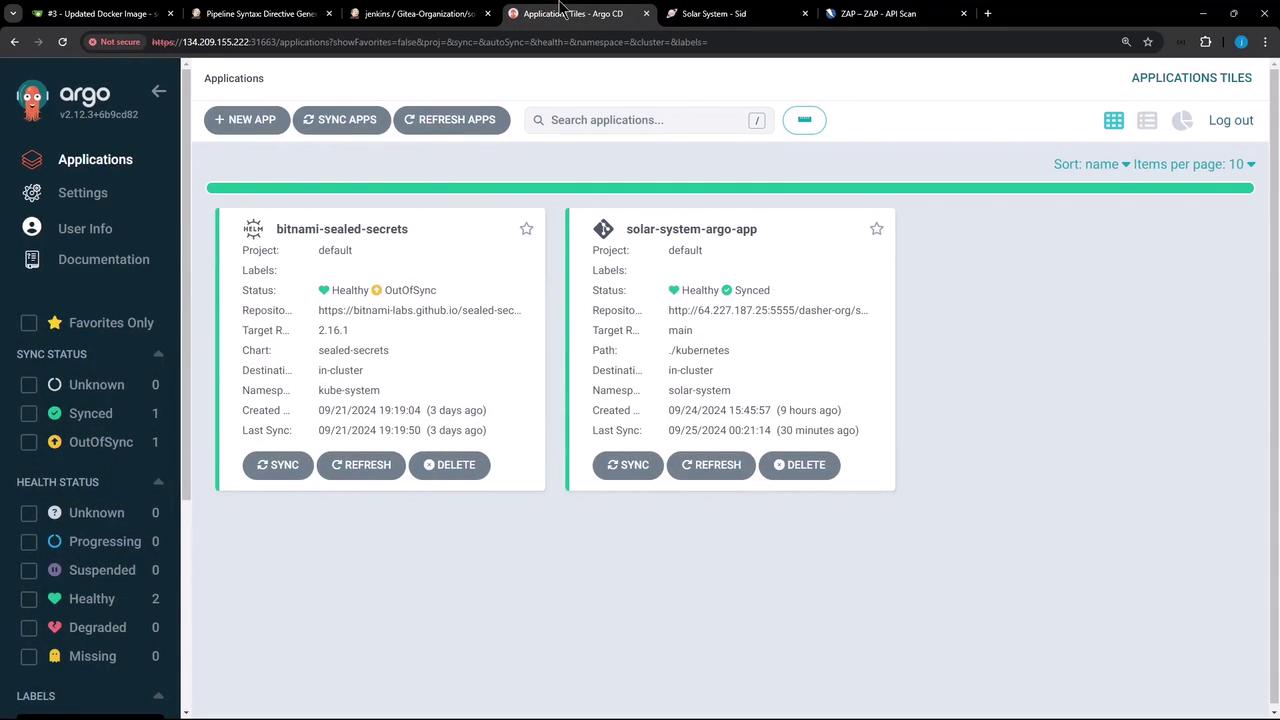
In Argo CD, sync the solar-system application:
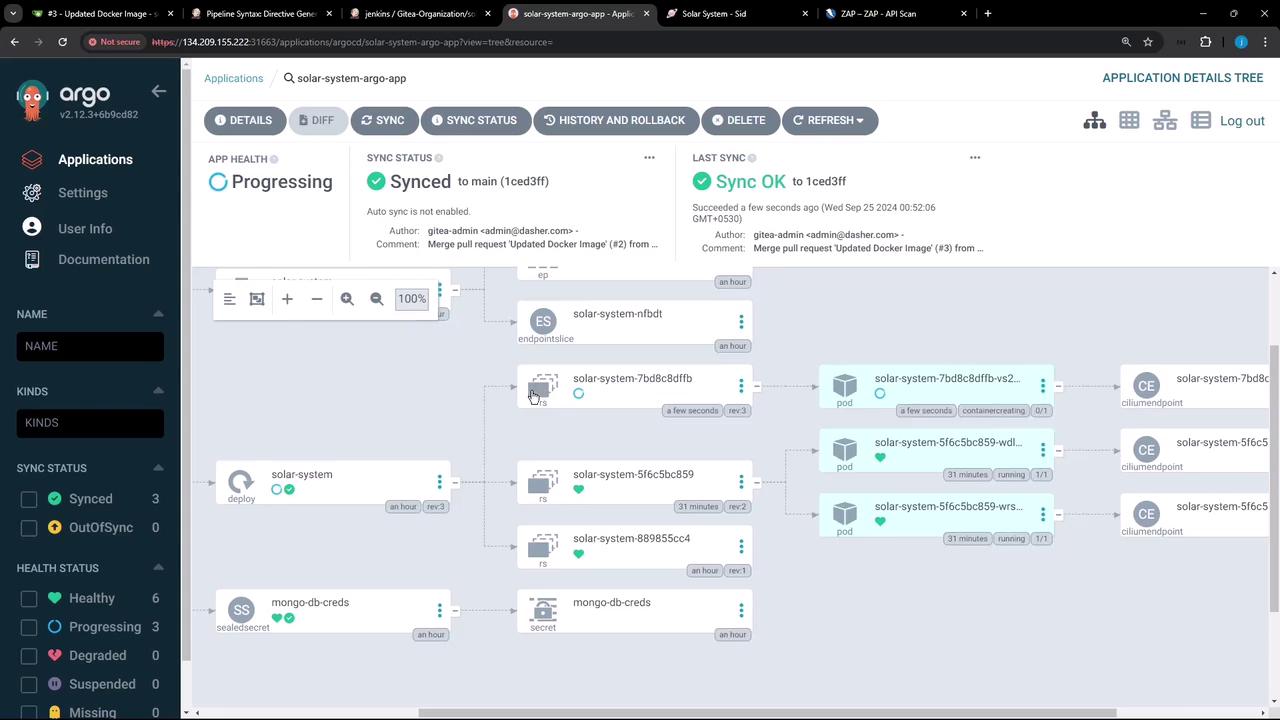
Once synced, inspect the updated replica set and pods:
6. Troubleshoot Token-Parsing Errors
If you see:
Failed to load config file zap_ignore_rules: Unexpected number of tokens on line - there should be at least 3, tab separated: 100001 IGNORE
Then your zap_ignore_rules likely has spaces instead of tabs.
Open the file in an editor and ensure exactly one <TAB> between each field: vi zap_ignore_rules
# Should read:
100001< TAB > IGNORE < TAB > http://134.209.155.222:30000/api-docs/
Recommit and rerun the pipeline.
7. Verify Final DAST Results
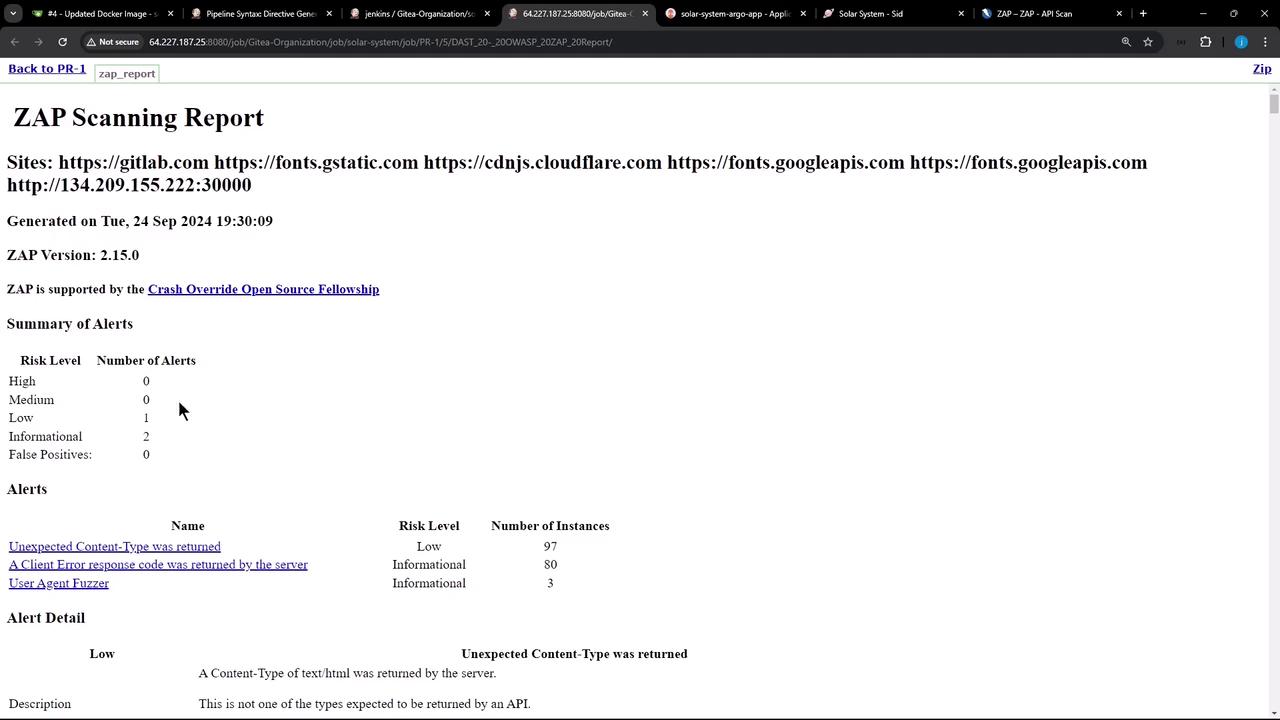
A successful DAST stage shows:
PASS: ...
IGNORE-NEW: Unexpected Content-Type was returned [100001] x 83
FAIL-NEW: 0 WARN: 0 INFO: 0 IGNORE: 1 PASS: 112
Open the HTML report to confirm the ignored rule no longer blocks your build:
Summary & Next Steps
In this lesson, we:
Ran OWASP ZAP DAST against our API
Generated and customized an ignore-rules file
Updated our Jenkins pipeline to use -c zap_ignore_rules
Published the HTML report in Jenkins
Synced changes via Argo CD
Troubleshot tab-delimited config errors
Next, we’ll explore integrating serverless deployments with AWS Lambda.
Links and References