In this lesson, we explore the key sections under Manage Jenkins → Configure System. You’ll learn how to adjust node parameters, set your Jenkins URL, and specify the system administrator email for notifications.Documentation Index
Fetch the complete documentation index at: https://notes.kodekloud.com/llms.txt
Use this file to discover all available pages before exploring further.
Node Configuration
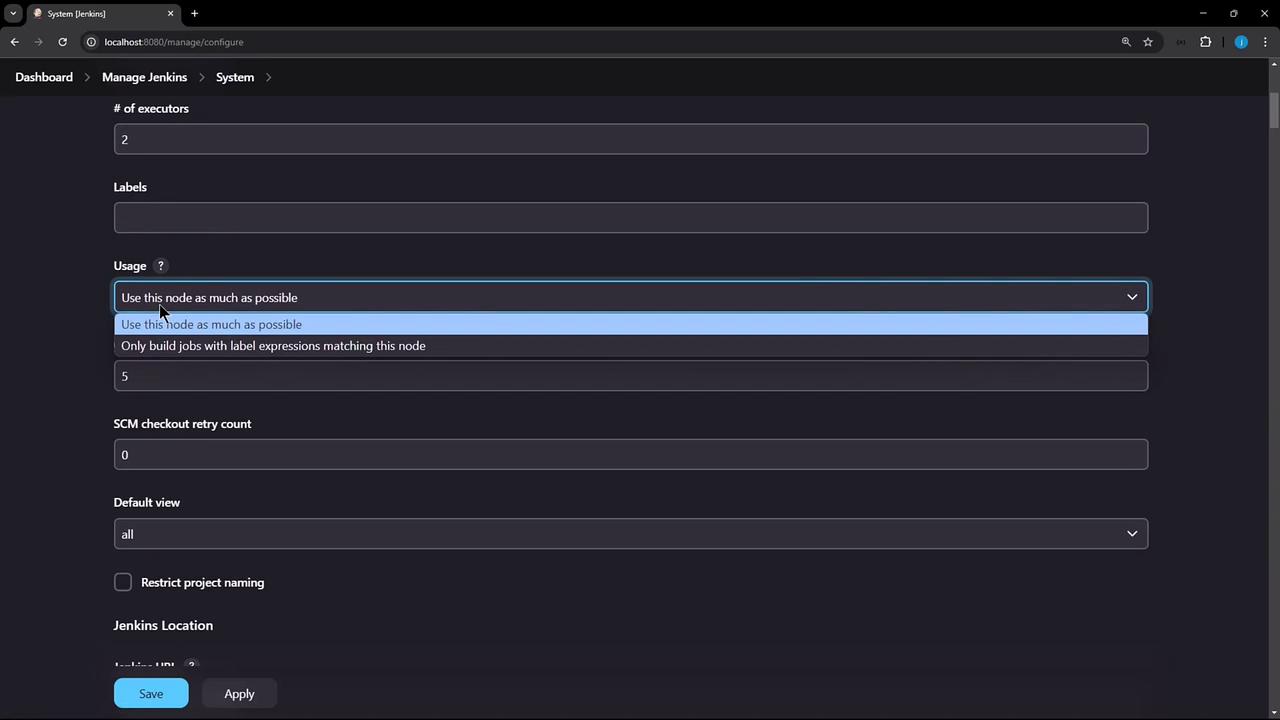
On the Configure System page, the primary node settings include:| Setting | Description | Default/Example |
|---|---|---|
| Home directory | Filesystem path where Jenkins stores all data | /var/jenkins_home |
| System message | Custom text displayed at the top of the dashboard | — |
| Number of executors | How many concurrent builds this node can run | 2 |
| Labels | Identifiers for targeting this node in jobs | none |
| Usage | Scheduling policy (e.g., “Use this node as much as possible”) | Use this node as much as possible |

You can enforce naming conventions by defining patterns under the Item naming section. This practice improves consistency across jobs.
Jenkins Location
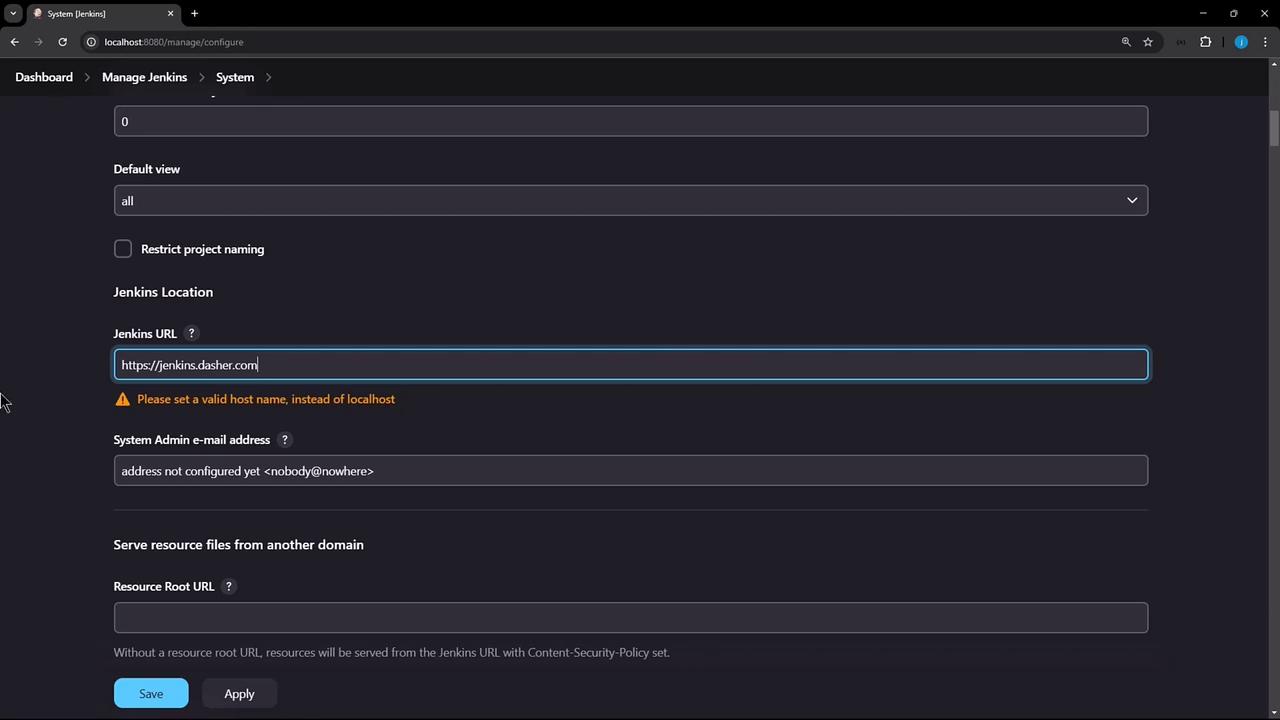
Accurately setting the Jenkins URL is critical for links, webhooks, and notifications. Keep these best practices in mind:- Choose a memorable hostname, for example,
jenkins.example.com. - Always use HTTPS to secure traffic.
- Avoid exposing internal hostnames or overly complex domains.
Configuring
localhost as your Jenkins URL in production will trigger warnings and prevent external integrations from working correctly.